Kibana Query Language KQL Understanding the syntax and capabilities of KQL for advanced data querying
This article explores Kibana Query Language (KQL) for efficient querying of Elasticsearch data, covering syntax, capabilities, and practical examples for advanced data analysis.
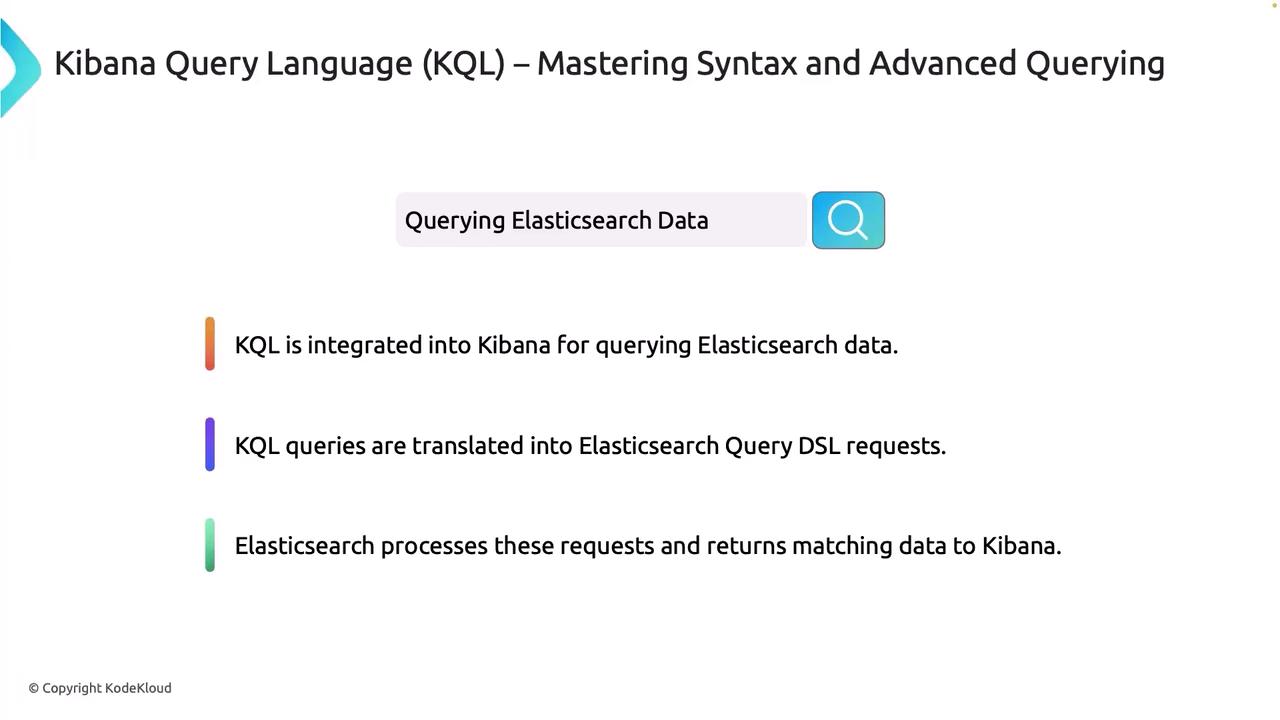
Welcome to this in-depth lesson on Kibana Query Language (KQL). In this article, we explore how KQL integrates seamlessly with Kibana to query Elasticsearch data efficiently. Whether you’re troubleshooting error logs or building advanced dashboards, KQL offers a user-friendly syntax that simplifies complex Elasticsearch Query DSL requests.KQL is a vital component of Kibana, enabling you to filter and search datasets with ease. The language translates your queries into Elasticsearch query DSL requests behind the scenes, ensuring you harness the full power of Elasticsearch’s search capabilities while maintaining simplicity in query construction. Once Elasticsearch processes these queries, the matching data is immediately returned to Kibana, providing a real-time interactive data analysis experience.
KQL is designed to be user-friendly, making it easier for both beginners and advanced users to build complex data queries without deep knowledge of Elasticsearch syntax.
Let’s take a closer look at how a simple KQL query is automatically converted into an Elasticsearch query DSL request. Consider the following KQL query:
Copy
Ask AI
status: "200" AND extension: "php"
This KQL statement is translated into the following JSON structure that Elasticsearch understands:
Complex queries allow you to combine multiple conditions using parentheses. Consider this example:
Copy
Ask AI
(status: "200" AND extension: "php") OR (bytes > 1000 AND _exists_: user_agent)
This query efficiently retrieves records that either match a 200 status with a PHP extension or have a byte size greater than 1000 with an existing user_agent field.
KQL is robust enough to handle complex data structures, such as nested JSON documents. Imagine you have the following JSON data stored in Elasticsearch:
Beyond the basics, KQL supports proximity searches and integrates some elements of Lucene syntax. These advanced features expand the versatility of KQL, accommodating a wide range of search and filtering scenarios.
KQL is a powerful and flexible tool for querying and analyzing Elasticsearch data through Kibana. Mastering KQL—from constructing simple field queries and wildcard searches to building complex logical and nested queries—allows you to unlock deeper insights and build highly customized dashboards. This advanced querying capability is especially useful when the functionalities provided by Kibana’s default interfaces, such as Lens, need to be extended.Below is a quick summary of practical KQL queries:
Copy
Ask AI
user.address.city: "San Francisco"message: "error" AND (host: "server1" OR host: "server2")"quick brown"~2
These examples demonstrate how to conduct specific field searches, combine multiple conditions, and execute proximity searches with ease.
Always verify your query syntax and the structure of your Elasticsearch data to ensure that your KQL requests return the expected results.
Now that you have gained a comprehensive understanding of KQL, it’s time to put these techniques into practice during our demo session.Thank you for reading, and see you in the next article.