

Lab Session Overview
We’ll kick things off with a hands-on demonstration that takes you step-by-step through the deployment process of Elasticsearch on Kubernetes. This interactive lab is designed to help you gain practical experience while ensuring that your cluster is configured for optimal performance and scalability.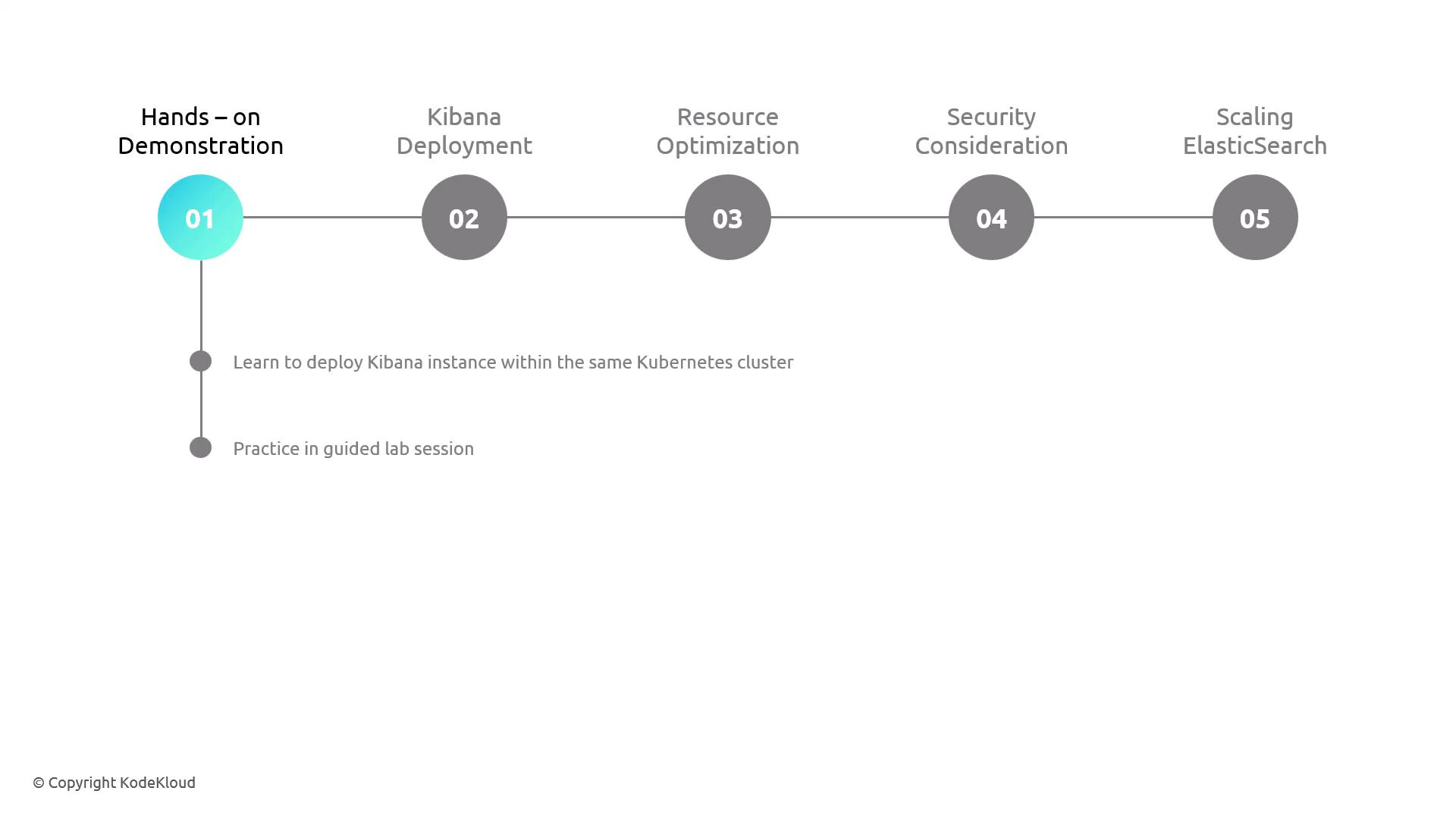
Follow along with the guided lab to deploy Elasticsearch and later integrate Kibana. This practical exercise reinforces best practices in managing and scaling your Kubernetes clusters.
Deploying Kibana on Kubernetes
After successfully deploying Elasticsearch, the next step is to integrate Kibana within the same Kubernetes cluster. This segment also includes a guided lab session where you can apply your skills in configuring and deploying Kibana. The demonstration includes essential steps to ensure a smooth and secure deployment for visualization purposes.Optimizing Performance and Security
Deploying these applications is not only about making them operational but also about fine-tuning performance and security. In this lesson, we’ll cover:- Resource Allocation: Learn how to specify CPU and memory settings to ensure that your Elasticsearch and Kibana deployments run efficiently.
- Security Considerations: Understand the key security measures necessary to protect your data and infrastructure in production environments.
Ensure that all security configurations are reviewed and tested, especially in production environments, to prevent unauthorized access and potential breaches.