

Overview of Services
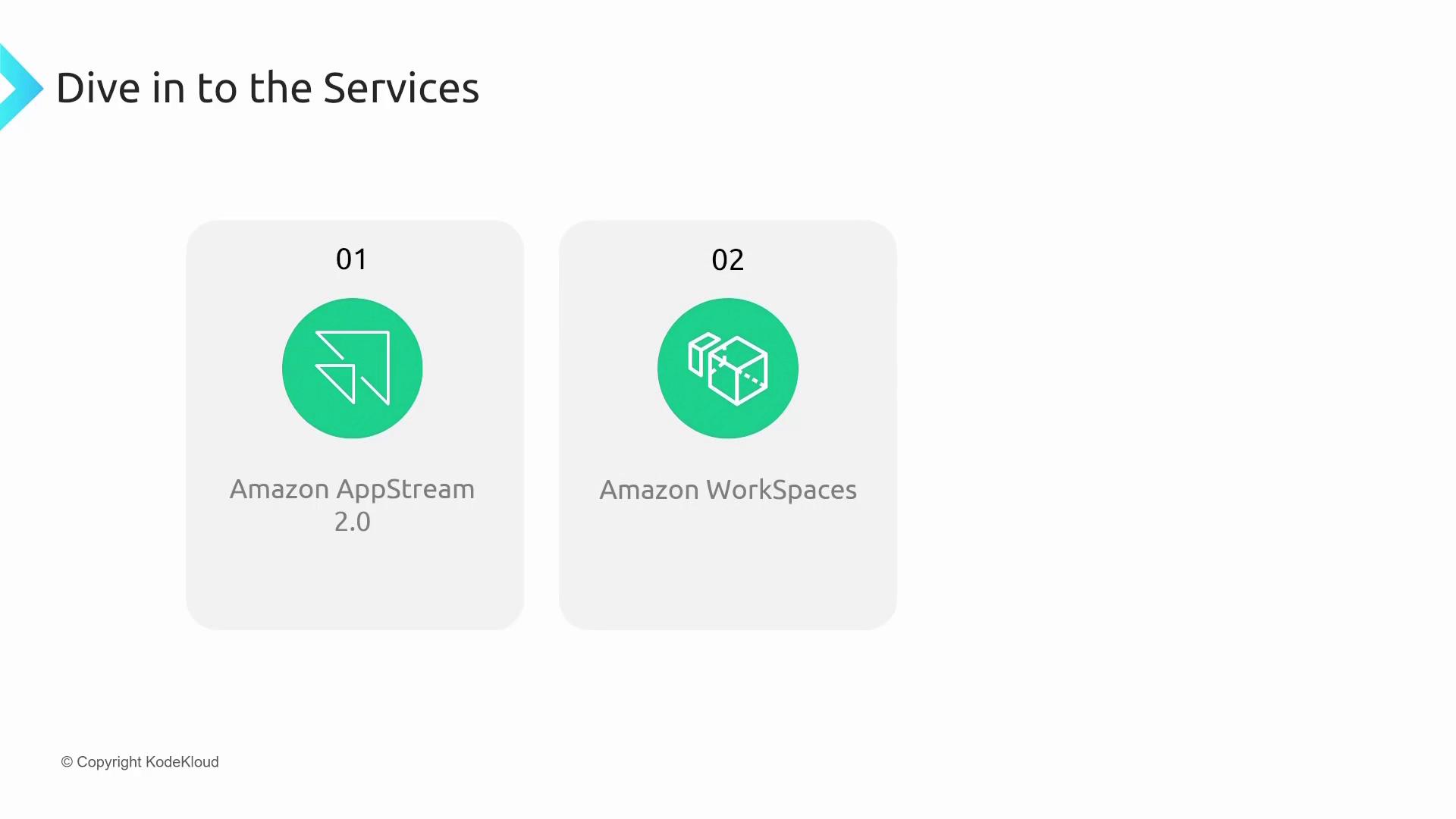
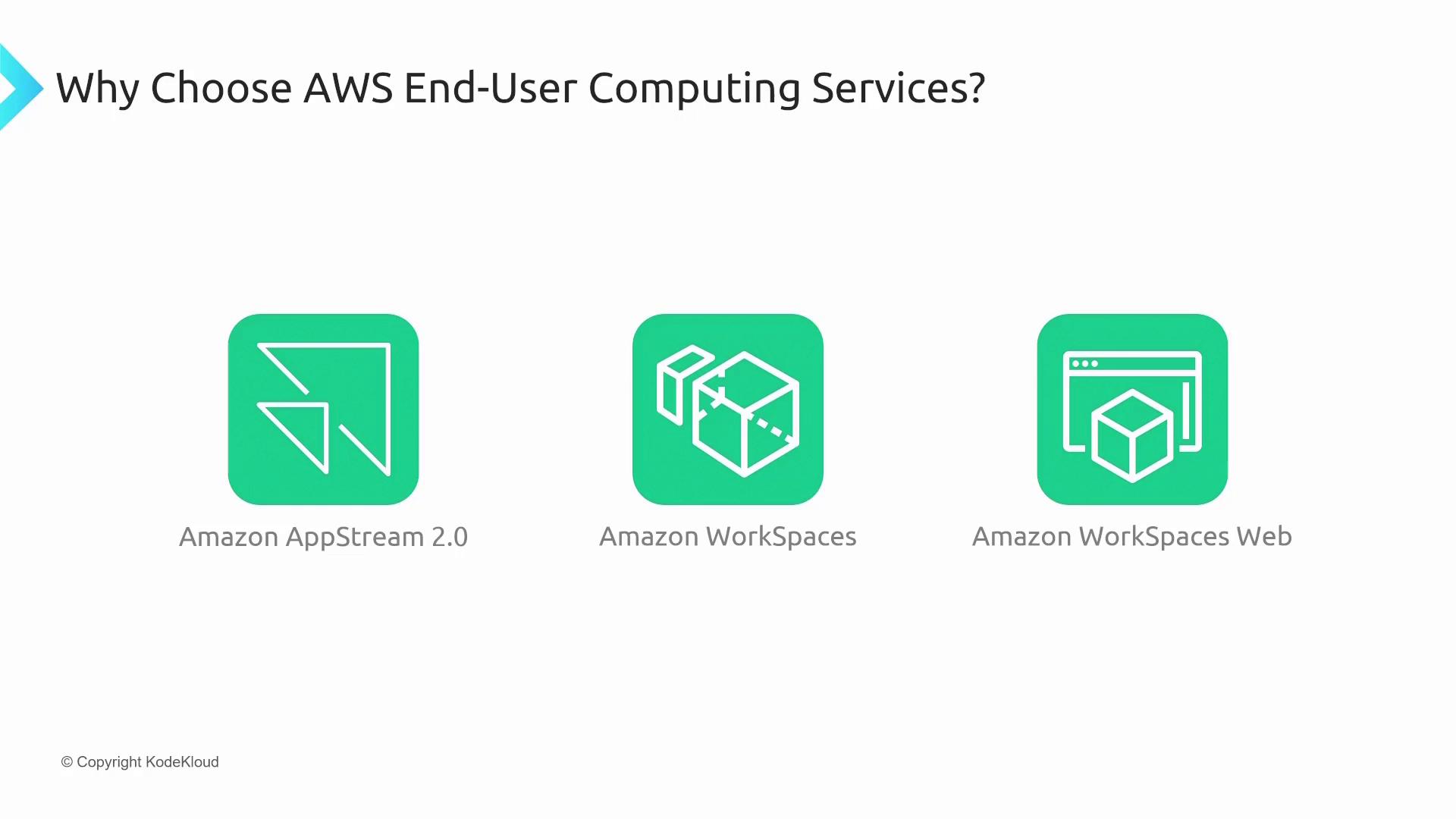
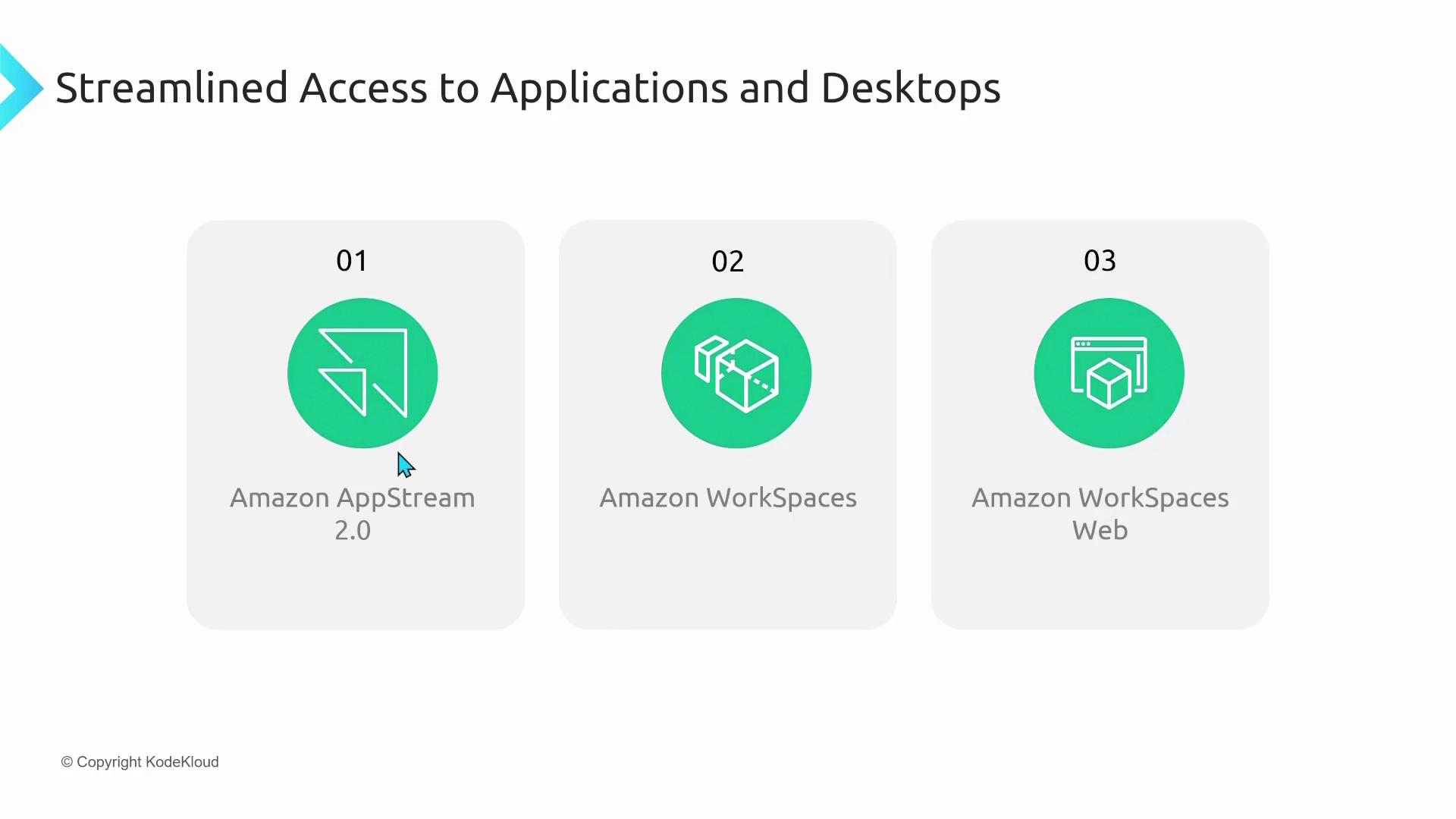
The AWS End-User Computing family consists of three primary services:- Amazon AppStream 2.0 – Streams desktop applications directly to your device.
- Amazon WorkSpaces – Provides full-featured virtual desktops hosted in the cloud.
- Amazon WorkSpaces Web – Enables browser-based access to cloud desktops.
Amazon AppStream 2.0
Amazon AppStream 2.0 streams desktop applications to your device. For instance, if you need to run multiple versions of Microsoft Office simultaneously—something that can be challenging on a standard Windows system—AppStream 2.0 isolates each version in its own cloud environment. This setup allows one version to run locally while the other streams from the cloud, overcoming compatibility issues.Amazon WorkSpaces
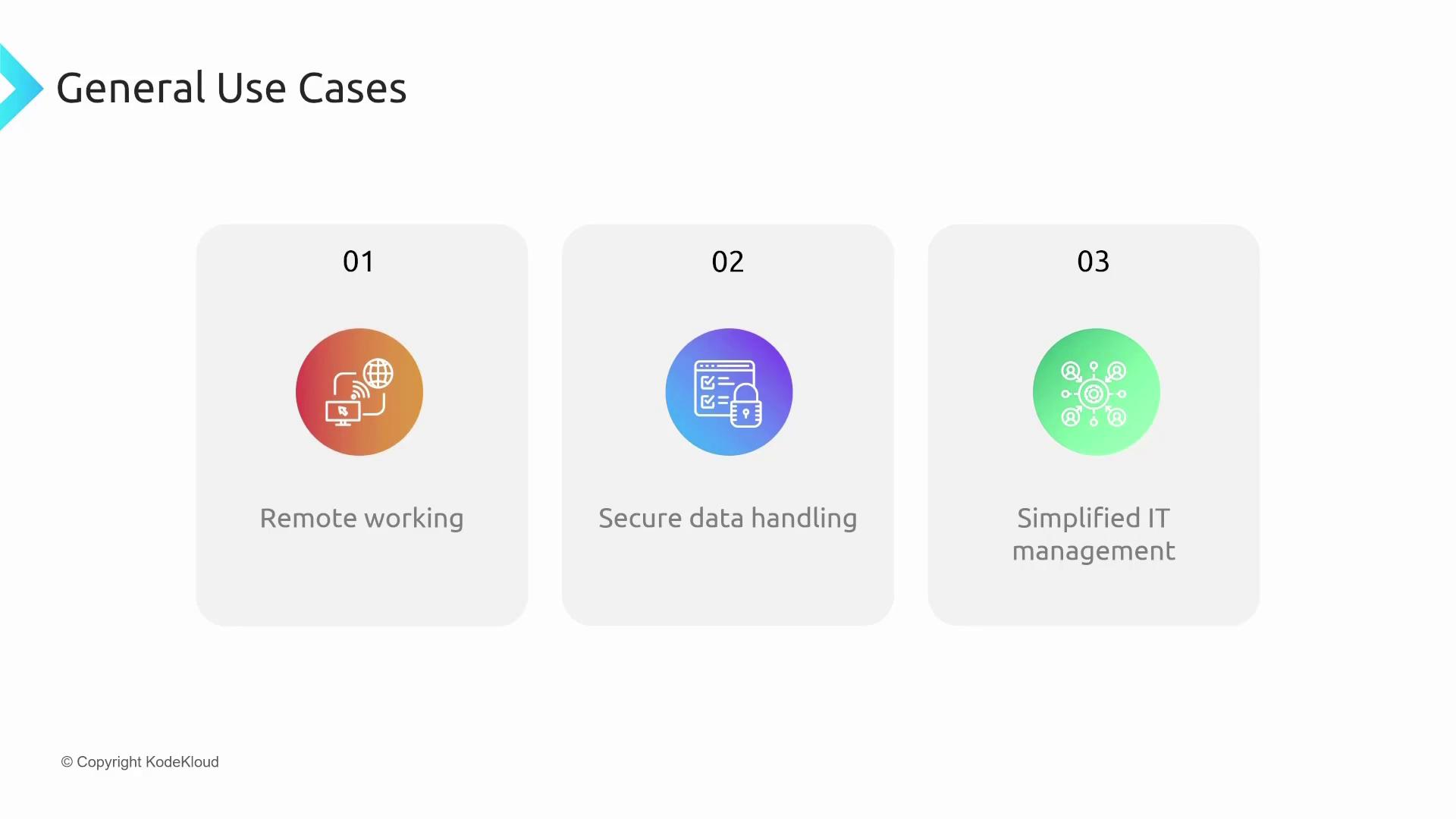
Amazon WorkSpaces is a Virtual Desktop Infrastructure (VDI) solution that provides customizable, cloud-hosted desktops. Users can select from various operating systems such as Windows (ranging from Windows 7 to Windows 11) and Ubuntu Linux (subject to kernel requirements). They can also tailor hardware specifications by adding GPUs or expanding memory. Key benefits of Amazon WorkSpaces include:- Centralized Security: Data is stored securely in AWS data centers, reducing risks associated with data on local devices.
- Flexible Hardware Options: Customize each desktop to meet different performance needs.
- Simplified IT Management: Mass deployment and patching streamline maintenance and updates.
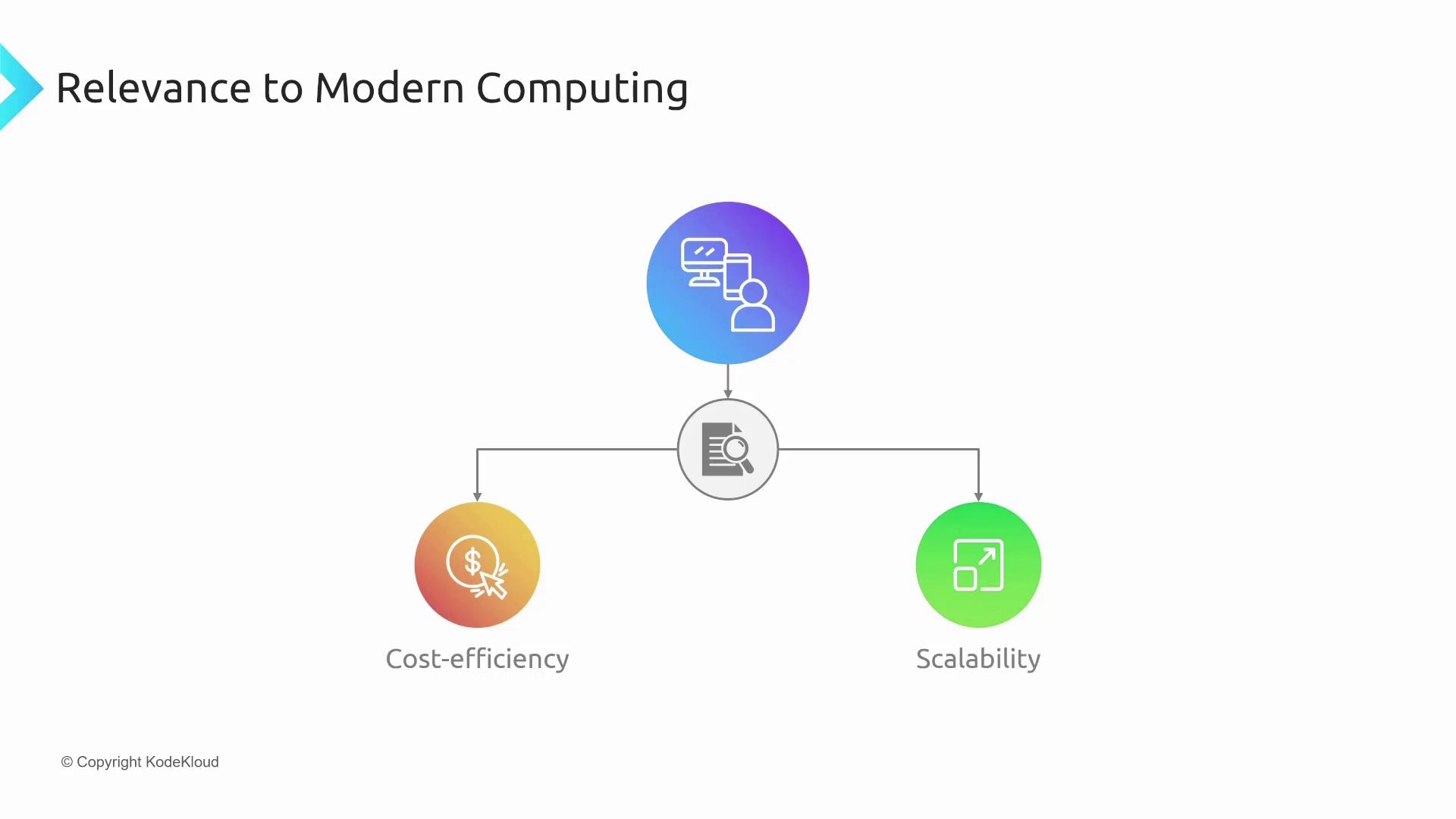
- Cost-Effectiveness: A scalable solution that offers a more affordable alternative to traditional VDI setups from vendors like VMware, Citrix, or earlier Microsoft approaches.
Deep Dive into Amazon WorkSpaces
Amazon WorkSpaces offers secure, virtual desktops hosted in the cloud with a wide range of customization options. Depending on your workload—whether for routine office tasks or high-performance graphic design—you can choose a Windows or Ubuntu-based WorkSpace engineered with the specific hardware configurations you require. Key features of Amazon WorkSpaces include:- Centralized Management: Secure desktops managed from a single console.
- Customized Hardware: Options such as high-end CPUs, additional memory, and GPU capabilities.
- Secure Data Storage: Data remains in the AWS data center, ensuring robust security.
- Simplified IT Processes: Efficient mass deployment and automated patching processes for ease of management.
Introducing Amazon WorkSpaces Web
Amazon WorkSpaces Web extends virtual desktop capabilities by enabling browser-based access. This is particularly beneficial for users on devices that do not support traditional remote desktop clients—such as Chromebooks or systems within locked-down corporate environments. Key features of Amazon WorkSpaces Web include:- Browser-Based Virtual Desktops: Access your cloud desktop directly through any modern web browser.
- Consistent Security: Offers the same robust security and core features as Amazon WorkSpaces.
- Optimized for Restricted Networks: Communicates over standard TLS/SSL (typically on port 443), ideal for environments with strict network policies.
Deep Dive into Amazon AppStream 2.0
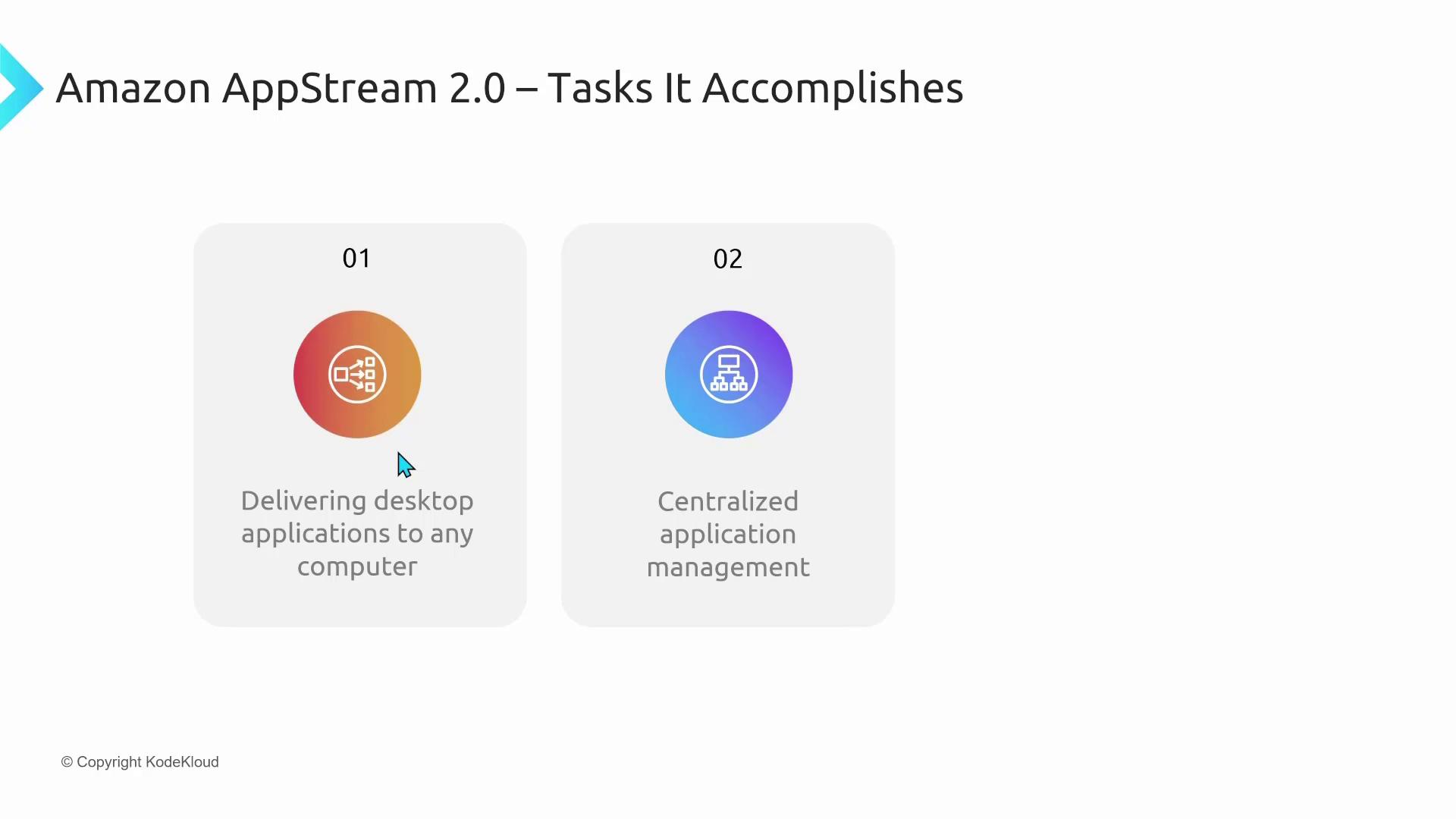
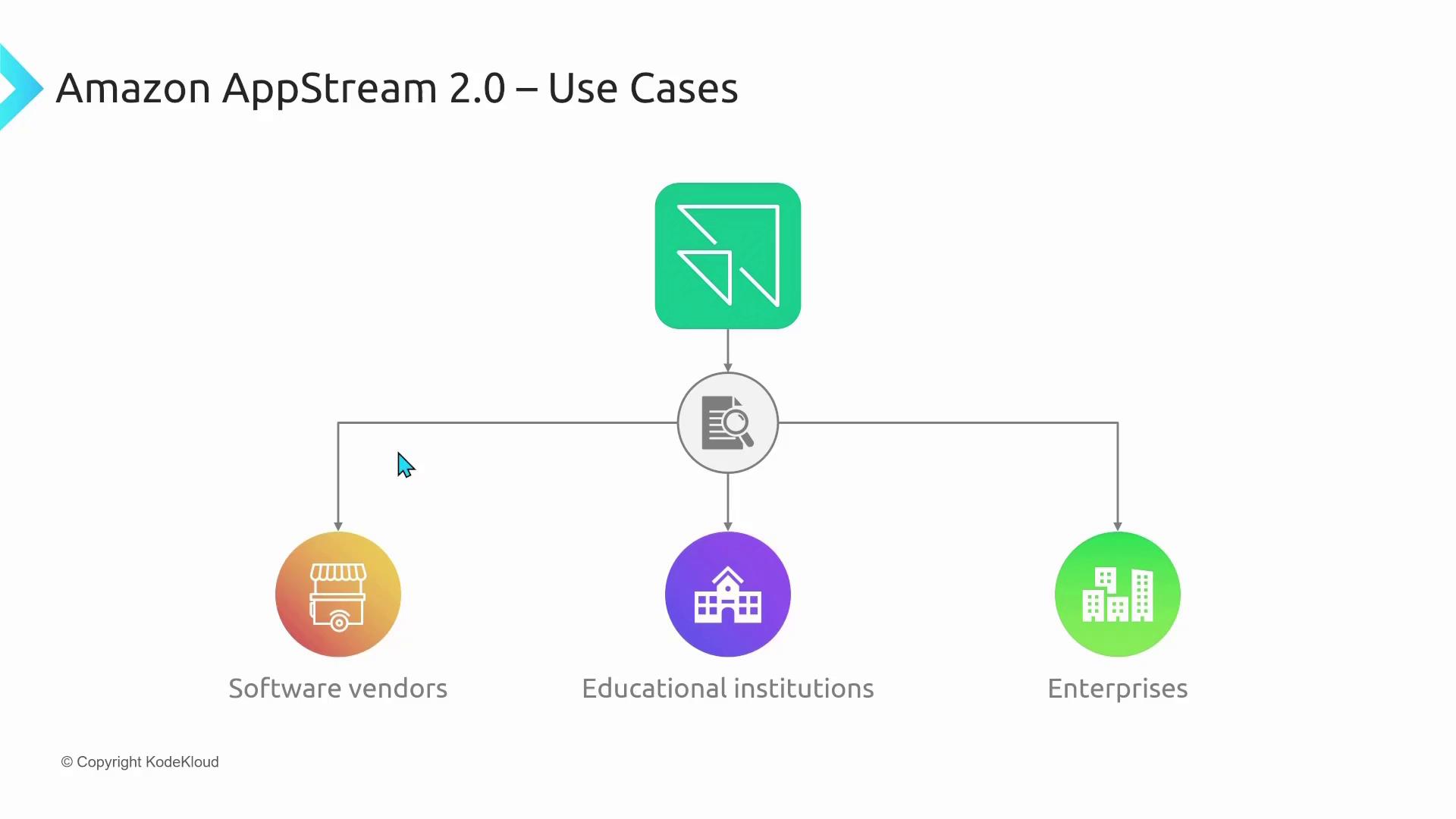
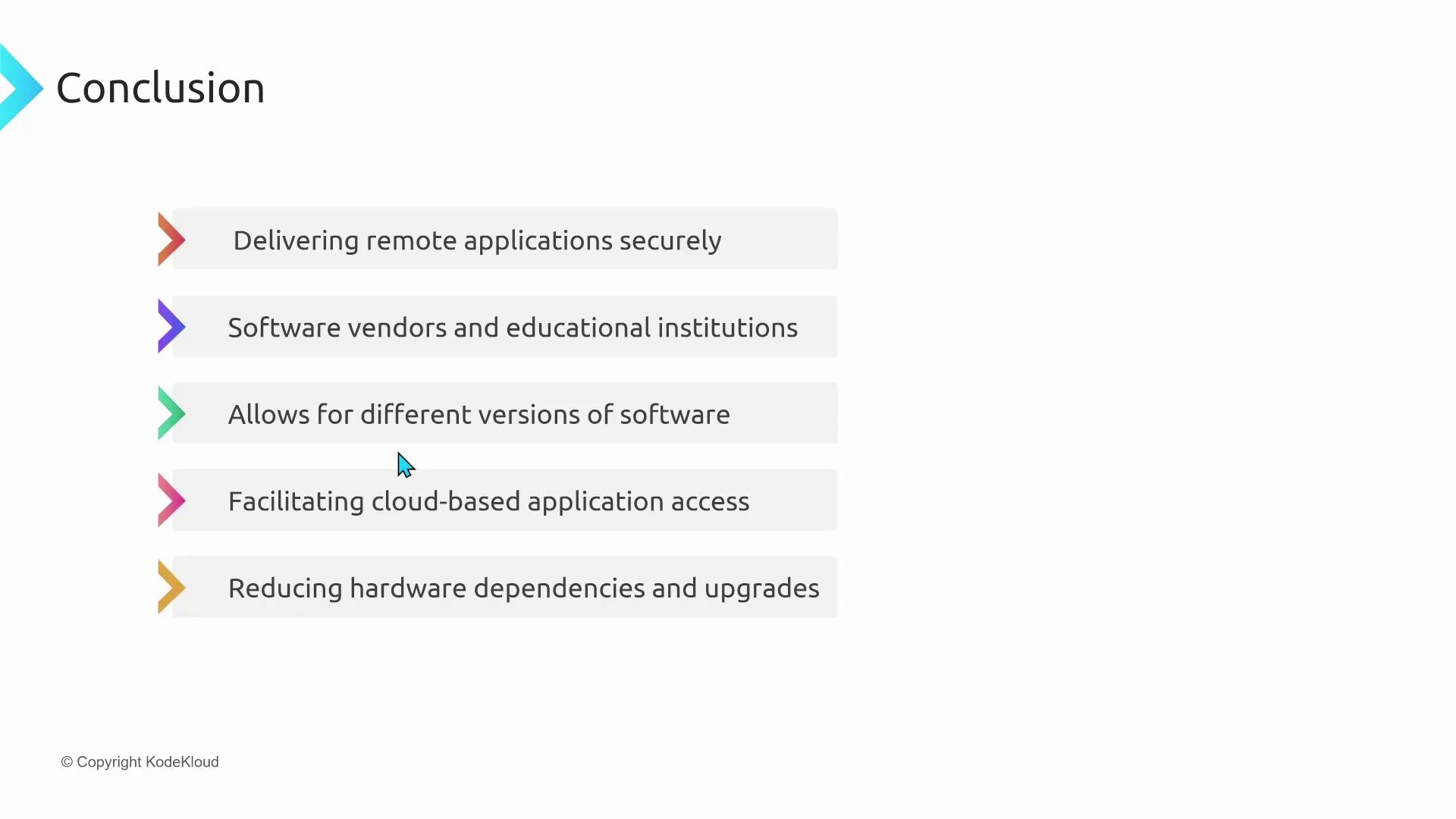
Amazon AppStream 2.0 is designed to stream individual desktop applications rather than delivering a full desktop. It centralizes application licensing, updates, and patch management while streaming the application interface to the client device. This model minimizes the reliance on client hardware and operating systems. Key benefits of Amazon AppStream 2.0 include:- Multi-Version Compatibility: Run different versions of the same application side-by-side without conflicts.
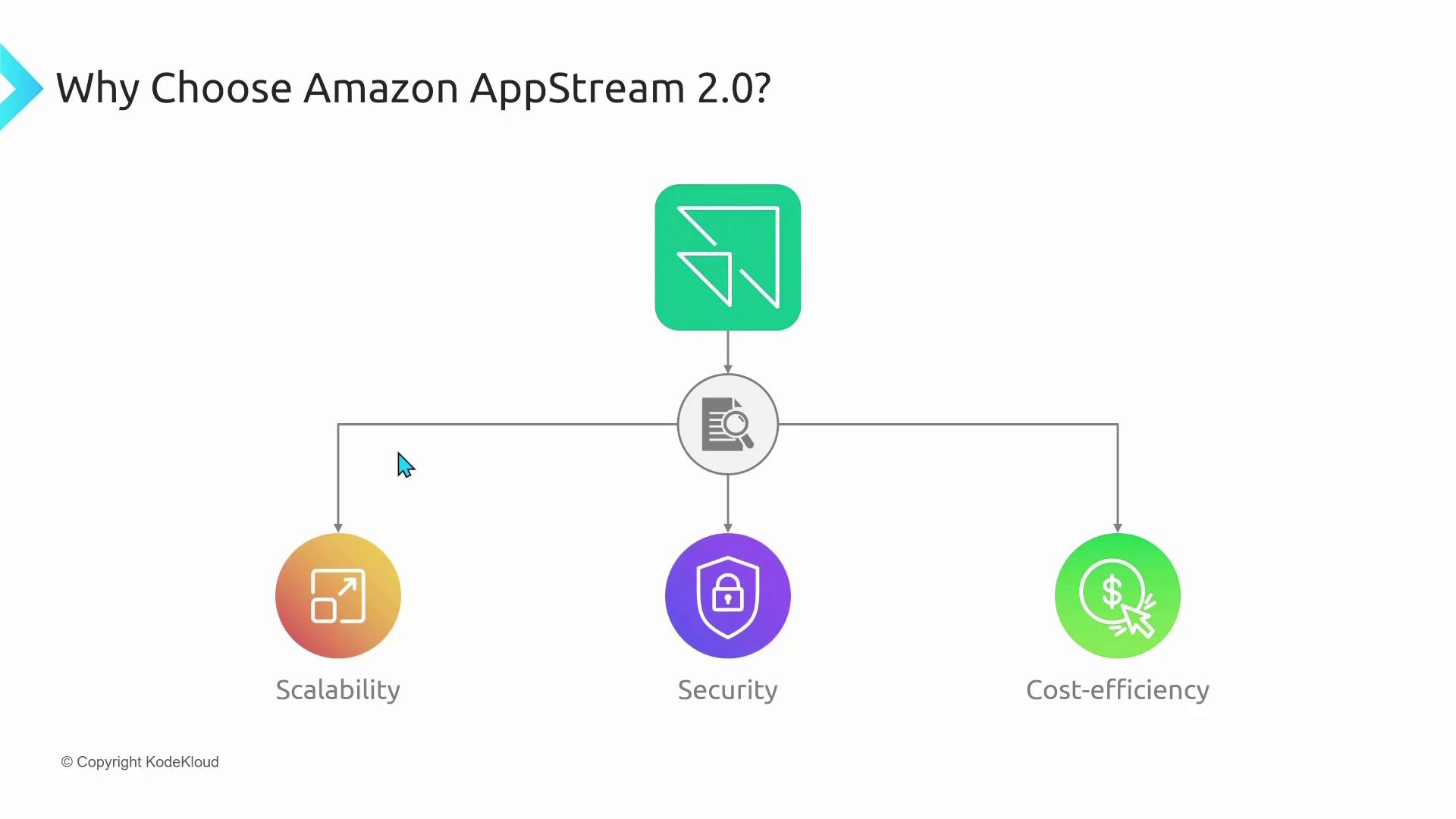
- Reduced Client Hardware Requirements: Heavy processing is handled server-side, eliminating the need for high-end client devices.
- Enhanced Security: Ensures that data processing and storage occur within AWS’s secure infrastructure.
- Cost Efficiency: A scalable, pay-as-you-go pricing model that simplifies management and controls costs.
Summary
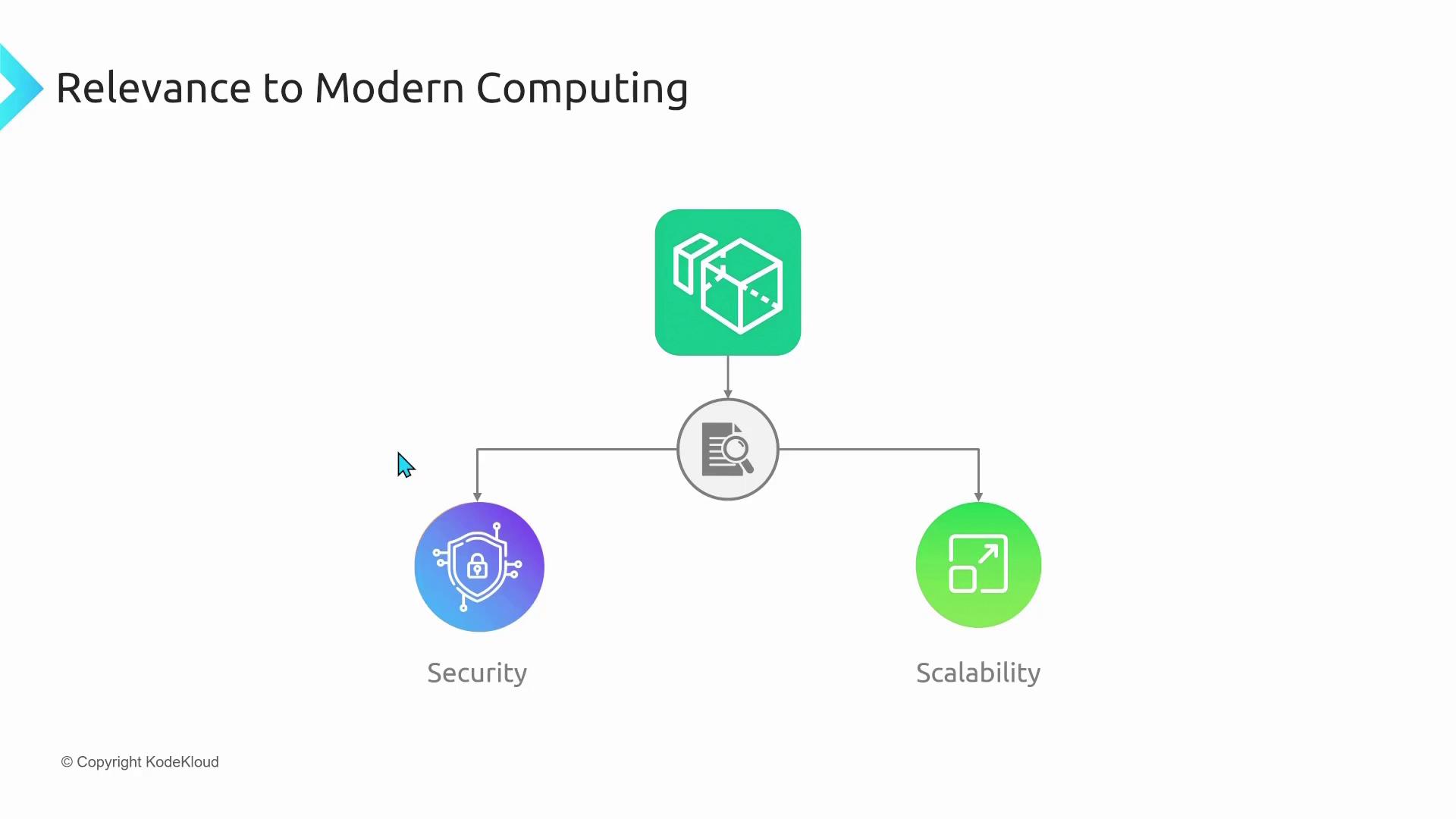
The AWS End-User Computing service family—comprising Amazon AppStream 2.0, Amazon WorkSpaces, and Amazon WorkSpaces Web—empowers organizations with secure and efficient access to virtual desktops and applications. Key takeaways include:- Centralized data storage within AWS data centers enhances security.
- Scalable, pay-as-you-go solutions reduce IT management complexity and costs.
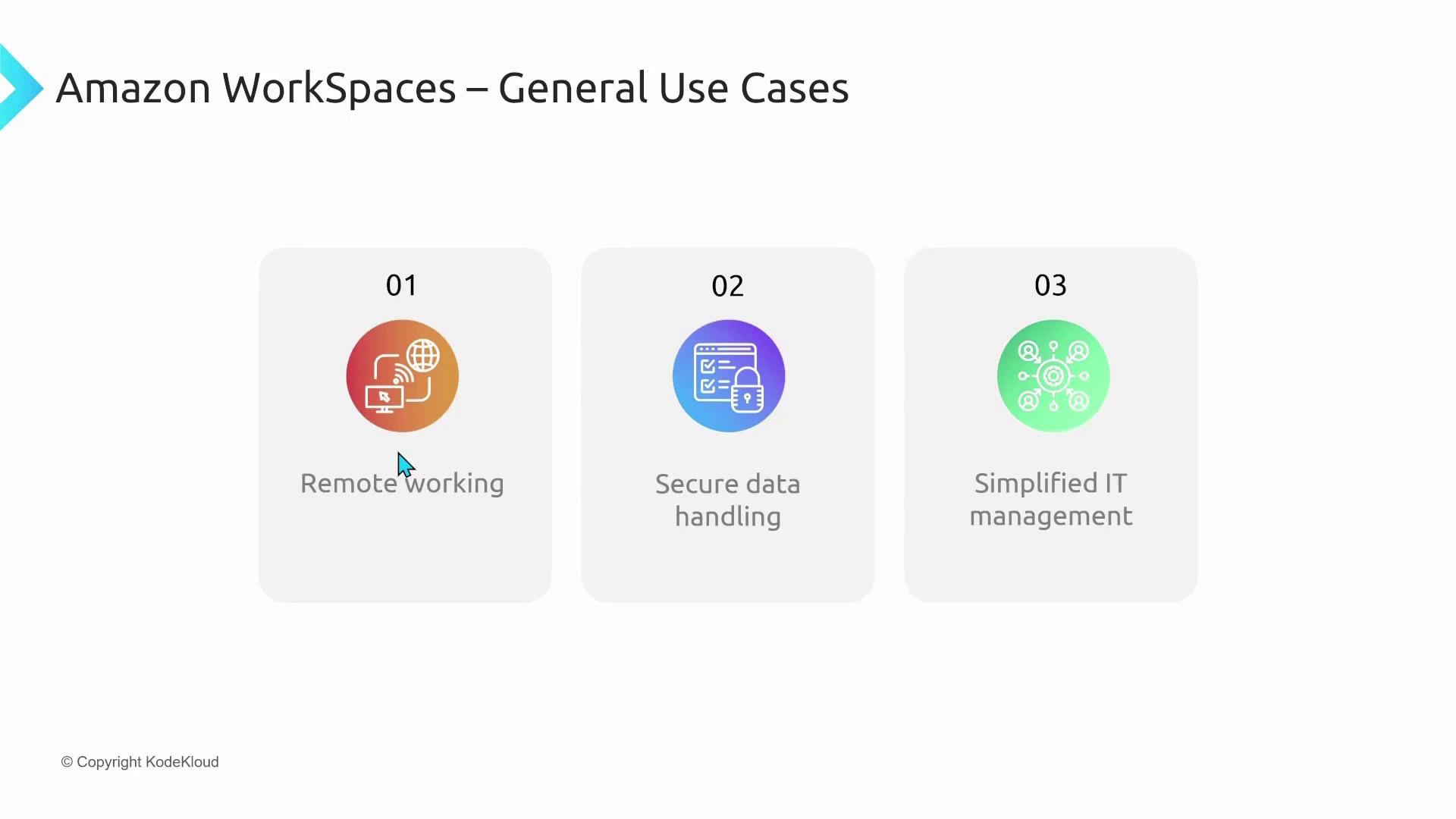
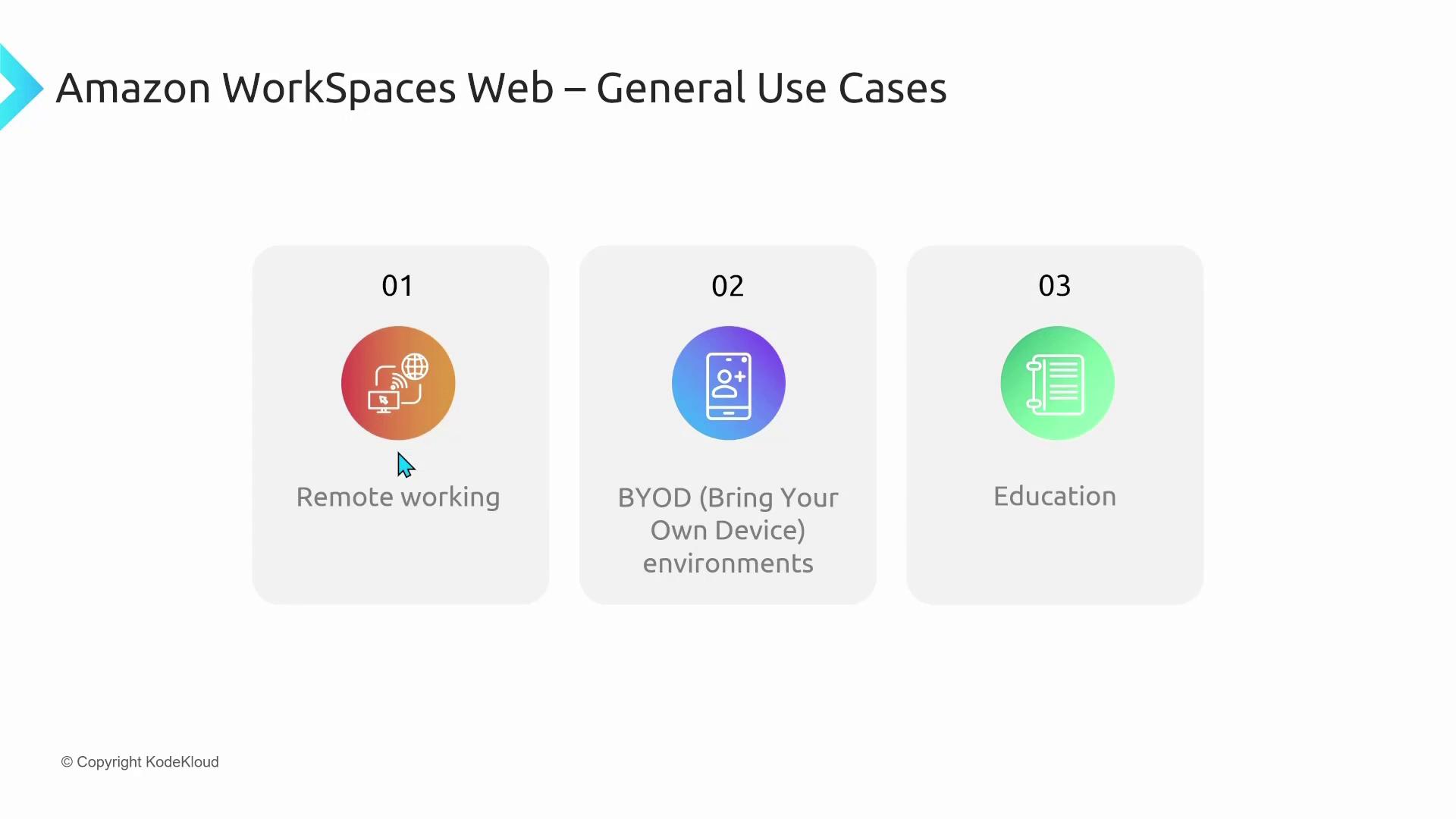
- Flexibility and customization support various work styles, including remote work, BYOD, and educational environments.
- Browser-based access through WorkSpaces Web addresses scenarios where installing client software is impractical.
I’m Michael Forrester—thank you for reading this lesson. Stay tuned for more insights in our upcoming articles.