

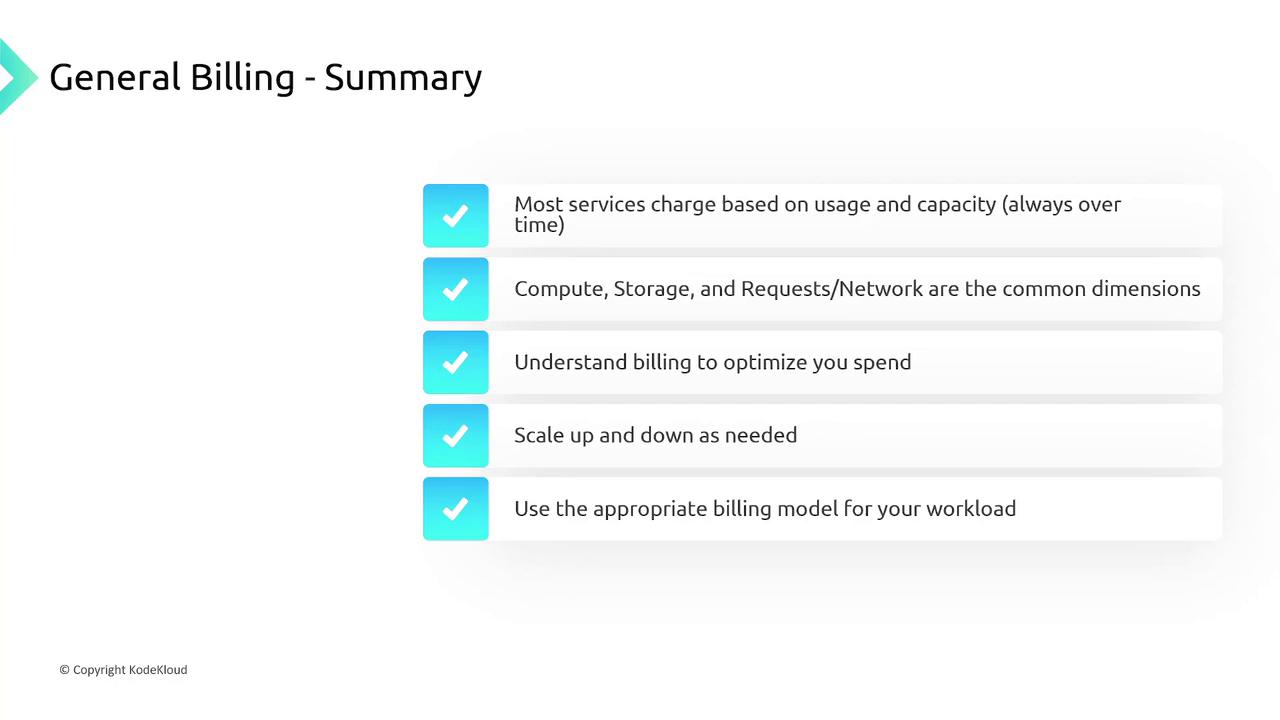
- Compute power
- Storage capacity
- Number of requests or volume of data transferred
EC2 Billing
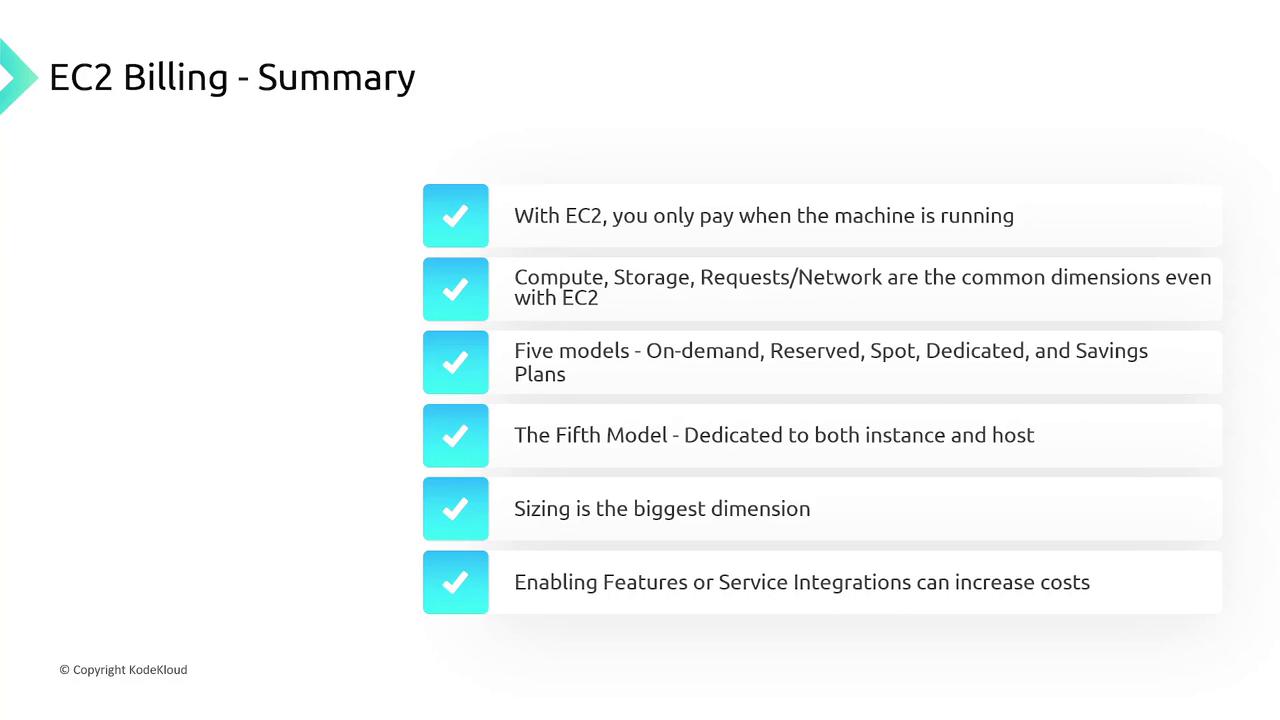
For Amazon EC2, billing occurs only when an instance is running. Once an instance is stopped or terminated, further charges are not applied. The primary billing dimensions for EC2 include compute, storage, and network usage. AWS provides five pricing models for EC2:- On-Demand
- Reserved
- Spot
- Dedicated (with options for instance and host)
- Savings Plans
RDS Billing
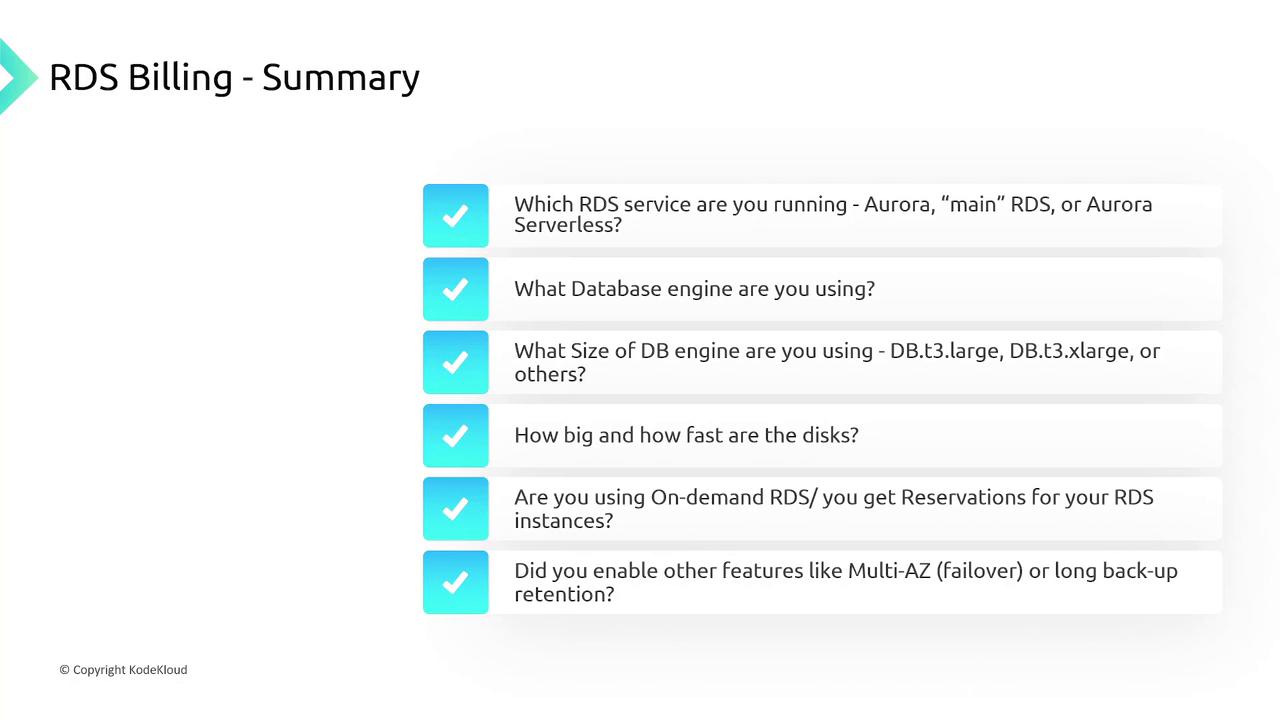
When it comes to Amazon RDS, pricing varies based on the database selection:- Aurora
- Regular RDS
- Aurora Serverless (Aurora V2)
VPC and Networking Billing
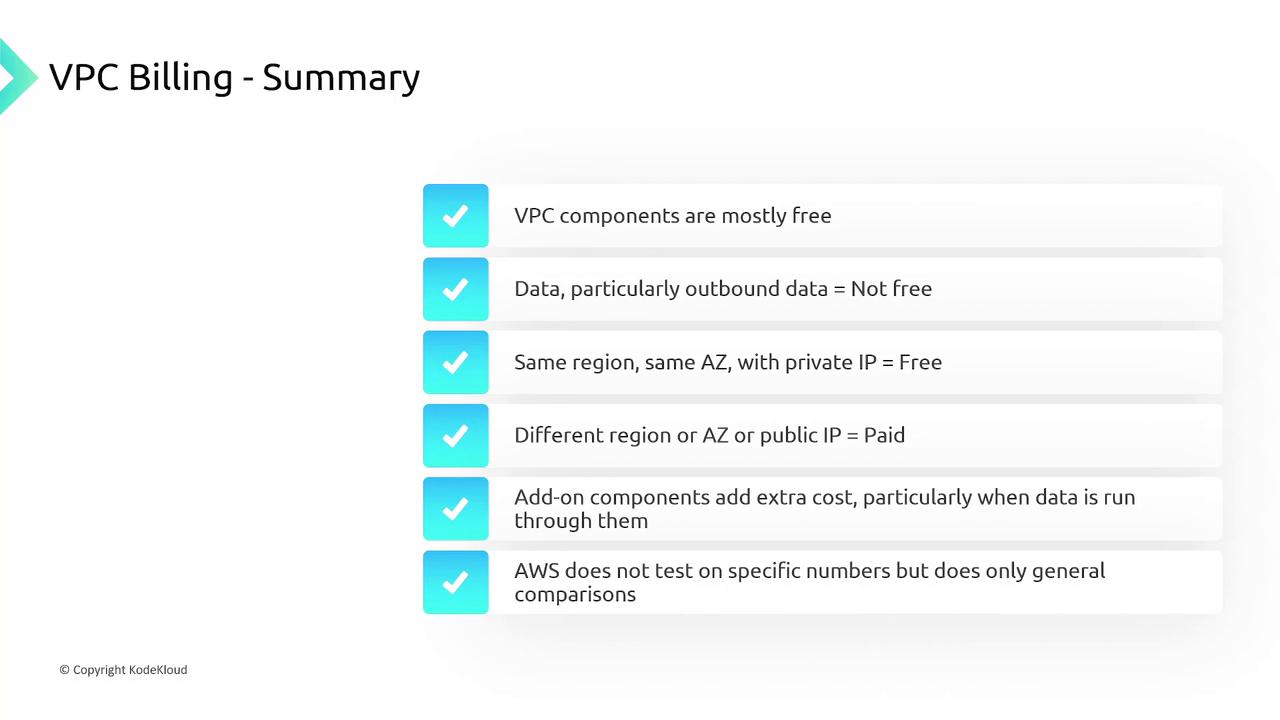
While most Virtual Private Cloud (VPC) components are free, data transfer costs may apply. Key points include:- Ingress data (data entering a VPC) is free.
- Outbound data transfer incurs charges.
- Transfers between regions, availability zones, or via public IP addresses are generally billed.
- Additional services like NAT gateways come with extra fees.
For certification purposes, focus on understanding the key components that contribute to billing, rather than memorizing exact pricing details.
Lambda Billing
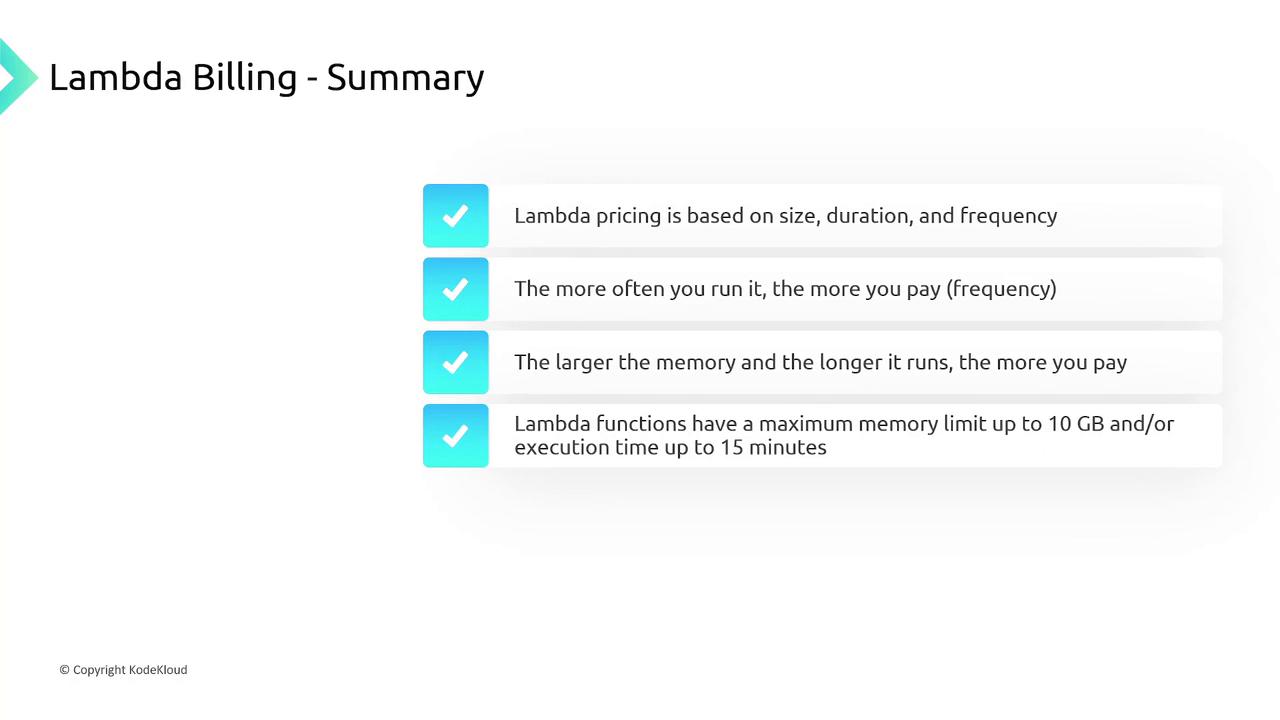
AWS Lambda pricing is based on the size, duration, and frequency of your function invocations:- You are charged per invocation.
- Cost increases with larger memory allocations and longer execution durations.
- Lambda functions have limits: 10 GB maximum memory and a 15-minute execution time limit.
Billing for Other Services
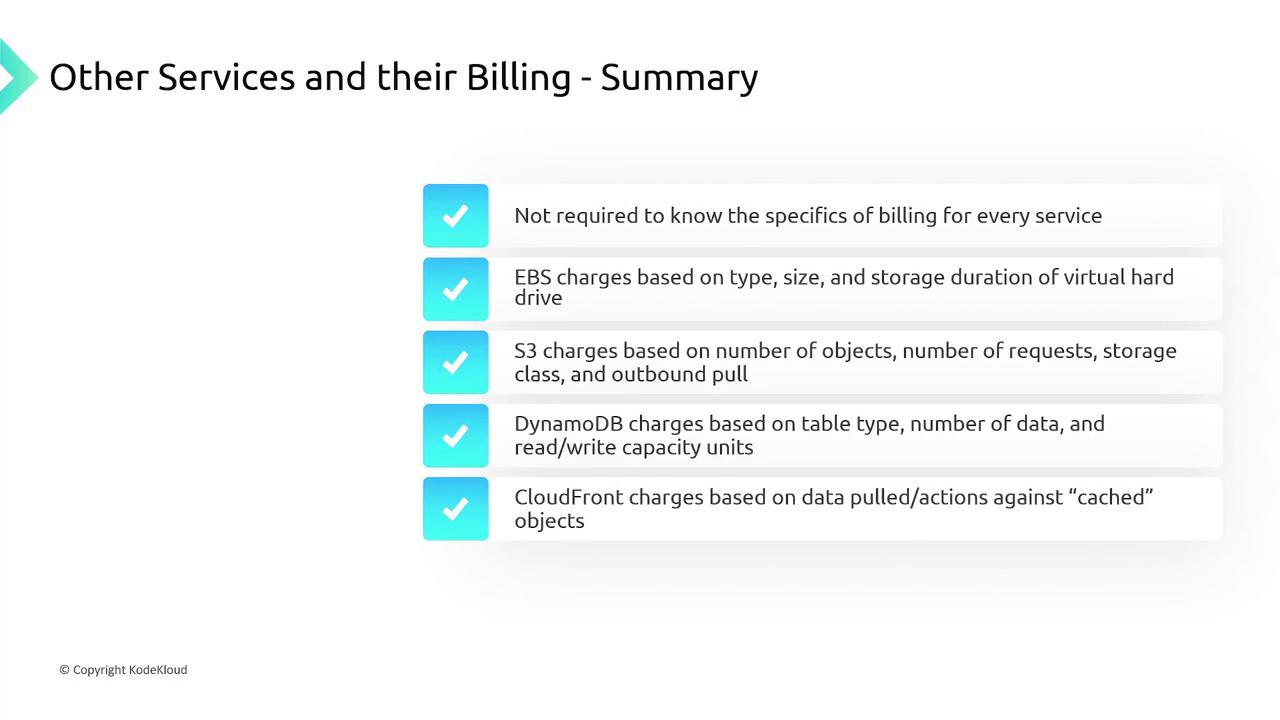
Below is an overview of how billing is applied to other key AWS services:- EBS: Charges are determined by the type, size, and storage duration of the virtual hard drive.
- S3: Costs depend on the number of objects stored, the frequency of requests, the chosen storage class, and the volume of outbound data.
- DynamoDB: Pricing varies based on table type, storage size, and the provisioned read/write capacity units.
- CloudFront: Billing is based on the data served from cached objects.
- Kinesis: Costs are calculated based on the number of records processed.
Account Billing and Consolidation
Individual AWS accounts receive separate bills requiring distinct credit card details and payments. However, if you manage multiple accounts, consolidated billing can simplify the process. Consolidated billing aggregates charges for all accounts into a single payer account while still providing detailed per-account cost information. AWS Organizations and AWS Control Tower automatically set up consolidated billing, ensuring streamlined payment processes regardless of account complexity.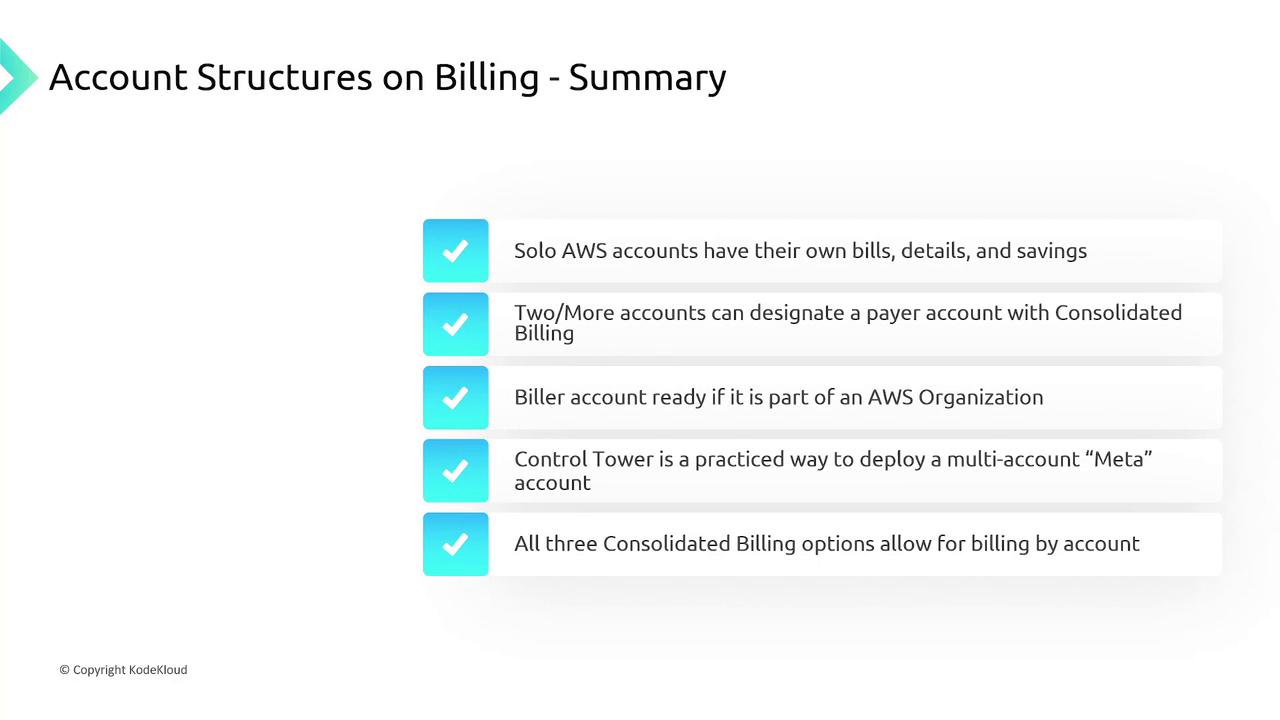
Tools for Billing Analysis
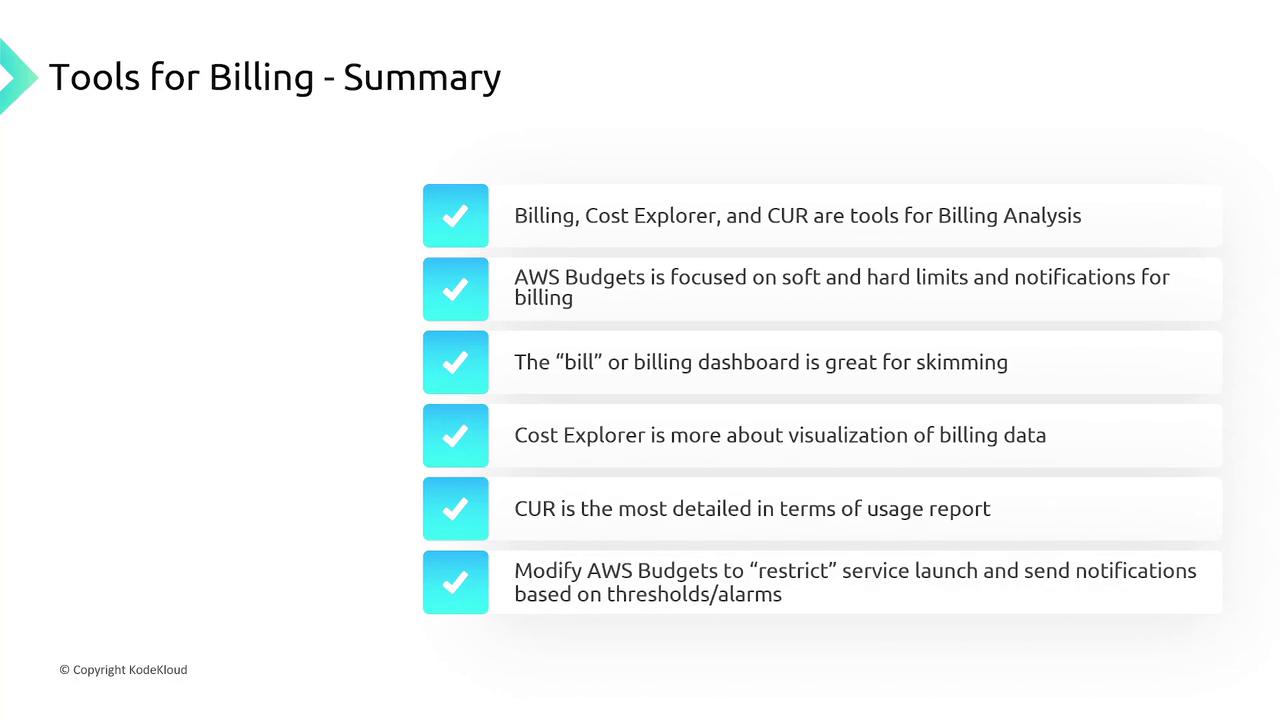
AWS offers a suite of tools designed to help you manage and analyze your billing effectively:- Billing Cost Explorer: Visualizes cost data with exportable charts.
- Cost and Usage Report (CUR): Provides detailed billing information for in-depth analysis.
- AWS Budgets: Allows you to set spending limits and receive alerts when thresholds are reached.
- Billing Dashboard: Offers a quick overview of billing information.
By understanding these billing principles and leveraging AWS billing tools, you can effectively control costs and optimize resource usage across your AWS environment.