

AppConfig
AppConfig acts as your centralized application configuration manager, replacing static configuration files with dynamic and controlled deployment of configuration parameters. This service is ideal for managing configurations across development, staging, and production environments.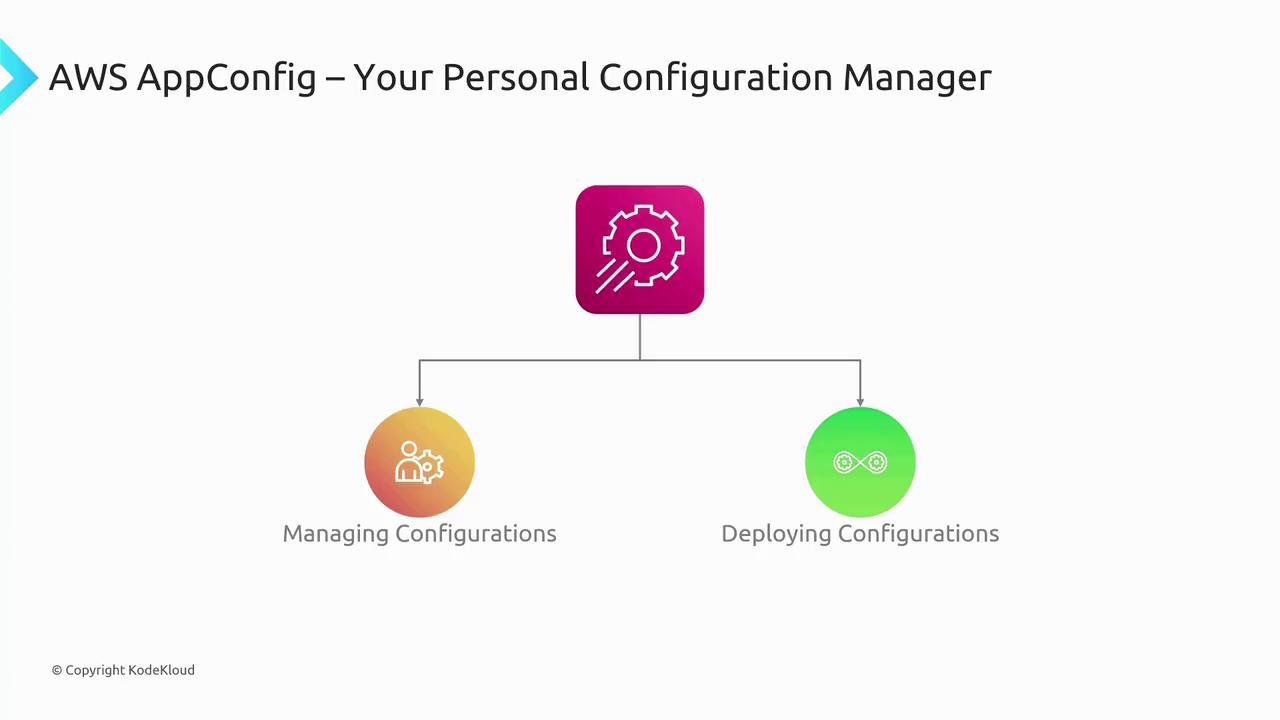
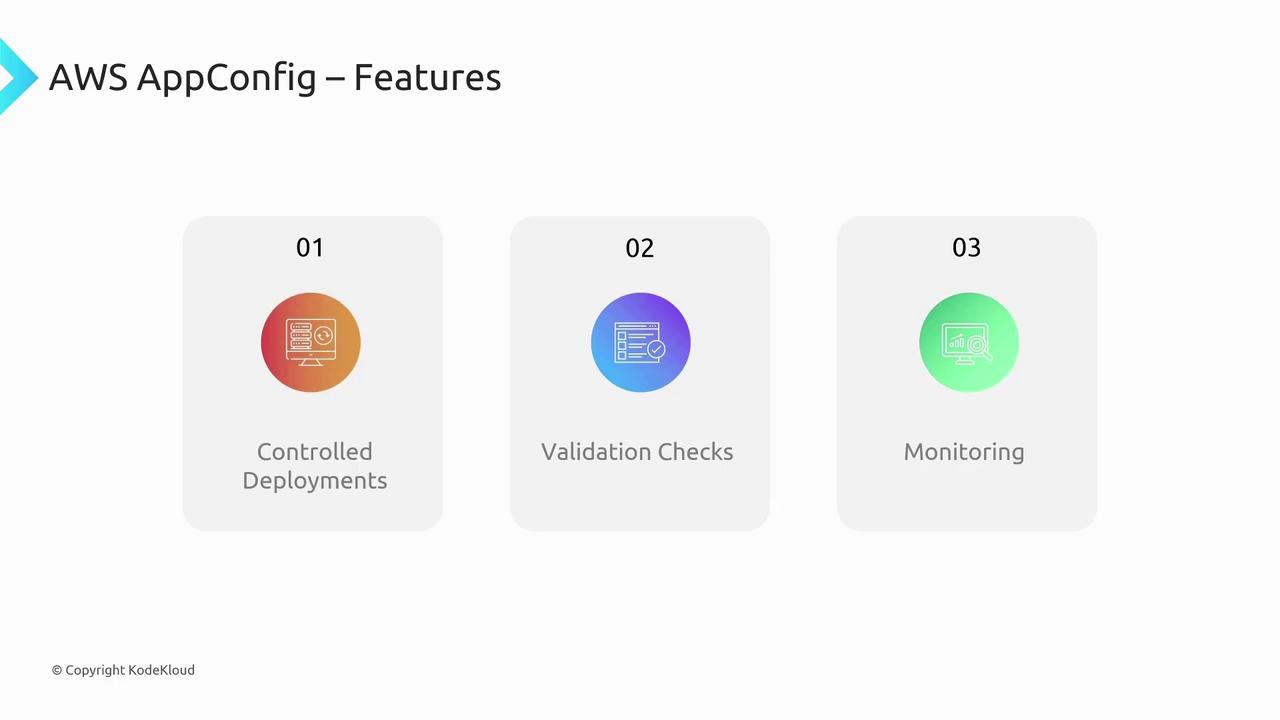
- Controlled deployments
- Validation checks for configuration accuracy
- Monitoring capabilities for tracking configuration changes
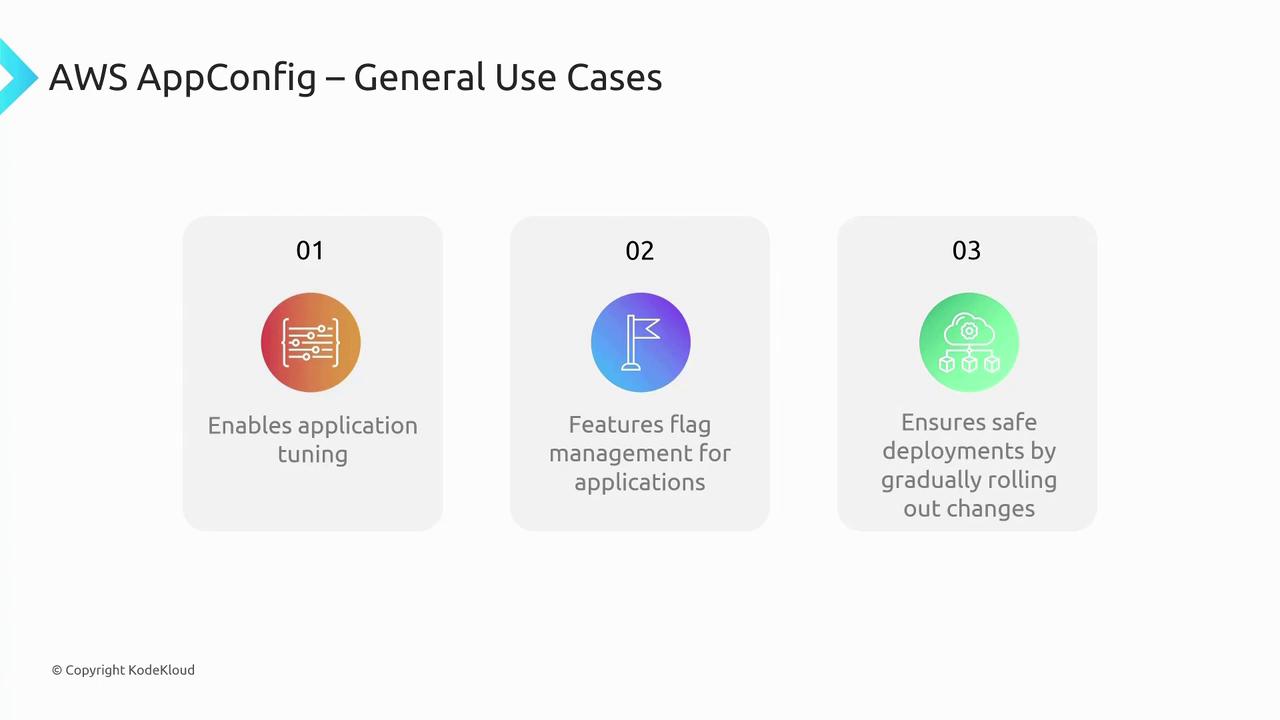
AppConfig is particularly beneficial when you need to adjust configurations quickly across multiple environments without manual changes to static files.
CloudShell
CloudShell is a browser-based command-line interface that lets you manage AWS services without the need for local CLI installations. This pre-authenticated tool offers persistent EFS-backed storage, providing a quick and secure way to access and manage your AWS resources from any device.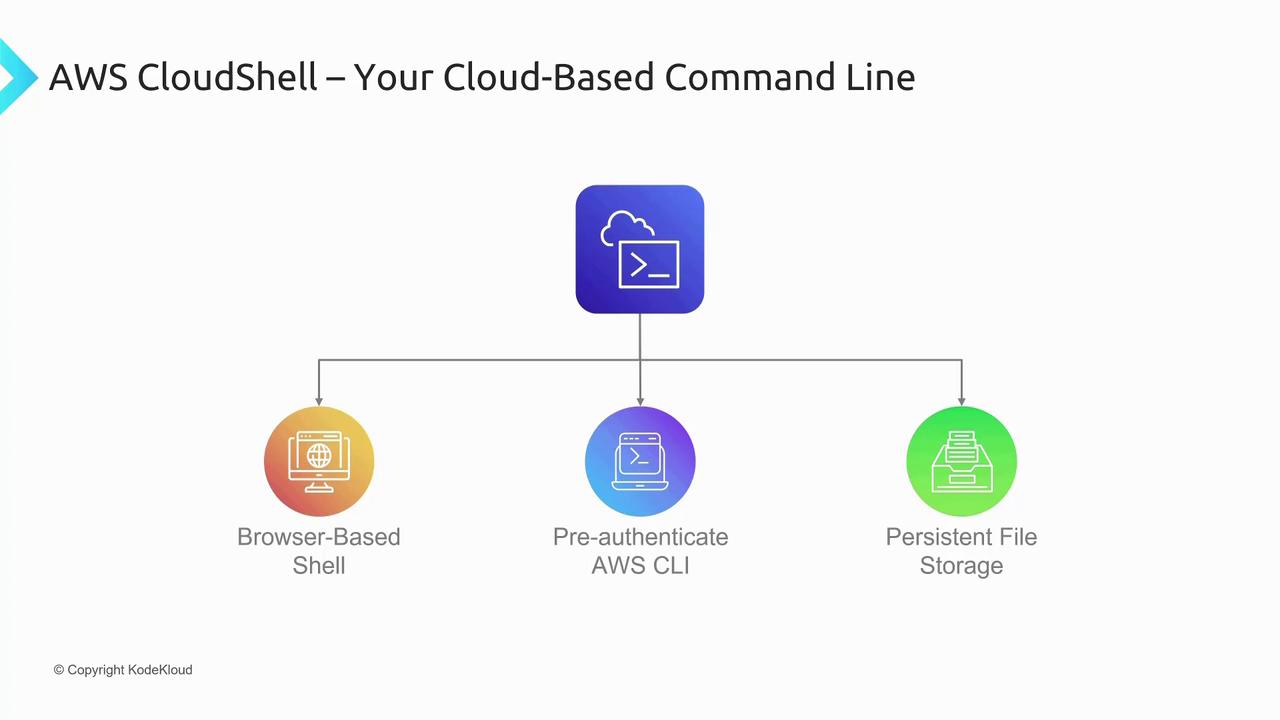
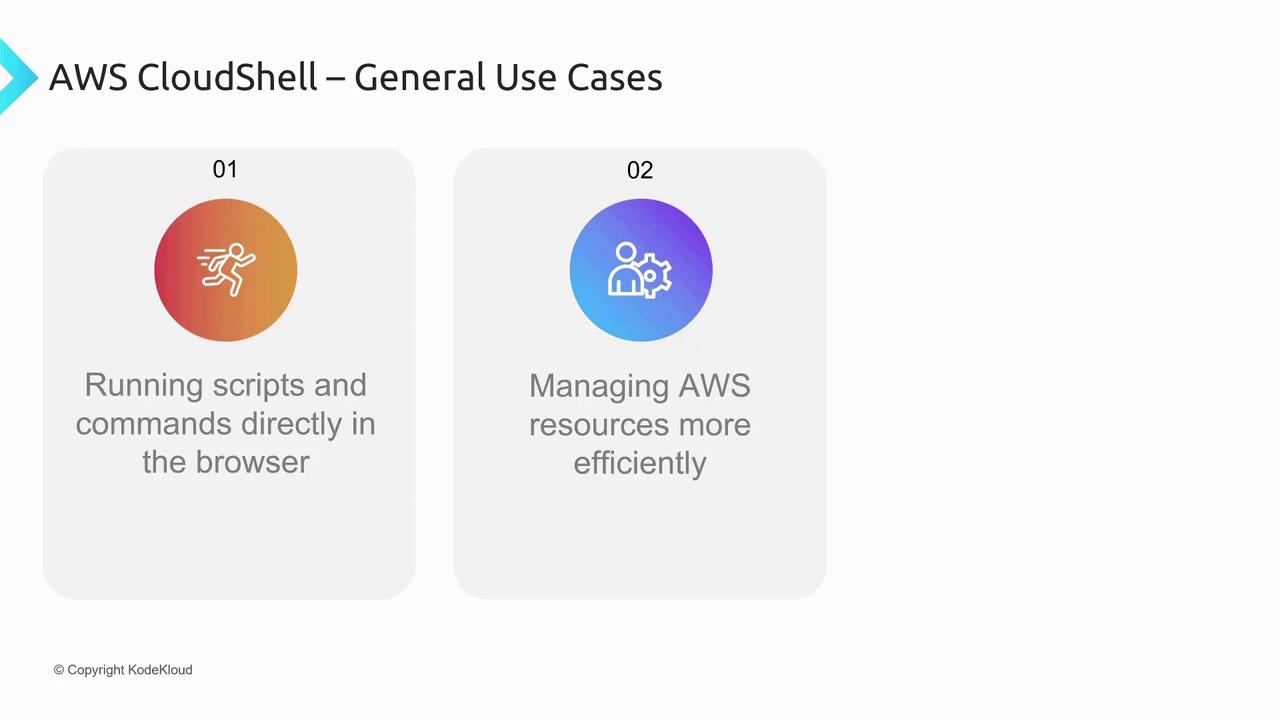
- Running scripts and commands directly in the browser
- Performing support tasks when local CLI tools are unavailable
Cloud9
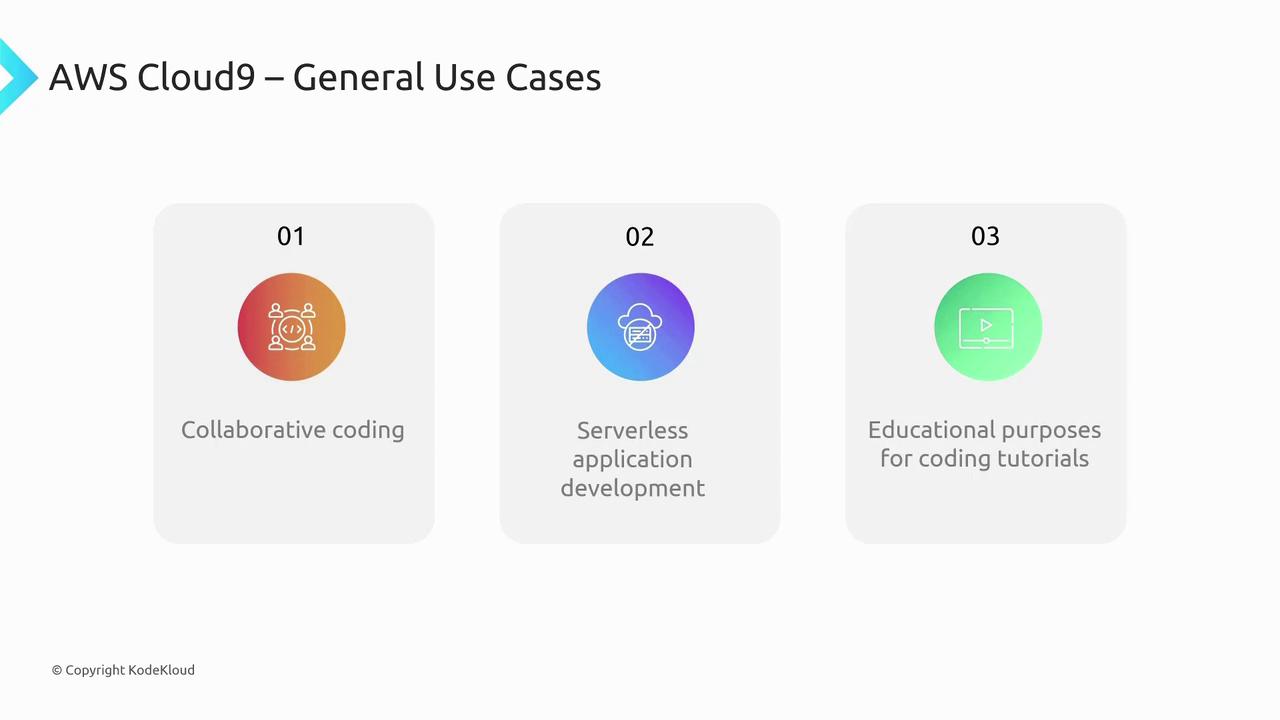
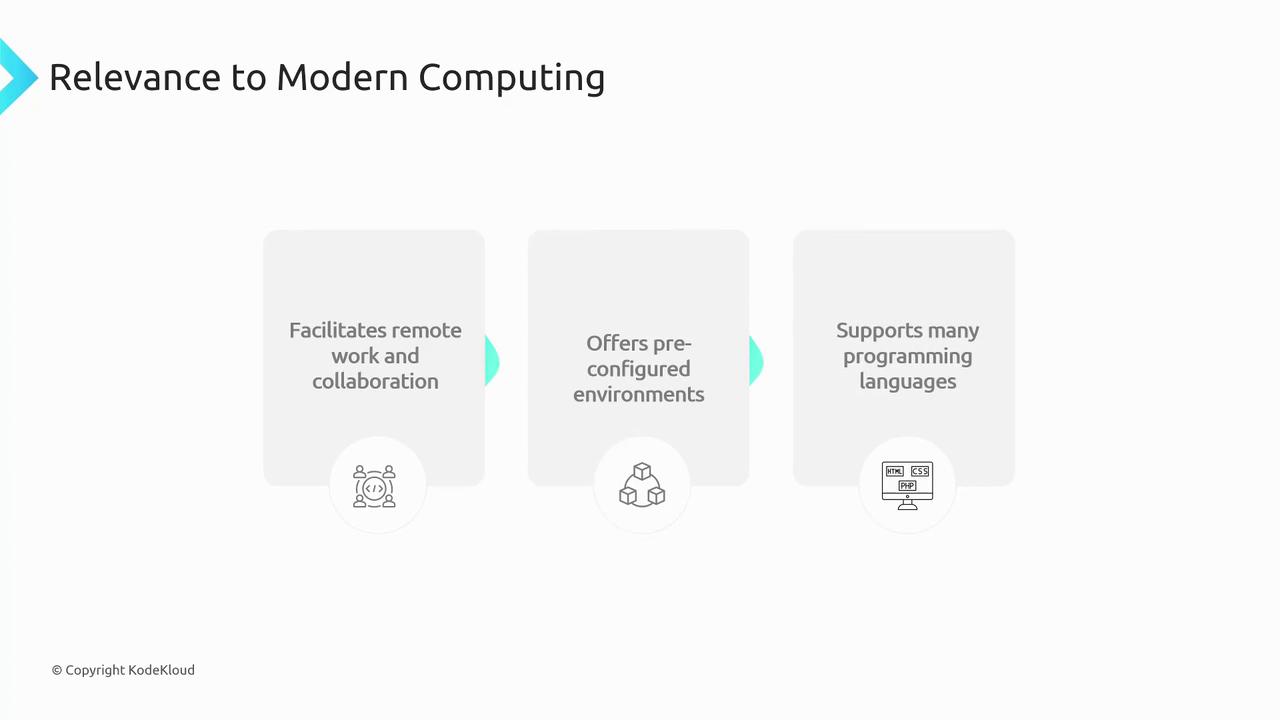
Cloud9 is a cloud-based Integrated Development Environment (IDE) that offers a complete development environment directly in your browser. It comes bundled with pre-installed tools such as the AWS CLI, Python, and serverless application frameworks, among others. Notably, Cloud9 supports real-time collaboration through simple URL sharing with teammates.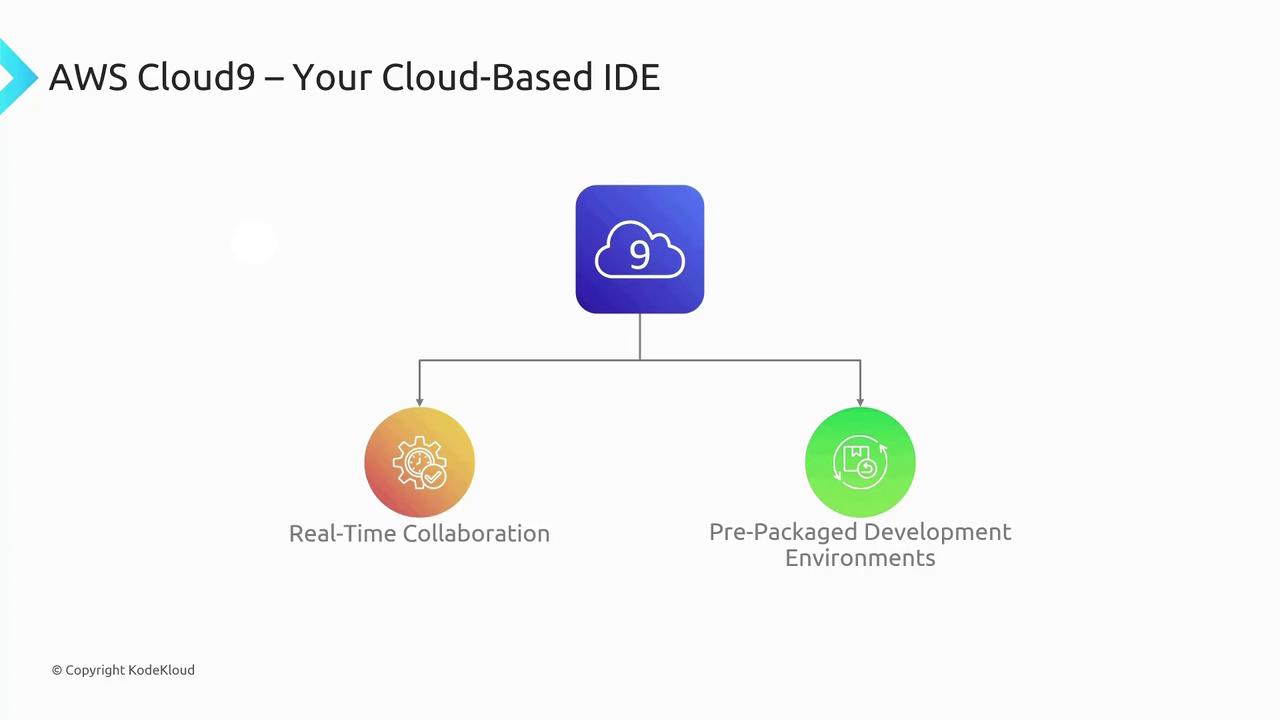
- Collaborative coding sessions
- Serverless application development
- Pre-configured environments for various programming languages and educational purposes
CodeArtifact
CodeArtifact is a managed artifact repository designed to store built binaries, libraries, and other versioned products. It serves a purpose similar to repositories like Nexus or JFrog’s Artifactory while integrating tightly with your existing AWS development environment.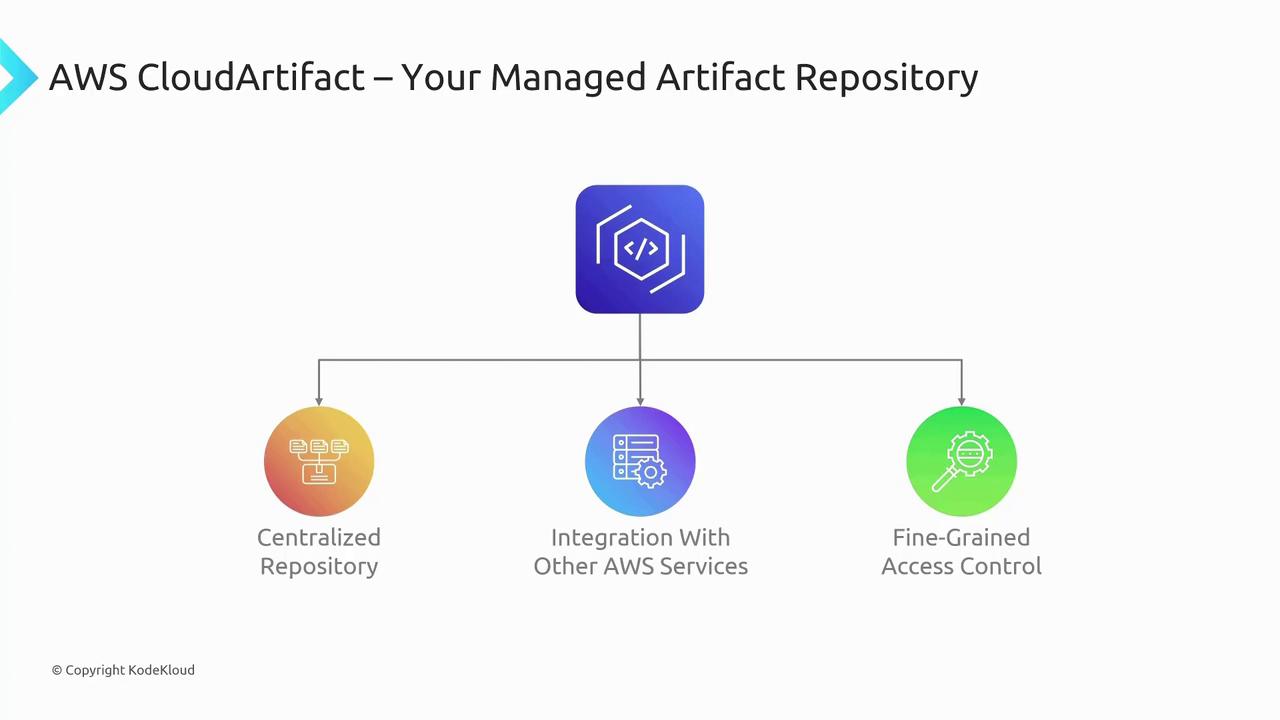
- Seamless integration with build tools such as Jenkins and GitLab
- Compatibility with popular package managers like NPM and PIP
- Fine-grained access control at the package and version level

CodeCommit
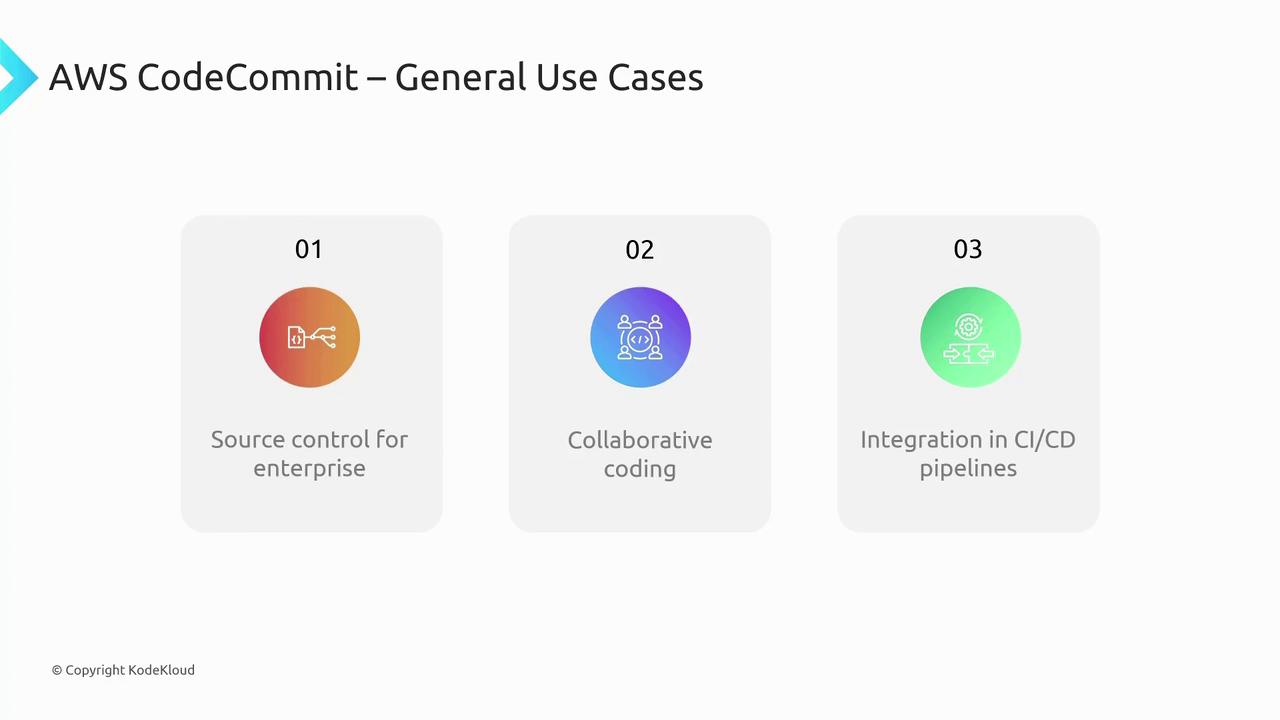
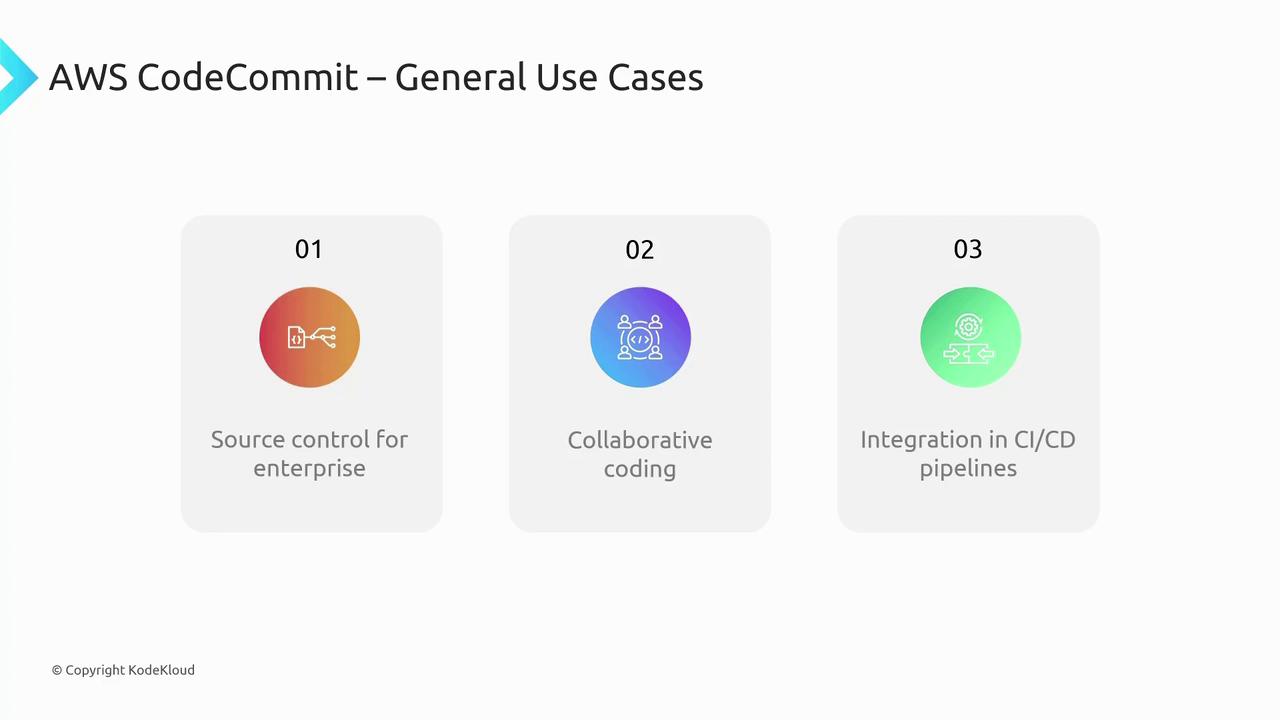
CodeCommit is AWS’s fully managed source control service based on Git. It provides a secure repository for your source code and promotes team collaboration for coding projects.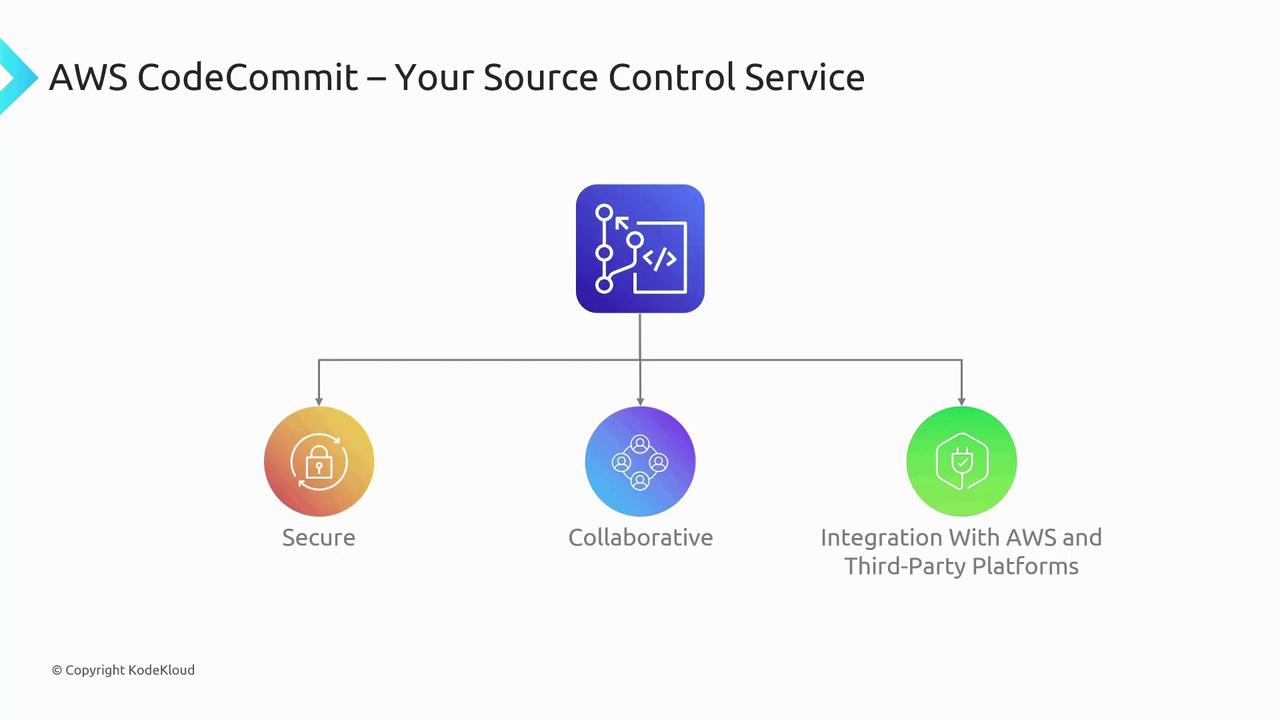
- Enterprise-level source control for intellectual property protection
- Facilitating collaborative coding practices
- Integration with CI/CD pipelines, supporting tools such as GitHub, GitLab, and Bitbucket
CodeDeploy
CodeDeploy is an automation tool that streamlines the deployment process of your applications from repositories like CodeArtifact to various environments. It supports both AWS and on-premises deployments through agents, offering strategies like blue-green deployments and automated rollbacks to ensure minimal downtime and high reliability.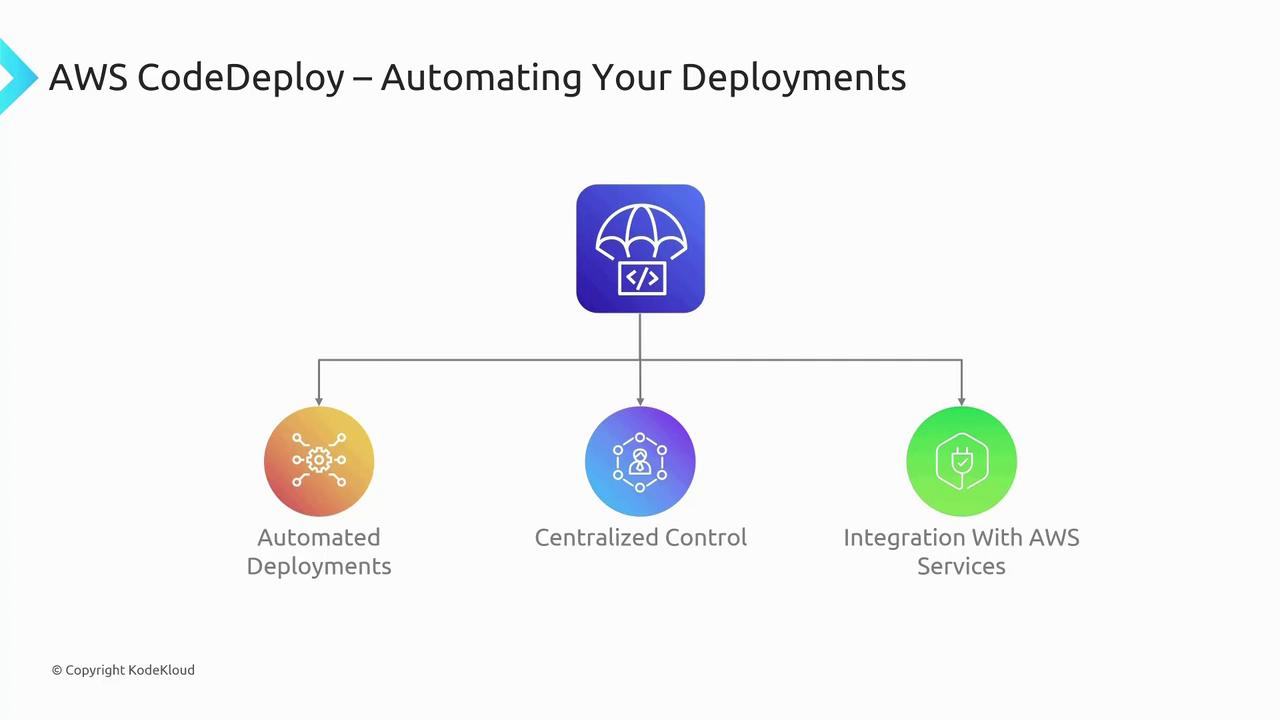
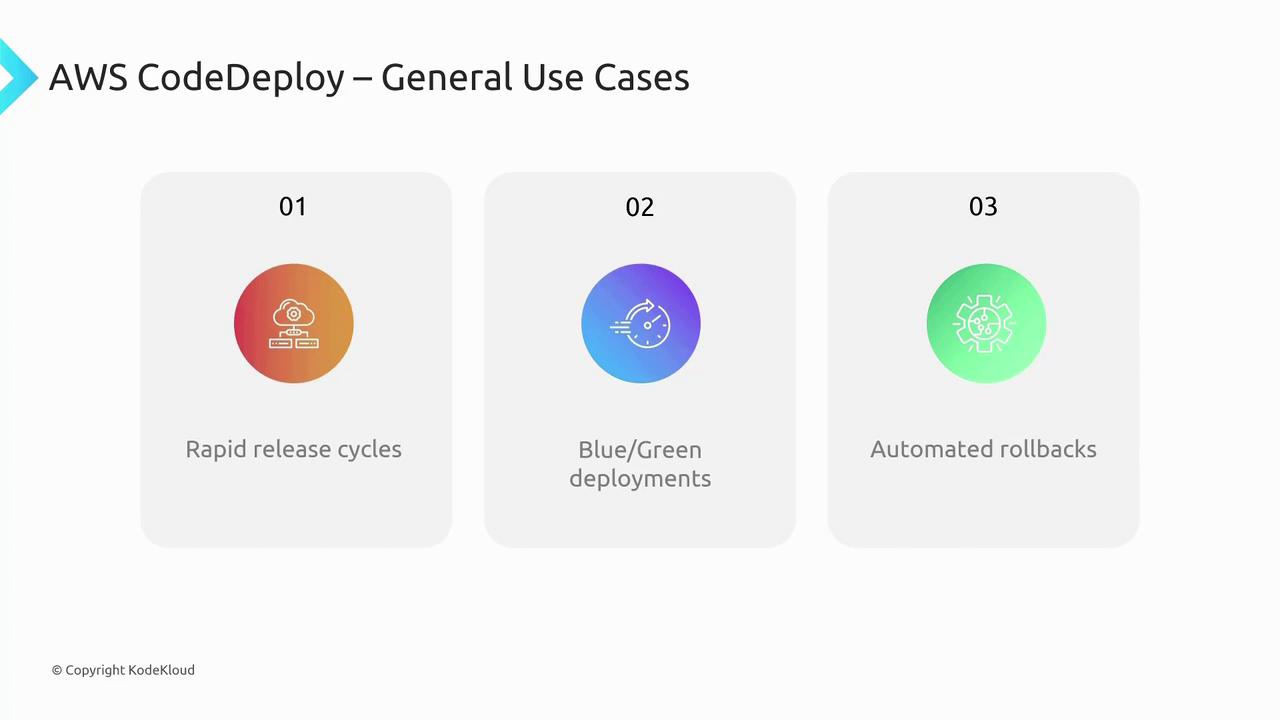
- Rapid release cycles with controlled deployment strategies
- Maintaining application availability through blue-green and batch strategies
- Automated rollbacks to quickly recover from deployment issues
CodePipeline
CodePipeline is the orchestration engine behind AWS’s CI/CD suite. It automates the entire release process—from continuous integration to continuous deployment—by visually representing workflows that integrate CodeArtifact, CodeCommit, CodeDeploy, CodeBuild, and even third-party tools.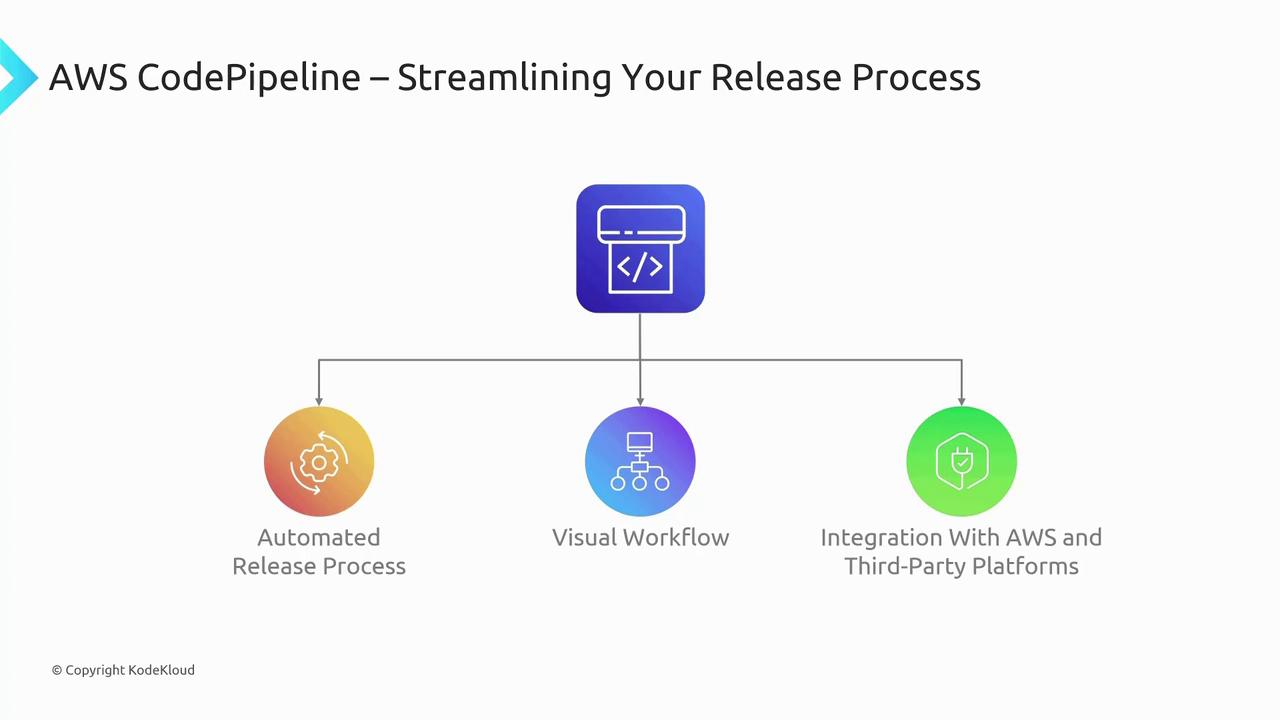
- Continuous integration and delivery of code changes
- Visual verification and management of the entire CI/CD workflow
- Integration with API calls or Jenkins servers to customize your release pipeline
CodeStar
CodeStar once offered a unified interface to quickly set up and manage development projects by integrating services such as CodeCommit, CodeDeploy, and CodePipeline. However, note that as of CLFC02 (September 2023), CodeStar is being retired and is no longer an exam objective. While it historically provided an environment that streamlined project setup and management, its purpose is being phased out in favor of more current AWS services.CodeStar is being retired and should not be considered for new deployments or current certification objectives.
X-Ray
X-Ray is designed for application performance monitoring and debugging. Integrated with CloudWatch, it provides end-to-end tracing of distributed applications, enabling you to generate detailed service maps and identify performance bottlenecks. X-Ray is similar to other distributed tracing tools, such as Jaeger.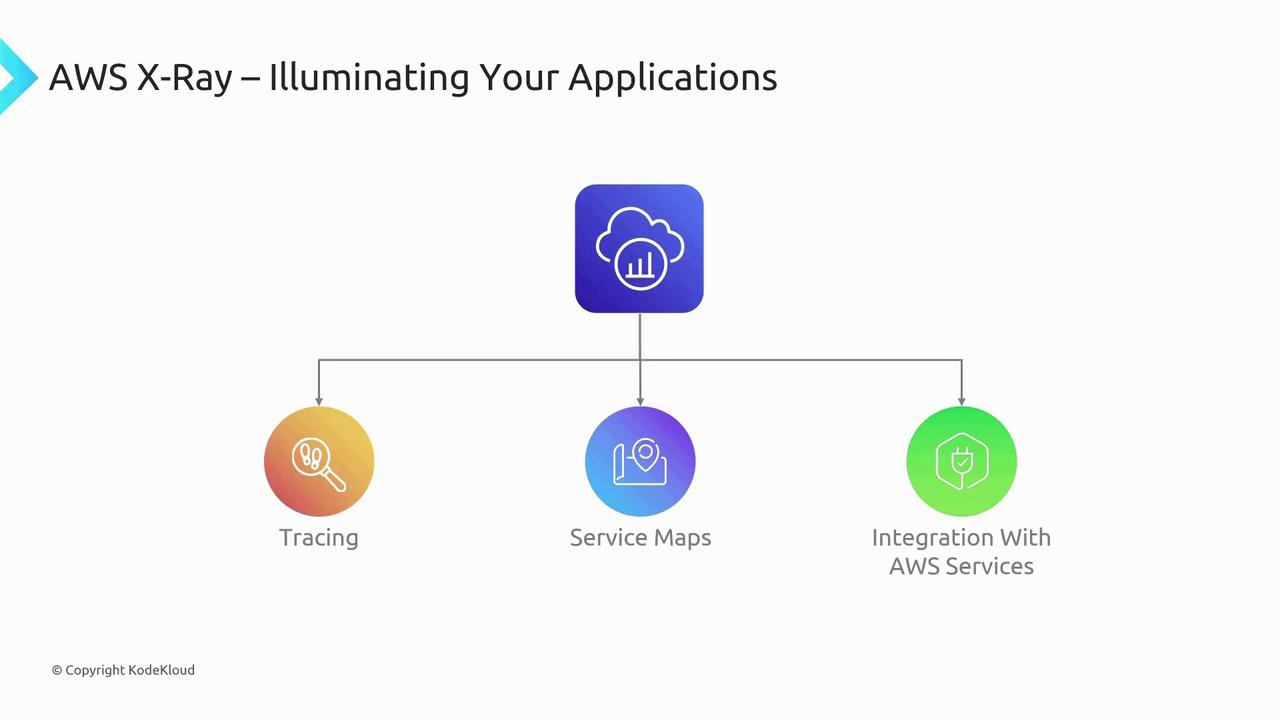
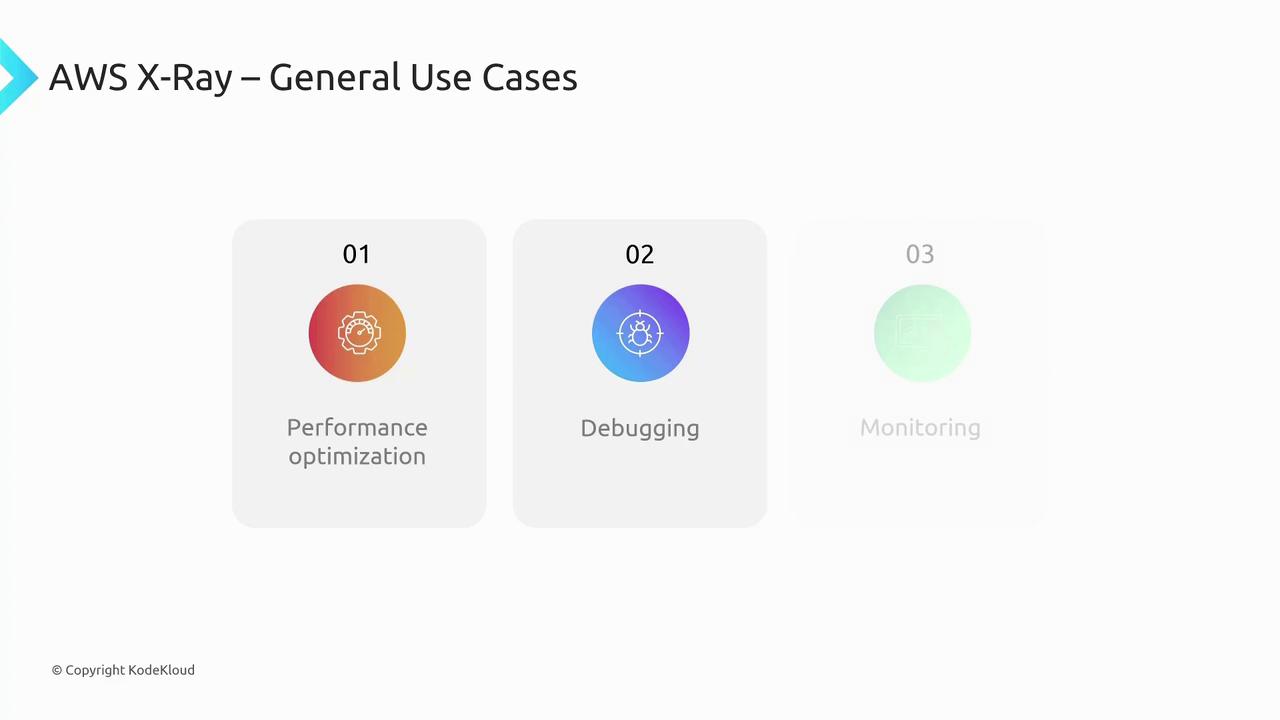
- Diagnosing performance issues in distributed systems
- Debugging errors by tracing application requests across services
- Monitoring application health to ensure optimal performance and SLA compliance
Summary
Below is a quick overview of the 10 AWS developer services discussed:| Service | Key Function | Use Case |
|---|---|---|
| AWS AppConfig | Centralized configuration management | Dynamically deploy configurations across environments |
| AWS Cloud9 | Browser-based IDE with collaborative features | Real-time collaborative coding and serverless development |
| AWS CloudShell | Browser-based CLI with persistent storage | Quick, secure AWS resource management without local CLI |
| AWS CodeArtifact | Managed artifact repository for built binaries | Secure storage and management of libraries and packages |
| AWS CodeCommit | Secure, Git-based source control repository | Enterprise-level source control and CI/CD integration |
| AWS CodeDeploy | Automated application deployment | Blue-green deployments and automated rollbacks |
| AWS CodePipeline | CI/CD workflow orchestrator | Streamlined, automated software release processes |
| AWS CodeStar | (Retired) Unified project management interface | Historical context for project setup best practices |
| AWS X-Ray | Application performance monitoring and debugging | Distributed tracing and performance diagnostics |
Thank you for reading this article. We hope this detailed explanation clarifies how each AWS developer tool integrates into your workflow and highlights its benefits. Explore more topics and continue enhancing your cloud development skills with our future lessons.