

Virtualization and Isolation with VPC
AWS EC2 harnesses the power of virtualization, enabling multiple EC2 instances to run on a single physical server. This technology maximizes resource efficiency while the Virtual Private Cloud (VPC) feature logically isolates each customer’s resources. Even when diverse customers share the same physical hardware, VPC ensures that each environment remains secure and independent.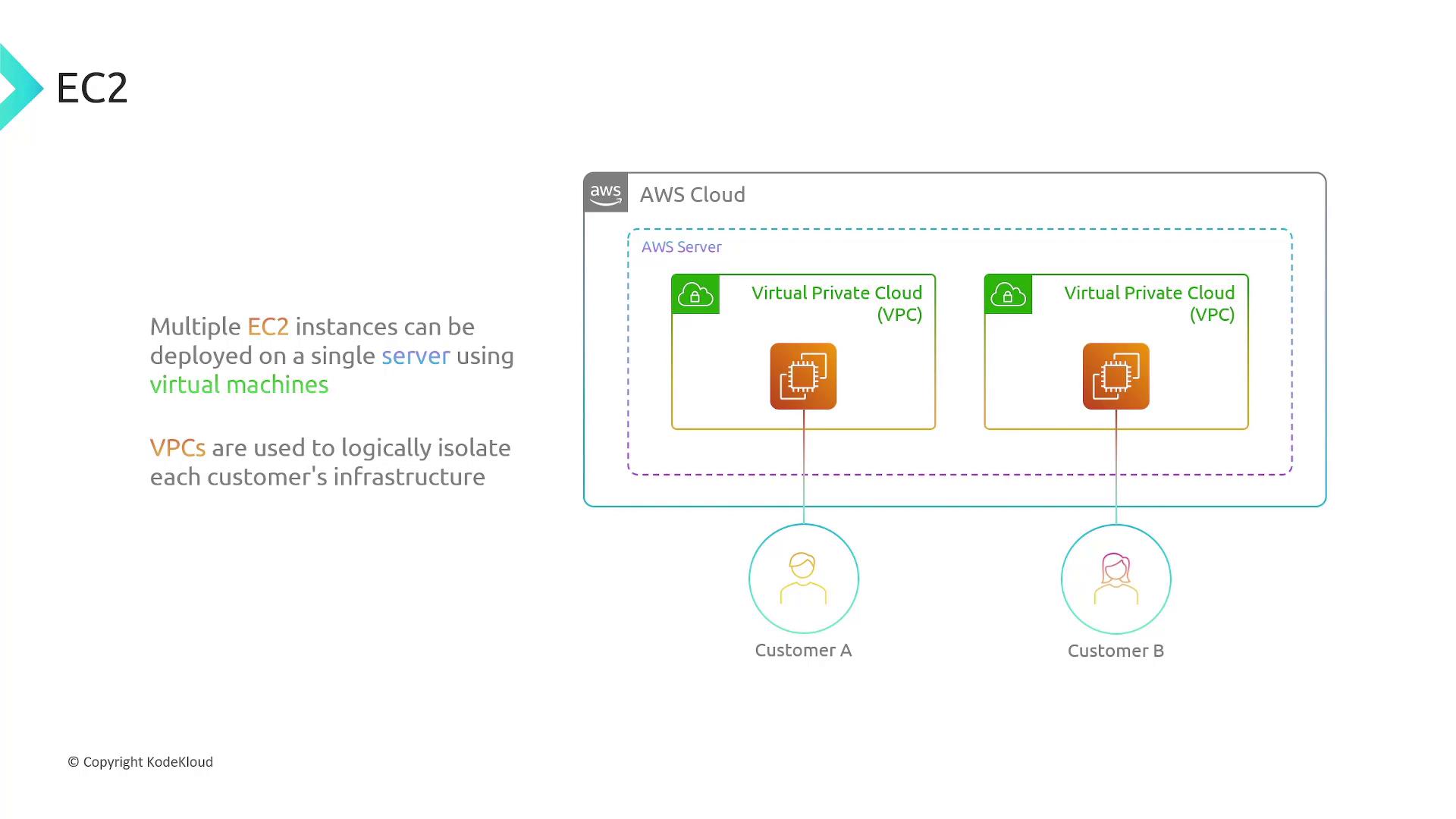
EC2’s virtualization allows hundreds or thousands of virtual servers to run securely on shared physical hardware.
Amazon Machine Images (AMIs)
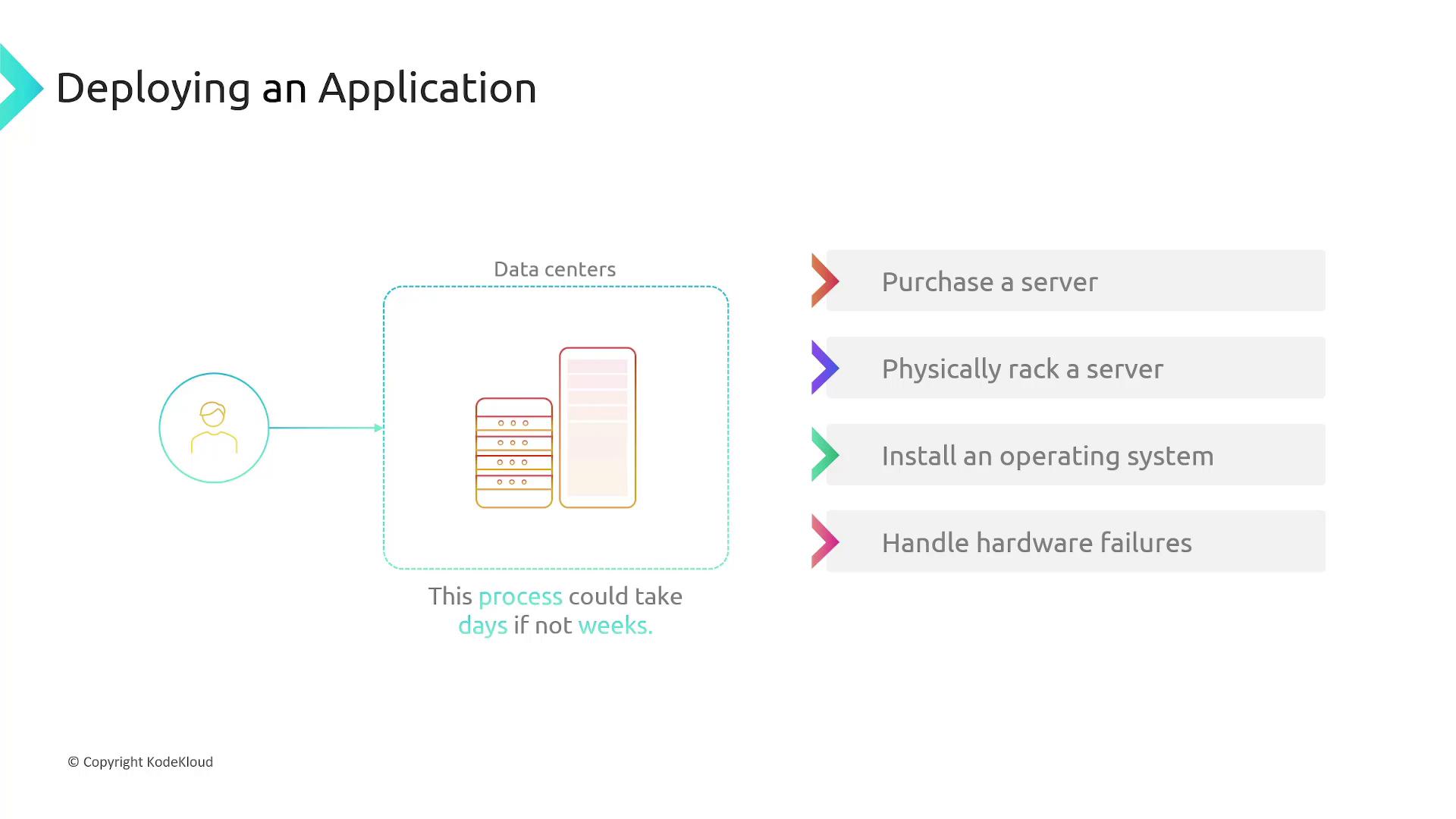
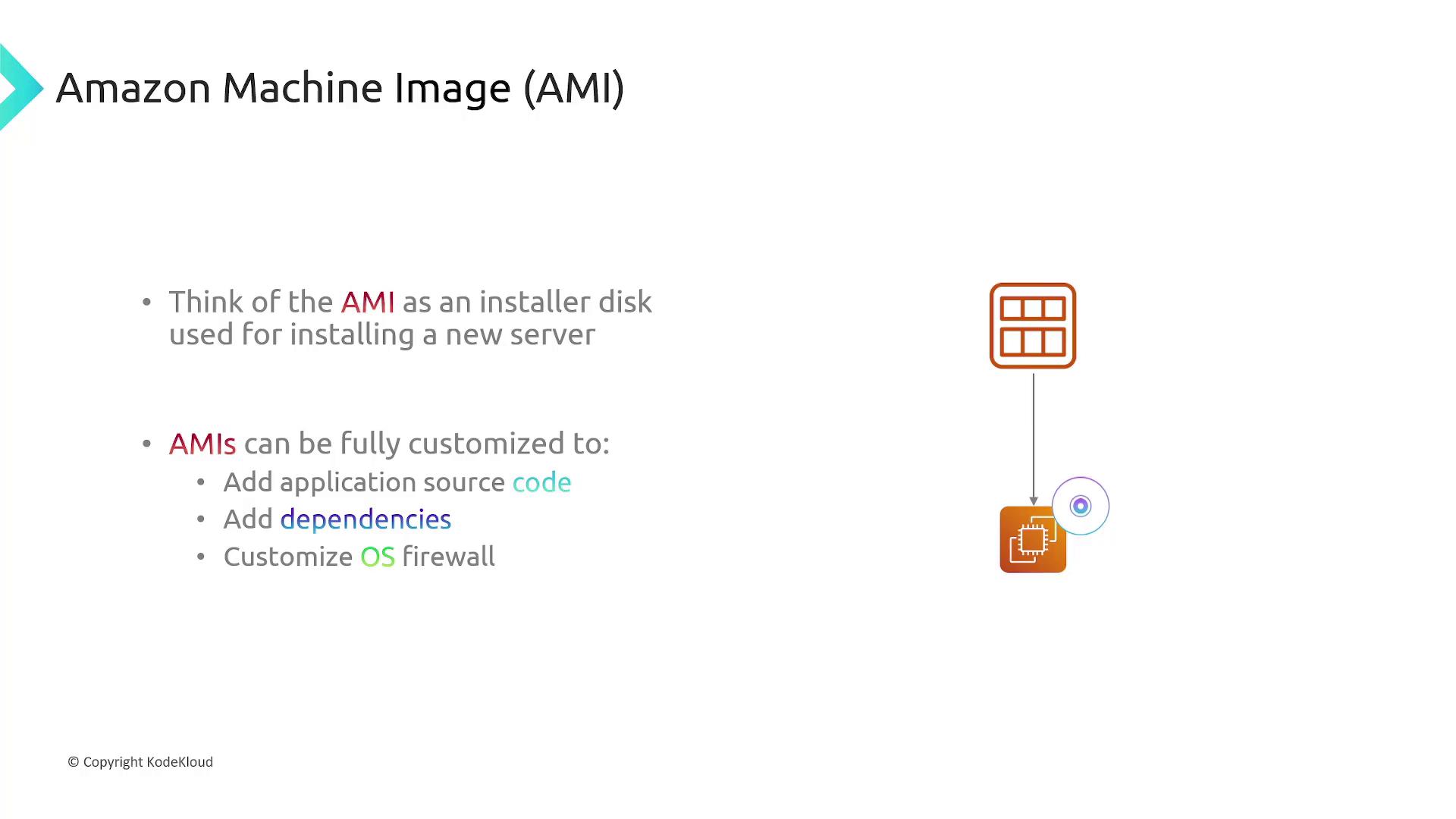
In traditional setups, installing an operating system involved physical media like disks or USB drives. In the cloud, AWS uses Amazon Machine Images (AMIs) as blueprints for launching EC2 instances. Each AMI contains all the elements needed to configure a server—including the operating system, software packages, and configuration settings. Selecting an AMI is much like choosing an installation disk. You can deploy multiple identical instances from a single AMI and even customize it to include your application code, dependencies, or firewall rules. This approach dramatically speeds up deployment and ensures consistency across your infrastructure.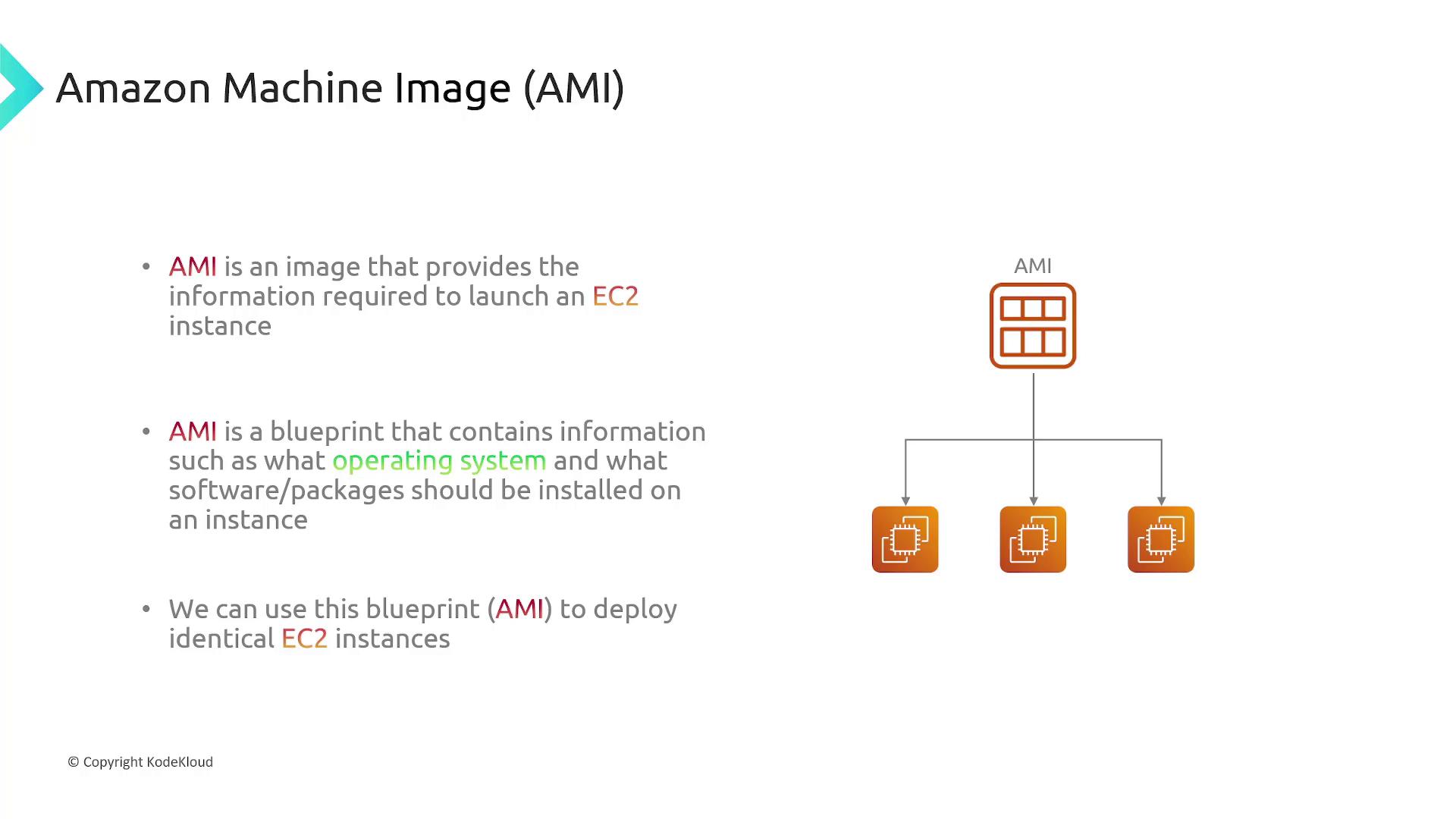
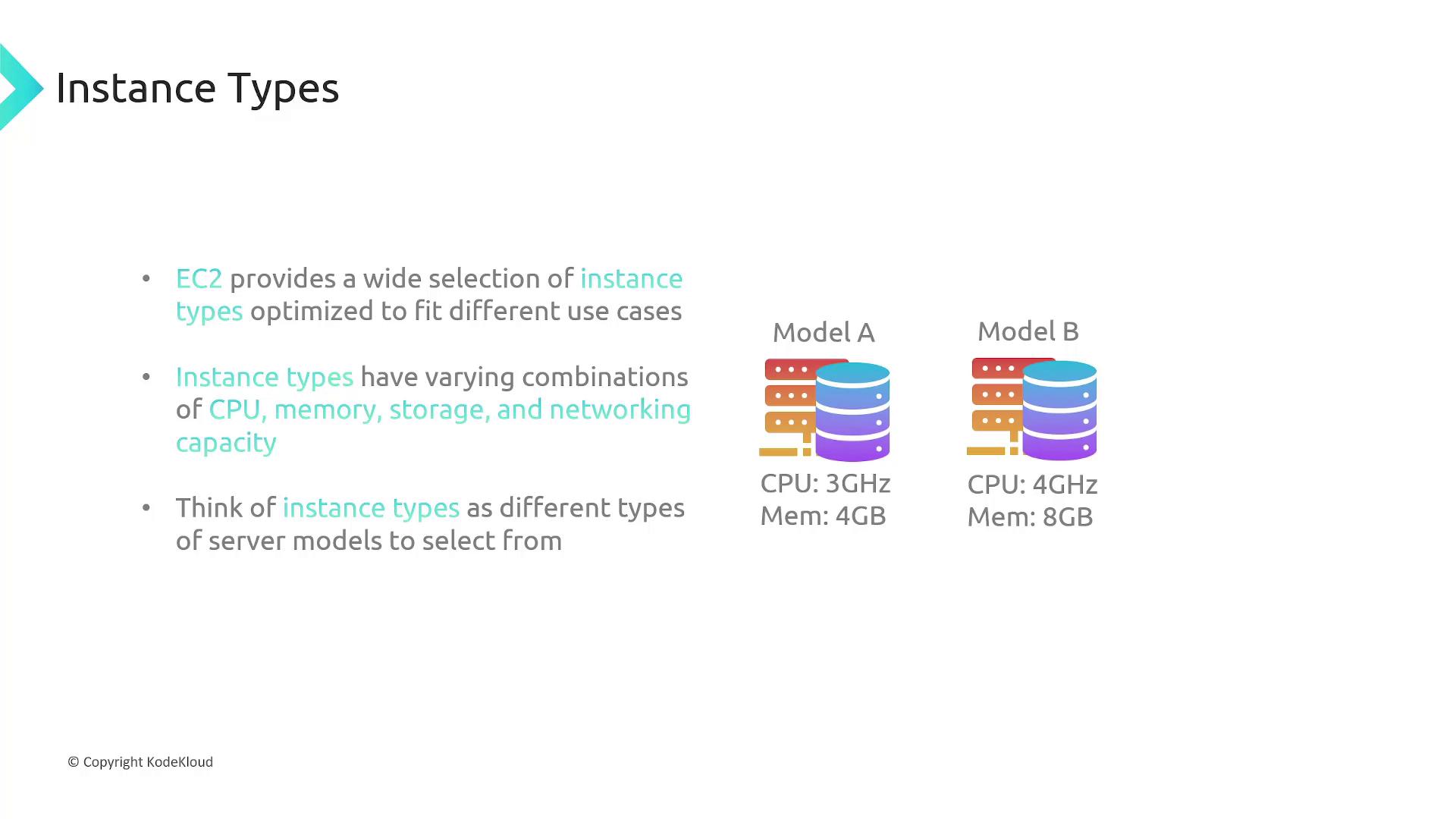
EC2 Instance Types
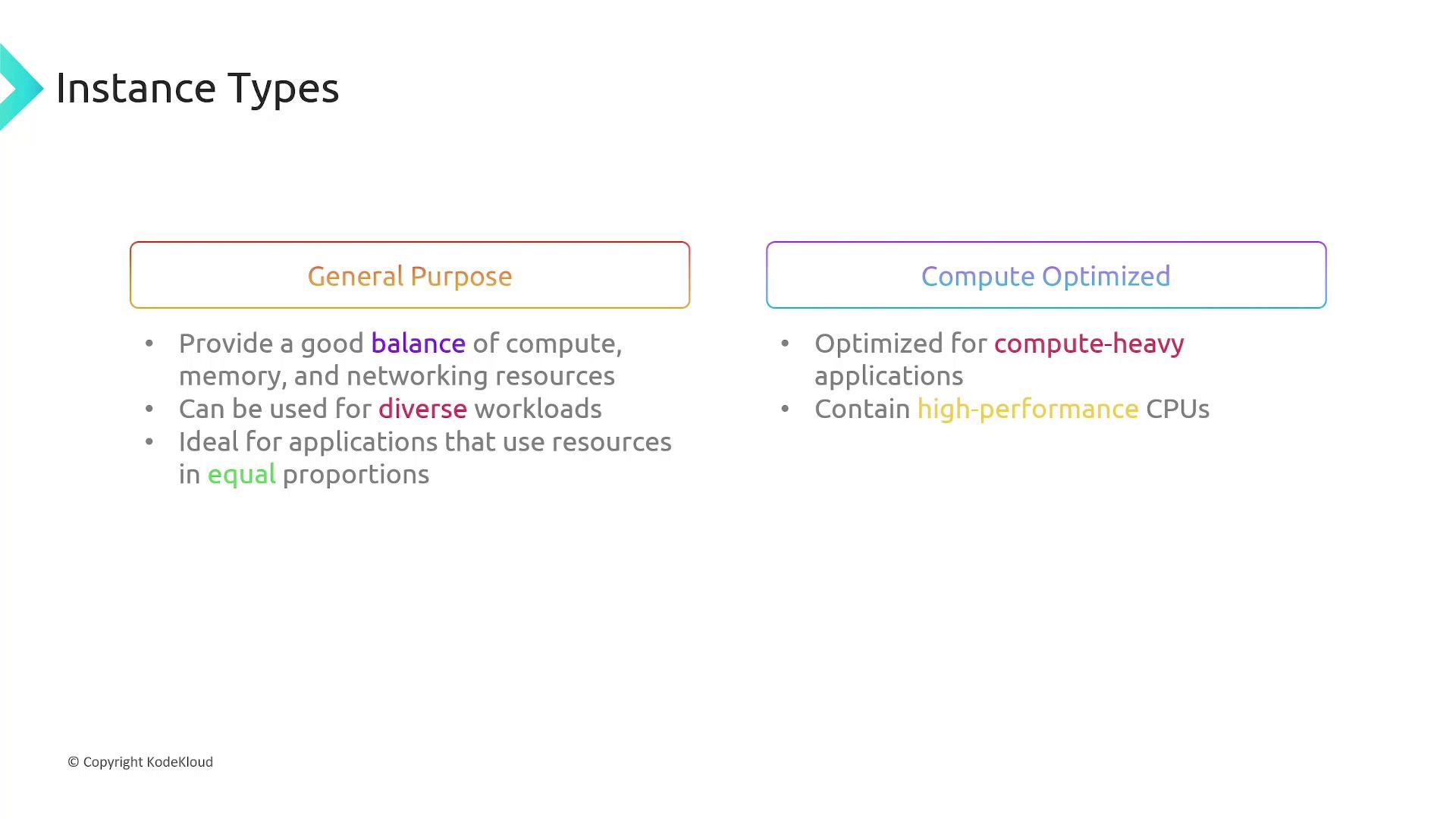
AWS offers a wide range of EC2 instance types, each optimized for distinct application needs. Below is an overview of the primary instance categories:- General Purpose: Offers a balanced mix of CPU, memory, and networking resources for a variety of workloads.
- Compute Optimized: Ideal for compute-intensive tasks, such as data crunching, media transcoding, and machine learning.
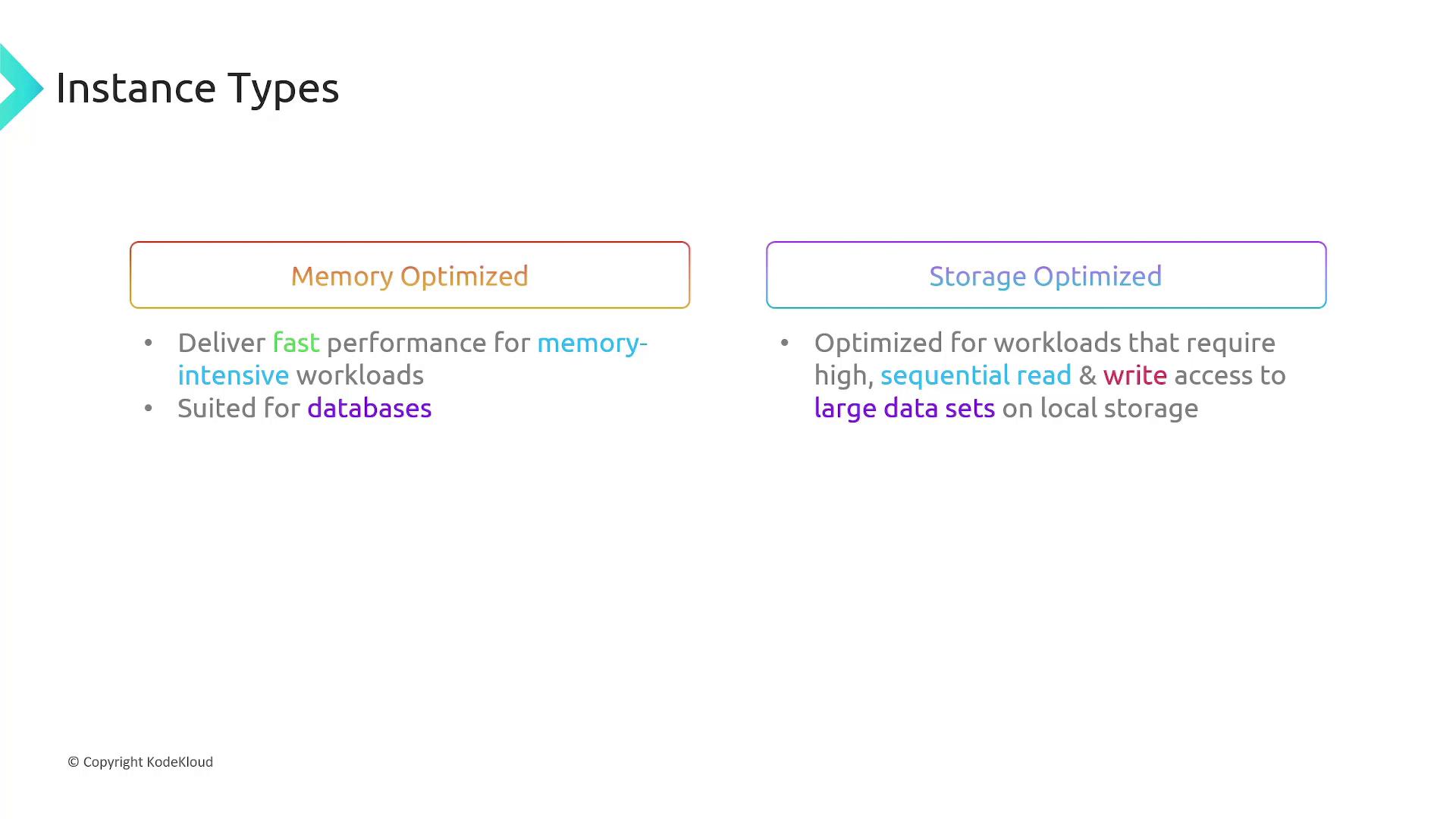
- Memory Optimized: Tailored for memory-demanding applications, such as high-performance databases.
- Storage Optimized: Best for workloads that require high-speed, sequential read/write operations on large datasets.
- Accelerated Computing: Uses specialized hardware, like GPUs, to accelerate complex computations and graphics processing.
Choose an instance type that aligns with your workload’s core resource needs—whether it’s processing power, memory capacity, storage throughput, or hardware acceleration.
Pricing Options for EC2 Instances
AWS offers multiple pricing models for EC2 to help you optimize costs based on your usage requirements.On-Demand Pricing
On-demand pricing charges you by the hour for the compute capacity used. This flexible model requires no upfront payment or long-term commitment, making it ideal for short-term, unpredictable workloads. However, note that while compute costs stop when you shut down instances, attached storage continues to incur charges.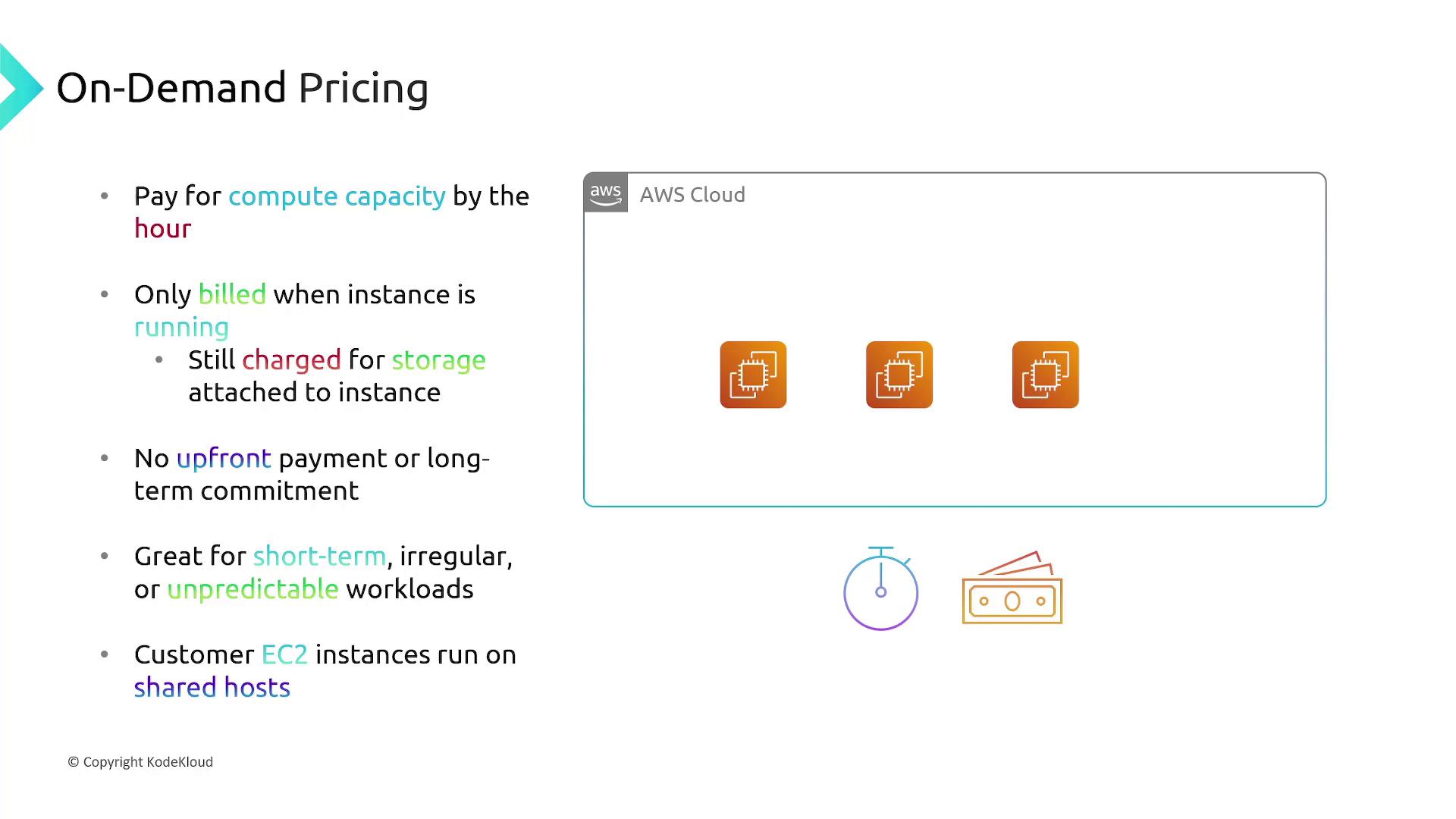
Spot Pricing
Spot Pricing lets you take advantage of AWS’s spare compute capacity at a reduced cost. Although spot instances are subject to interruptions if AWS reclaims the capacity, they are an excellent option for flexible, fault-tolerant, or batch processing workloads.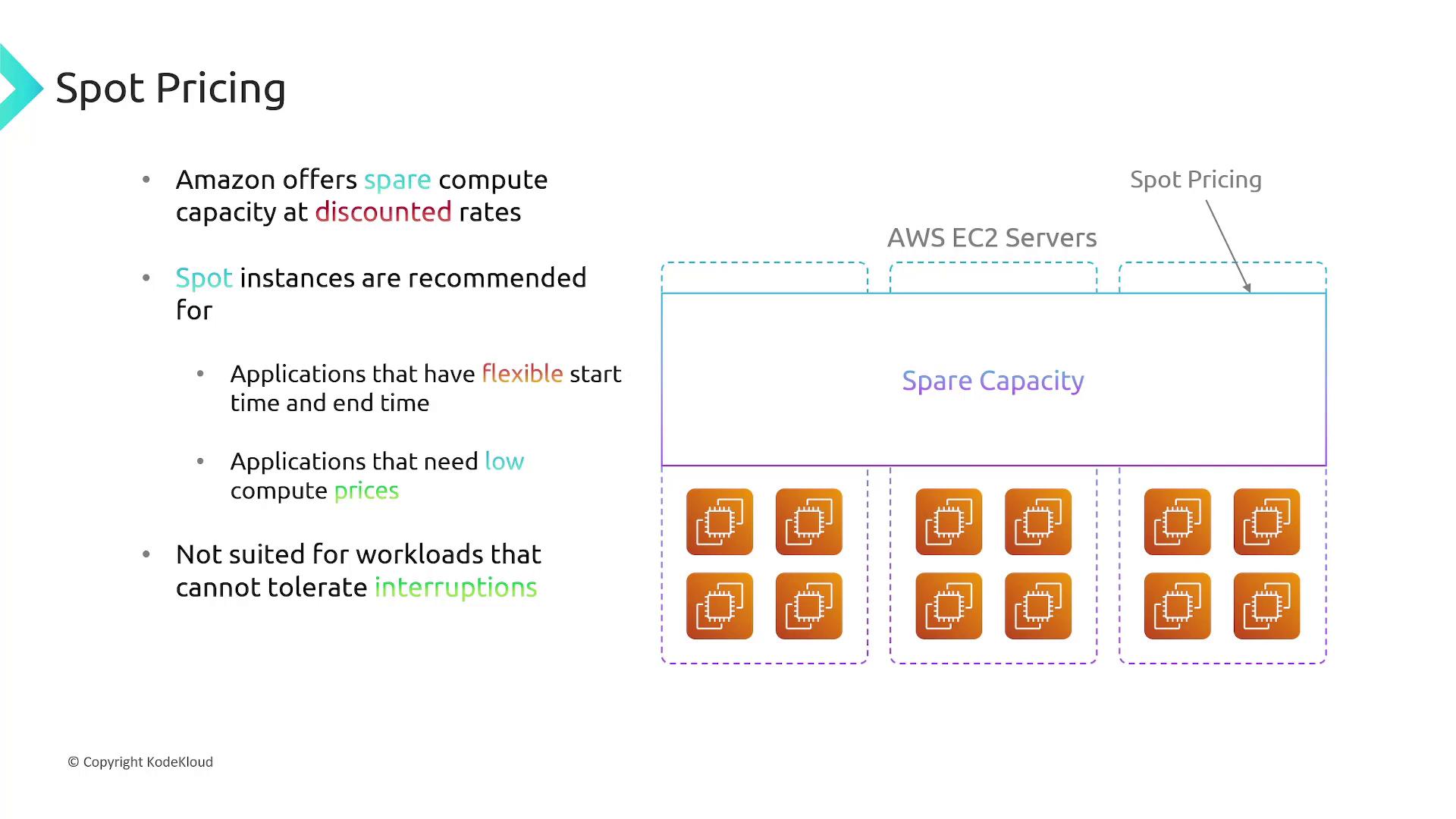
Reserved Pricing
Reserved Pricing allows you to commit to using EC2 over a one- or three-year term, resulting in discounts compared to on-demand pricing. Instead of purchasing individual instances, you reserve capacity that applies to instances matching the specified attributes (such as instance type, region, and operating system). For example, reserving an M3 large instance in US East 1 (Linux) will apply the discounted rate to any on-demand instance of that type launched within the same parameters.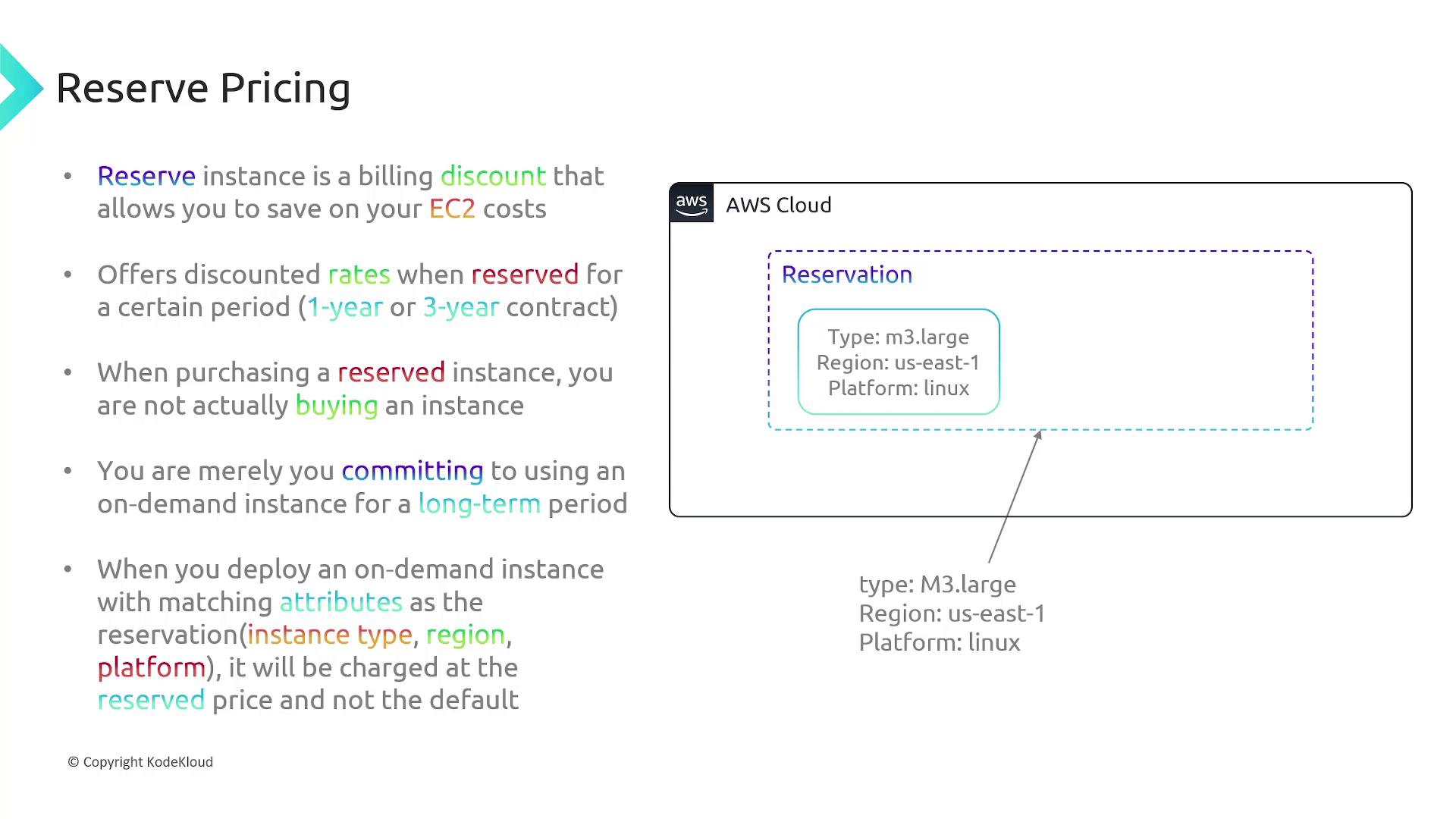
When choosing a pricing model, consider your workload patterns. For consistent, predictable usage, Reserved Pricing can provide significant savings, whereas On-Demand and Spot Pricing are better for sporadic or flexible workloads.