Block Storage
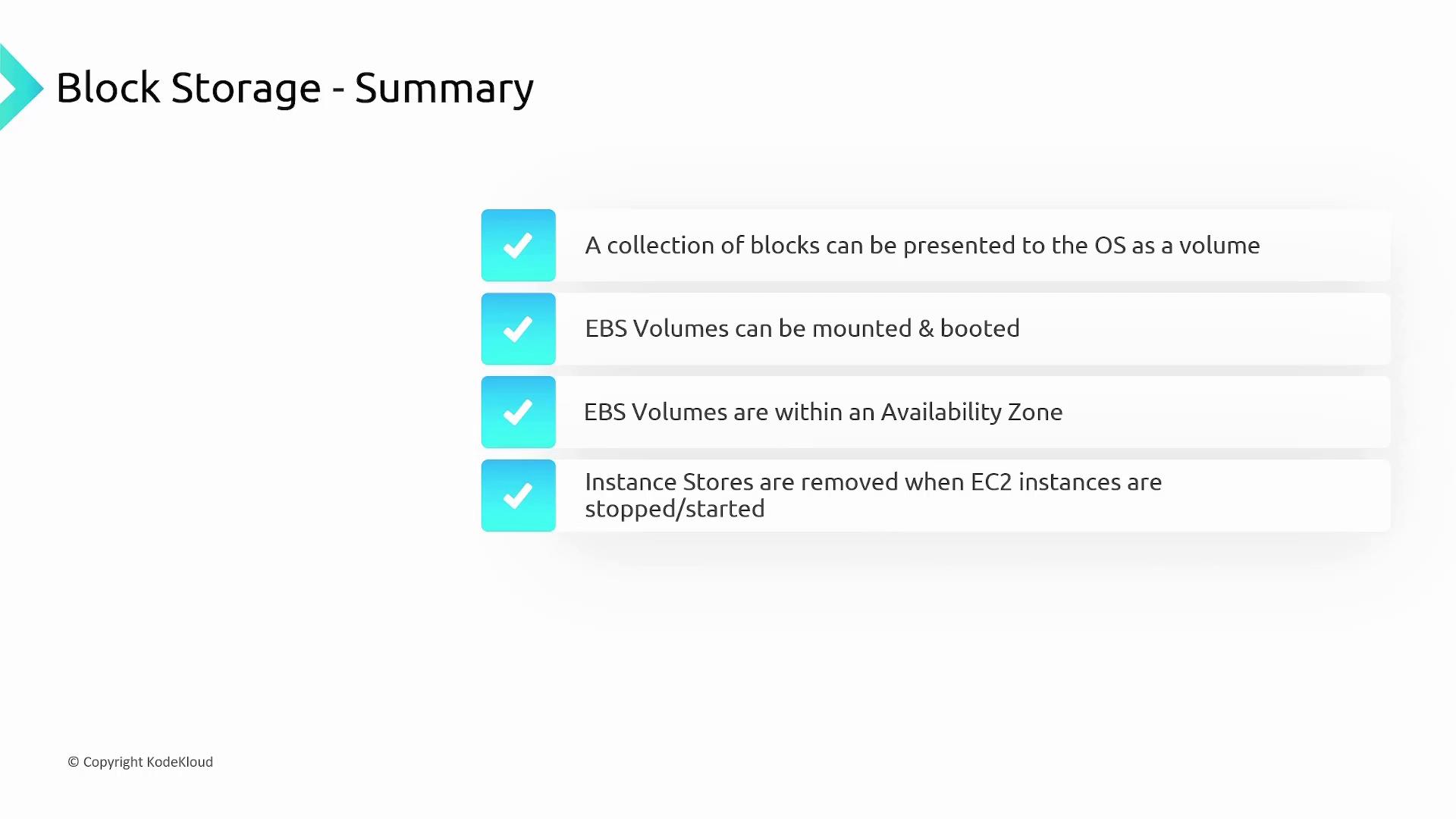
AWS delivers block storage through its Elastic Block Store (EBS). This service divides your data into individual blocks, each with a unique identifier. These blocks are then aggregated and presented as a volume to your operating system, allowing you to create file systems or even install an operating system. This bootable capability sets block storage apart from file and object storage.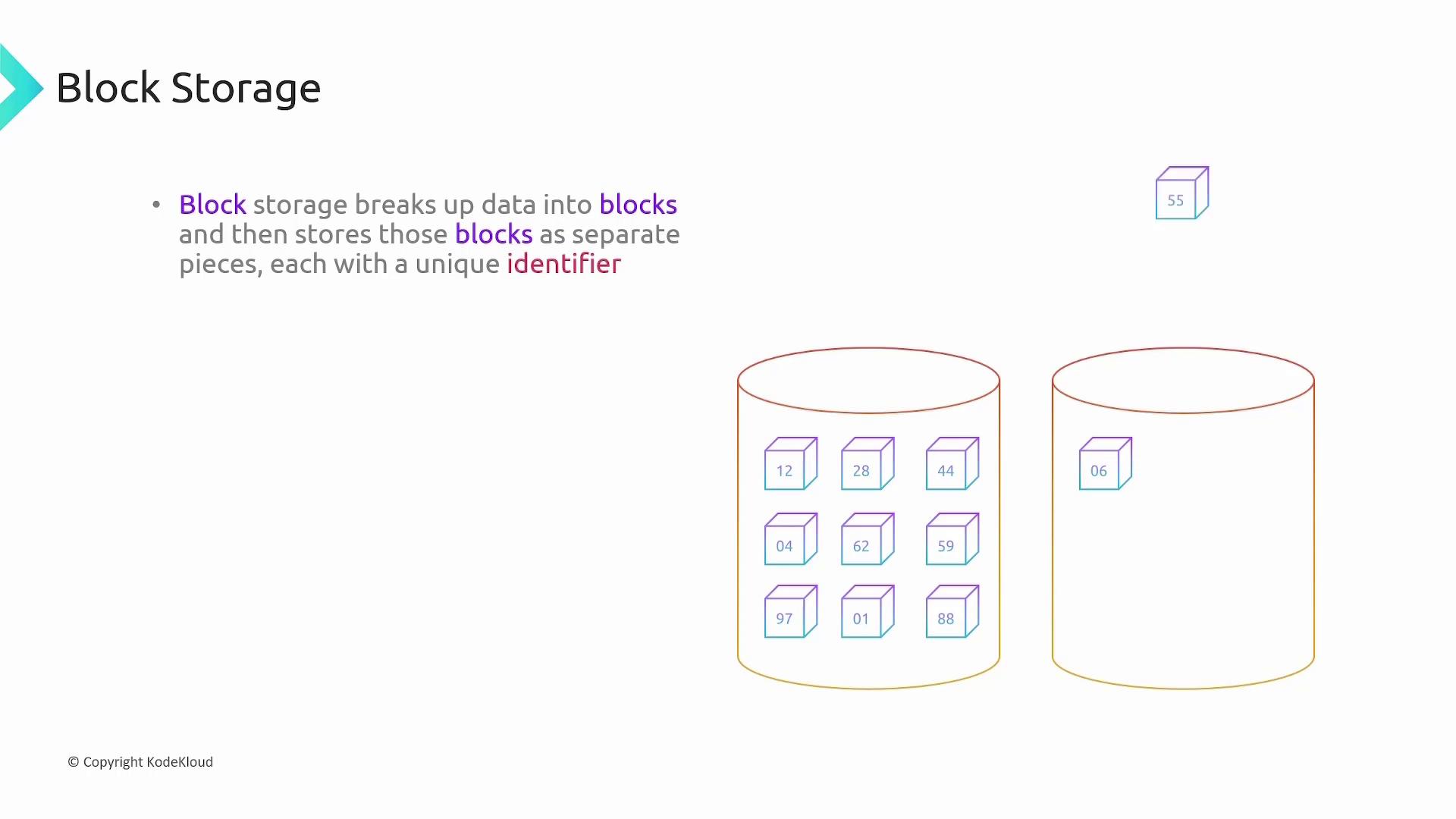
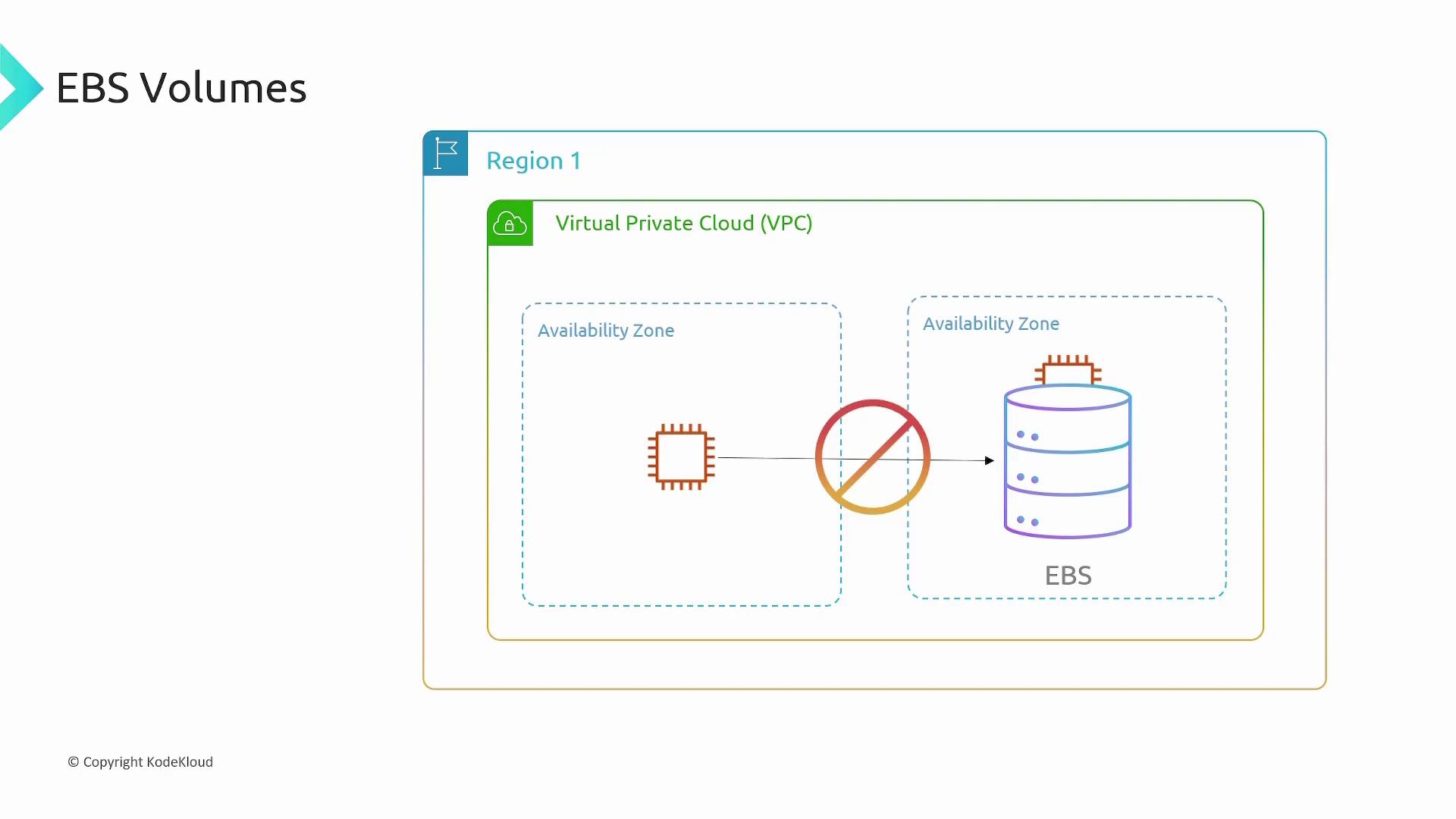
EBS volumes must be located in the same availability zone as the EC2 instance to which they are attached. EC2 instances in different availability zones cannot connect to a given EBS volume.
File Storage
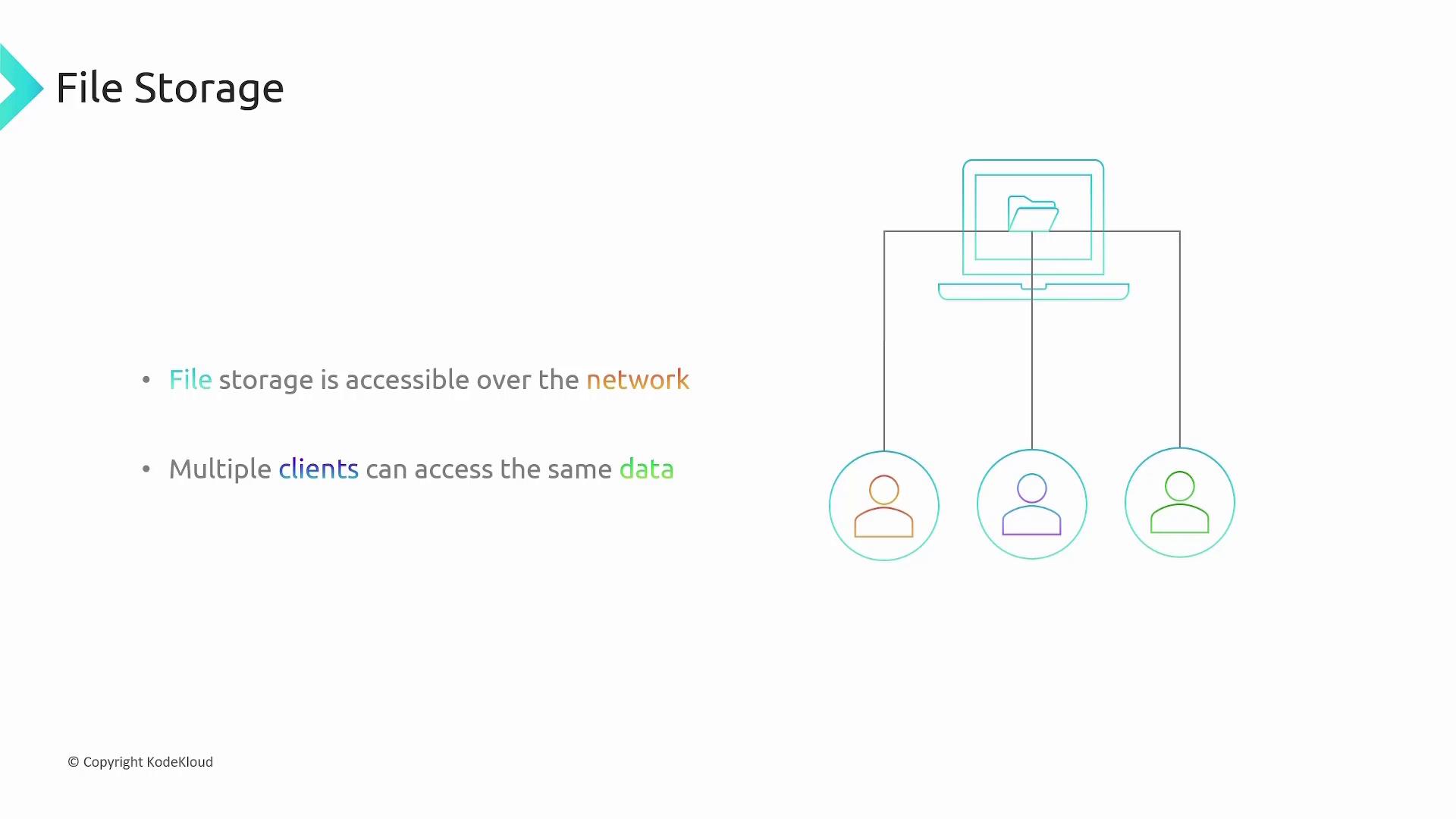
AWS offers file storage through the Elastic File System (Amazon EFS). EFS organizes data in a familiar hierarchical structure of files and folders similar to traditional computer file systems. This network-accessible storage can be mounted concurrently on multiple clients but, unlike block storage, it cannot be used to boot an operating system.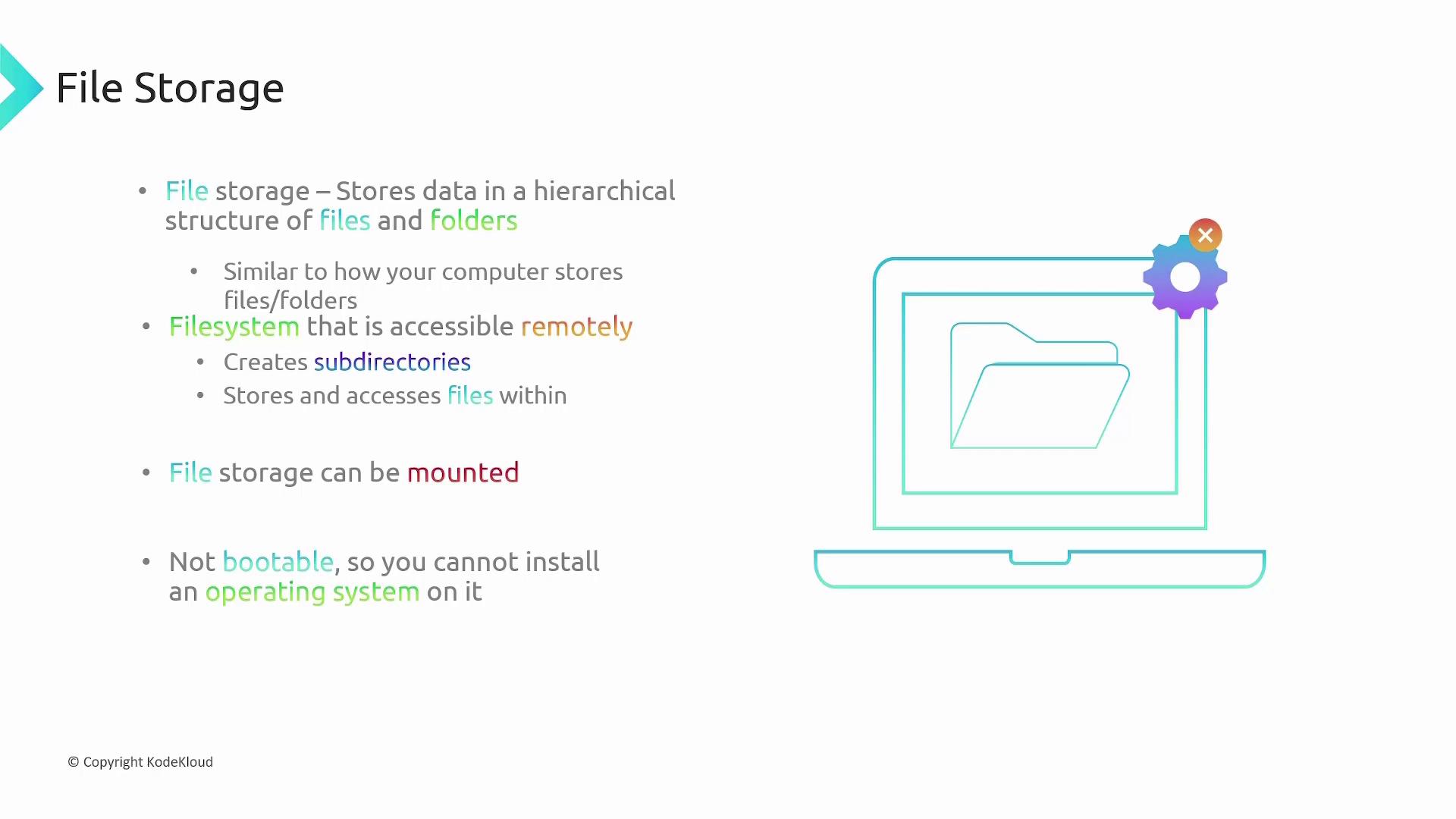
Object Storage
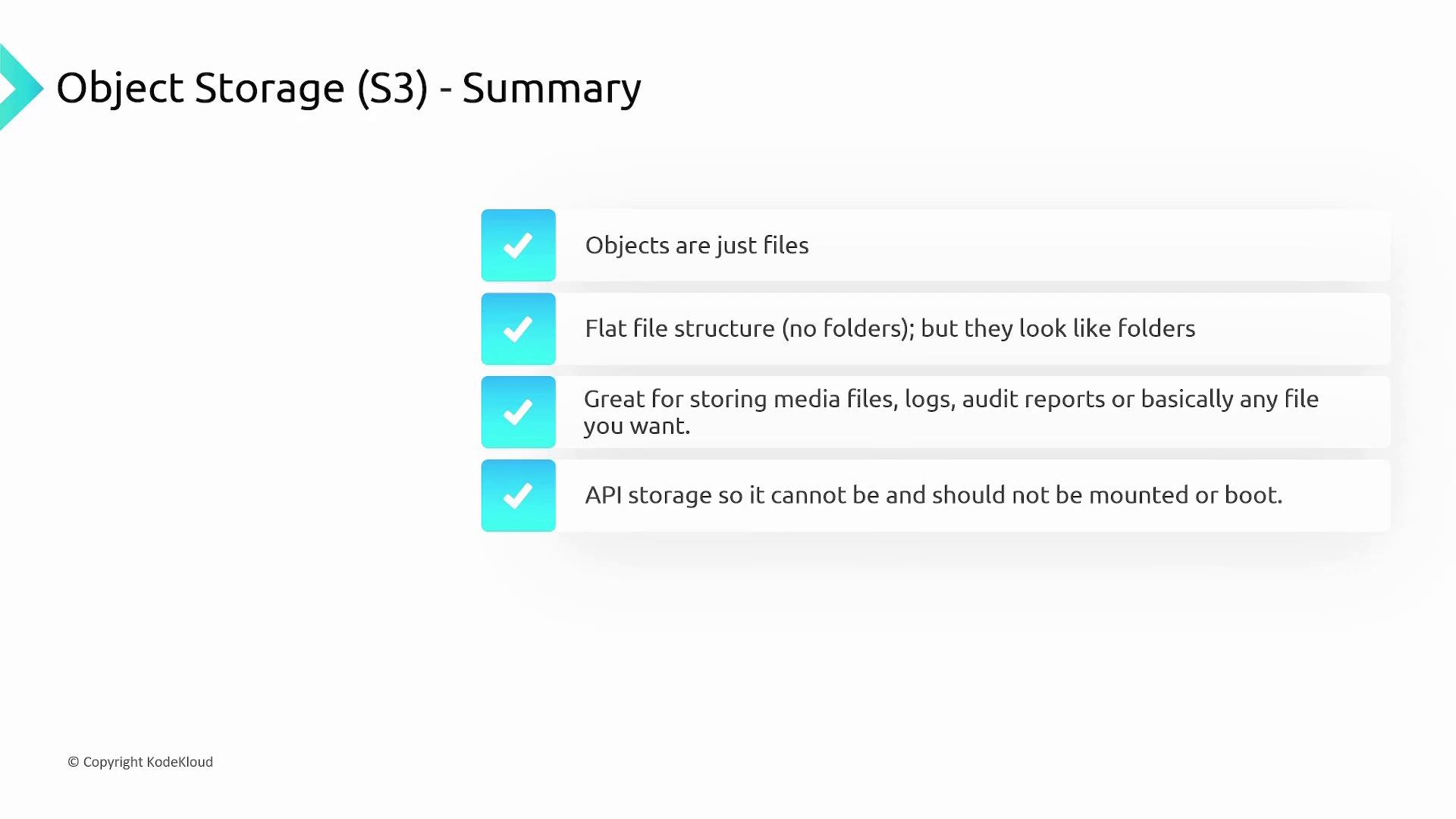
Object storage treats data as objects (files) rather than blocks or files in a directory structure. AWS’s Simple Storage Service (S3) is the primary object storage solution. Although S3 can display a folder-like interface for easier navigation, its underlying storage model is a flat file system.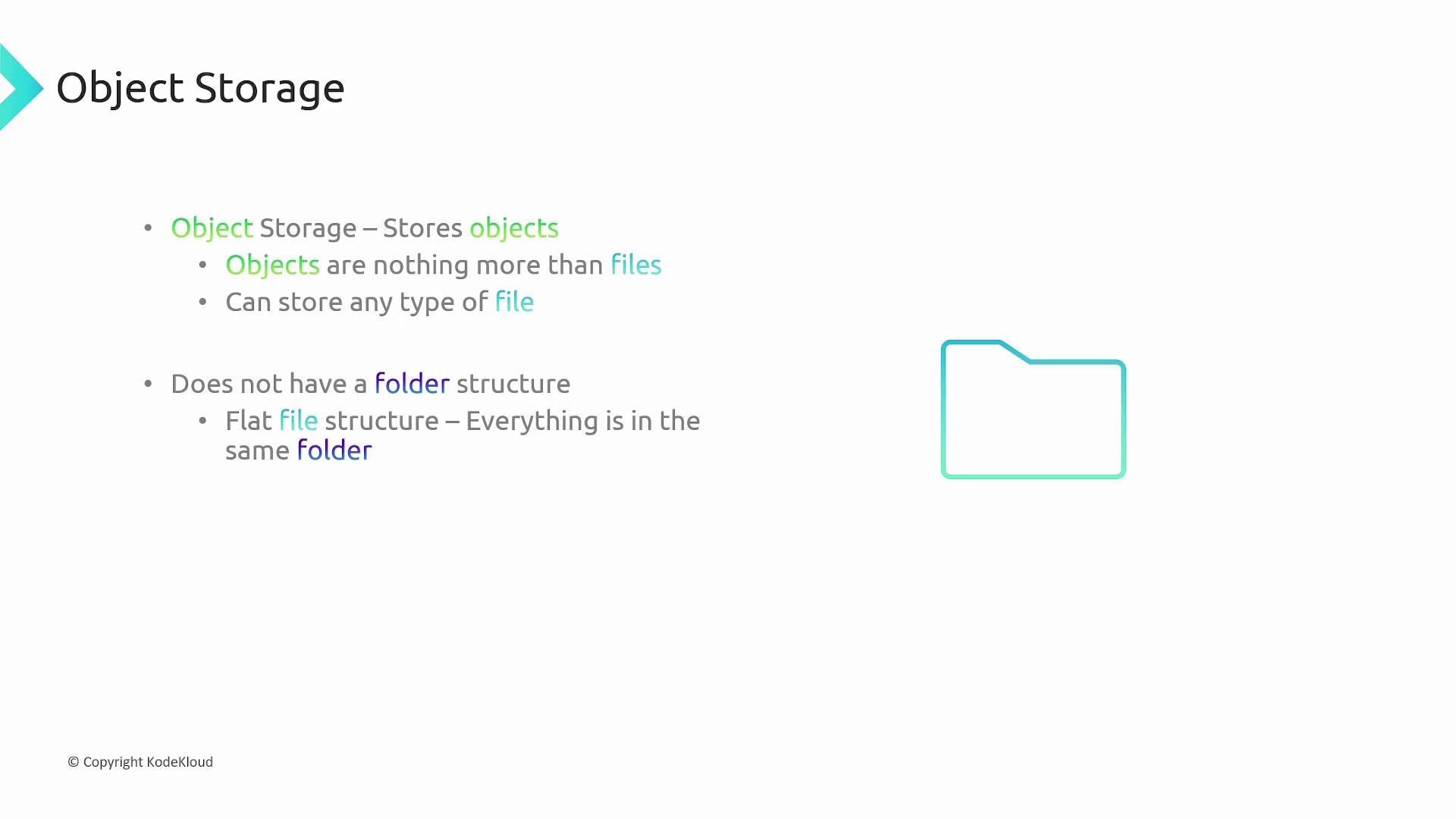
AWS S3 Storage Classes
AWS S3 provides a range of storage classes to match various data access patterns and pricing models. Below is an overview of each storage class:S3 Standard
S3 Standard is the default storage class and replicates data across multiple availability zones, ensuring high durability (up to 11 nines) and immediate data availability. The pricing is based on the amount of data stored per month and outbound data transfer.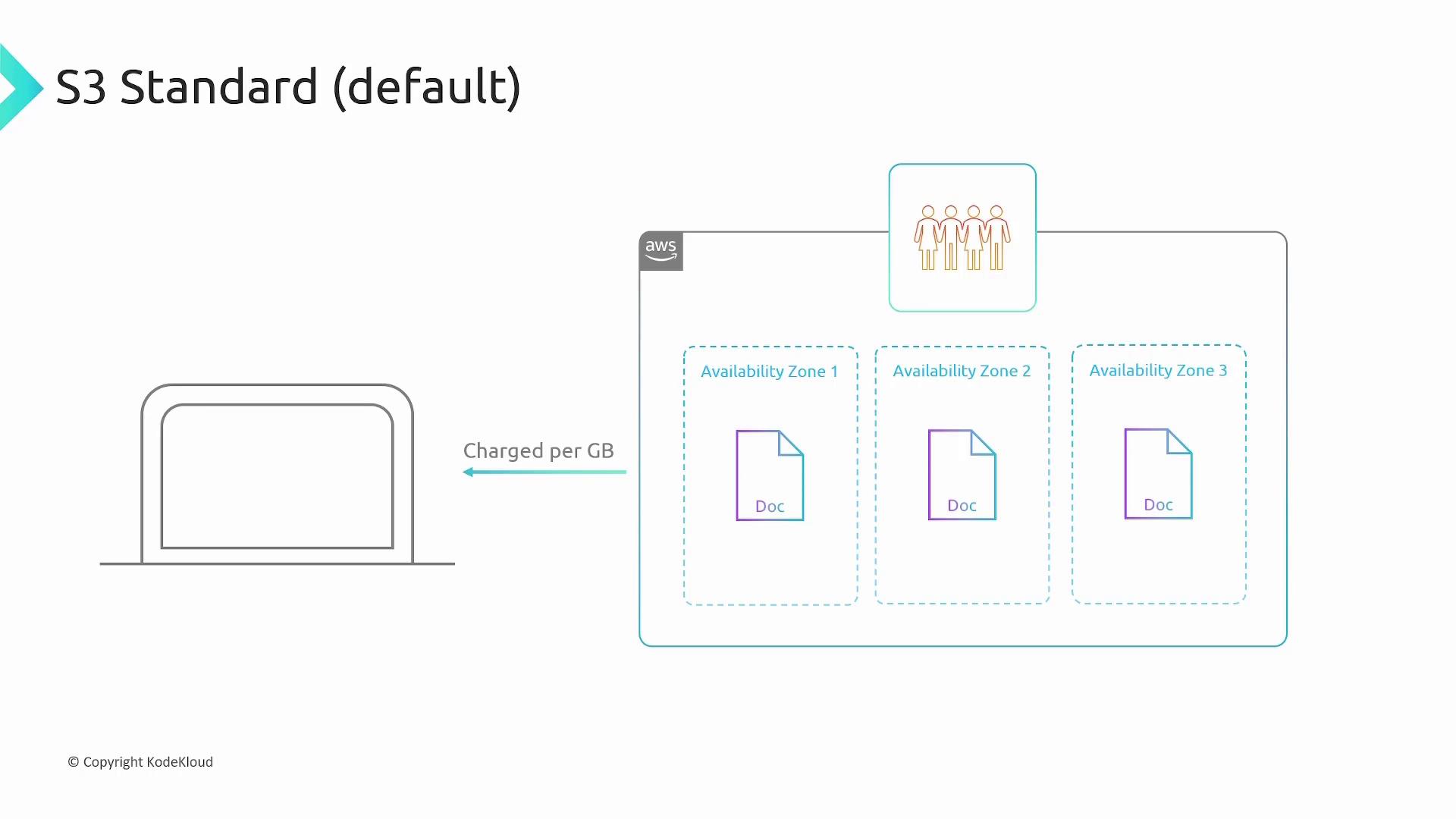
S3 Standard-Infrequent Access (S3 Standard-IA)
For data that does not require frequent access, S3 Standard-IA provides the same durability and availability as S3 Standard but at a lower storage cost. Expect egress and retrieval fees, with a minimum storage period of 90 days and a minimum object size charge of 128 kilobytes.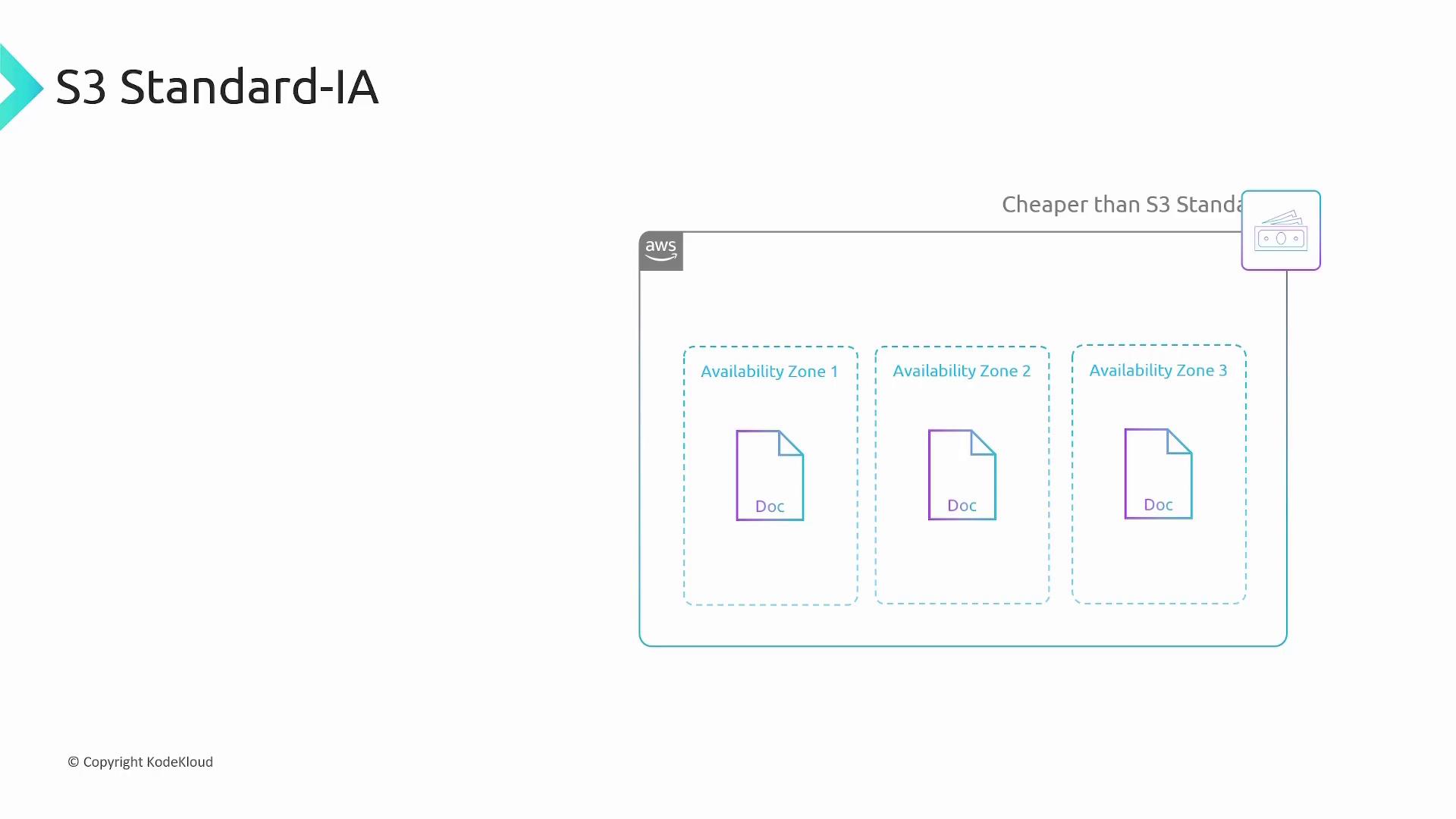
S3 One Zone-Infrequent Access (S3 One Zone-IA)
S3 One Zone-IA reduces costs by storing data in a single availability zone. While this option lowers replication costs, it also offers reduced resilience against availability zone failures. The class includes similar egress and retrieval fees as Standard-IA.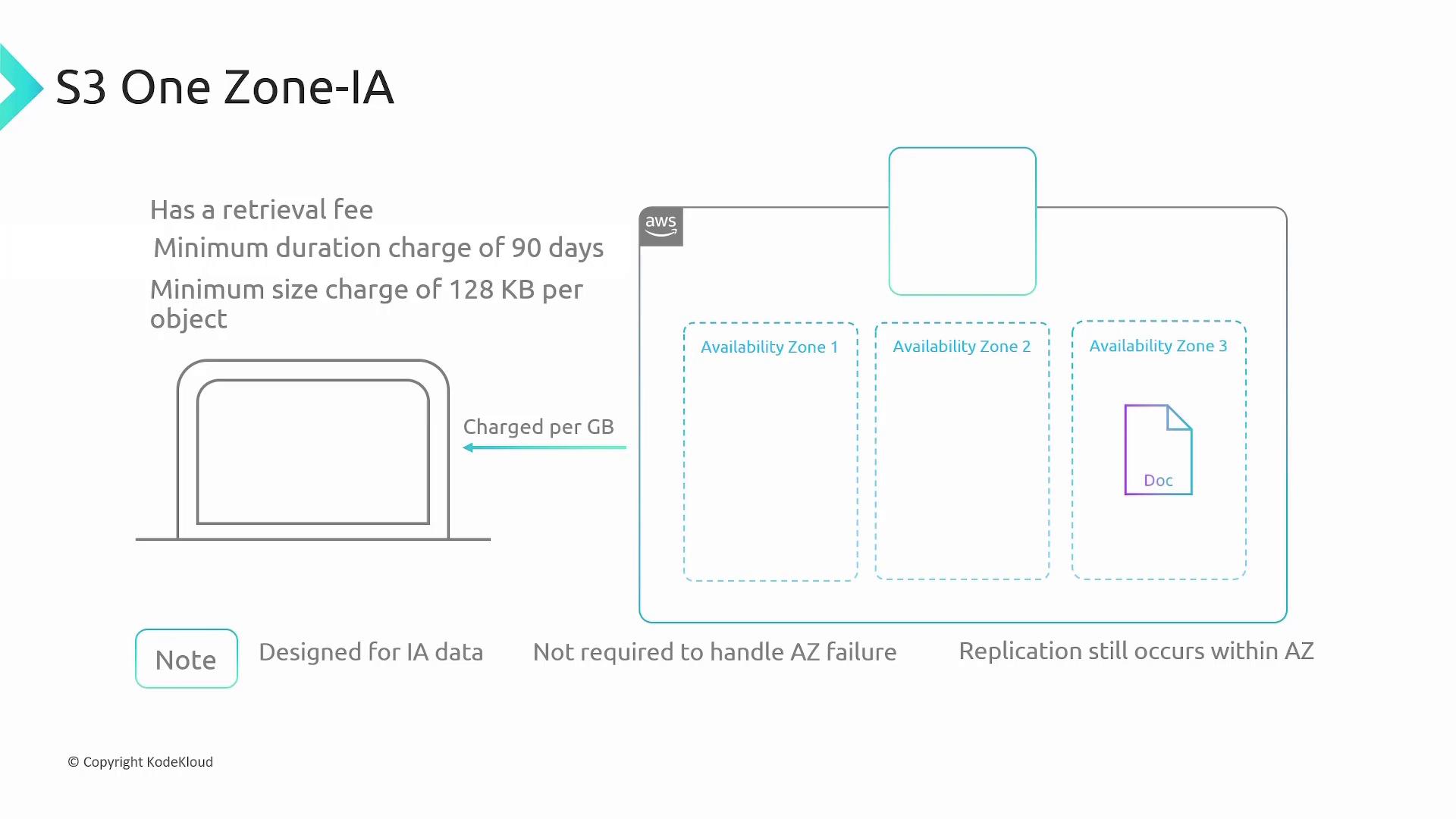
S3 Glacier Instant
S3 Glacier Instant is designed for low-cost storage of rarely accessed data while ensuring immediate retrieval. Similar to S3 Standard, it incurs egress and retrieval fees, with a minimum storage duration of 90 days and a minimum object size of 128 kilobytes.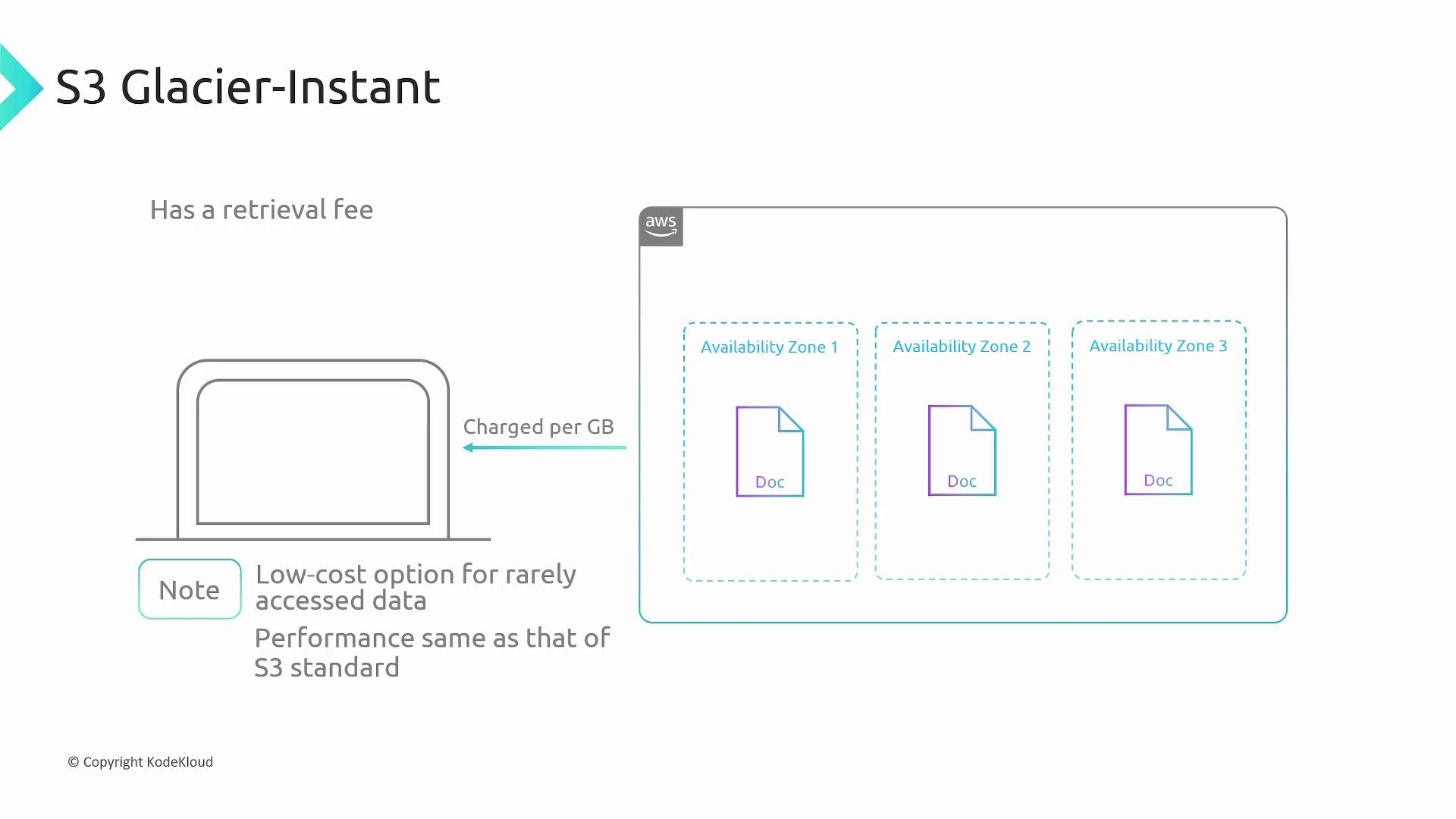
S3 Glacier Flexible
S3 Glacier Flexible provides an economical solution for data that is infrequently needed. Retrieval times vary based on the service option: expedited (1–5 minutes), standard (3–5 hours), or bulk (5–12 hours). It also applies egress and retrieval fees, along with a minimum storage duration of 90 days and a minimum object size charge of 40 kilobytes.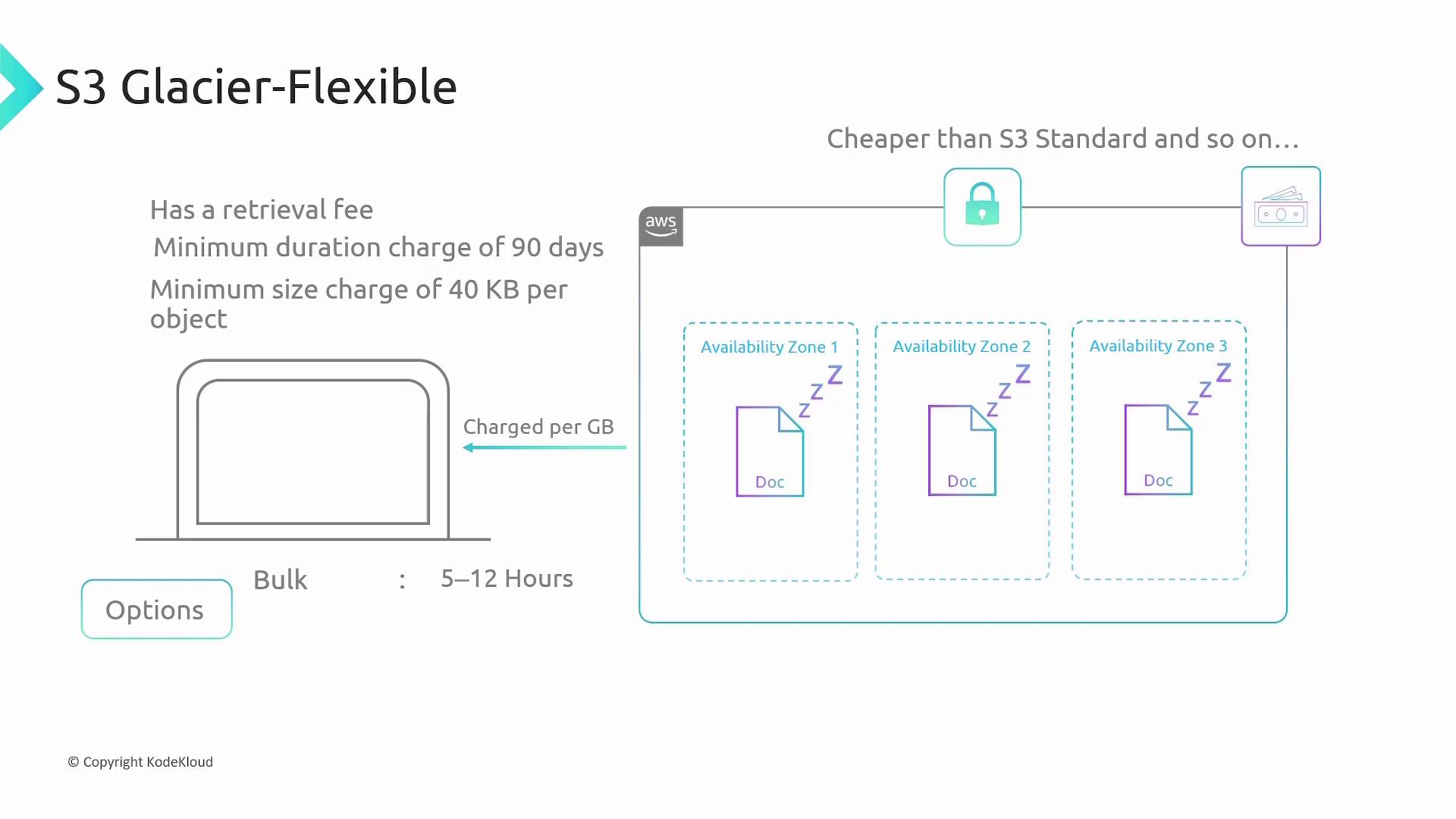
S3 Glacier Deep Archive
For data that is almost never accessed, S3 Glacier Deep Archive offers the most cost-effective storage option, albeit with the longest retrieval times—up to 12 hours for standard retrieval or 48 hours for bulk retrieval. Charges include typical egress, retrieval fees, and a minimum storage duration of 90 days with a minimum object size of 40 kilobytes.S3 Intelligent-Tiering
S3 Intelligent-Tiering simplifies storage management by automatically moving data to the most cost-effective tier based on changing access patterns. Although you are billed according to the storage class your objects reside in, an additional monitoring and automation fee applies for every 1,000 objects.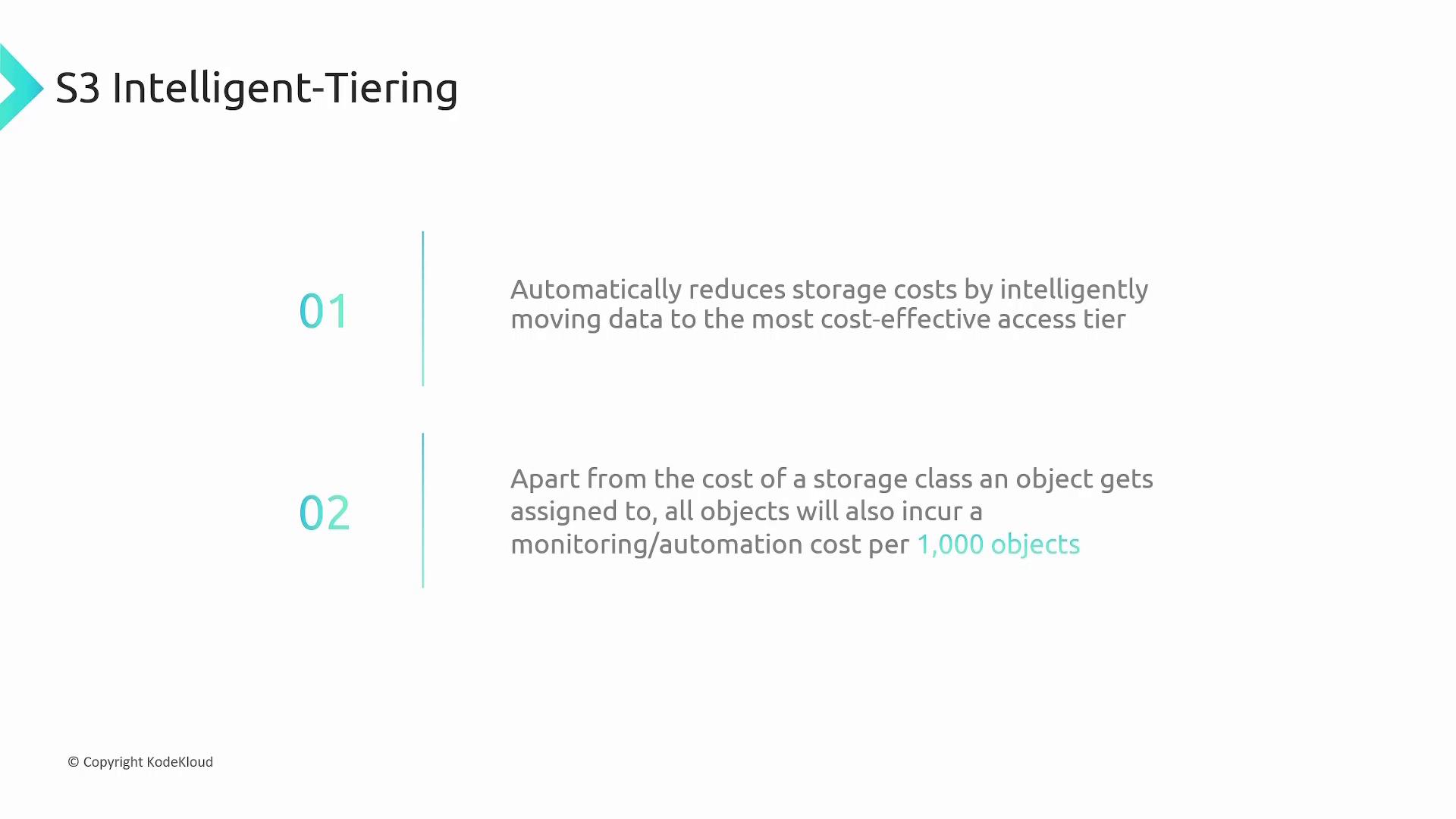
Choosing the Right S3 Storage Class
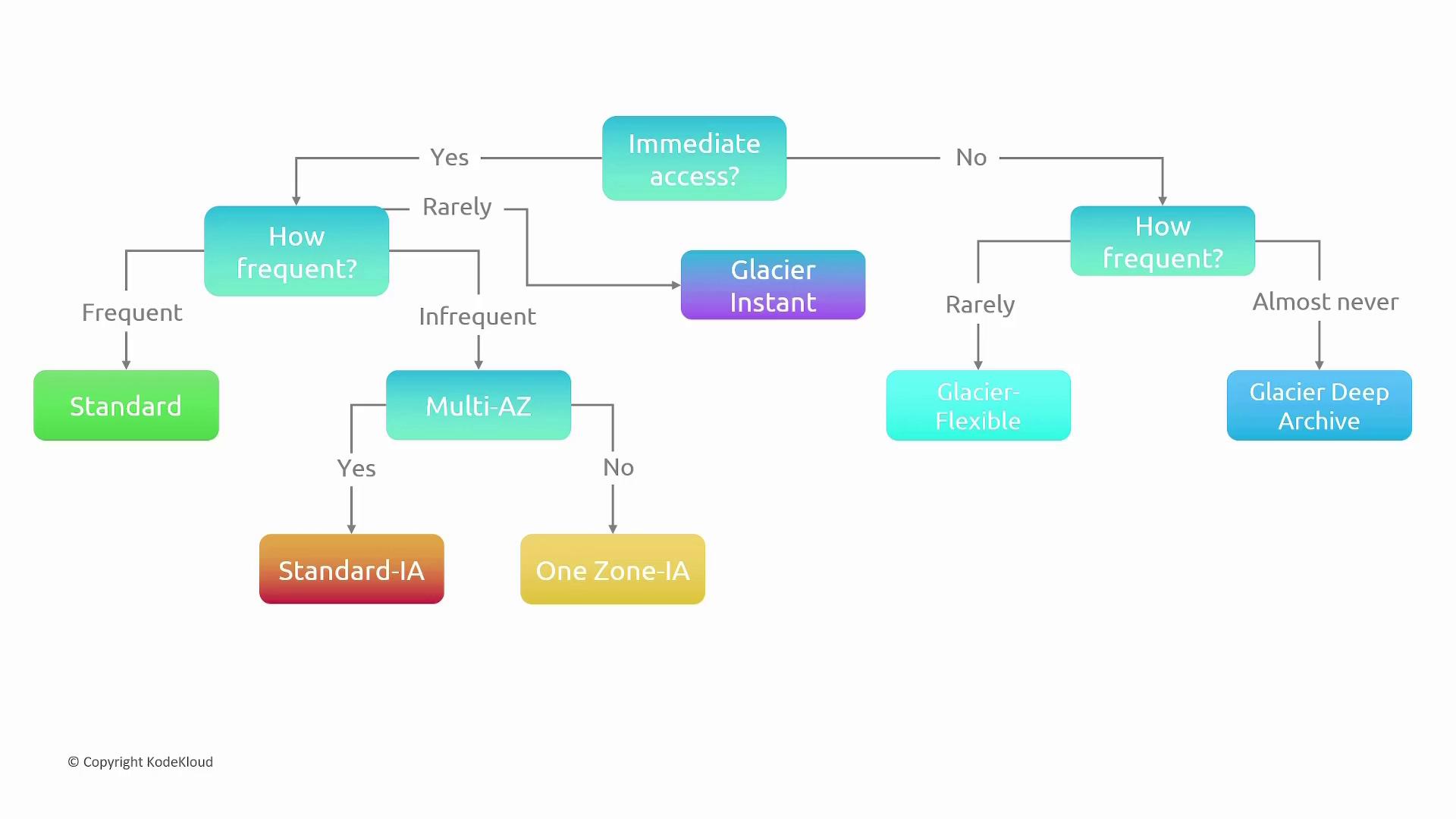
To determine the most suitable S3 storage class for your needs, follow this decision-making process:- Determine if immediate data accessibility is required:
- If yes:
- Assess how frequently the data will be accessed:
- For frequent access, choose S3 Standard.
- For infrequent access:
- If multi-availability zone replication is essential, select S3 Standard-IA.
- Otherwise, opt for S3 One Zone-IA.
- Assess how frequently the data will be accessed:
- If yes:
- If immediate access is not a priority:
- For scenarios requiring immediate retrieval on demand, choose S3 Glacier Instant.
- For cost-effective archiving with slower retrieval:
- If moderate retrieval speed is acceptable, choose S3 Glacier Flexible.
- For data that is almost never accessed, choose S3 Glacier Deep Archive.
Recap: Object Storage with S3
AWS S3 is an object storage service that organizes data in a flat namespace, even though its interface mimics traditional directories and folders. S3 is ideal for storing media files, logs, audit reports, and other data that do not require mounting or boot functionality. By offering multiple storage classes, S3 helps you optimize for cost, data accessibility, and resilience based on your specific requirements.