

Service Selection
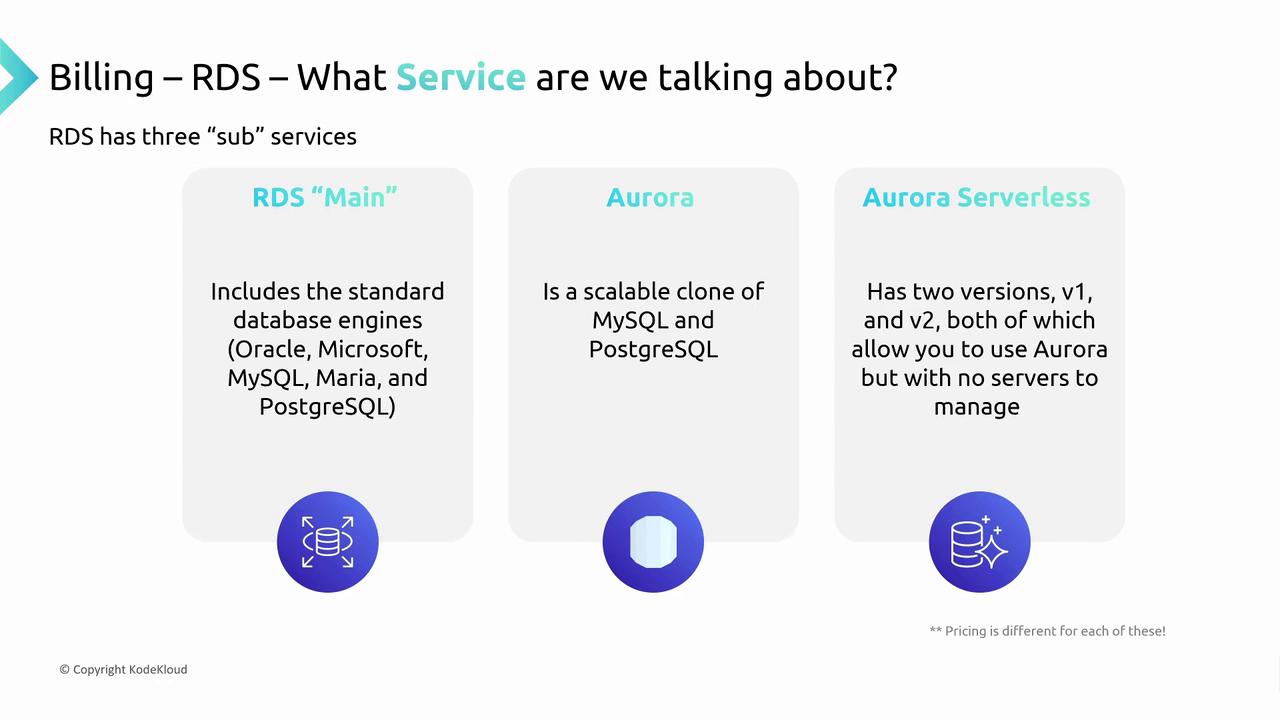
The first step in understanding RDS billing is to choose the right RDS service. There are three main options:- Standard RDS: Offers five database engines.
- Aurora: A fully managed cloud solution that functions as a MySQL/PostgreSQL clone.
- Aurora Serverless: Features auto-scaling with serverless management (version two is recommended).
Database Engine and Flavors
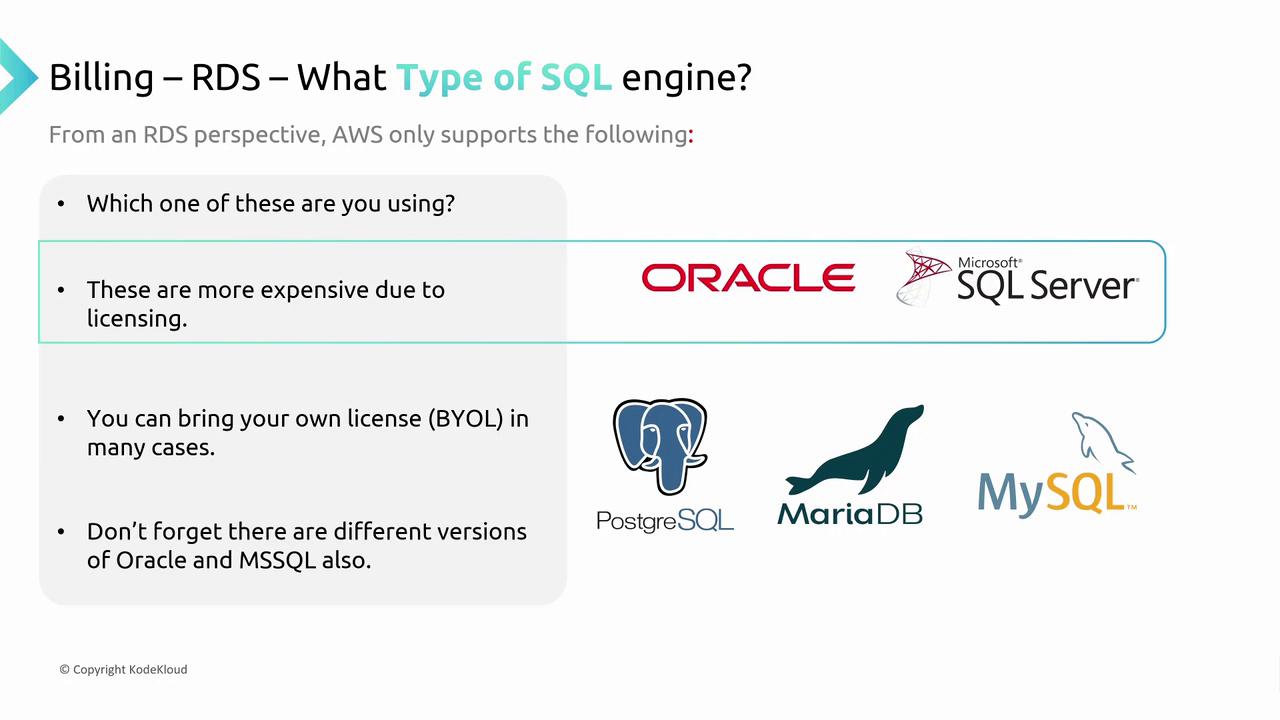
After selecting your service, the next step is to choose the appropriate database engine and edition. For the standard RDS service:- Proprietary Engines: Options include Oracle and SQL Server, available in multiple editions such as Standard and Enterprise, each affecting pricing differently.
- Open-Source Engines: PostgreSQL, MySQL, and MariaDB are offered without edition variations, making them cost-effective.
Database Instances
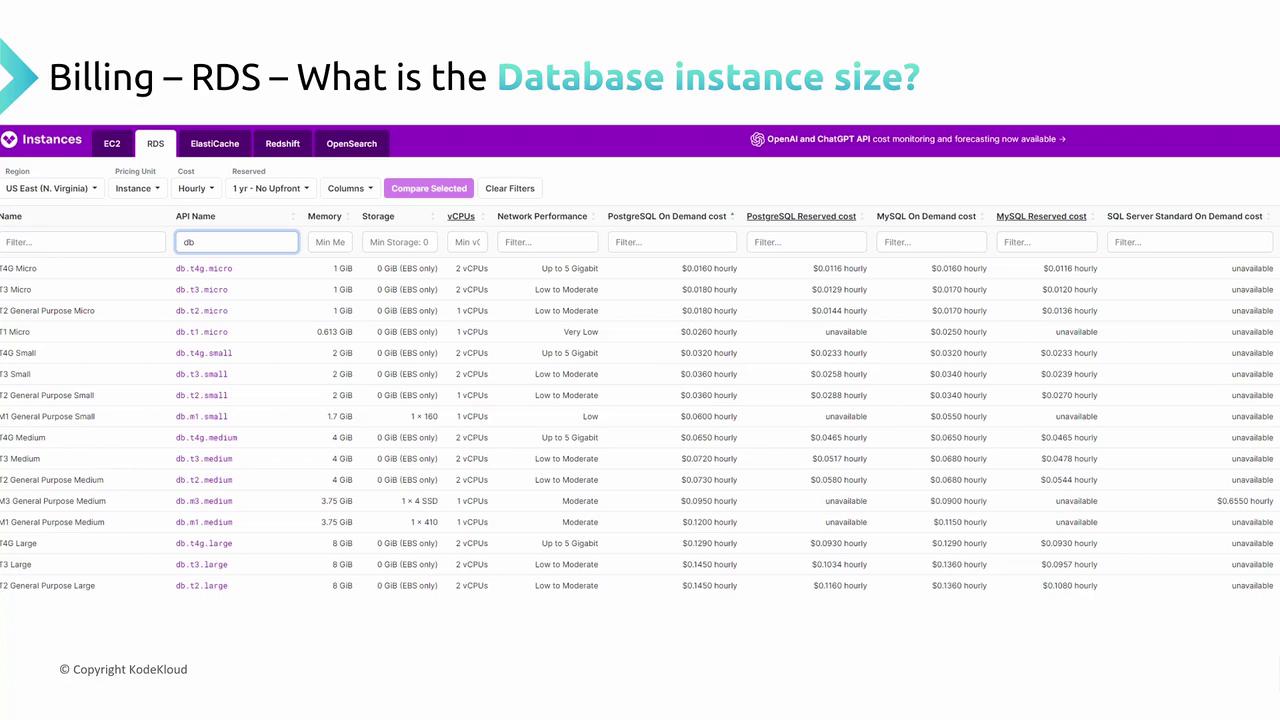
RDS utilizes database instances—specialized virtual machines tailored for database workloads. Similar to EC2 instances, they come in various sizes, such as DB T3 Small, DB T3 Medium, or DB T3 Large. As the instance size increases, so do CPU, memory, and network bandwidth, directly impacting cost. Billing is typically calculated on an hourly basis per instance.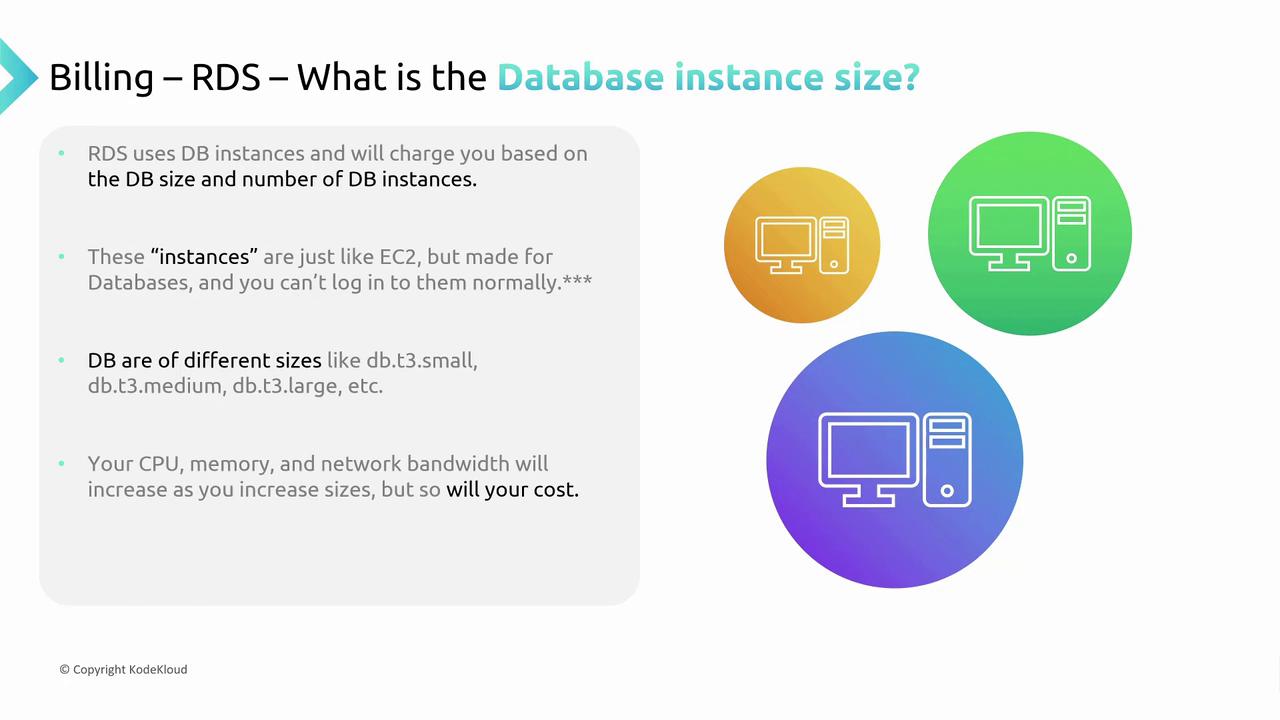
Storage Options
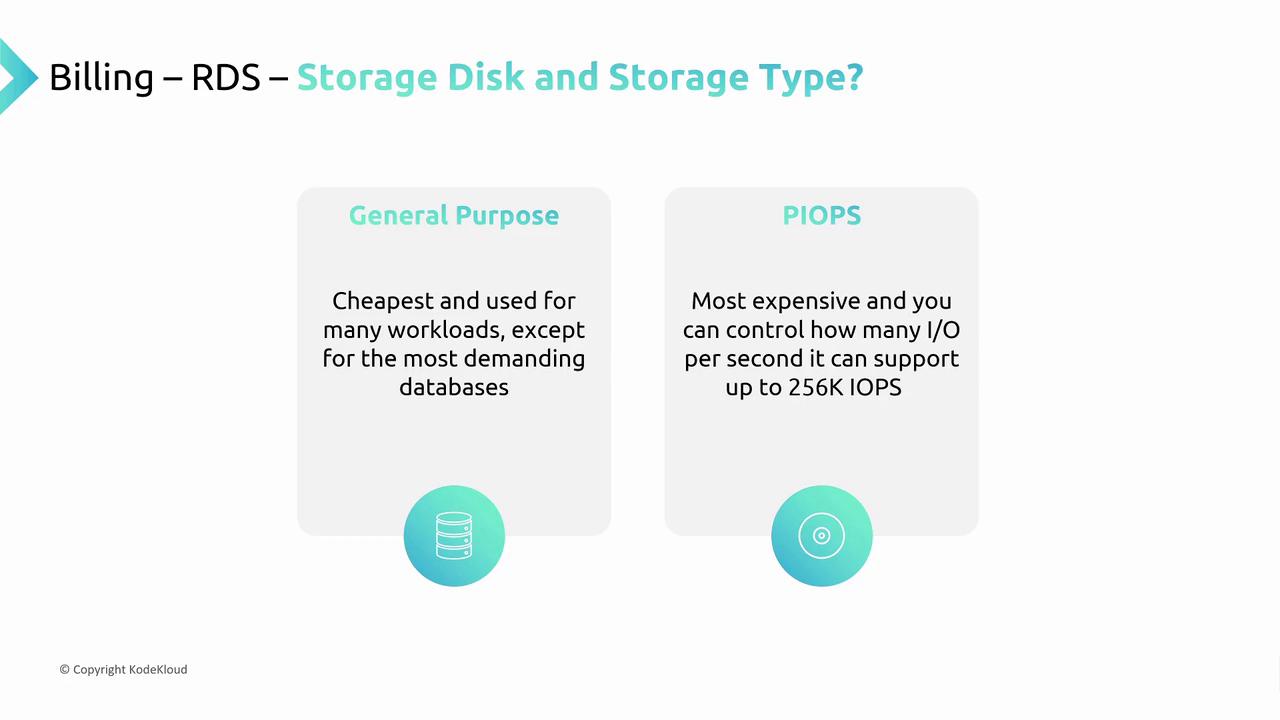
Storage is another critical factor in RDS pricing. You have two main storage options:- General Purpose Storage: Cost-effective, suitable for most workloads.
- Provisioned IOPS (PIOPS): Delivers high performance with controlled disk throughput at a premium cost.
Additional Features
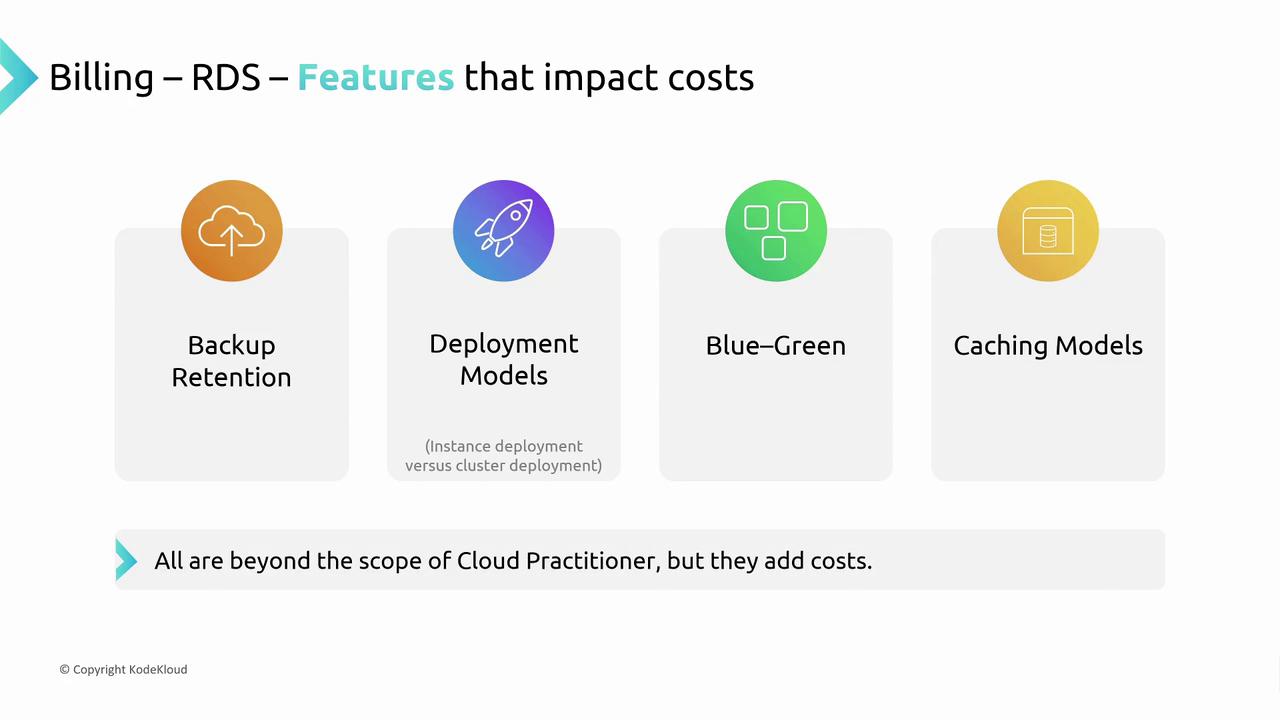
RDS offers various additional features to enhance performance and reliability, though they may contribute to extra costs. Examples include:- Backup retention options (typically 30 to 45 days).
- Deployment models such as active-passive replication or cluster deployments with multiple secondary replicas.
- Blue-green deployments to facilitate smooth application updates by running parallel database environments.
- Read or write caching optimizations integrated into RDS.
Keep in mind that while advanced performance features are beneficial, they can significantly increase the total cost of operation.
Reservations vs. On-Demand
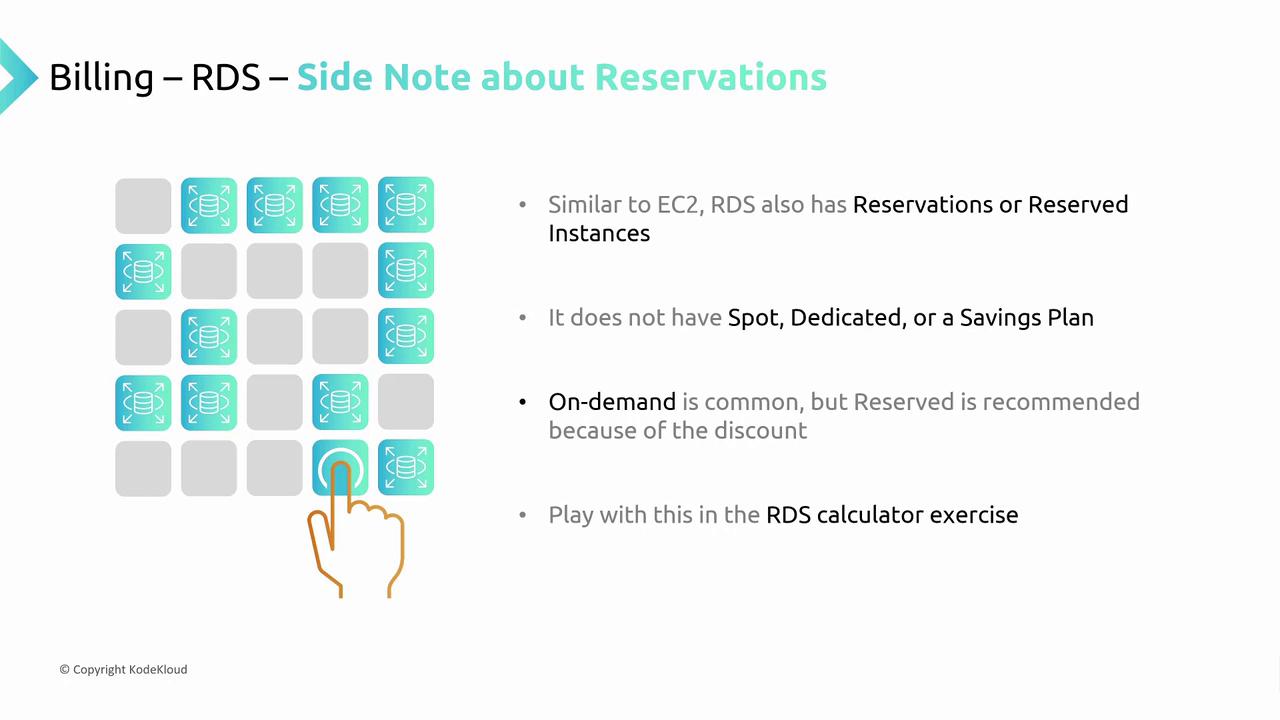
AWS RDS provides different pricing models:- On-Demand Pricing: Pay hourly with no long-term commitment.
- Reserved Instances: Commit to a longer term for a discounted rate.
Summary
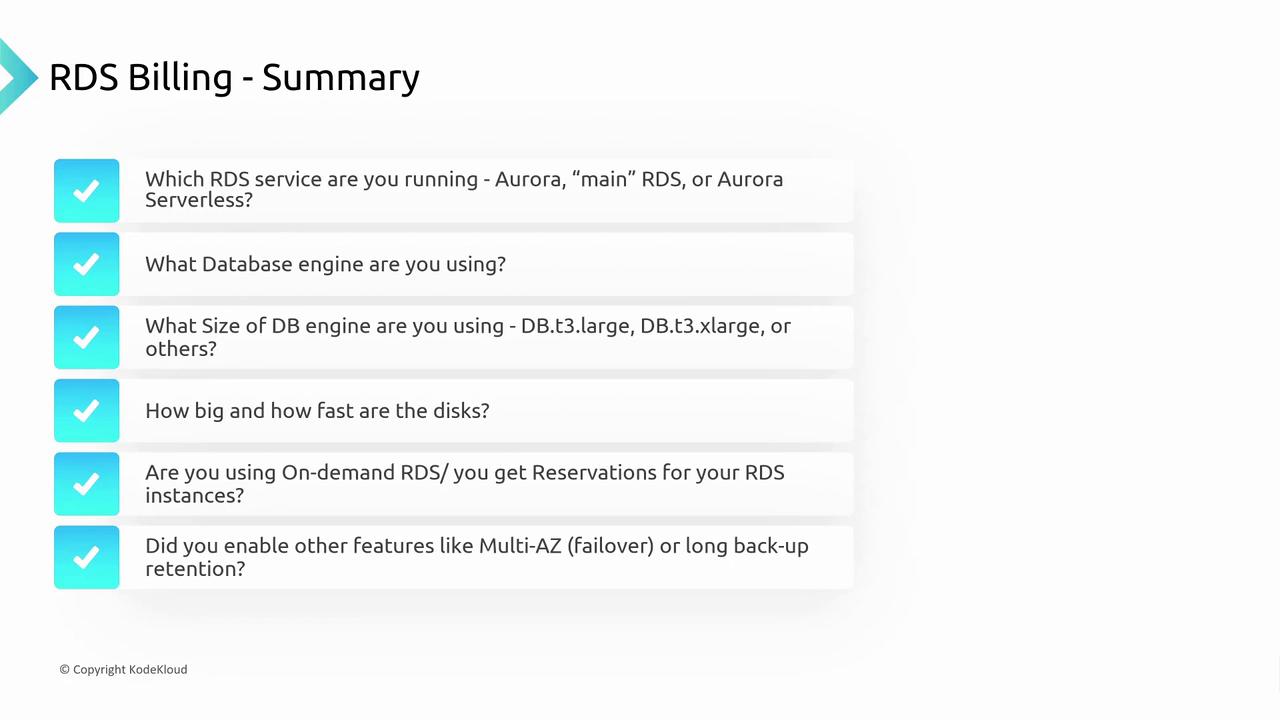
When evaluating AWS RDS billing, consider these dimensions:- Service Type: Choose between standard RDS, Aurora, or Aurora Serverless.
- Database Engine: Decide on the engine and its edition (e.g., Oracle, SQL Server, PostgreSQL, MySQL).
- Instance Size: Larger instances like DB T3 or DB R5 offer more performance at a higher price.
- Storage: Balance between General Purpose and Provisioned IOPS based on your workload.
- Pricing Model: Consider on-demand versus reserved instances for cost optimization.
- Additional Features: Features like multi-availability zone deployments and extended backup retainment can impact your overall cost.
By understanding these pricing dimensions, you can optimize your RDS setup to balance performance with cost efficiency.