

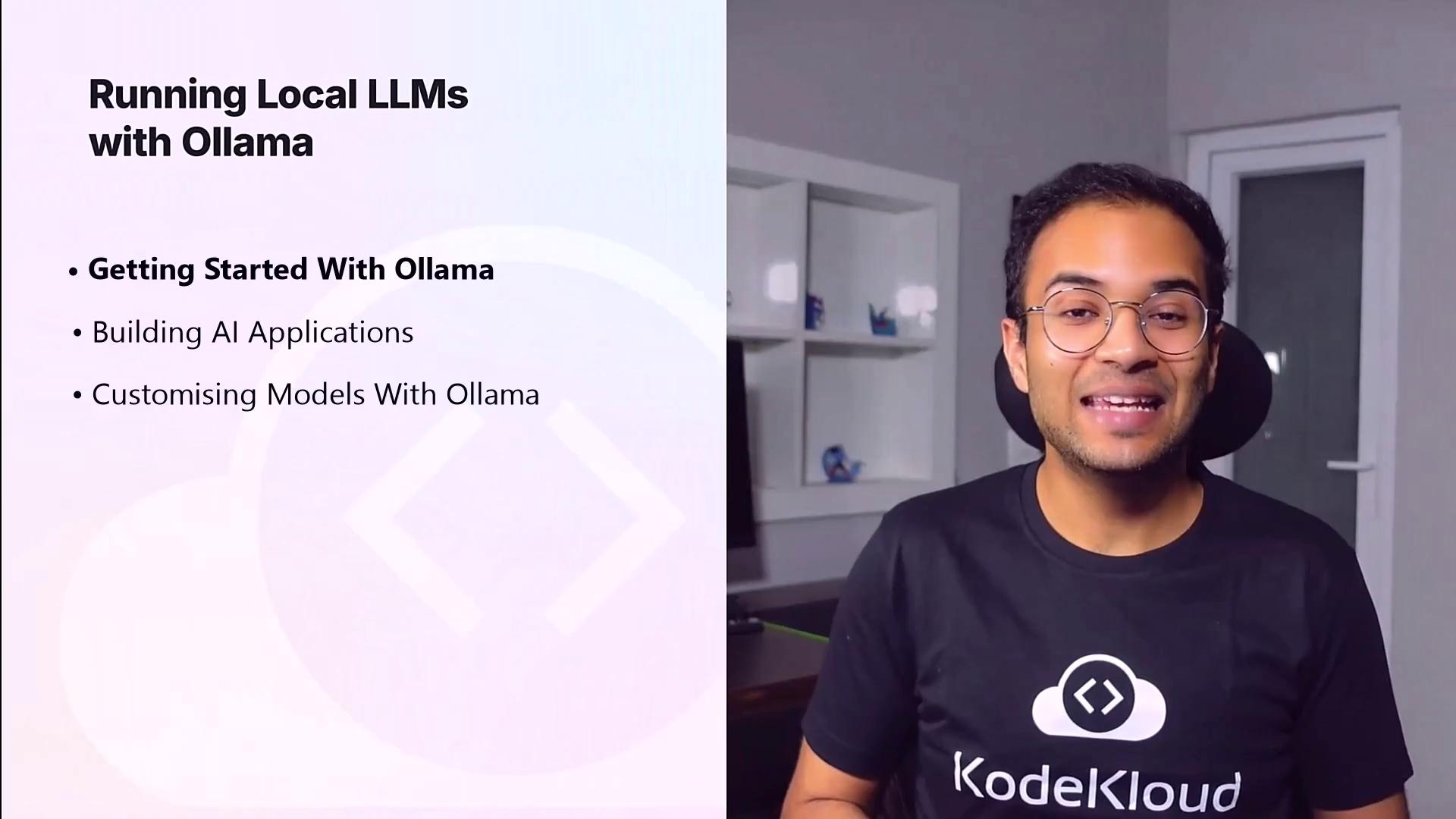
| Section | Topics Covered |
|---|---|
| 1. Getting Started with Ollama | Installation, CLI basics, first inference, model catalog, community tools for ChatGPT-style UI |
| 2. Building AI Applications | Ollama REST API integration, development patterns, interoperability with OpenAI API |
| 3. Customizing Models with Ollama | Modelfile configuration, parameter tuning, context window settings, registry upload and management |
1. Getting Started with Ollama
In this module, you will:- Understand the key benefits of running LLMs locally
- Install Ollama on macOS, Linux, or Windows Subsystem for Linux
- Launch your first model inference via the CLI
- Explore essential commands to list, pull, and inspect models
- Leverage community-driven templates to spin up a ChatGPT-style front end
Ensure you have at least 8 GB of RAM, 20 GB of free disk space, and a modern x86_64 or ARM64 processor. Familiarity with the command line is recommended.
2. Building AI Applications
Once Ollama is up and running, you’ll learn how to integrate it into your applications:- Explore key API endpoints for model metadata and text generation
- Integrate with popular languages and frameworks (Node.js, Python, Go)
- Compare Ollama’s request/response patterns with the OpenAI API
- Complete hands-on exercises to build a simple chat interface
3. Customizing Models with Ollama
Tailor your language models to specific tasks by adjusting parameters and training data:- Define custom settings in a Modelfile
- Tune performance options like temperature and context length
- Use your own dataset to fine-tune or prompt-tune models
- Manage model versions in the Ollama registry for team collaboration