Recap: Interacting with Ollama via REST API
Before diving into code, let’s revisit how we usedcurl to query local models:
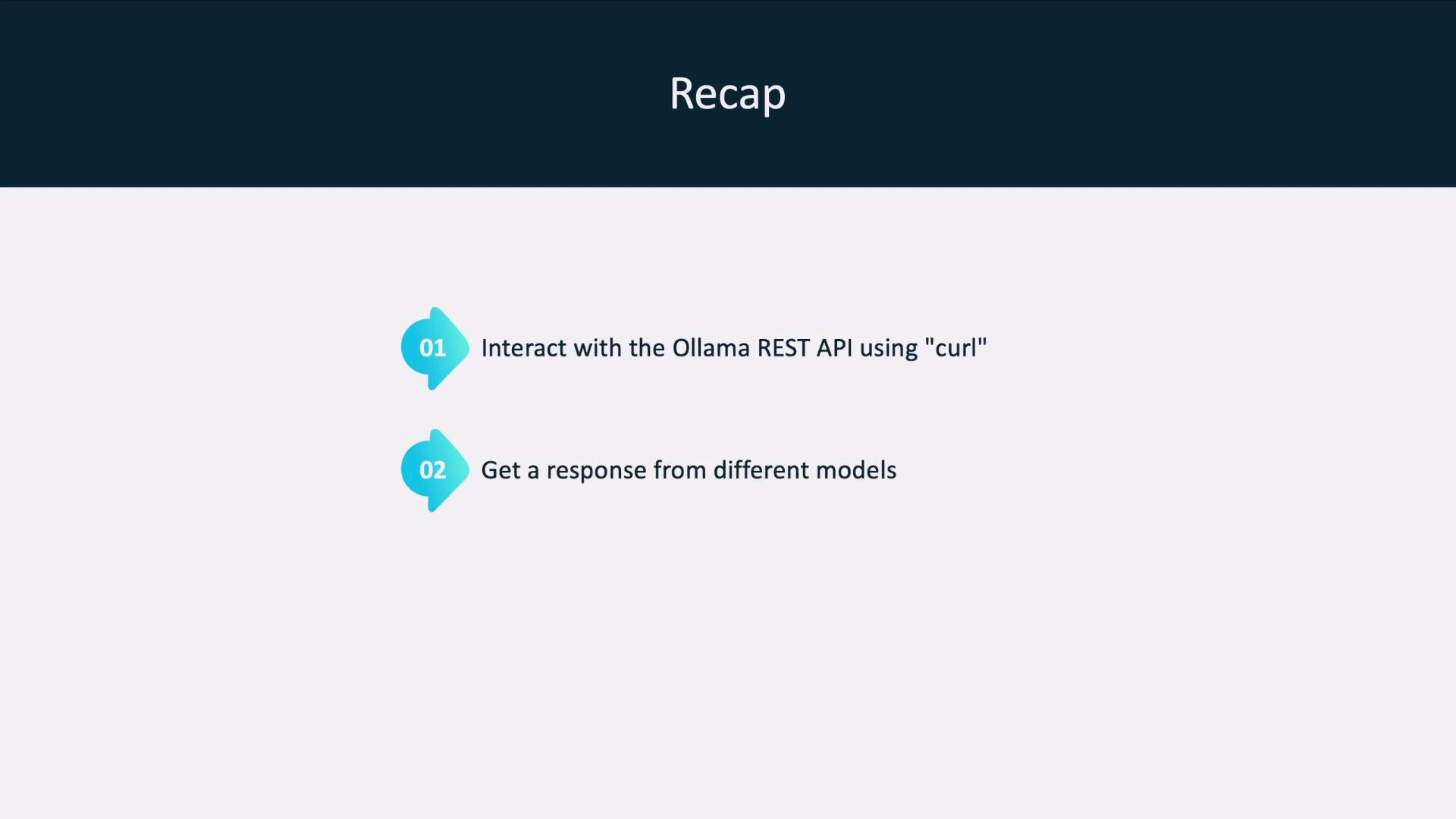
- Use
curlto POST messages to your Ollama server. - Retrieve structured JSON responses from any running model.
Integrating API Calls into Your Application
Instead of shell commands, embed API calls in your code. Whether you write in Python, Go, or JavaScript, you can leverage the OpenAI client libraries to target your local Ollama endpoint: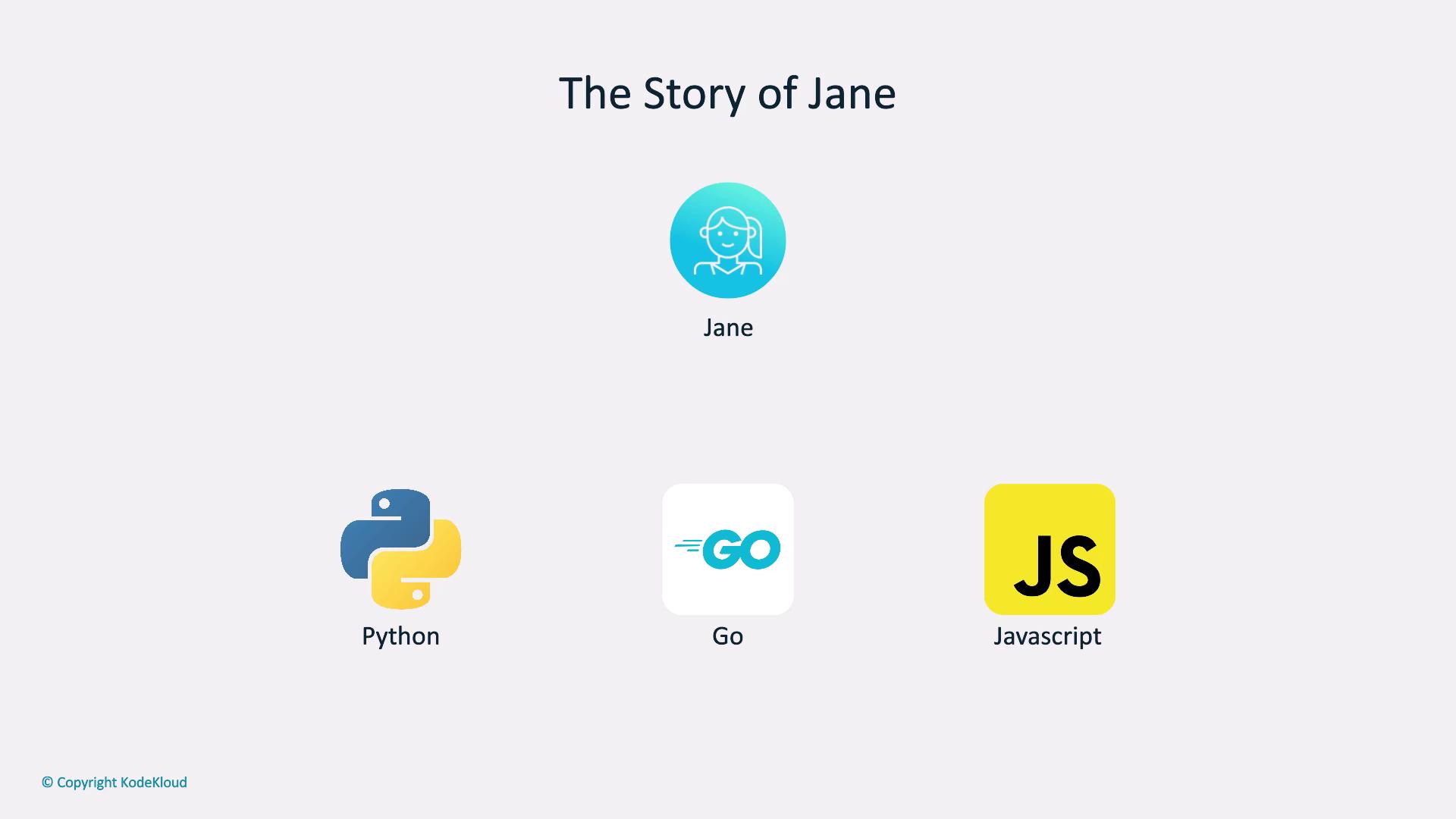
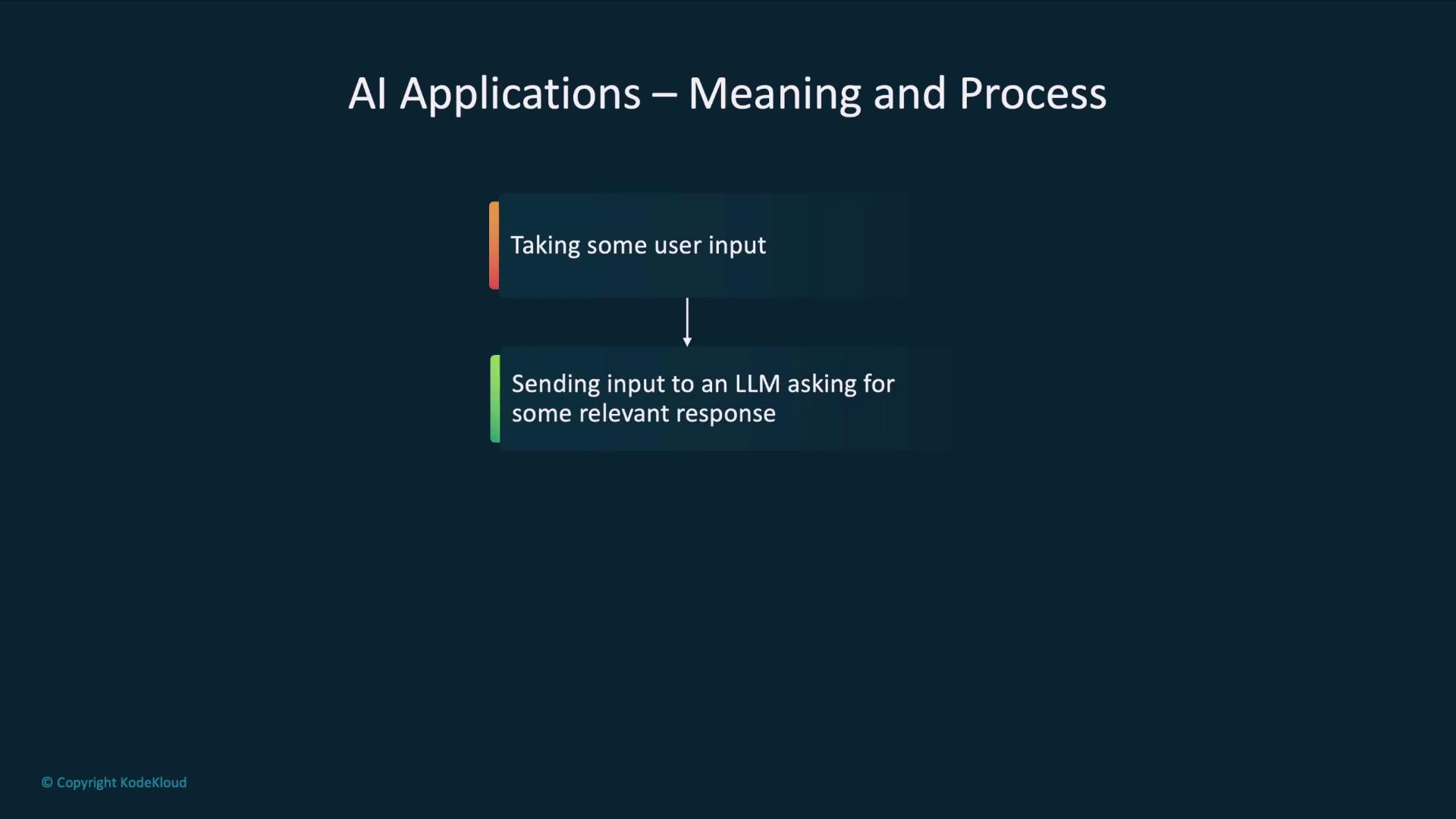
Core AI Application Workflow
- Collect user input or fetch existing data.
- Send that input to a large language model (LLM).
- Process the response through your business logic.
- Present the final result to the user.
Real-World Scenarios
| Use Case | Description |
|---|---|
| AI-Driven Chatbot | Jane’s product docs bot answers user questions with context. |
| Risk Assessment Platform | Growmore’s internal tool analyzes client data for risk scores. |
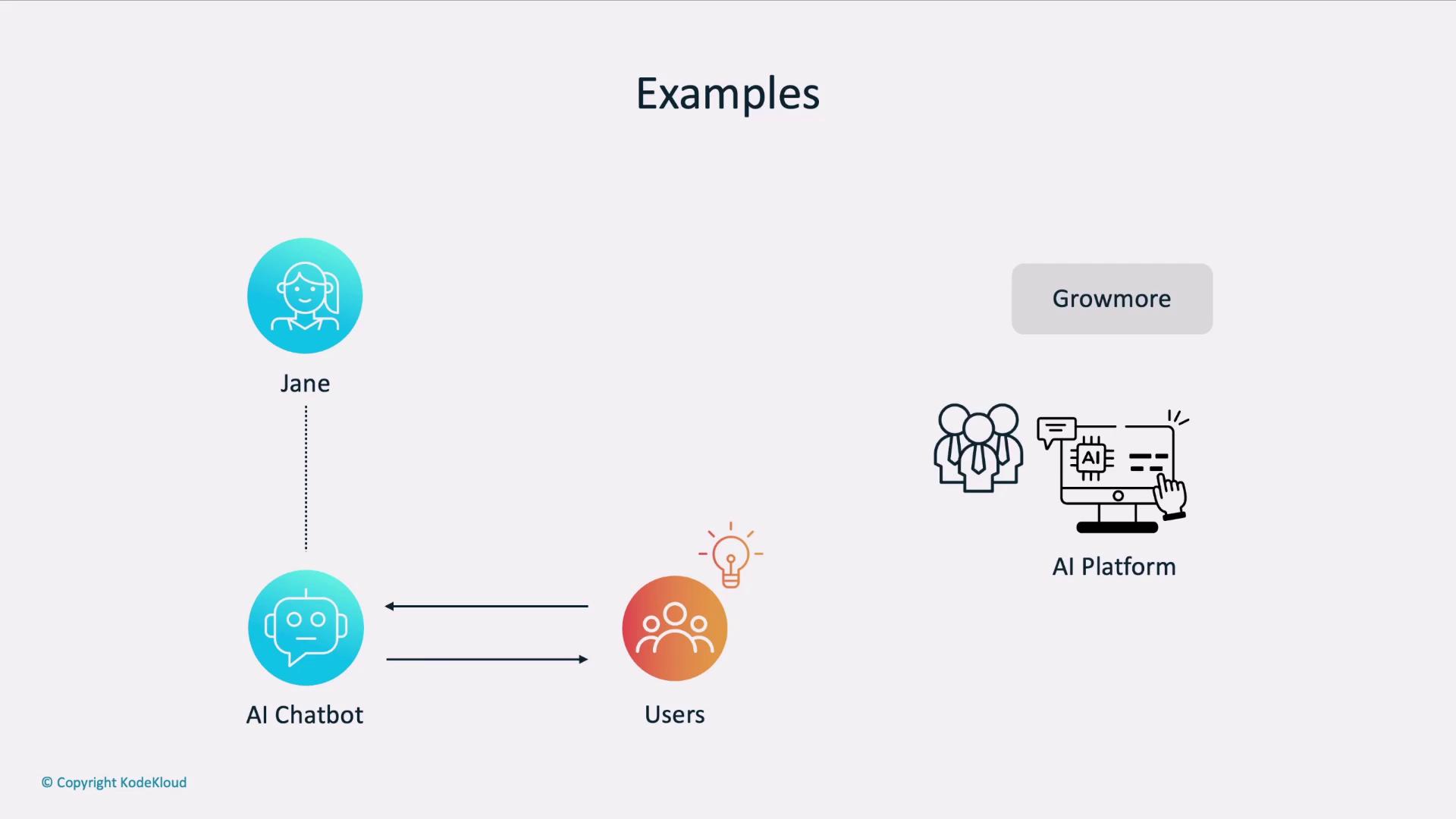
Example: Pulumi’s Infrastructure Chatbot
Pulumi’s AI chatbot lets you describe infrastructure in natural language and returns code in C#, Go, or Python:Choosing Your Client Library
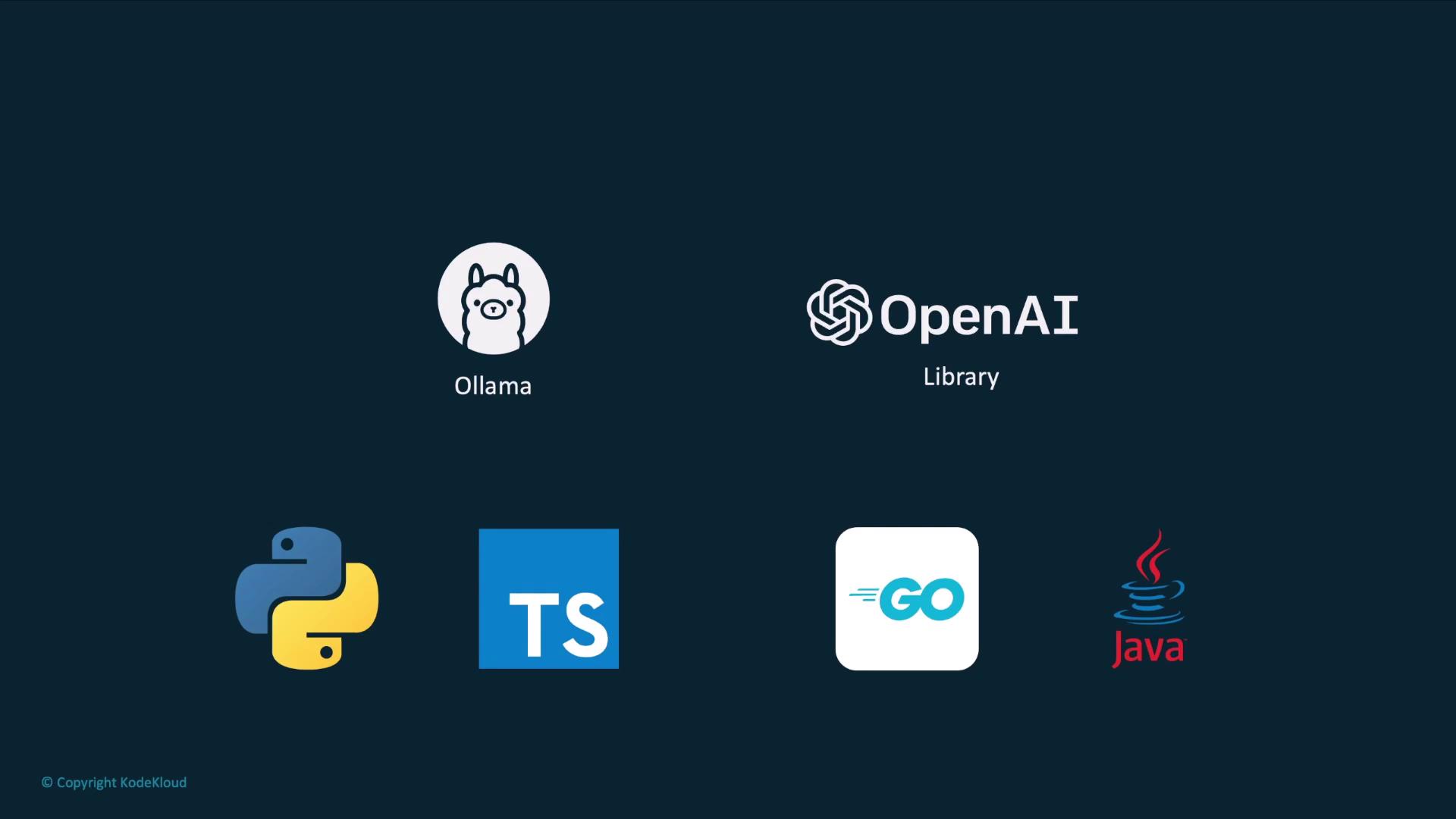
Both Ollama and OpenAI support multiple languages. Below is a quick reference:| Language | Library | Local + Hosted Compatibility |
|---|---|---|
| Python | openai | ✔️ |
| TypeScript | openai | ✔️ |
| Go | github.com/sashabaranov/go-openai | ✔️ |
| Java | com.theokanning.openai | ✔️ |
Hands-On: Poem Generator in Python
Imagine an app where users submit prompts and receive custom poems: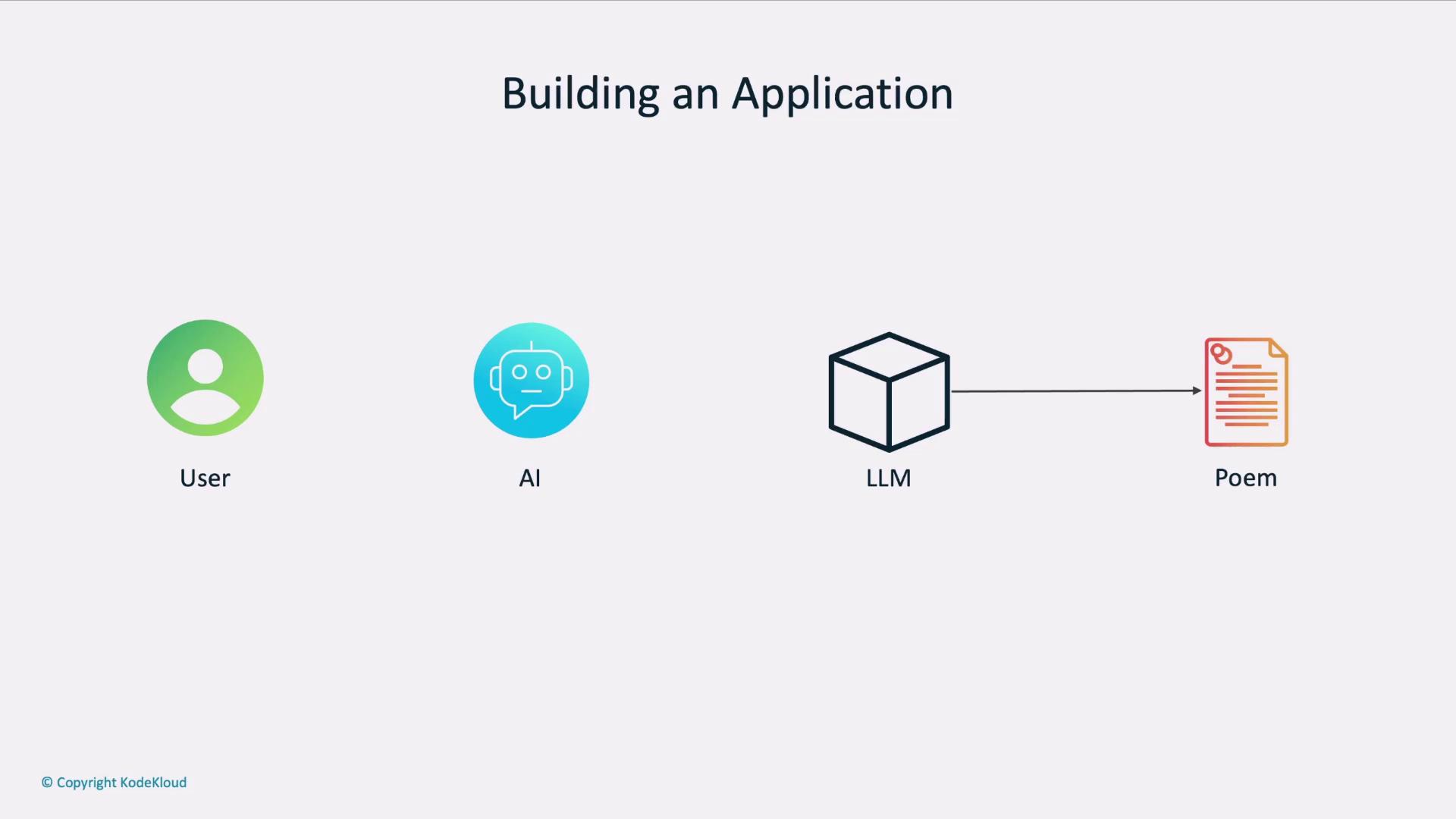
Ensure your environment variables (
OPENAI_API_KEY, LLM_ENDPOINT, MODEL) are correctly set before running the script.You can switch between your local Ollama server and the hosted OpenAI API simply by updating the
LLM_ENDPOINT URL.Next Steps
Now that you’ve seen how to:- Initialize the OpenAI client for local Ollama models
- Send chat completion requests
- Extract and display the generated text