

- Running the API server locally
- Sending requests via HTTP
- Interpreting responses for seamless integration into your applications
Why Use the Ollama REST API?
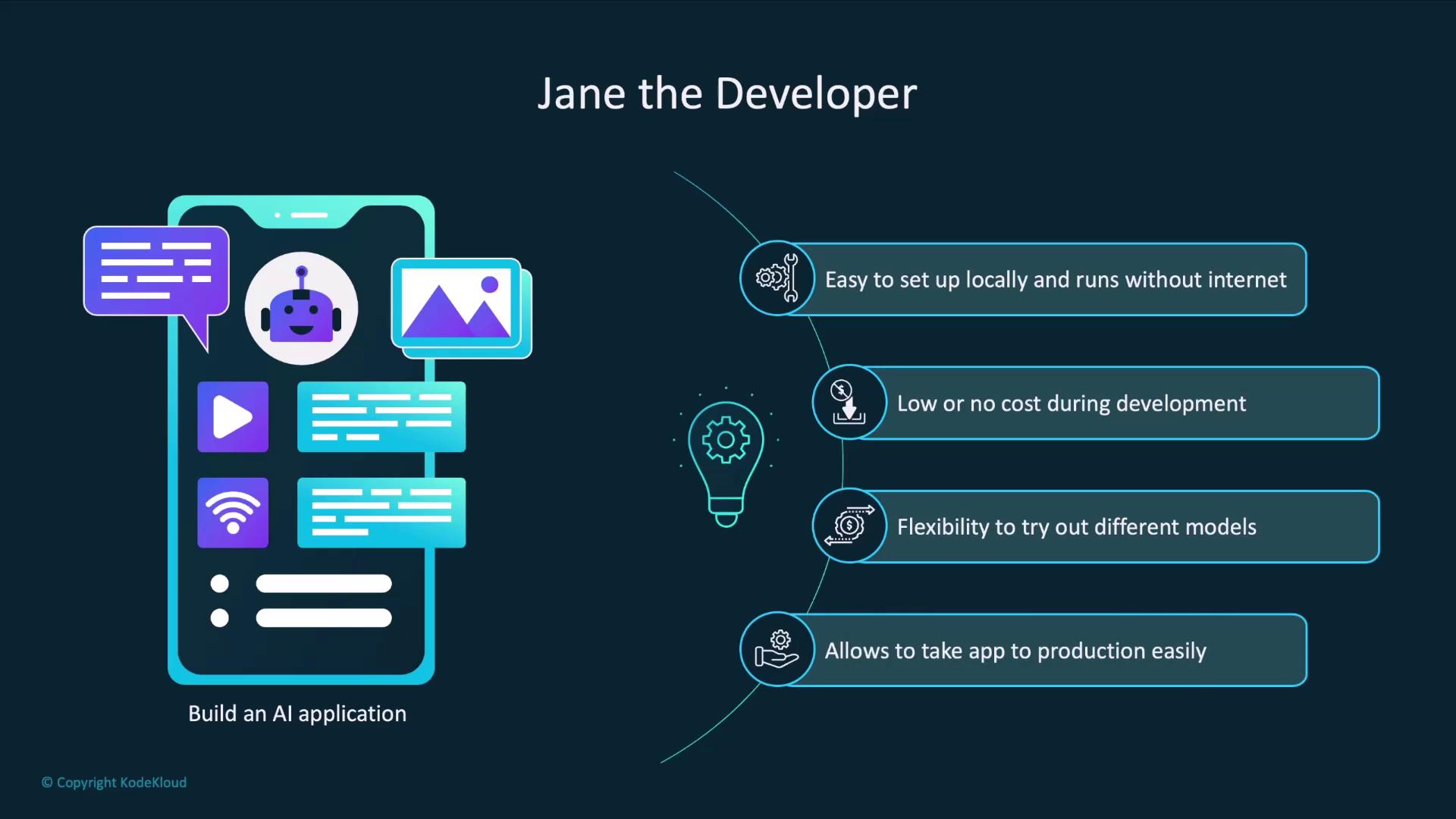
Imagine you’re Jane, a developer building an AI-powered app. Your goals include:- Quick local setup without internet access
- Zero costs during experimentation
- Easy swapping of LLM models
- A simple transition to production with hosted APIs
| Benefit | Description |
|---|---|
| Offline Usage | Run models locally without internet after pulling them once. |
| Free & No Sign-Up | No credit card required to explore and prototype. |
| Model Flexibility | Compare and switch between different LLMs with a single CLI command. |
| Production Compatibility | Swap your local endpoint for the OpenAI API when you’re ready to scale. |
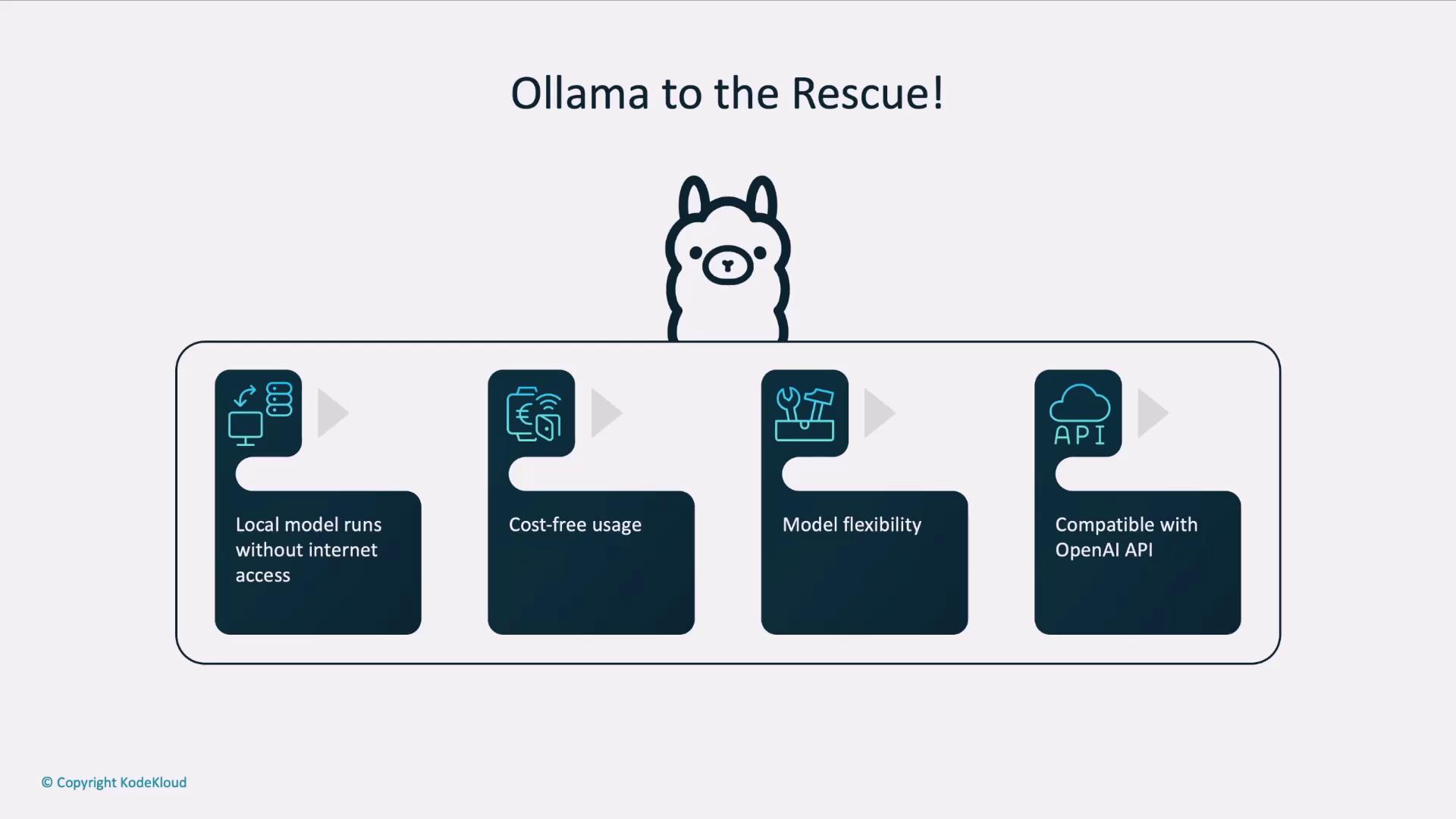
When it’s time for production, simply update your API base URL and credentials to point at OpenAI’s API—your code stays the same.
How an AI Application Interacts with an LLM
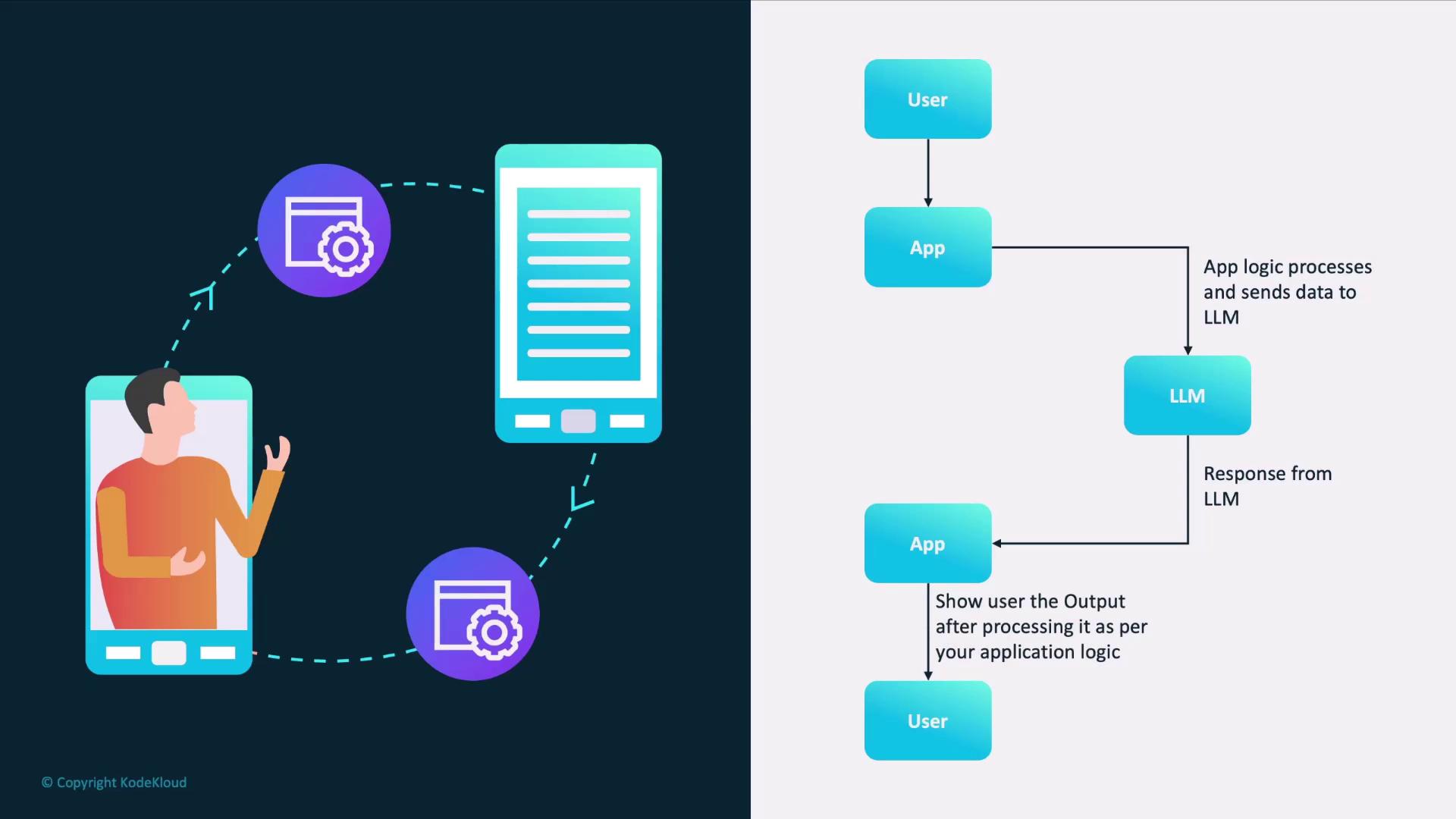
A typical AI workflow involves:- User submits input to your app.
- App pre-processes the text (e.g., tokenization).
- App sends a request to the LLM endpoint.
- LLM generates and returns a response.
- App post-processes the output (e.g., formatting).
- App displays results to the user.
ollama serve provides.
Getting Started: Launching the Ollama Server
By default, Ollama’s REST API runs on port11434. Start the server with:
http://localhost:11434/api.
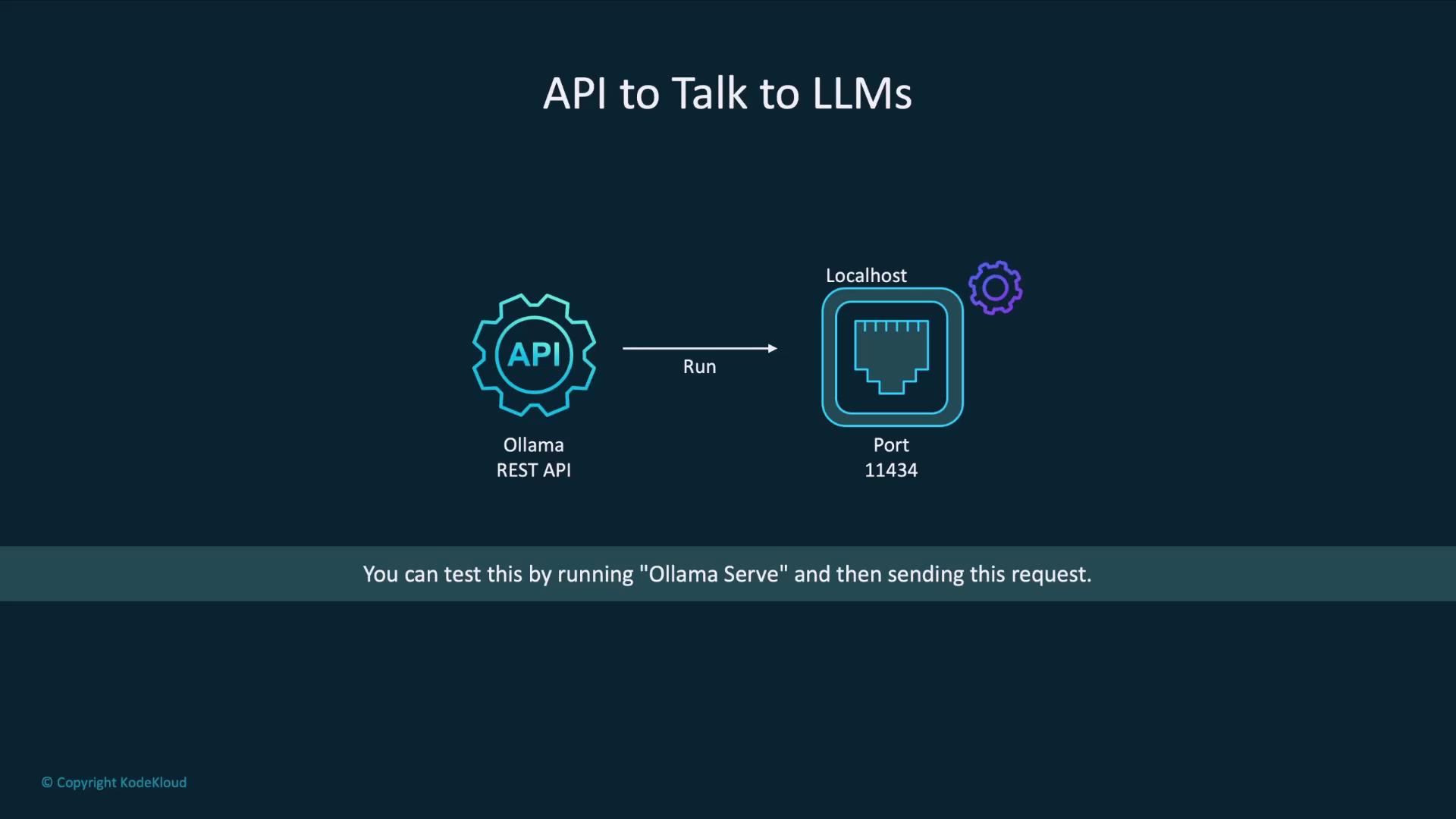
Ensure port
11434 is not used by other services. If it is, stop those processes or choose a different port using --port <PORT>.Example: Generating a Poem with curl
Here’s how to call the llama3.2 model to compose a poem:
Response Fields
| Field | Description |
|---|---|
| model | The name of the model that generated the output. |
| created_at | ISO 8601 timestamp when processing finished. |
| response | The generated text from the model. |
| done | Boolean indicating whether the generation completed. |
| done_reason | Explanation for why generation stopped (e.g., stop, length). |
Next Steps
You’ve now set up the Ollama REST API and tested a simplegenerate endpoint. In the following lessons, we’ll explore:
- Streaming responses for real-time applications
- Custom prompts and system messages
- Advanced endpoints for embeddings, classifications, and more