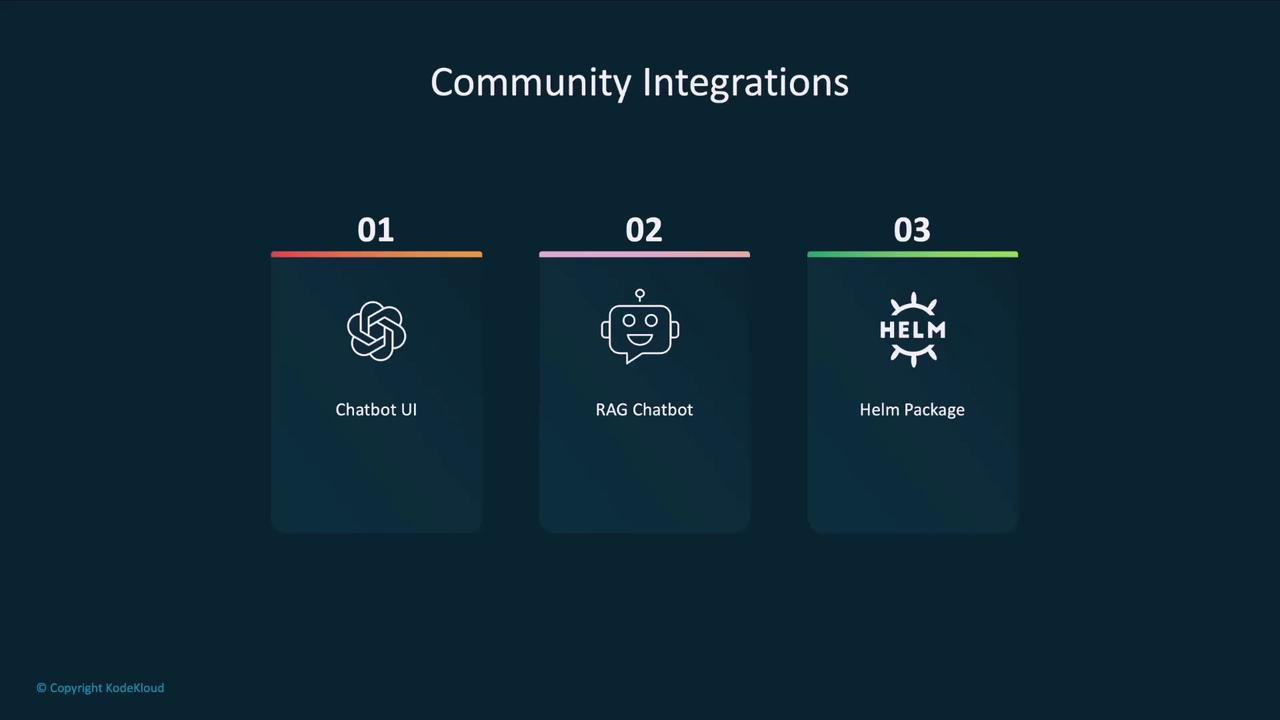
Community Integration Categories
The Ollama community maintains several integration types to enhance your local LLM workflow:| Integration Category | Purpose | Example Project |
|---|---|---|
| Chatbot UI | Web-based chat interface for local models | Open Web UI |
| RAG Chatbot | Retrieval-Augmented Generation with PDF/file upload | ollama-rag-ui |
| Helm Package | Deploy Ollama and models via Kubernetes Helm charts | ollama-helm-chart |
Installing and Running Open Web UI
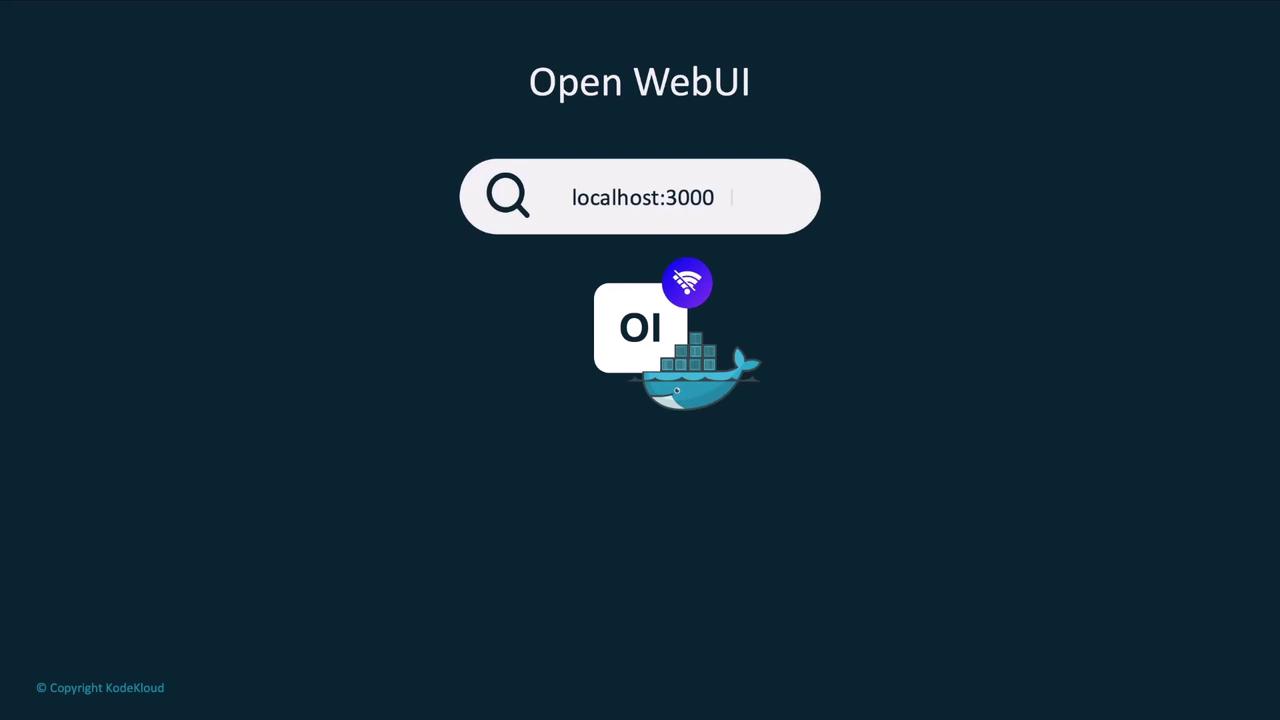
Open Web UI runs inside a Docker container and auto-detects your Ollama agent and locally downloaded models. By default, it listens on port 3000, but you can adjust it as needed.- Docker installed on your machine
- Ollama set up with at least one local model
- Port 3000 available (or choose another port)
Launching with Docker
Run the following command to start Open Web UI:http://localhost:3000.
Use Case: Growmore Investment Firm
Consider Growmore, an investment firm that values AI productivity without risking sensitive client data to the cloud. Their non-developer staff prefer a familiar chat interface over a terminal.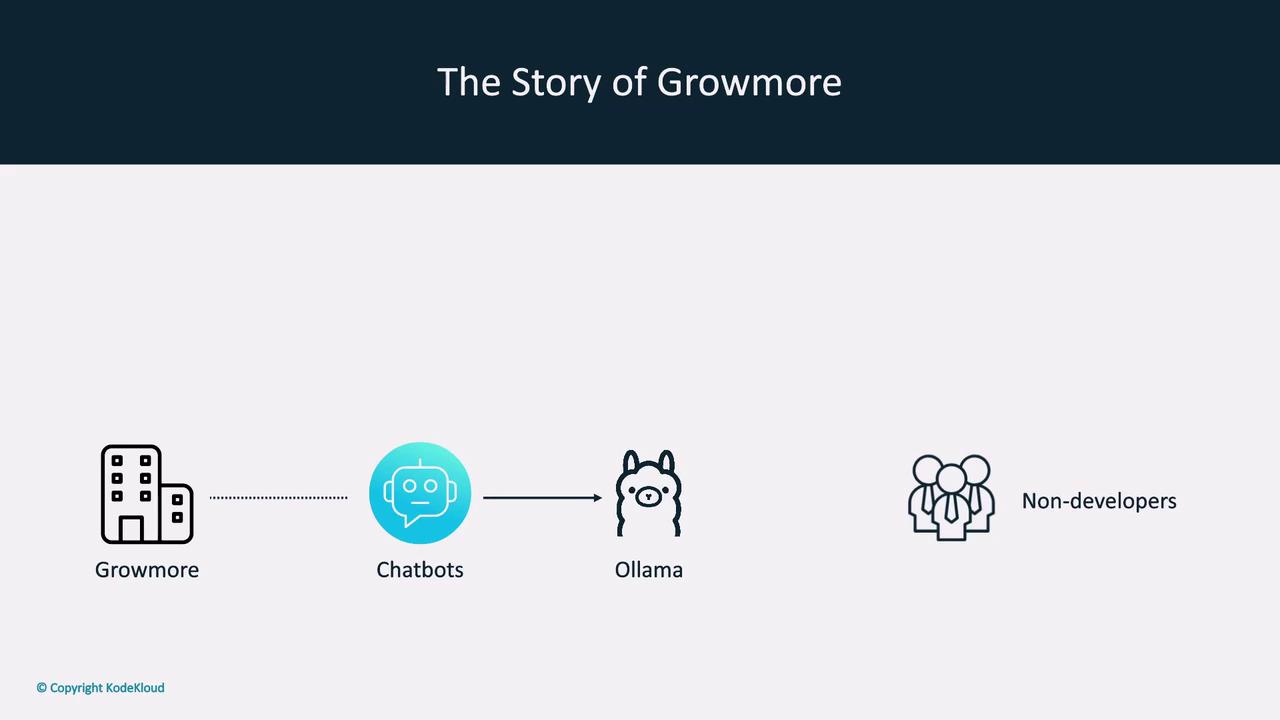
Running models locally with Ollama ensures that sensitive data never leaves your network. Combine this with community UIs for a secure and user-friendly experience.
Exploring Local Models
Once Open Web UI is live, it lists all models available to your Ollama agent. You can effortlessly switch between models likellama3.2, llama2-5.3, Qwen, and Mistral.
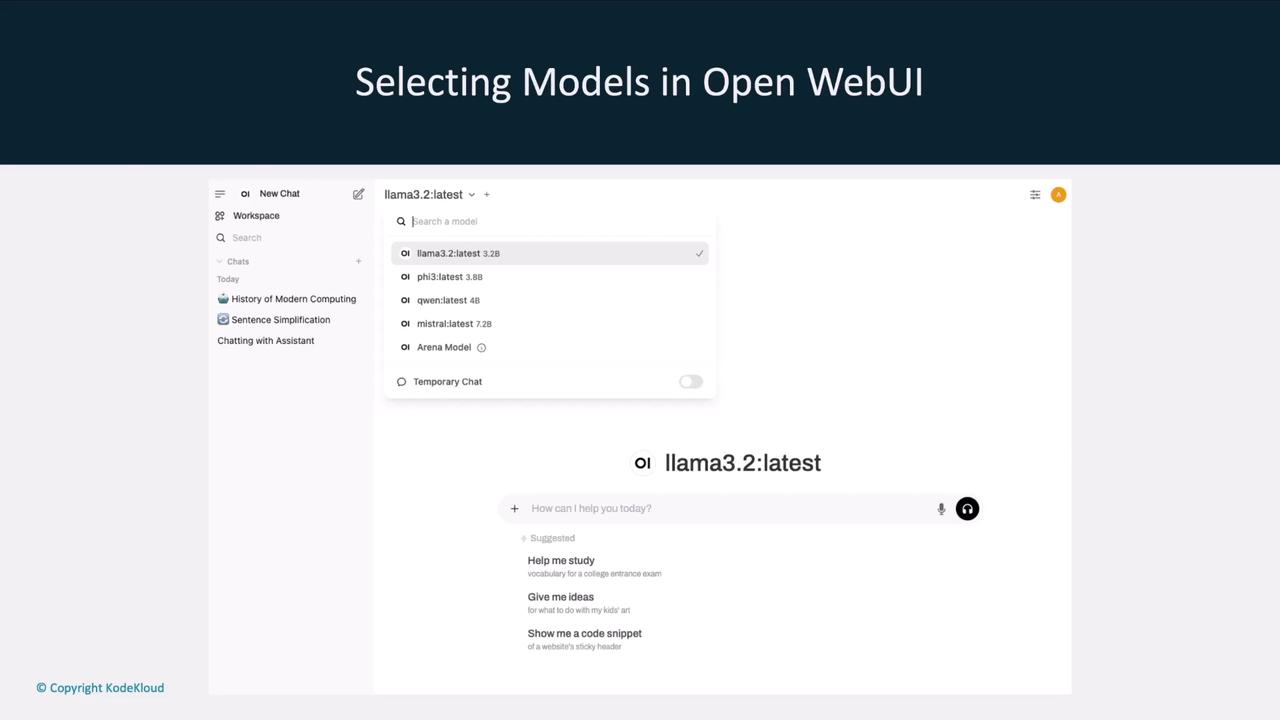
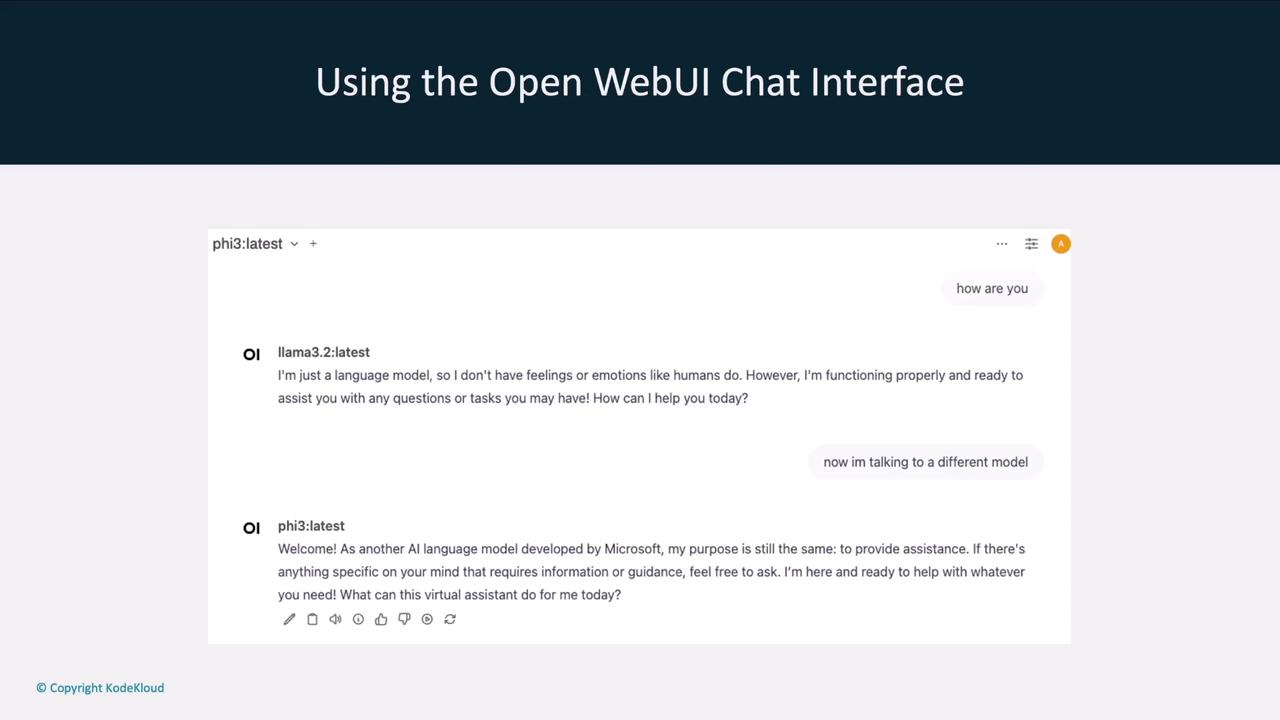
Interactive Chat Interface
The chat window allows you to converse with any selected model and even change the model mid-conversation. For example, ask llama3.2 one question, then switch to llama2-5.3 for a follow-up.