

Recap
- Running models locally with Ollama
- Key commands and features
- Building AI-powered applications for production
Use Case: Gromor’s Customized Model
Gromor, an investment and portfolio management firm, wants its AI assistant to interpret monetary values in Indian rupees. By creating a Modelfile, Gromor can instruct the base model to output “₹100” instead of “100” when dealing with rupees.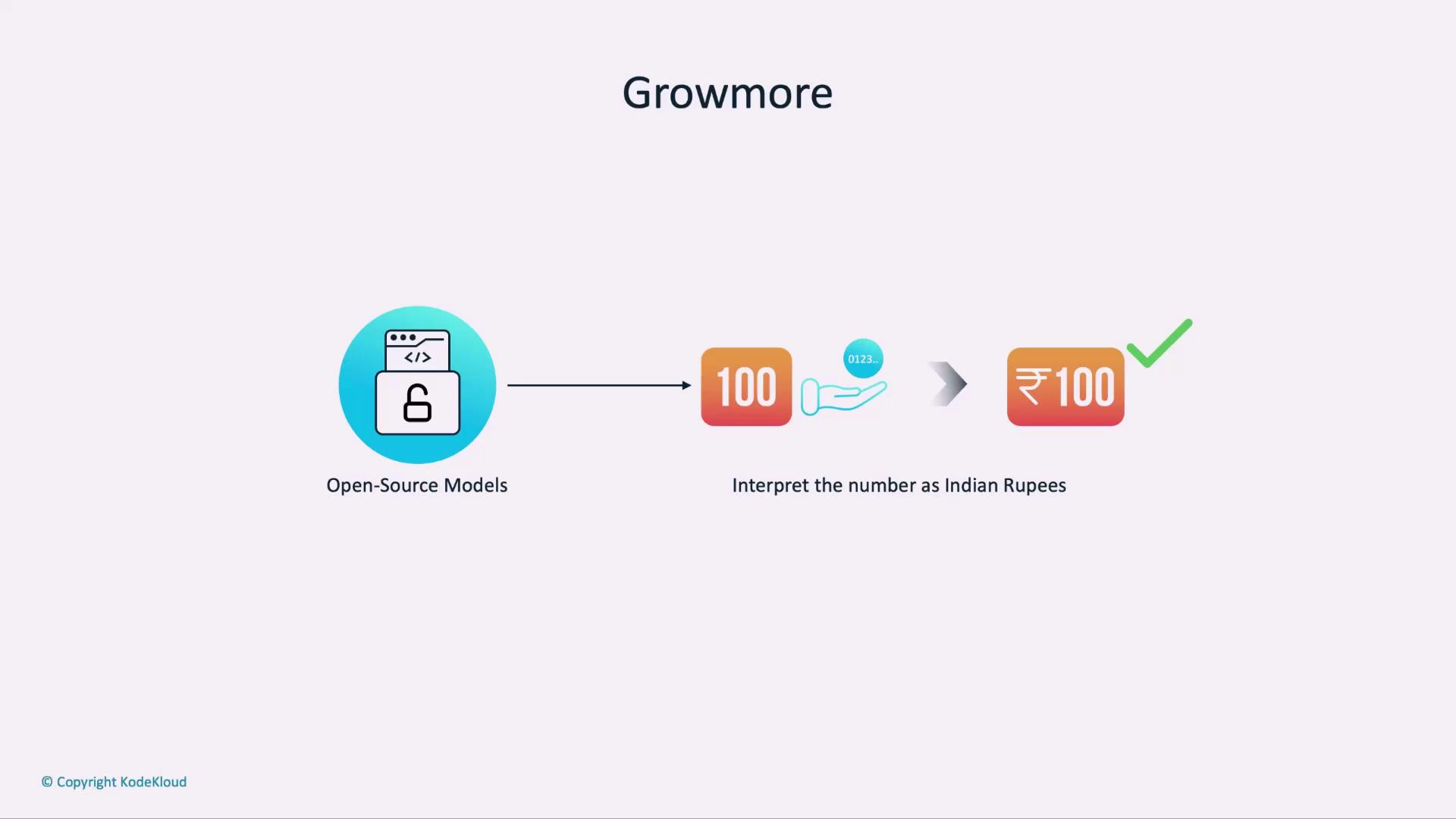
Modelfile vs. Dockerfile
A Modelfile is to Ollama what a Dockerfile is to Docker.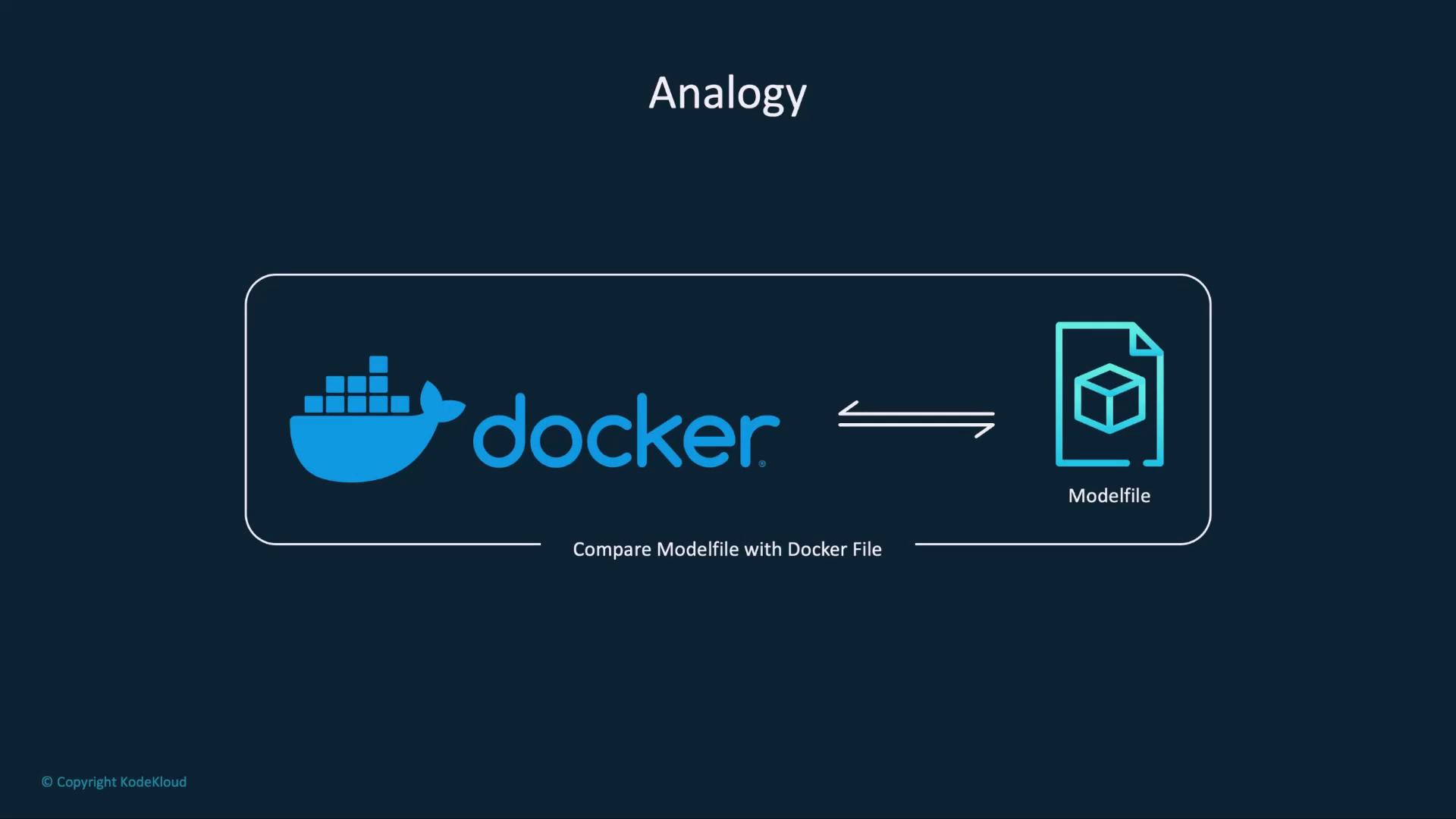
Both files start from a base image and layer on custom instructions to produce a final artifact.
Dockerfile Workflow
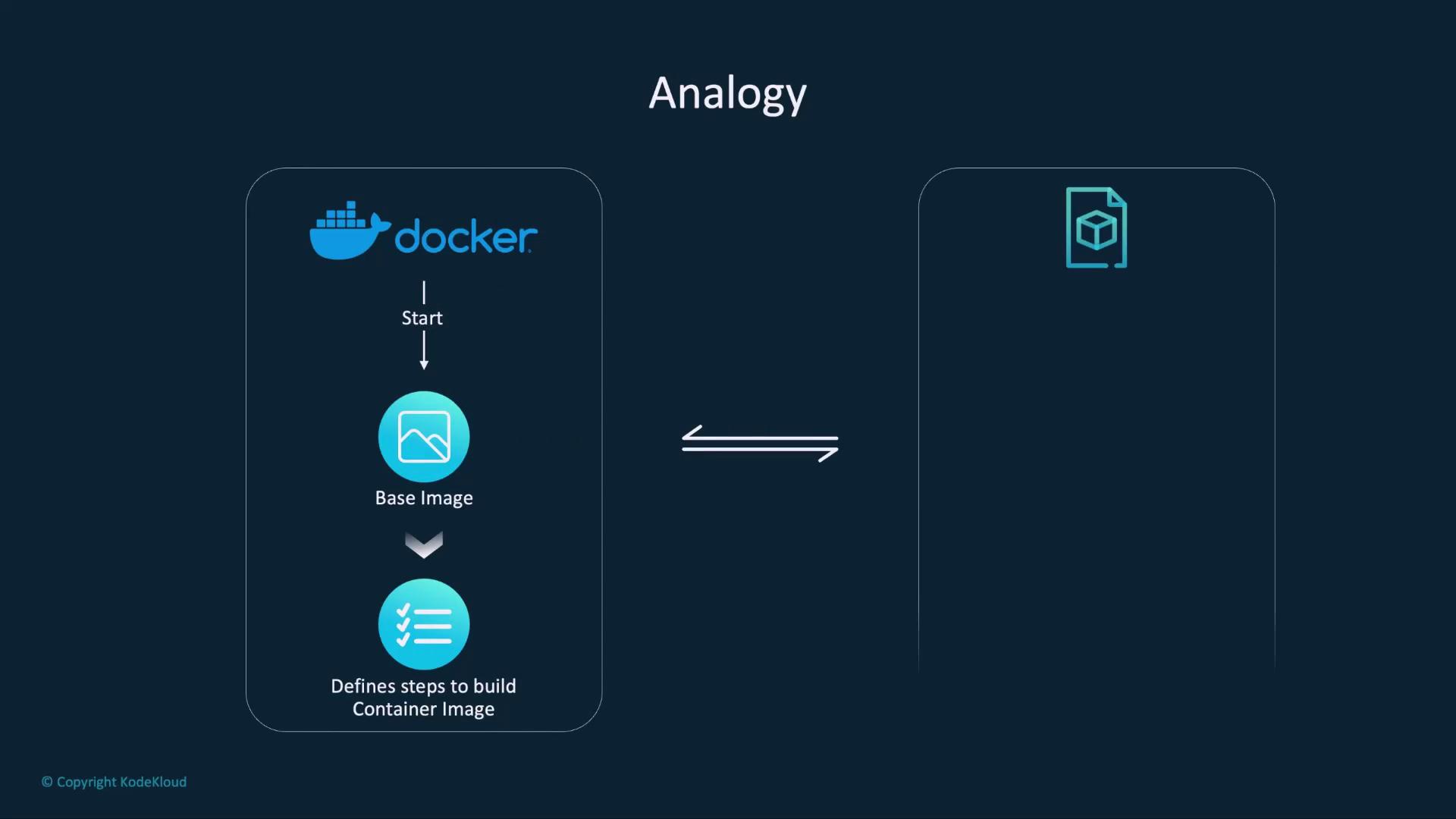
FROM ubuntu:20.04RUN apt-get update && apt-get install -y python3- Other build steps…
Modelfile Workflow
FROM <model name>:<tag>PARAMETERdeclarationsSYSTEMandMESSAGEinstructions
Common Modelfile Fields
Below are the most frequently used instructions in a Modelfile:1. FROM
Specifies the base model image to extend:
2. PARAMETER
Declare hyperparameters that control the model’s output: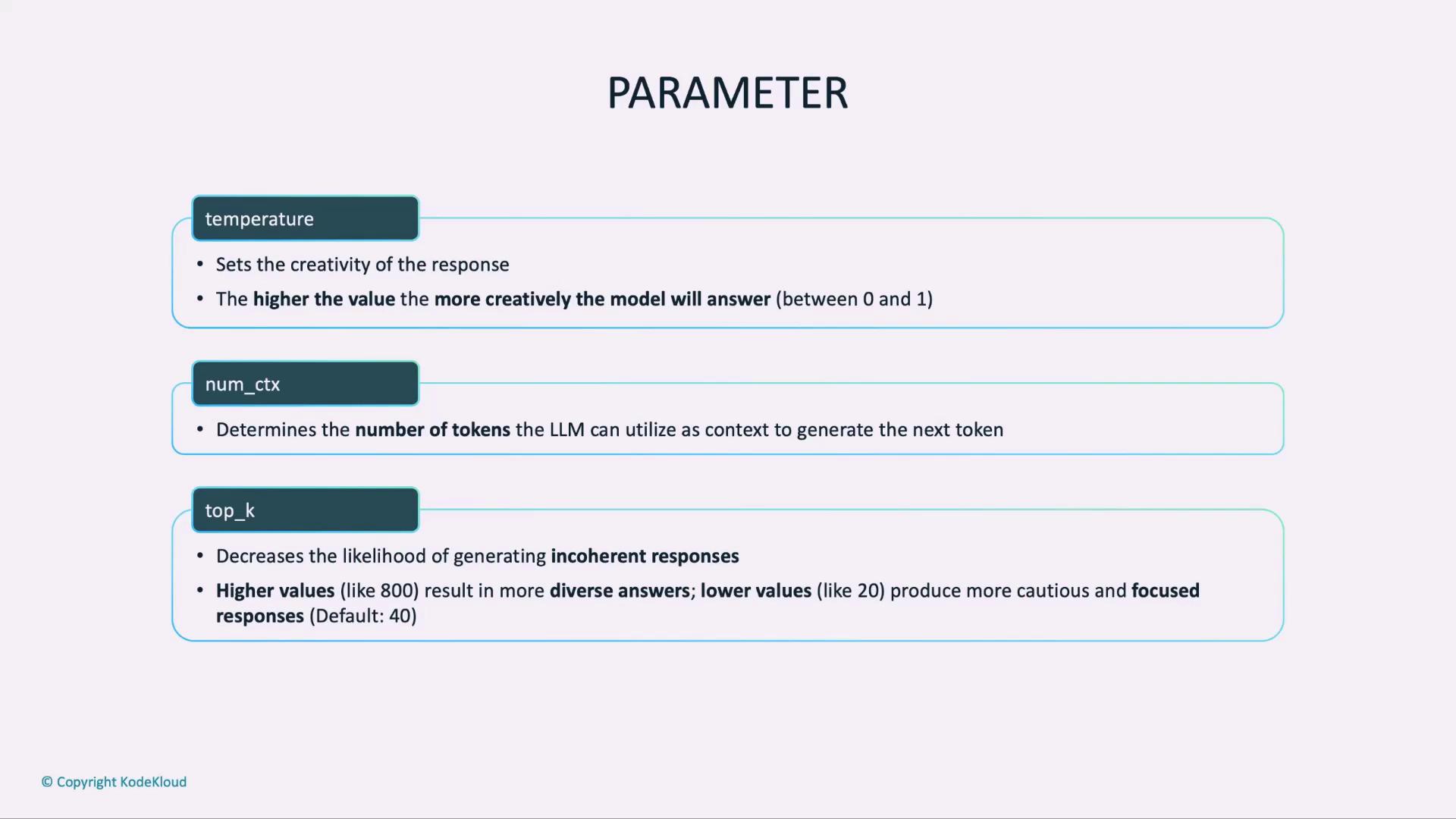
| Parameter | Purpose | Example |
|---|---|---|
| temperature | Creativity vs. precision (0–1) | 0.2 for factual |
| num_ctx | Max tokens in context | 512 |
| top_k | Restrict candidate tokens per generation | 50 |
Setting
temperature too high (e.g., ≥0.9) can produce overly creative or inconsistent responses.3. SYSTEM
Define a high-level system message to steer the model’s role:4. MESSAGE
Provide dialogue history to establish context: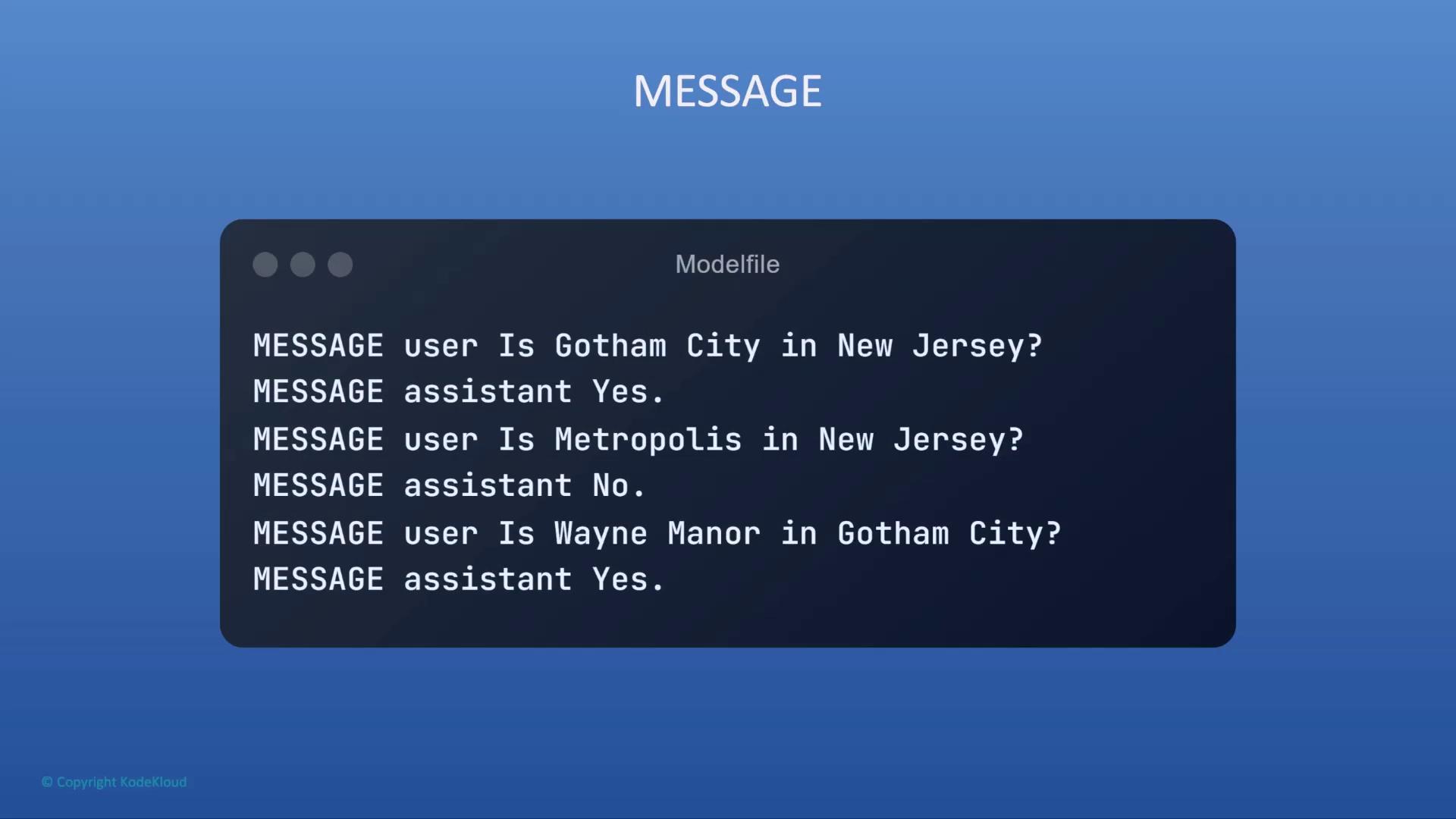
Next Steps
You now know how to build a Modelfile withFROM, PARAMETER, SYSTEM, and MESSAGE instructions.For a comprehensive list of Modelfile directives, see the Ollama Modelfile documentation.