This article focuses on using the Ollama REST API for programmatic access to local LLMs over HTTP.
In the previous article, you explored Ollama’s core features—installing the CLI, pulling models, and running large language models locally. Now, we’ll shift our focus to programmatic access: the Ollama REST API, which lets you interact with your local LLMs over HTTP instead of typing commands in a terminal.
Ensure you’ve installed the Ollama CLI and configured at least one local model (for example, ollama pull llama2).
Have your API base URL and authentication token ready if you’ve set up access controls.
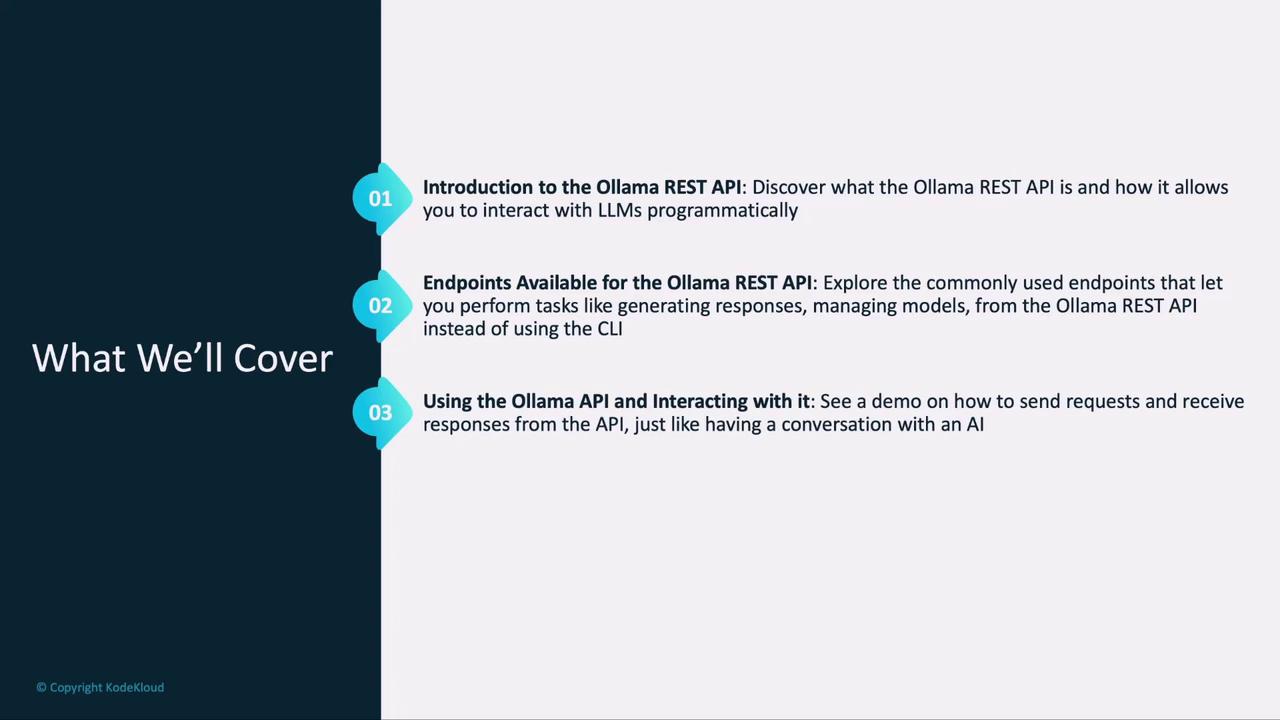
Ollama REST API Overview: Why and when to use the API over the CLI
Key Endpoints: Create, list, and chat operations you’ll rely on
Request & Response Flow: Emulate a conversational experience via HTTP
Hands-On Lab: Practice making real API calls
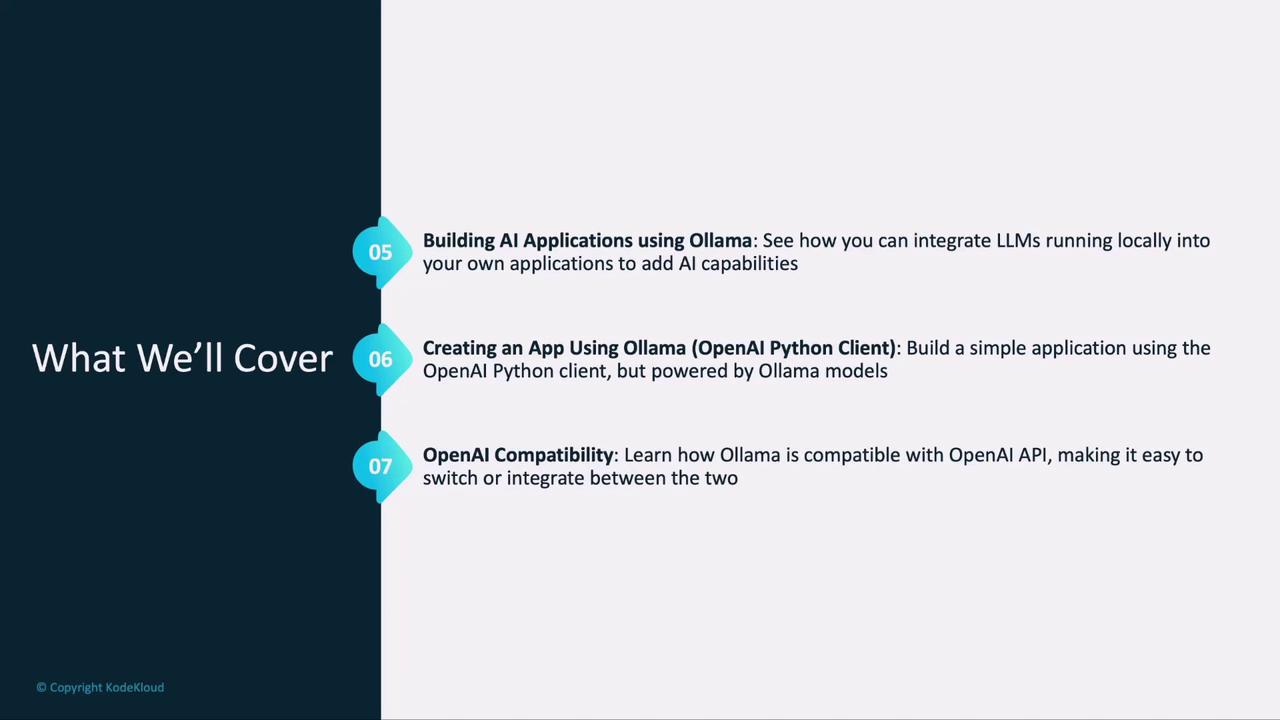
AI App Architecture: Fundamentals of integrating locally hosted LLMs
Python Demo: Build a simple application with the OpenAI Python client powered by Ollama
OpenAI Compatibility: How Ollama mirrors the OpenAI API for seamless production switch-overs
This section will guide you through every step, from sending your first POST /v1/chat/completions request to handling streamed responses in your application.