Prerequisites
Before you begin, make sure you have:- The Ollama app installed on your computer
- Access to the Ollama CLI (
ollamacommand)
Ensure your machine meets the Ollama system requirements for smooth performance.
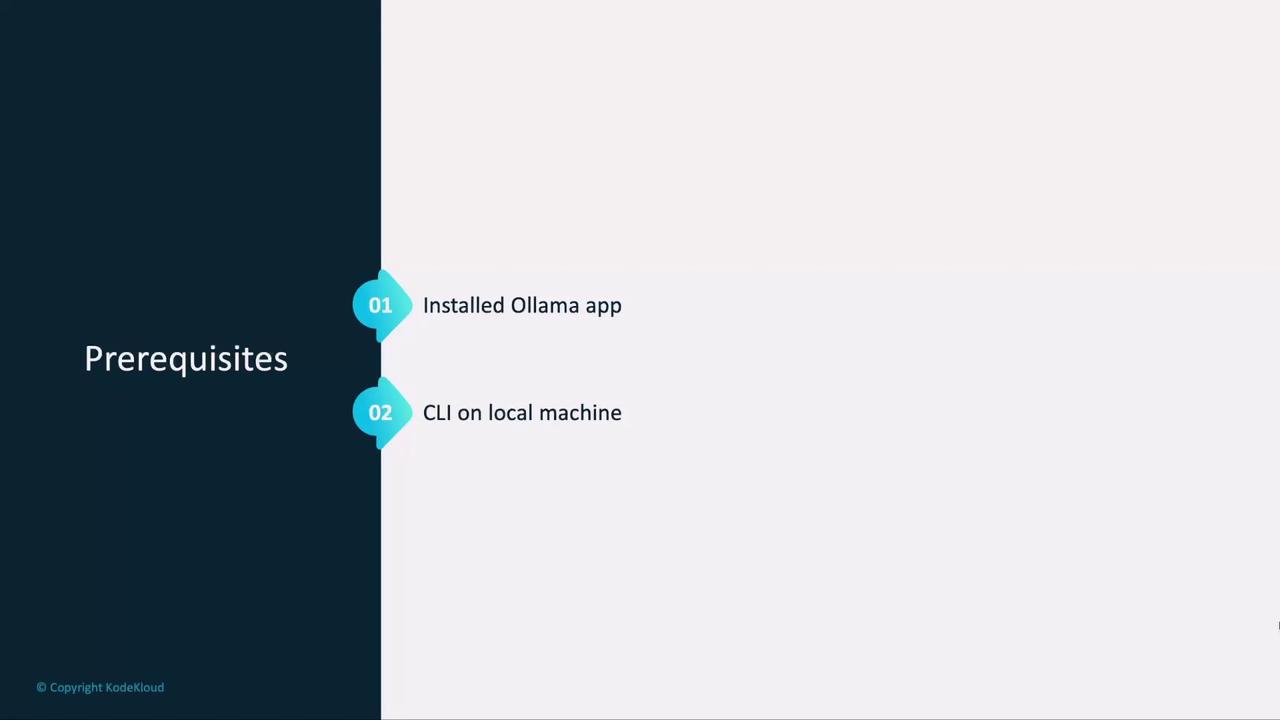
Local vs. Cloud Deployment
You have two options for running LLMs:| Deployment Type | Pros | Cons |
|---|---|---|
| Local | No usage fees, full data control | Requires disk space, RAM |
| Cloud Service | Instant scale, managed infra | Ongoing costs, data sent externally |
Ollama Setup Process
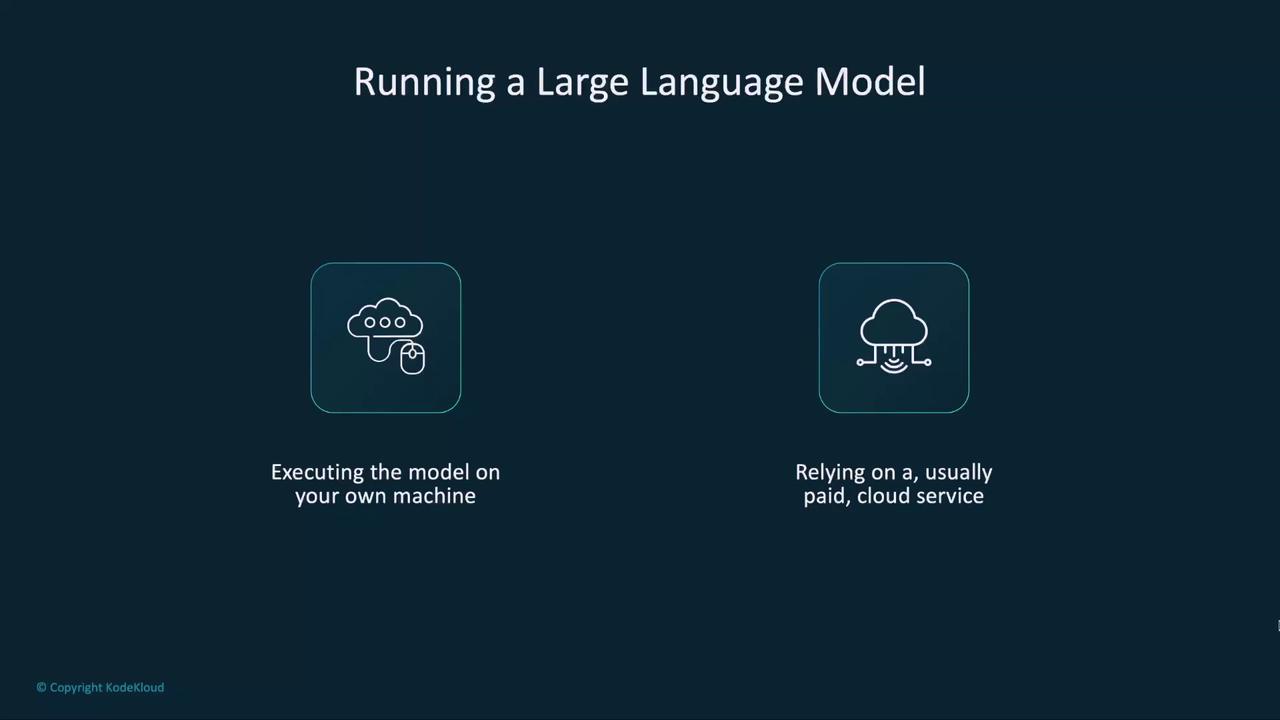
Ollama automates:- Downloading the model files
- Installing dependencies and preparing the environment
Running a Model with Ollama
We’ll start with LLaMA 3.2, Meta’s open-source LLM. To launch:- Pull the manifest and layers
- Verify the SHA-256 digest
- Cache metadata for faster future starts
- Launch the model
The first download can take several minutes depending on your internet speed and disk performance.
Chatting with Your Model
Once loaded, Ollama drops you into an interactive chat:/bye to close the session. You now have a fully offline LLM chat interface.
Next Steps
In the next lesson, we’ll:- Explore other models supported by Ollama
- Read model descriptions and metadata
- Run additional LLMs locally