

Table of Contents
- List All Commands
- Run a Model Interactively
- Stop a Running Model
- View Local Models
- Remove a Model
- Download Models Without Running
- Show Model Details
- Monitor Active Models
- Links and References
1. List All Commands
To discover every available Ollama subcommand, simply run:Append
--help to any command to view detailed usage information, for example:2. Run a Model Interactively
Launch an interactive chat session with a model (e.g.,llama3.2):
3. Stop a Running Model
Models continue running in the background even after you exit the chat interface. To completely terminate:Leaving unused models running can consume memory and GPU resources. Always stop models you’re no longer using.
4. View Local Models
List all models downloaded on your machine:| NAME | ID | SIZE | MODIFIED |
|---|---|---|---|
| llava:latest | 8dd30f6b0cb1 | 4.7 GB | 48 minutes ago |
| llama3.2:latest | a80c4f17acd5 | 2.0 GB | About an hour ago |
5. Remove a Model
Free up disk space by deleting a model:| NAME | ID | SIZE | MODIFIED |
|---|---|---|---|
| llama3.2:latest | a80c4f17acd5 | 2.0 GB | About an hour ago |
6. Download Models Without Running
Useollama pull to fetch a model without immediately launching it. For example, to pull Mistral 7B:
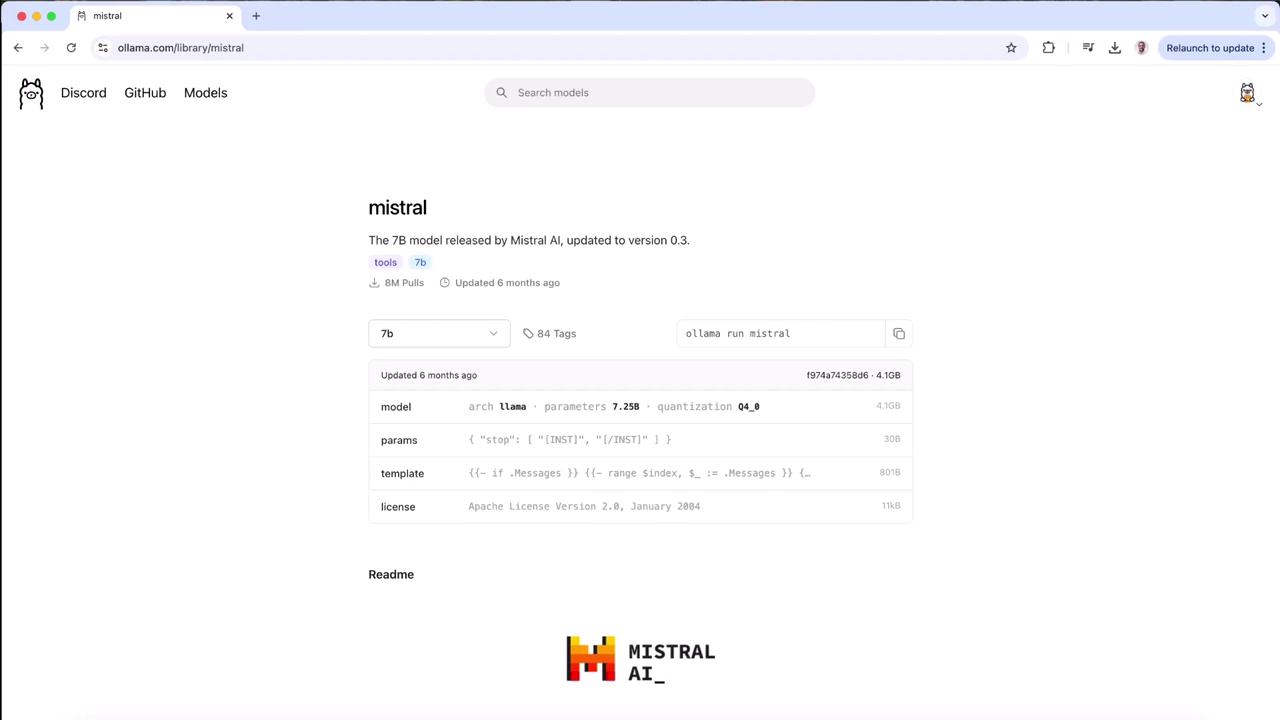
Press
Ctrl+C at any point to abort the download.7. Show Model Details
Inspect model metadata, architecture, and licensing:8. Monitor Active Models
Similar to Docker’sps, this command lists all currently running models:
| NAME | ID | SIZE | PROCESSOR | UNTIL |
|---|---|---|---|---|
| llama3.2:latest | a80c4f17acd5 | 4.0 GB | 100% GPU | 4 minutes from now |