

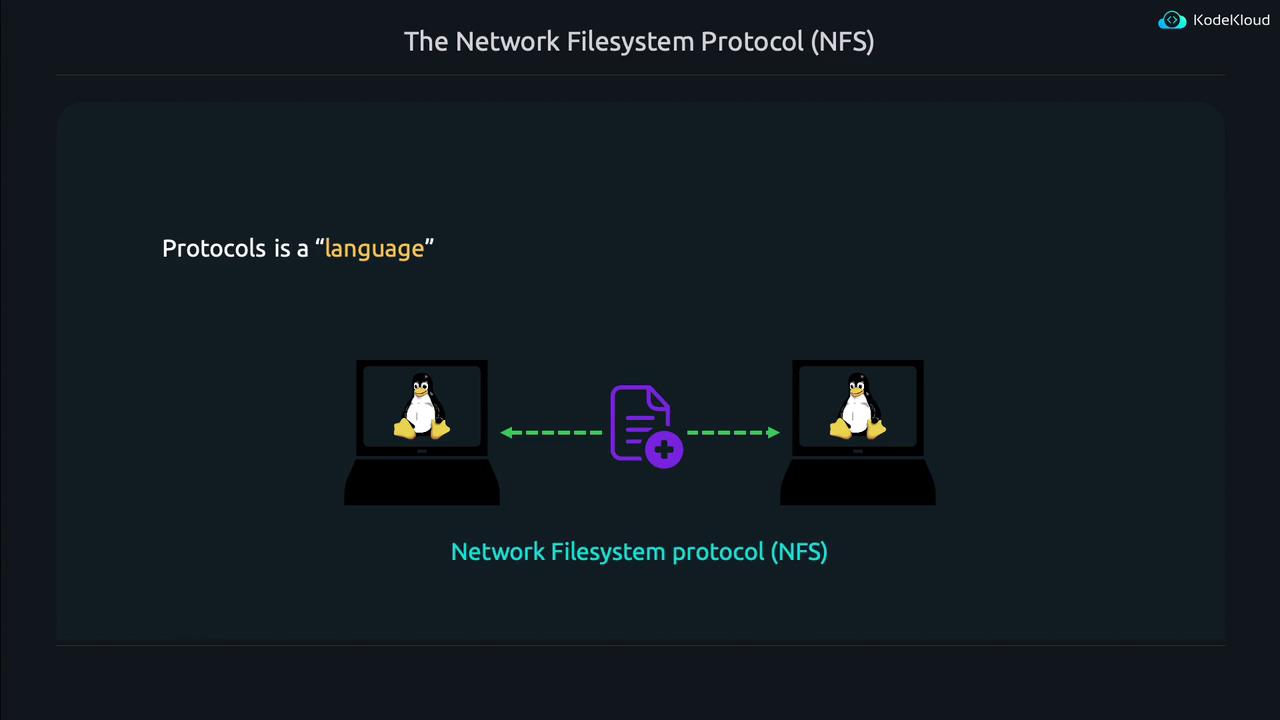
- Configuring an NFS server to share a file system with remote machines.
- Setting up an NFS client to mount the remote file system.
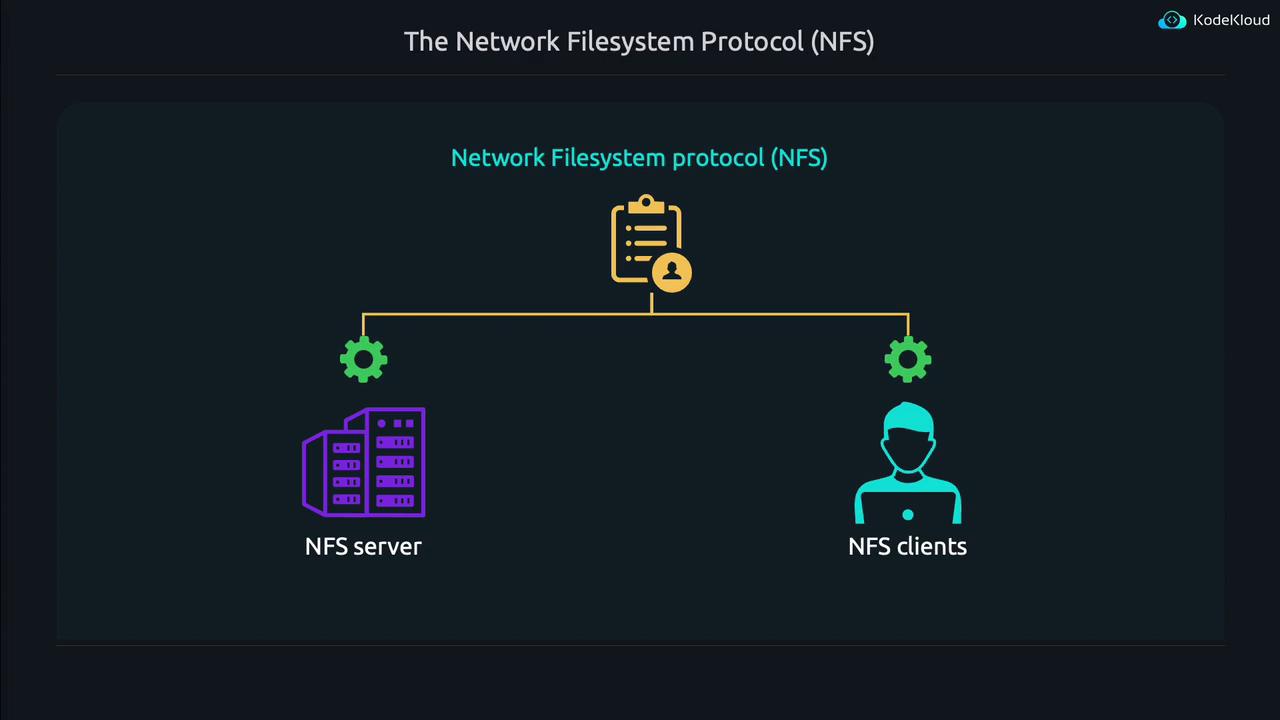
The NFS protocol simplifies remote file sharing by standardizing communication between the server and client. This allows Linux systems to seamlessly share and access files over the network.
Configuring the NFS Server
Begin by setting up the NFS server—the system that shares data with clients.Step 1: Install the NFS Server Package
Install the necessary package using the following command:Step 2: Define File System Shares
Specify which directories to share by editing the/etc/exports file. Open the file with your preferred text editor:
- The directory to be shared (e.g.,
/nfs/disk1/backupsor/srv/homes). - One or more allowed NFS clients (specified as hostnames, fully qualified domain names, or IP addresses).
- Optionally, a range of IP addresses can be allowed using CIDR notation (e.g.,
10.0.16.0/24). - Export options enclosed in parentheses, such as
(rw,sync,no_subtree_check)for read/write access or(ro,sync,no_subtree_check)for read-only access.
/etc/exports:
Understanding Export Options
- rw: Permits both read and write operations.
- ro: Restricts the share to read-only access.
- sync: Ensures data is written to the storage device before confirming the operation.
- async: Allows asynchronous writes, which can boost performance but might risk data loss in sudden reboots.
- no_subtree_check: Disables subtree checking, which avoids potential issues when files are moved or renamed.
- no_root_squash: By default, NFS remaps client root users to a lesser privileged user (
nobody). This option lets the client’s root user retain root privileges on the remote share.
Adding an Export Example
To share the/etc directory with a computer having IP address 127.0.0.1 (read-only), add the following line to /etc/exports:
-r flag forces the server to refresh its list of shared directories. To confirm the current exports and their settings, run:
When using wildcards in client specifications, ensure there are no additional spaces between the hostname (or wildcard) and the opening parenthesis. For example:
Configuring the NFS Client
Configuring the client side is straightforward. First, install the necessary NFS utilities:Mounting an NFS Share
Assuming an NFS server is sharing the/etc directory, you can mount it using:
/etc directory from an NFS server at 127.0.0.1 to your local /mnt directory, run:
server1, the command becomes:
Auto-Mounting at Boot
To mount the NFS share automatically during system boot, edit the/etc/fstab file:
- Source:
127.0.0.1:/etc - Mount Point:
/mnt - File System Type:
nfs - Mount Options:
defaults(modifiable based on requirements) - Dump and Pass Fields: Both set to
0for a network-mounted file system
/etc/fstab might look like:
Ensure that your NFS server and client firewall settings allow NFS traffic. Any network restrictions might prevent proper communication between the systems.
Summary
This lesson covered the essential steps for setting up an NFS server and configuring NFS clients to mount remote file systems. You learned how to:- Install and configure the NFS server package.
- Define shared directories using the
/etc/exportsfile and understand key export options. - Verify and manage the shared directories with
exportfs. - Install NFS utilities on the client side, mount and unmount the NFS share, and configure automatic mounting using the
/etc/fstabfile.