

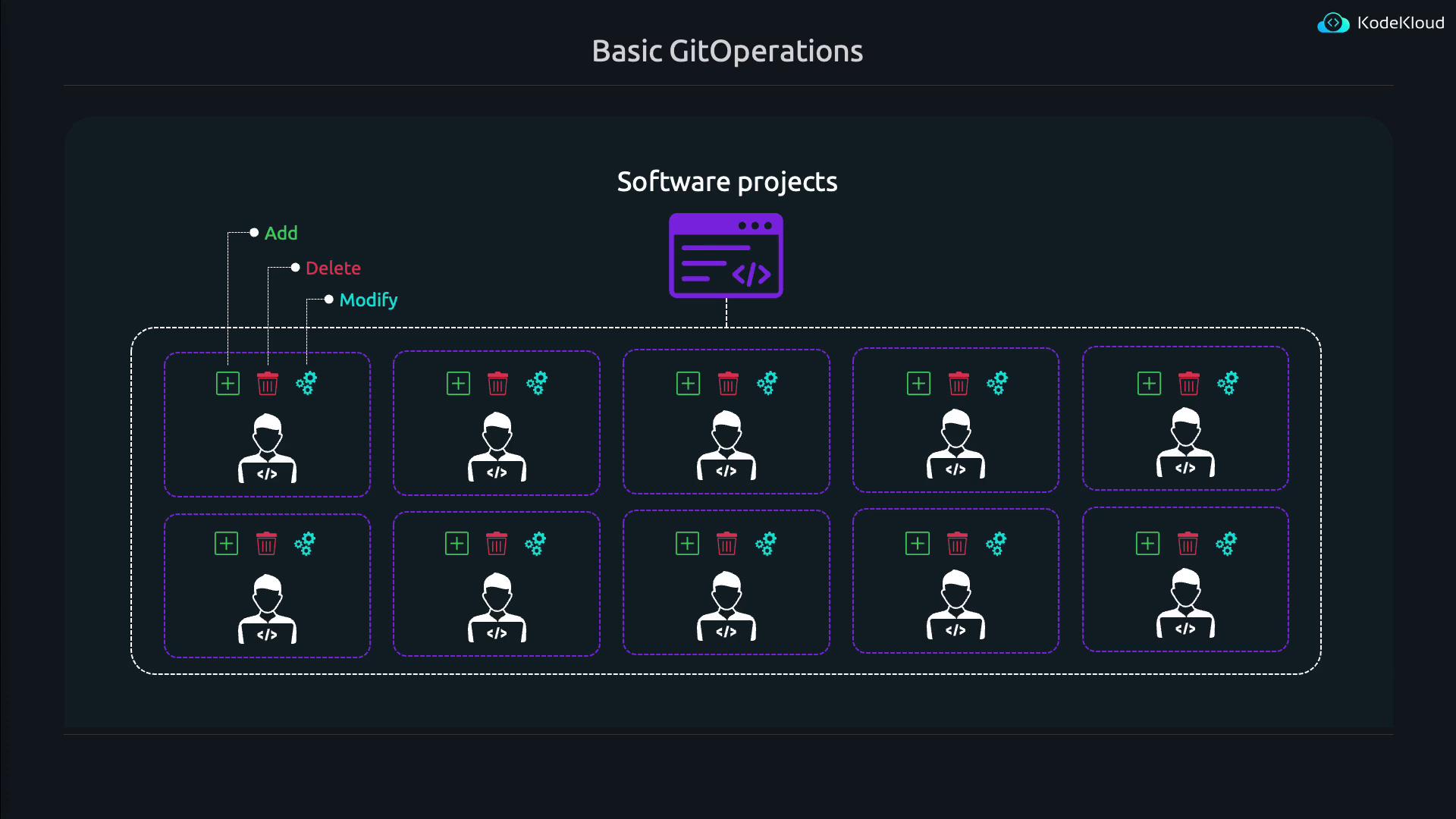
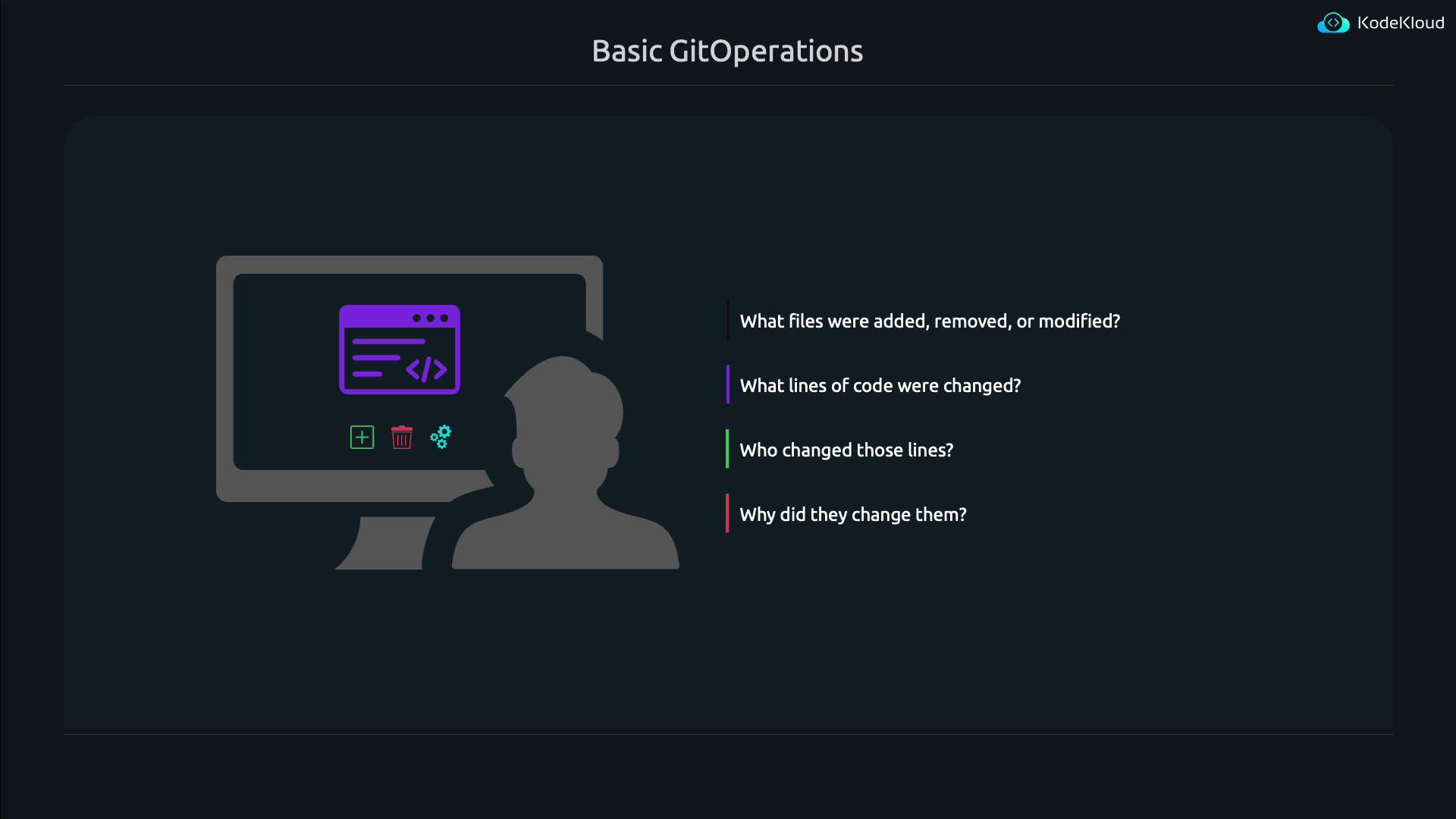
- What files have been added, modified, or removed
- Which lines of code have been changed
- Who made those changes
- Why the changes were made
Git Repositories: Local and Remote
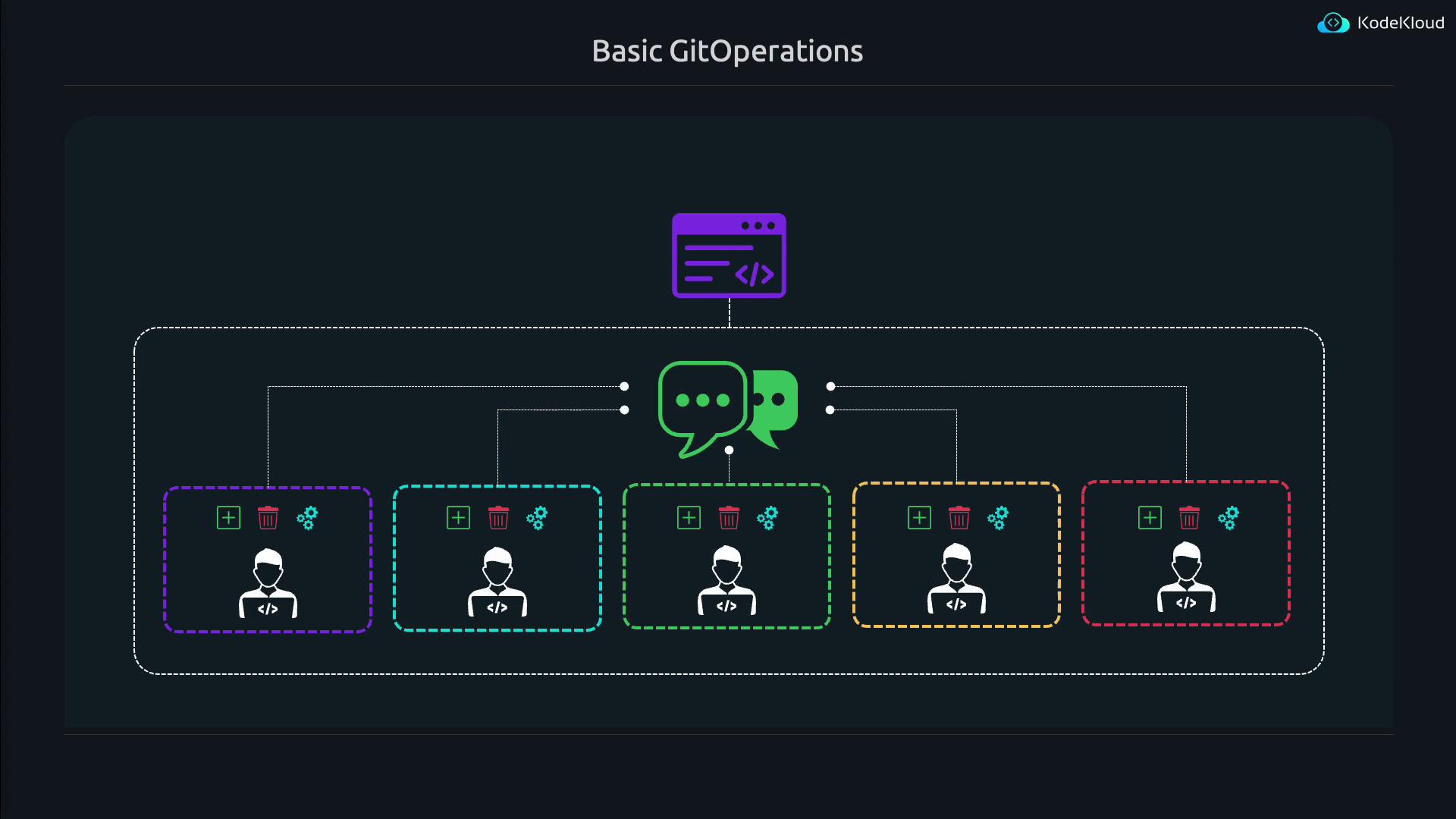
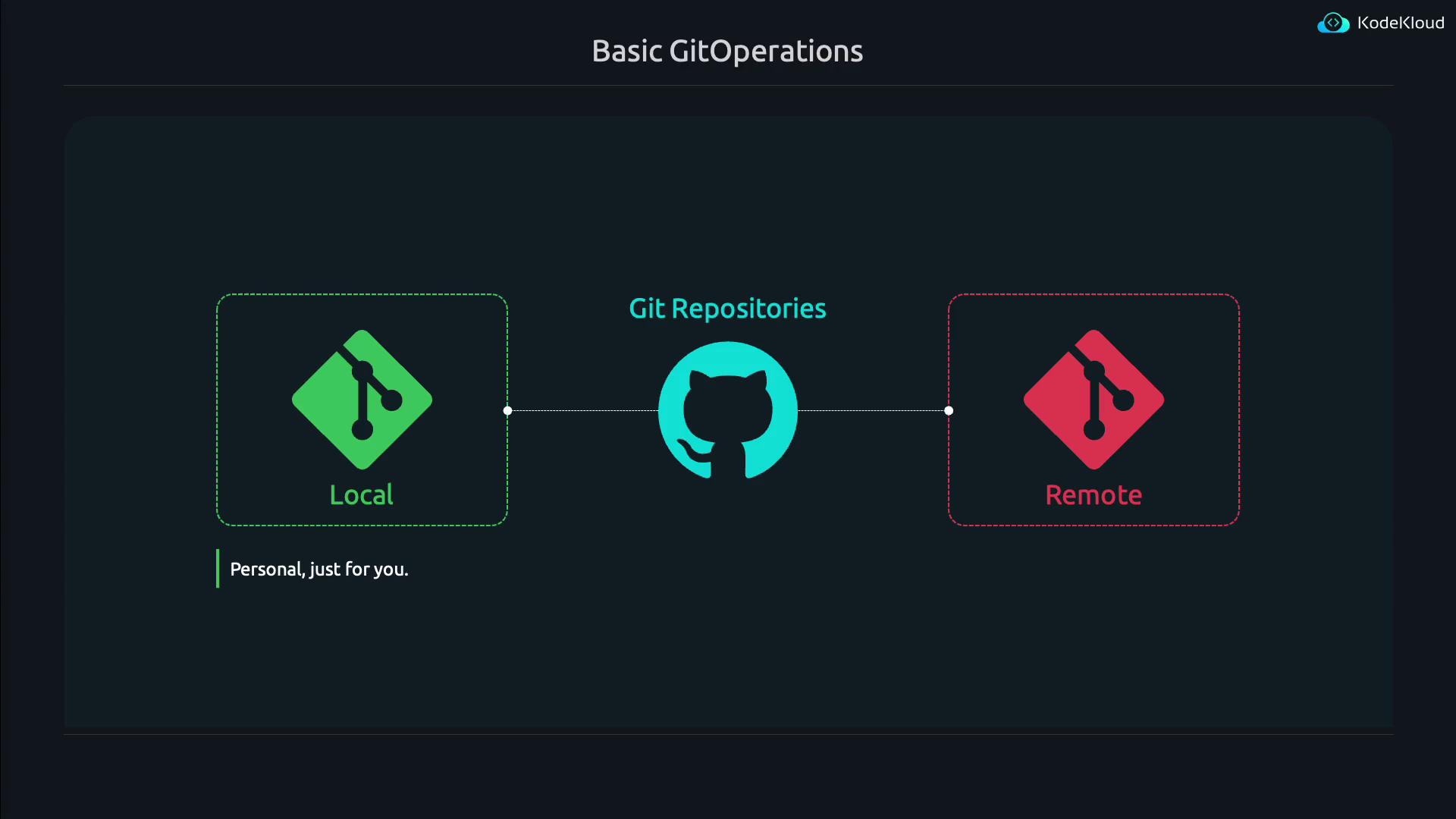
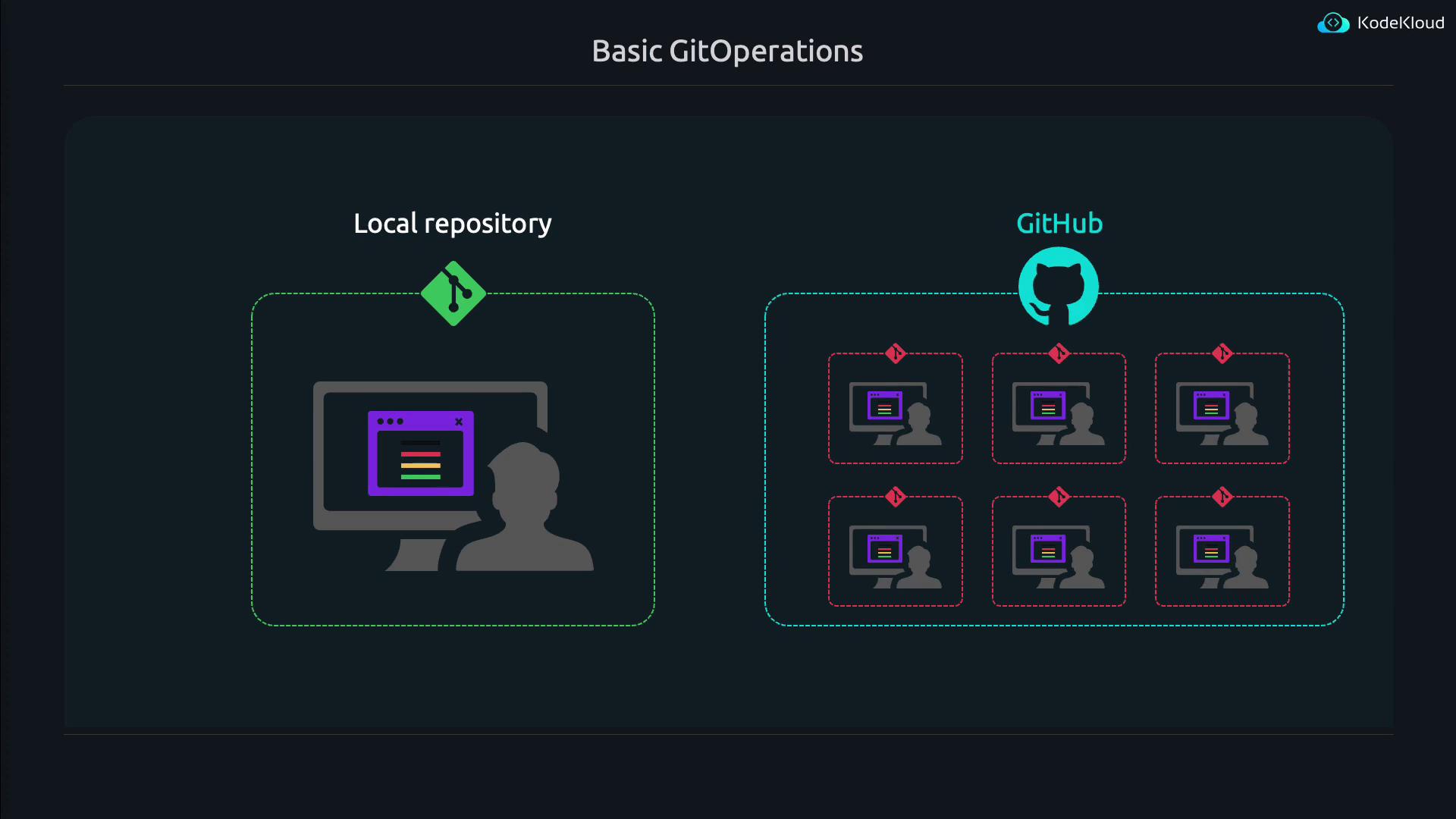
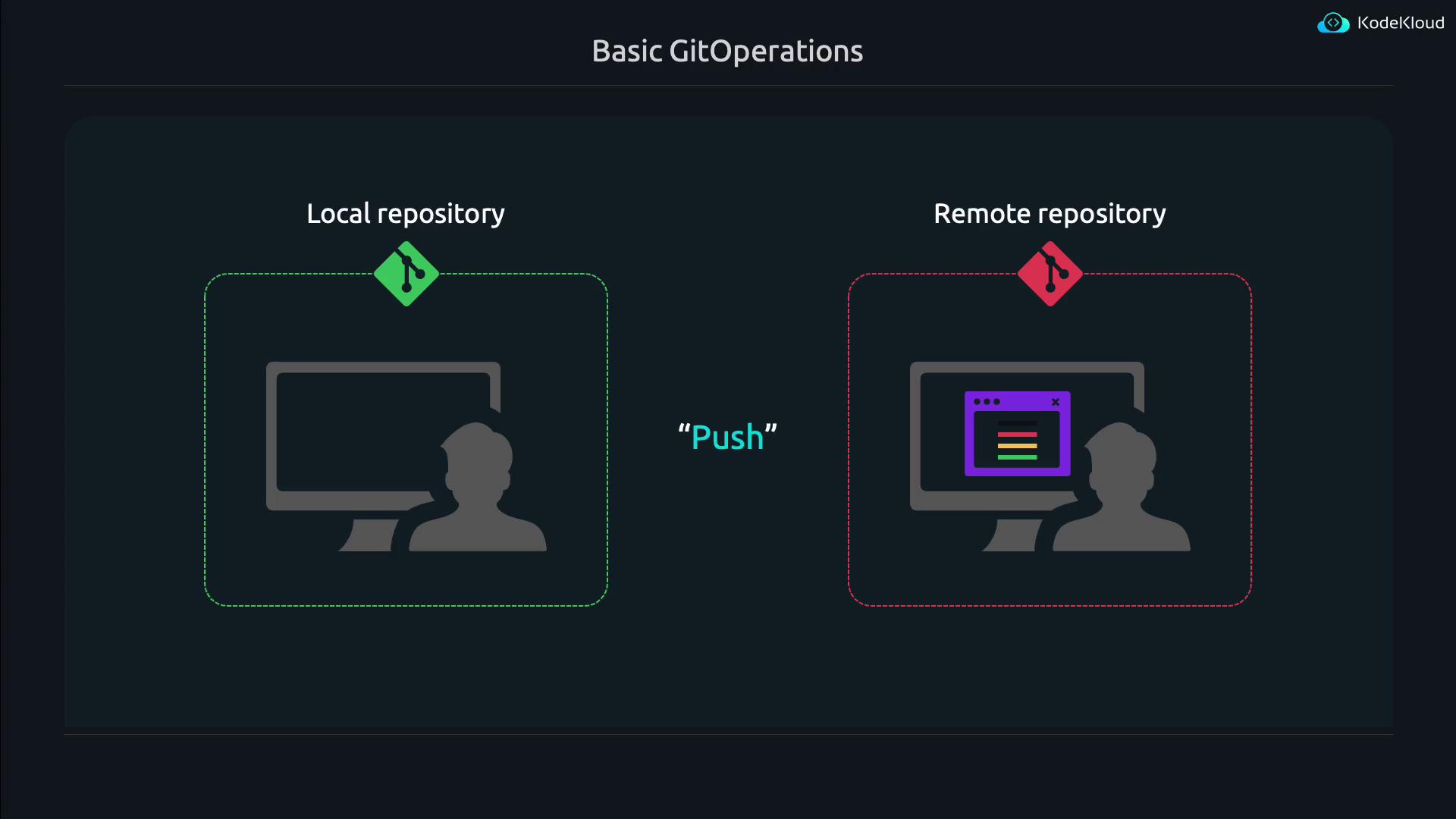
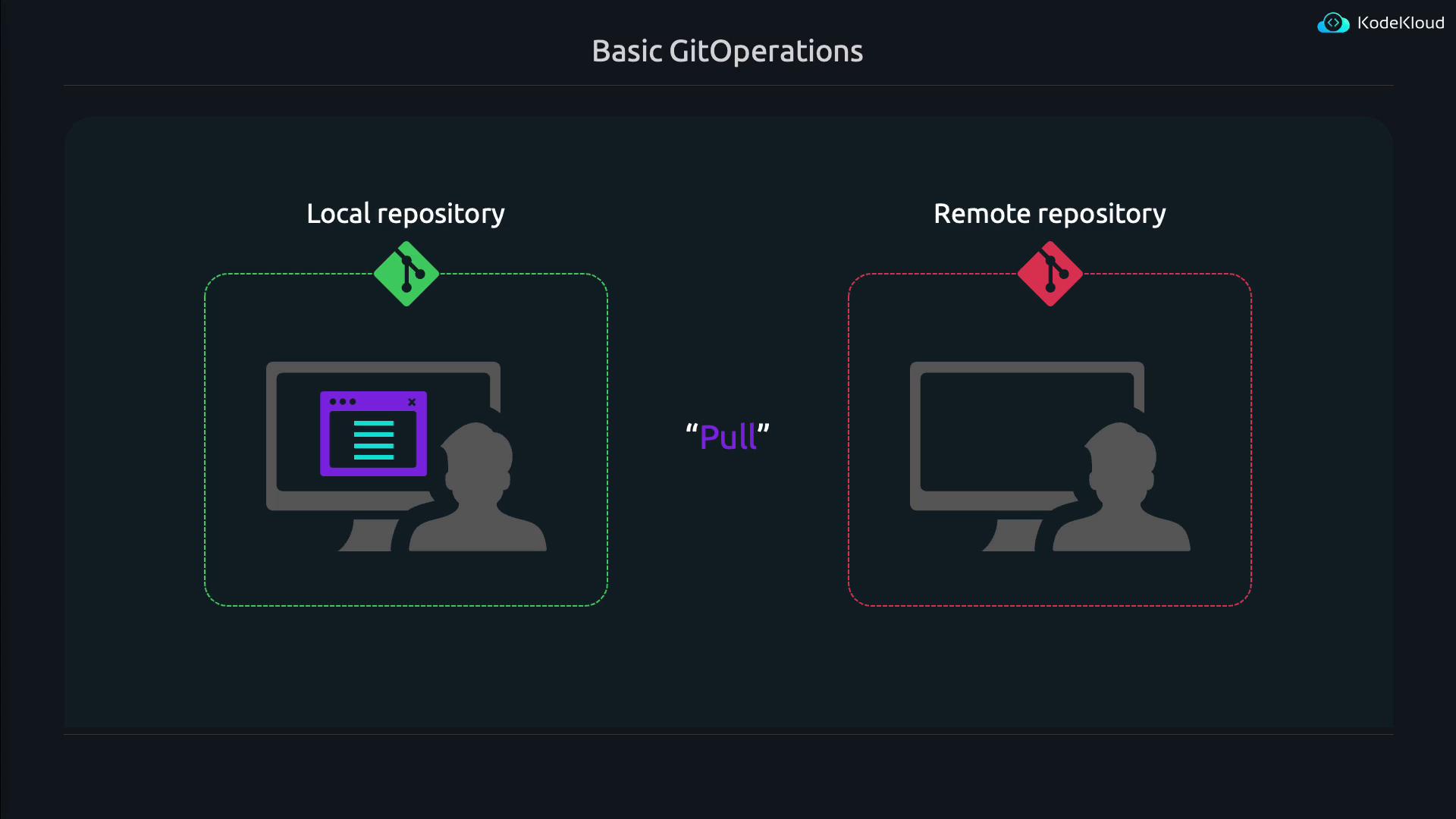
At the core of Git is the repository. Each developer typically works with two repositories:- A local repository on their own machine.
- A remote repository hosted on platforms like GitHub that the entire team accesses.
Setting Up Git
Most modern Linux distributions come with Git pre-installed. However, if you need to install Git, use the following command:Configuring Git User Details To set your identity globally, run the following commands:
--global flag and run the commands inside that repository.
Now, let’s create a directory for our project and initialize a Git repository:
git init, you should see a message indicating that an empty Git repository has been created. For example:
.git directory will reveal various files and folders where Git stores repository data:
Tracking File Changes
Imagine you’re just beginning your journey in theproject directory. Let’s create two files—file1 and file2—and add an initial line of code to each:
git add and git commit. This process creates a snapshot of your project at that moment in time.
This initial setup demonstrates how Git monitors code modifications and manages repository settings within the .git directory. In our next lesson, we will explore how to stage changes and commit them, integrating your work seamlessly with that of your teammates.
Up Next Stay tuned for the next lesson where we dive into staging and committing your changes with Git!