

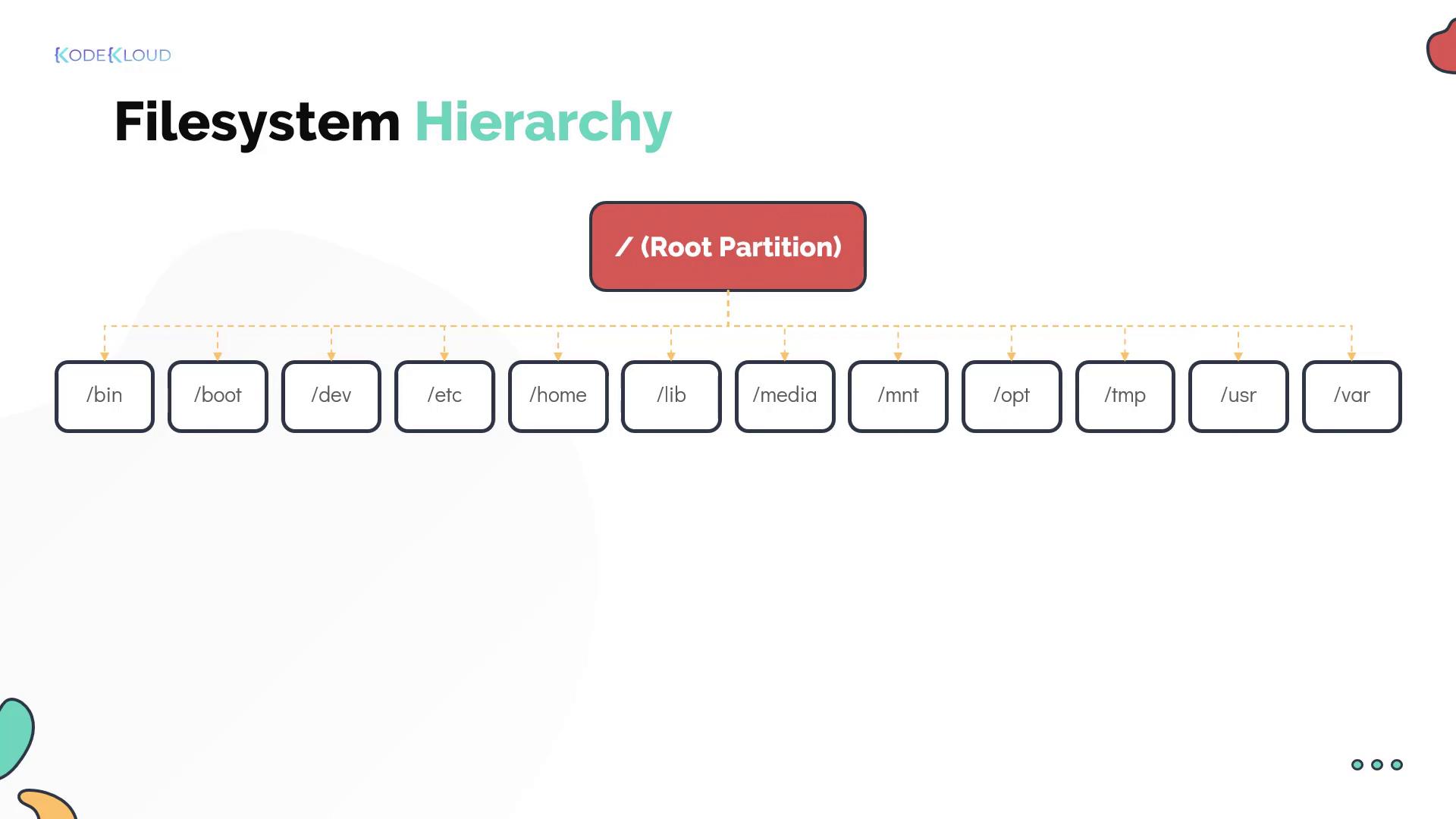
Key Directories and Their Purposes
• /homeThis directory holds the home directories for all users except the root user. The root user’s home directory is located at /root. • /opt
Third-party programs are typically installed here. For example, if you are deploying the web application for Project Mercury, /opt is the ideal installation location. • /mnt and /tmp
When setting up Bob’s laptop, Dave recommends installing security-mandated software. The software packages are stored in a repository on the company’s network share. Dave mounts this repository temporarily at /mnt using the
mount command, then copies the necessary packages to /tmp.
/mnt is used for temporarily mounting filesystems, whereas /tmp is reserved for storing temporary data.
Bob notices that when he plugs in a USB drive, Linux automatically mounts it under /media (unlike Windows, which might assign it a drive letter like G:). This directory is reserved for all external media. • /dev
The /dev directory contains special block and character device files. These files represent hardware devices such as external hard disks, mice, keyboards, and more. • /bin and /etc
Dave explains that essential programs and binaries (like
cp, mv, mkdir, and date) reside in /bin. Meanwhile, /etc is crucial because it stores the majority of Linux configuration files.
• /lib and /lib64These directories store shared libraries required by programs during runtime. • /usr
Modern Linux systems use /usr to store userland applications and their data. Historically, user home directories were located here. This directory contains software such as the Thunderbird mail client, Mozilla Firefox, and the vi editor. • /var
When system or application issues arise, logs and cached data stored in /var can provide essential troubleshooting insights.
Always check the /var directory for log files and other system-generated information when diagnosing issues.
Inspecting Mounted Filesystems
To view details about each mounted filesystem, Dave demonstrates thedf command. The following example shows the command output: