

After disabling public access, you can securely connect to your private cluster using a VPN. If implementing a VPN is impractical, consider configuring authorized networks in your infrastructure firewall. For instance, you can allow access only from a specific IP range (e.g., permitting 44.44.44.0/24 while blocking 33.33.33.0/24).
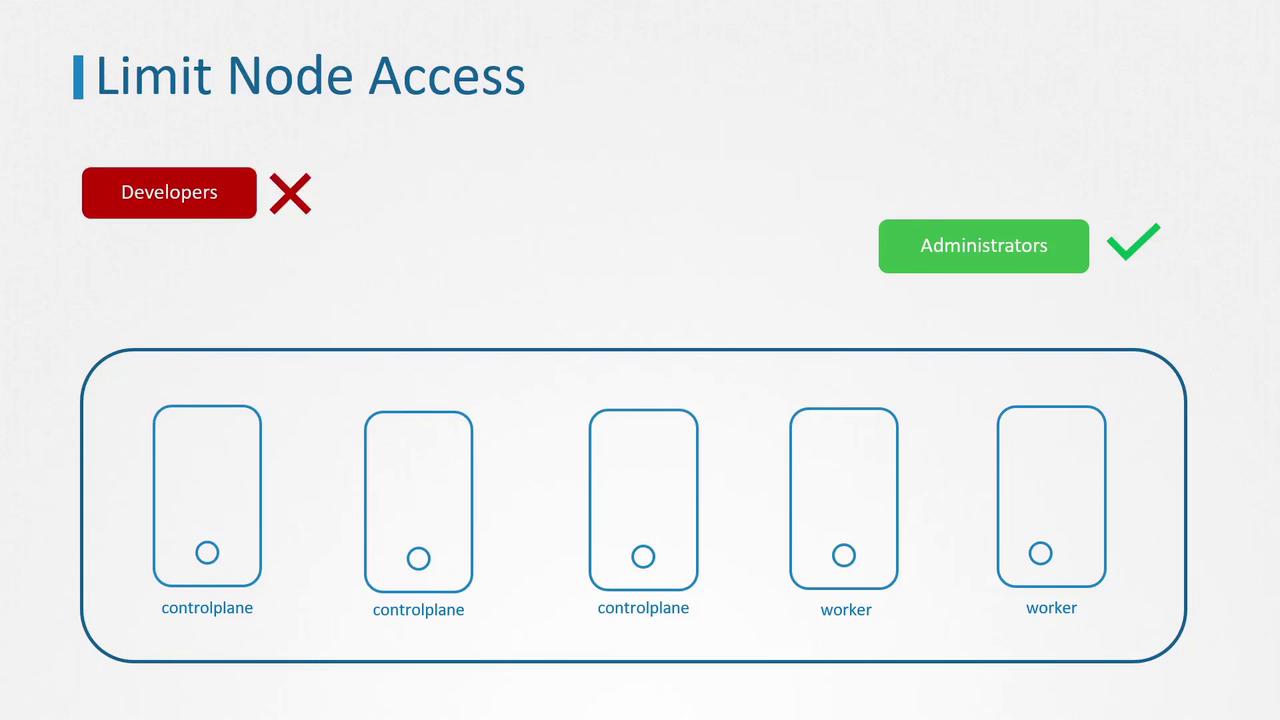
Managing User Accounts in Linux
Linux systems classify user accounts into several types, each with distinct roles:- User Accounts: For individuals like system administrators and developers.
- Superuser Account: The root account (UID 0) with complete system access.
- System Accounts: Created during OS installation for running system services, typically not operating with superuser privileges.
- Service Accounts: Similar to system accounts but dedicated to running specific services (for example, the “nginx” service account for an Nginx server).
Inspecting User Information
Linux provides several commands to inspect user details:- The
idcommand displays critical user information such as UID, GID, and group membership. - The
whocommand lists the users currently logged into the system. - The
lastcommand presents a login history for users.
Understanding Access Control Files
Most access control files can be found in the/etc directory. Key files include:
- /etc/passwd: Contains basic user information such as username, UID, GID, home directory, and default shell (note: passwords are not stored here).
- /etc/shadow: Stores hashed user passwords.
- /etc/group: Lists groups, including group names, GIDs, and member associations.
id, who, and last, enable you to audit which accounts have access to your system. Following the principle of least privilege, it is best practice to remove or disable any unnecessary account.
Disabling Unnecessary User Accounts
One effective method to restrict unauthorized access is to change a user’s shell to a no-login shell. This prevents the user from logging in, thereby limiting potential security risks.userdel command.
To remove a user from a specific group—such as removing Michael from the admin group—follow these steps on an Ubuntu system:
-
Check the current group membership:
-
Remove Michael from the admin group:
-
Verify that Michael has been removed:
These commands apply to local user accounts. For accounts managed via directory services such as Active Directory or LDAP, refer to your service documentation.