This article provides a guide on securing applications with Kubernetes Secrets, detailing creation, injection, and best practices for managing sensitive data.
Welcome to this comprehensive guide on securing your applications with Kubernetes Secrets. In this lesson, you’ll learn how to replace hardcoded sensitive data in your applications with a more secure approach using Kubernetes Secrets. We will walk through a Python web application example, demonstrate both imperative and declarative methods for creating Secrets, and explain how to inject these Secrets into your Pods securely.
In our example, a simple Python web application connects to a MySQL database. On a successful connection, the application displays a success message. However, the code currently hardcodes the database hostname, username, and password. Although non-sensitive data such as hostnames or usernames can be stored in a ConfigMap, using the same approach for sensitive information like passwords is not recommended.Below is an excerpt of the Python application code:
Hardcoding credentials in your application code is insecure. Use Kubernetes Secrets to manage sensitive configuration data securely.
A sample ConfigMap for non-sensitive configurations might look like this:
Copy
Ask AI
apiVersion: v1kind: ConfigMapmetadata: name: app-configdata: # Non-sensitive configuration data can be placed here.
While a ConfigMap can hold non-sensitive values safely, passwords require an extra layer of security. This is where Kubernetes Secrets become essential—they store sensitive information in an encoded format rather than plain text.
With the imperative approach, you can directly add key-value pairs from the command line. For example, to create a secret named “app-secret” with values for DB_Host, DB_User, and DB_Password, use:
Note: When specifying data values in plain text, the information is not secure. Ensure that the secret values are base64 encoded using one of the available encoding methods.
Then, pass the configuration to the kube-apiserver. Modify your API server Pod specification as follows:
Copy
Ask AI
apiVersion: v1kind: Podmetadata: annotations: kubeadm.kubernetes.io/kube-apiserver.advertise-address.endpoint: 10.10.30.4:6443 labels: component: kube-apiserver tier: control-plane name: kube-apiserver namespace: kube-systemspec: containers: - command: - kube-apiserver # ... other command arguments ... - --encryption-provider-config=/etc/kubernetes/enc/enc.yaml # Add this line volumeMounts: # ... other mounts ... - name: enc mountPath: /etc/kubernetes/enc readOnly: true # Add this line volumes: # ... other volumes ... - name: enc hostPath: path: /etc/kubernetes/enc type: DirectoryOrCreate # Add this line
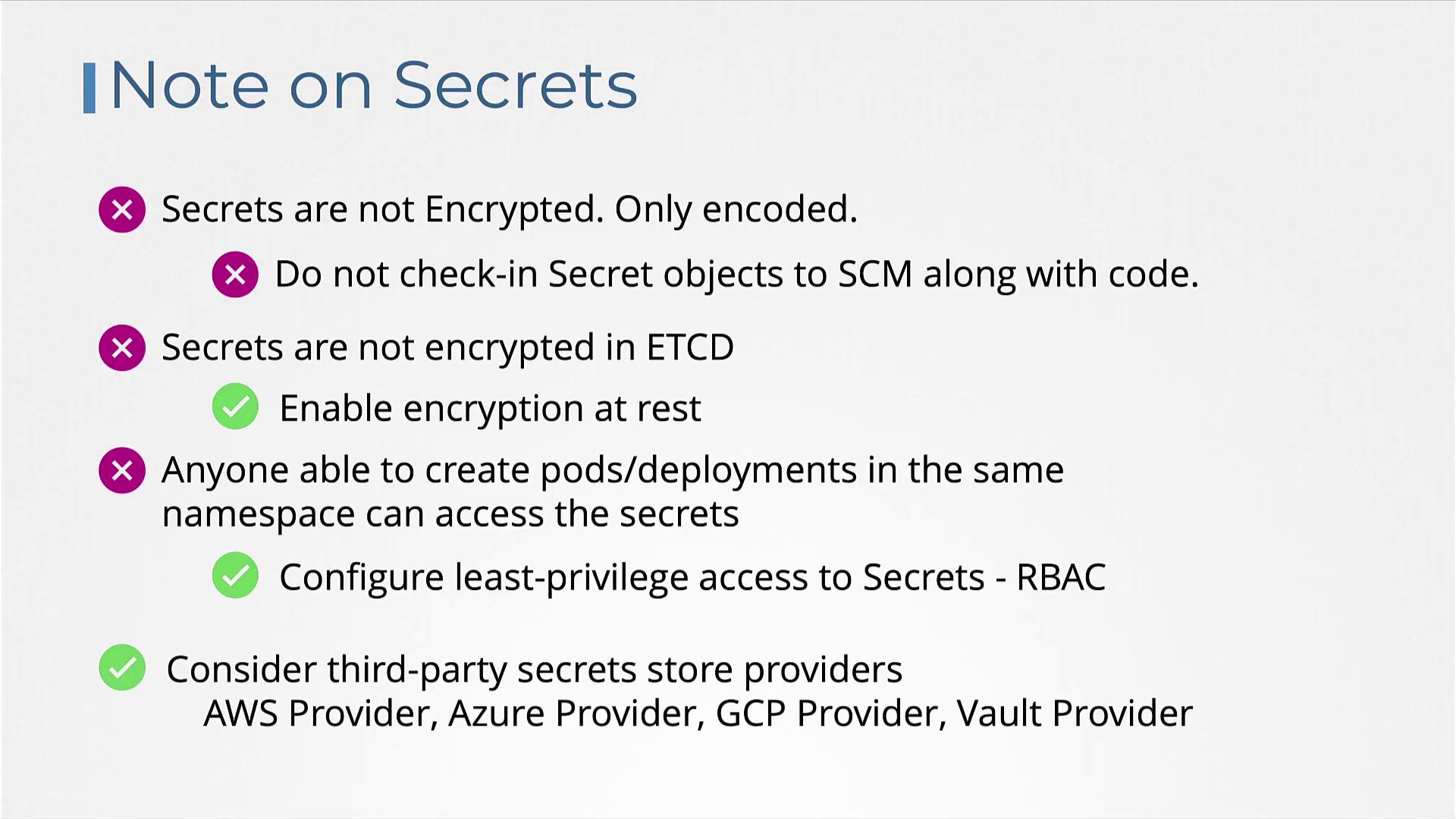
Keep in mind that anyone who can create Pods or Deployments in the same namespace could potentially access these Secrets. Use role-based access control (RBAC) to limit access effectively.For additional protection, consider integrating third-party secret providers such as the AWS Provider, Azure Provider, GCP Provider, or Vault Provider. These external solutions store Secrets outside etcd and provide advanced security controls.
In this lesson, we covered the importance of managing sensitive data in Kubernetes using Secrets. We discussed both imperative and declarative methods to create Secrets, learned how to inject them into your Pods as environment variables or as files in a volume, and reviewed critical best practices along with encryption strategies. Practice these techniques to improve the security of your Kubernetes deployments and safeguard your sensitive data.For more detailed information, explore the official Kubernetes Documentation.