

Understanding Base Images
Understanding how images are built is crucial for optimizing them. Consider the following Dockerfile used to build a custom web application image:Best Practices for Building Images
When creating Docker images, follow these best practices to ensure efficiency, security, and ease of management:- Separate Applications:
Do not combine multiple applications (e.g., a web server, a database) within a single image. Instead, build separate, modular images for each component. This approach allows each component to manage its own libraries and dependencies and enables independent scaling.
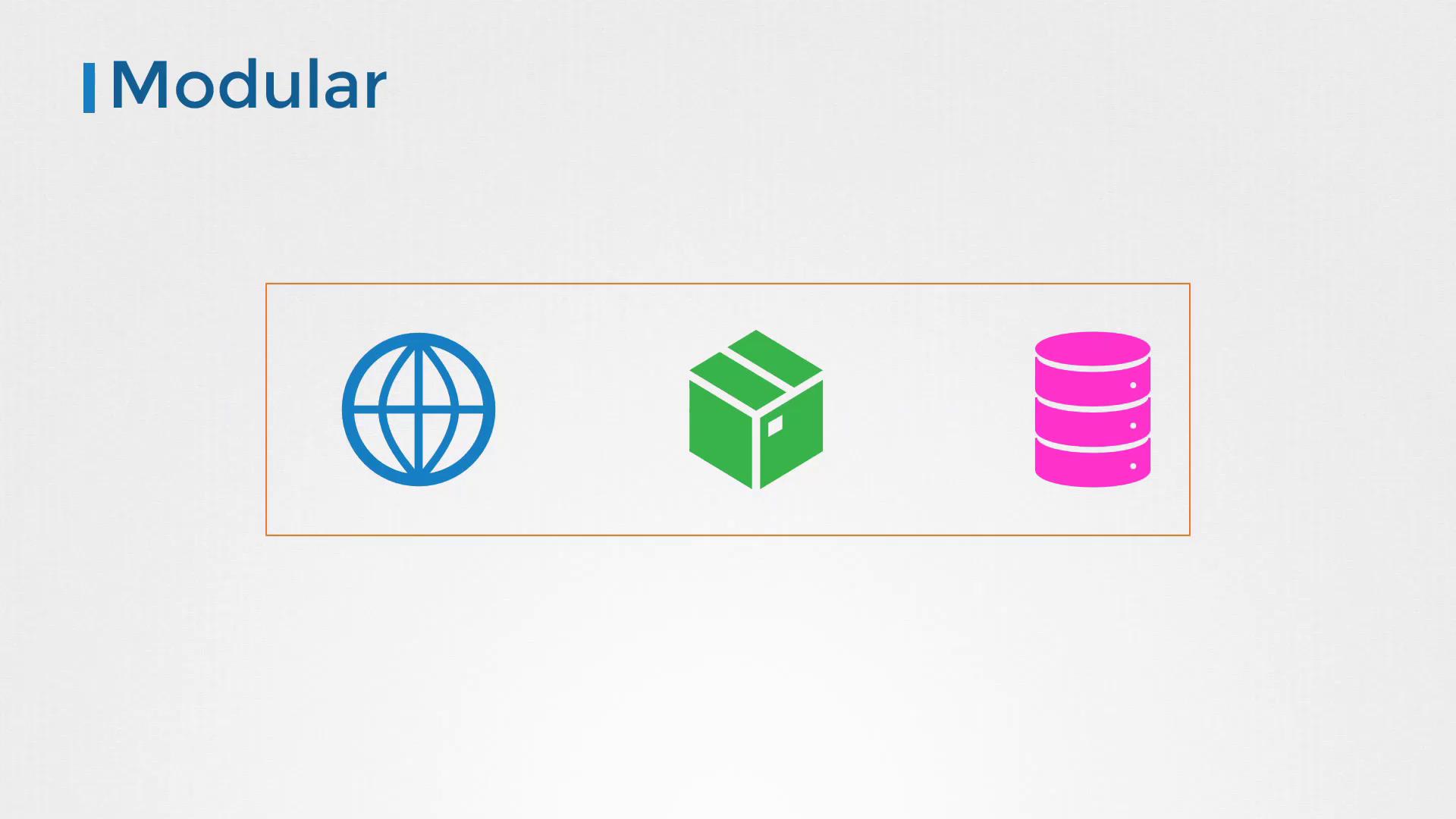
For modularity, ensure that each container performs a single task. This not only simplifies management but also enhances security through isolation.
-
Avoid Data Persistence Inside Containers:
Containers are ephemeral by design. Avoid storing data or state within a container; always make use of external volumes or caching services (e.g., Redis) to persist data securely. -
Select Base Images Wisely:
Choose your base image based on your application’s specific needs. If your web application requires an HTTPD server, opt for a trusted HTTPD image from Docker Hub. Look for images that come with authenticity markers, such as the official or verified publisher tags, and ensure they are regularly updated. Below is a sample snippet for selecting a base image: -
Minimize Image Size:
Smaller images download faster and launch more quickly. Use minimal versions of operating systems, install only the necessary libraries, and remove temporary files along with unnecessary tools like curl or wget that could be exploited by attackers. Additionally, if package managers (e.g., yum or apt) are not needed in production, consider removing them. -
Differentiate Development and Production Images:
Development images may include debugging tools and extra packages that should not be present in production. Maintain separate images for development and production to optimize performance and security.
Minimizing Vulnerabilities
Reducing the number of packages and keeping your image footprint small can significantly decrease security vulnerabilities. For example, consider using Google’s distroless images, which include only the application and runtime dependencies without additional software like package managers, shells, or network tools. To illustrate the impact on security, compare the vulnerability scan results of a standard HTTP image with an HTTP Alpine image using the Trivy tool:Always verify the security updates and patches of any base image you choose to prevent introducing vulnerabilities into your Docker images.