

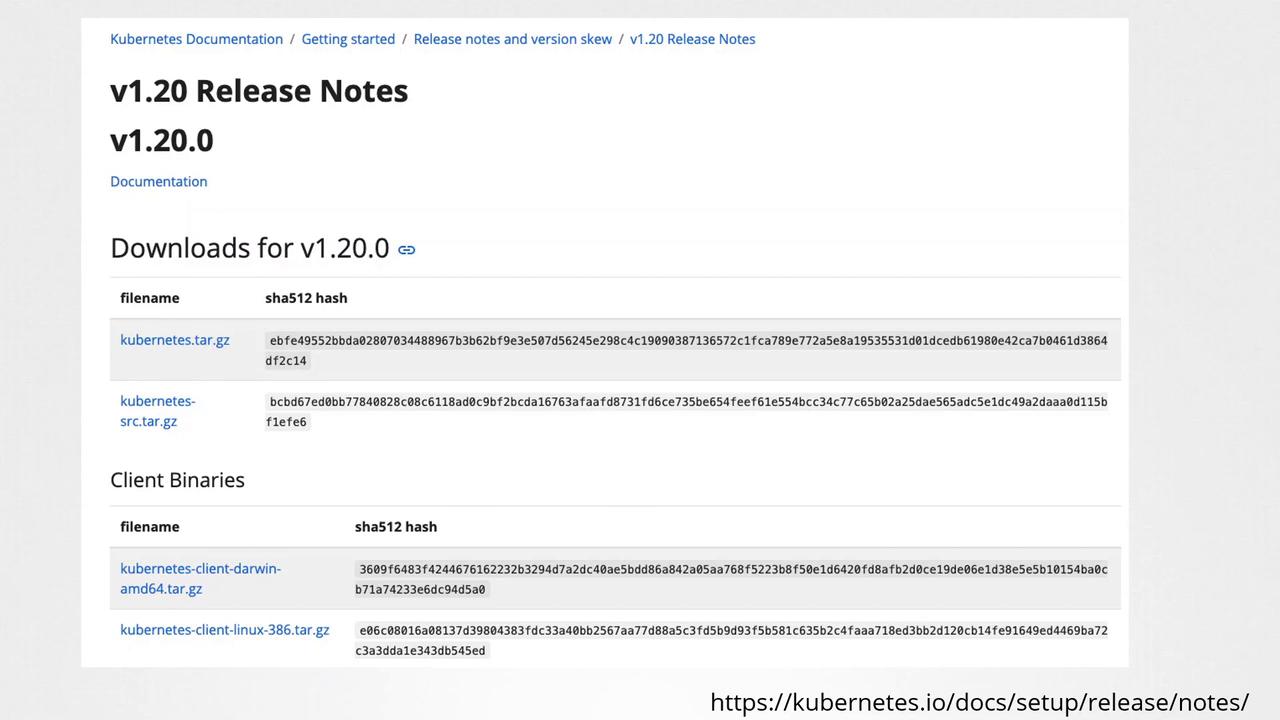
Downloading binaries from the internet may expose your system to risks. An attacker with access to your network could potentially intercept download requests and replace genuine files with malicious ones. Since every file has a unique checksum, even a slight modification will result in a completely different hash.
Steps to Verify the Integrity of Kubernetes Binaries
-
Download the Binary
Usecurlto download the Kubernetes binary, as shown in the example below: -
Generate the Checksum
After downloading, generate the checksum of the binary file using a checksum utility. Compare this generated hash with the one provided on the release page. Here’s how to do it using two different commands based on your operating system:-
macOS and Linux (using shasum):
-
Linux (using sha512sum):
-
macOS and Linux (using shasum):
Ensure that the output of the chosen checksum command exactly matches the hash available on the release page. A mismatch may indicate that the file has been tampered with.
Command Comparison Table
| Operating System | Command Example | Description |
|---|---|---|
| macOS | shasum -a 512 kubernetes.tar.gz | Verify file integrity using SHA-512 checksum. |
| Linux | sha512sum kubernetes.tar.gz | Alternative for generating a 512-bit hash. |
| Linux/macOS | shasum -a 512 kubernetes.tar.gz | Common command available on multiple systems. |