

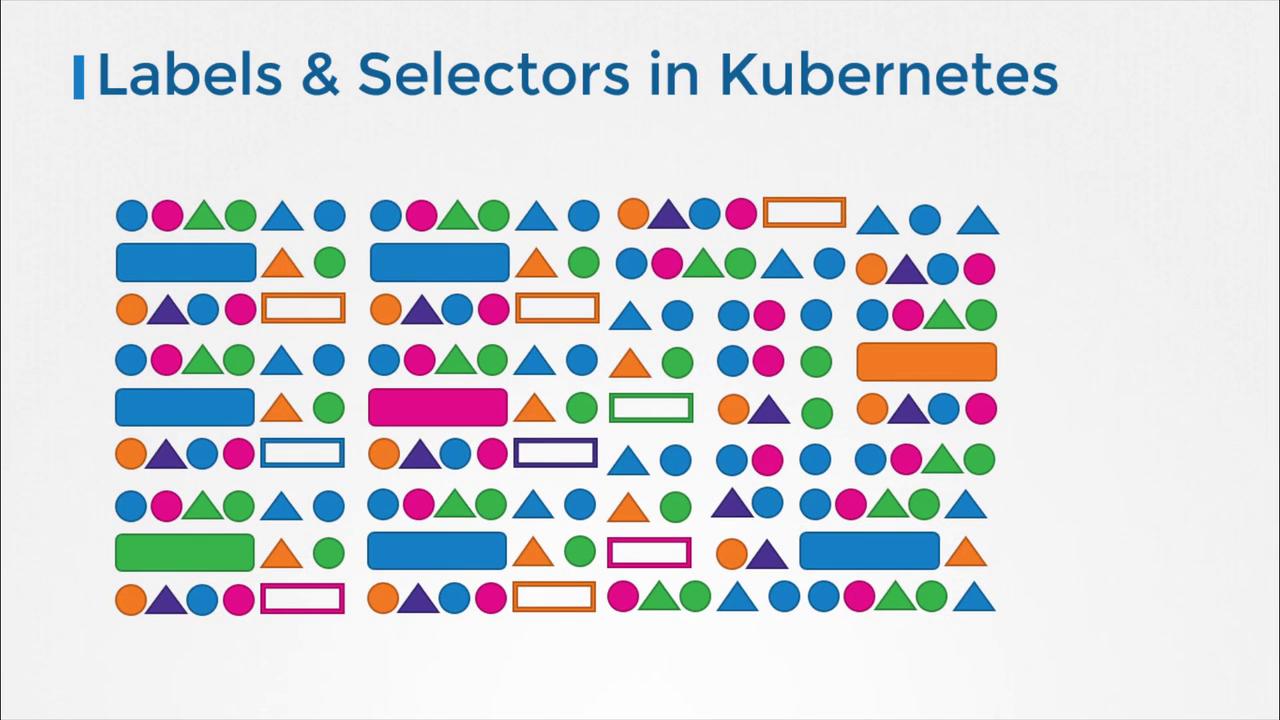
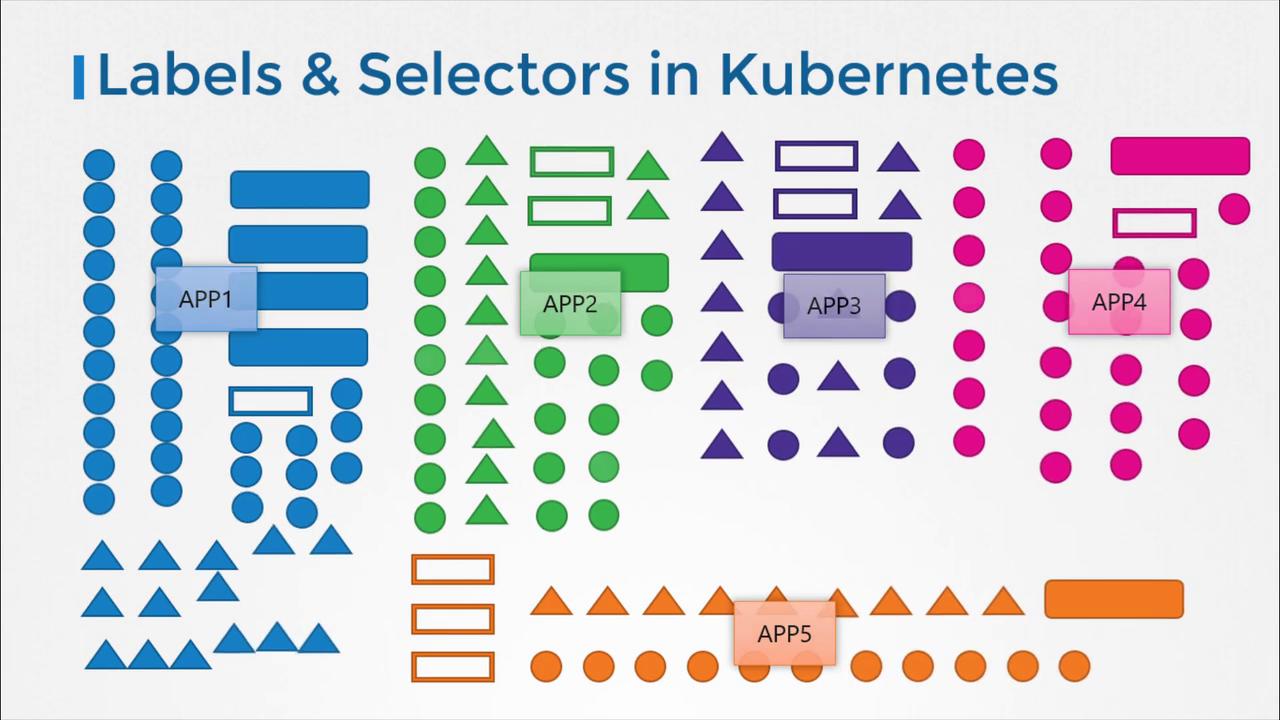
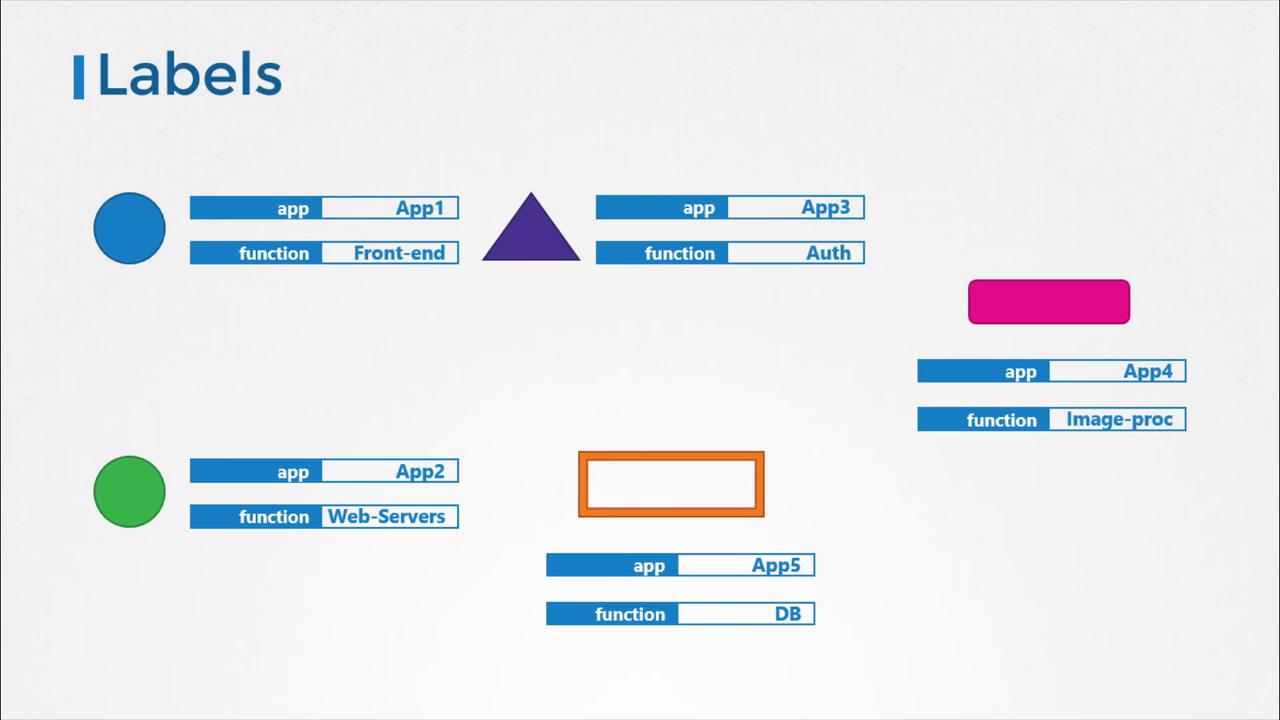
Specifying Labels in Kubernetes
Labels are specified in a Pod definition file under the metadata section as key-value pairs. For example:Using Labels and Selectors with ReplicaSets
Kubernetes objects use labels and selectors to form relationships. For instance, when deploying a ReplicaSet that manages multiple Pods, each Pod’s definition includes labels that the ReplicaSet uses to identify and manage them. See the example below of a ReplicaSet definition:In the ReplicaSet configuration above:
- The labels in the ReplicaSet
metadatadescribe its properties. - The
selectormatches the Pods based on labels. - The labels in the Pod template (
metadata.labels) specify which Pods the ReplicaSet should manage. - Annotations, like
buildversion: "1.34", are used for storing metadata that does not affect selection.
selector is key—it connects the ReplicaSet to the corresponding Pods based on matching labels. Using a single common label (e.g., app: App1) will cause the ReplicaSet to manage only those Pods. For finer control, additional labels can be added to avoid unintentional matches.
Whenever other objects (such as Services) need to identify these Pods, they use selectors that match the labels assigned directly to the Pods.
Understanding Annotations
While labels and selectors are used for grouping and selection, annotations are designed for storing non-identifying metadata. This metadata might include tool information, version numbers, build details, or contact information. Annotations provide additional context for integrations, debugging, and information sharing without affecting how objects are grouped or selected. In our ReplicaSet example, the annotationbuildversion: "1.34" demonstrates how version-specific metadata can be coupled with object definitions.
Annotations are especially useful for external systems or processes that require insight into the object’s metadata without impacting the operational logic in Kubernetes.