

1. Examining a Pod’s Command and Arguments
Begin by checking how many pods are currently running. In our example, there is a single pod. Next, inspect the pod namedubuntu-sleeper to reveal the command it is executing. According to its definition, the container uses the Ubuntu image and runs the command:
- Command:
- Args:
sleep 4800.
2. Creating a Pod That Sleeps for 5000 Seconds
To modify an existing pod definition (ubuntu-sleeper-2.yaml), update it so that the container using the Ubuntu image sleeps for 5000 seconds. An initial basic file may look like this:
Option 1: Single Command Array
Specify both the command and its argument in one array:Option 2: Separate Command and Args
Alternatively, define the command and arguments separately:3. Troubleshooting an Incorrect Pod Manifest
Consider a third file,ubuntu-sleeper-3.yaml, intended to create a pod that runs sleep 1200. The file is as follows:
“cannot unmarshal number into the Go struct field Container.command of type string.”
"sleep" and "1200" are enclosed in quotes. Use the below command to create the pod:
4. Updating a Pod That Is Not Directly Editable
Suppose you need to update theubuntu-sleeper-3 pod, altering its sleep duration from 1200 seconds to 2000 seconds. Directly editing a running pod using a command like:
The recommended approach is to update your local pod manifest file and then perform a forced replace.
5. Analyzing Dockerfiles and Container Startup Commands
Understanding Dockerfiles is crucial. Below are two examples that illustrate how theENTRYPOINT and CMD instructions interact.
Dockerfile 1
Located at/root/webapp-color/Dockerfile, this file contains:
python app.py on startup.
Dockerfile 2
The second file,/root/webapp-color/Dockerfile2, uses a CMD instruction along with the ENTRYPOINT:
python app.py) followed by the CMD arguments (--color red), resulting in:
6. Overriding Commands and Arguments in a Pod Manifest
In thewebapp-color-2 directory, there are two files:
-
Dockerfile2:
-
webapp-color-pod.yaml:
ENTRYPOINT and CMD, the pod manifest overrides these settings by providing a new command. As a consequence, the container starts with the arguments --color green and does not execute the original entrypoint command.
To override the ENTRYPOINT, you must use the
--command flag or specify a new command array that includes the entire command.7. Combining Command and Arguments in a Pod Manifest
In thewebapp-color-3 directory, similar files are used:
-
Dockerfile2:
-
webapp-color-pod-2.yaml:
8. Creating a Pod with Overridden Application Arguments
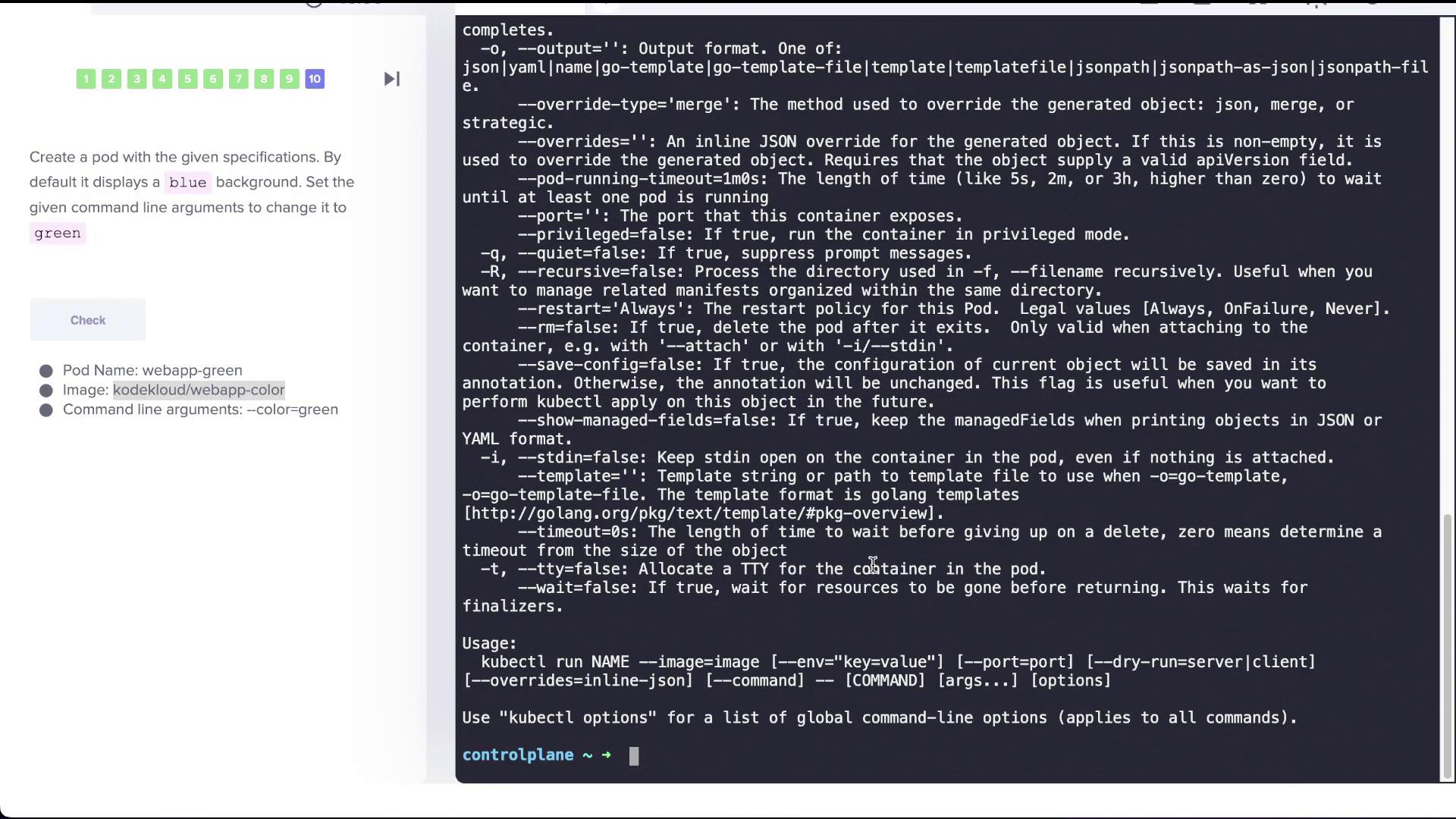
The final task involves creating a pod using the imagekodekloud/webapp-color. By default, this image displays a blue background, but we want to override its startup arguments to display green.
Running the pod without overrides uses the default CMD:
--color=green, separate the options for kubectl from those passed to the container using a double dash (--):
python app.py) and pass the --color=green argument to the container. Verify that the pod runs with the updated settings, resulting in a green background.
Conclusion
This lesson has covered several important practices in Kubernetes:- Inspecting pod commands and arguments.
- Defining pod manifests with command arrays.
- Understanding the distinctions between
ENTRYPOINTand CMD in a Dockerfile. - Overriding default commands and arguments at runtime using a pod manifest.
- Employing the double dash (
--) to separatekubectloptions from container arguments.