Why Choose LangChain?
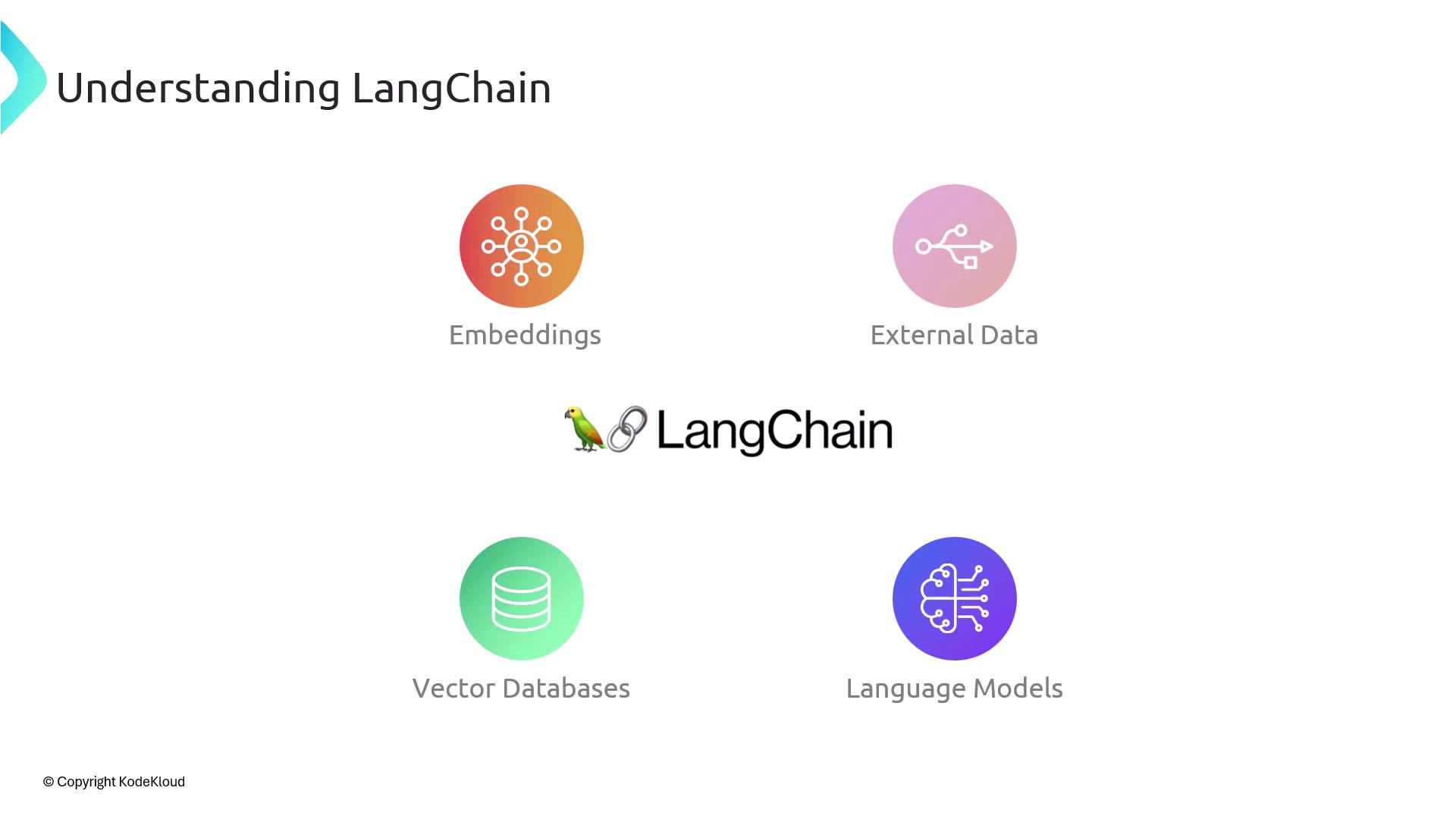
Without a unifying layer like LangChain, you’d handle each model’s API, write custom adapters for vector stores, and hard-code data connectors. LangChain decouples these concerns: change your LLM provider or swap vector databases simply by updating configuration, with up to 99% of your application code untouched.| Building Block | Purpose | Benefit |
|---|---|---|
| Language Models | Text generation and completion | Switch providers (OpenAI, Anthropic, etc.) |
| Embeddings | Semantic vector representations | Unified API for all embedding models |
| Vector Databases | Similarity search and storage | Plug‐and‐play with FAISS, Pinecone, Weaviate |
| External Data | Enterprise knowledge sources | Prebuilt connectors for SQL, APIs, file stores |
A Brief History
LangChain debuted in late October 2022, just before ChatGPT’s launch in November 2022. Created by Harrison Chase, it rapidly garnered a vibrant community of contributors, extending its adapters, integrations, and tutorial ecosystem.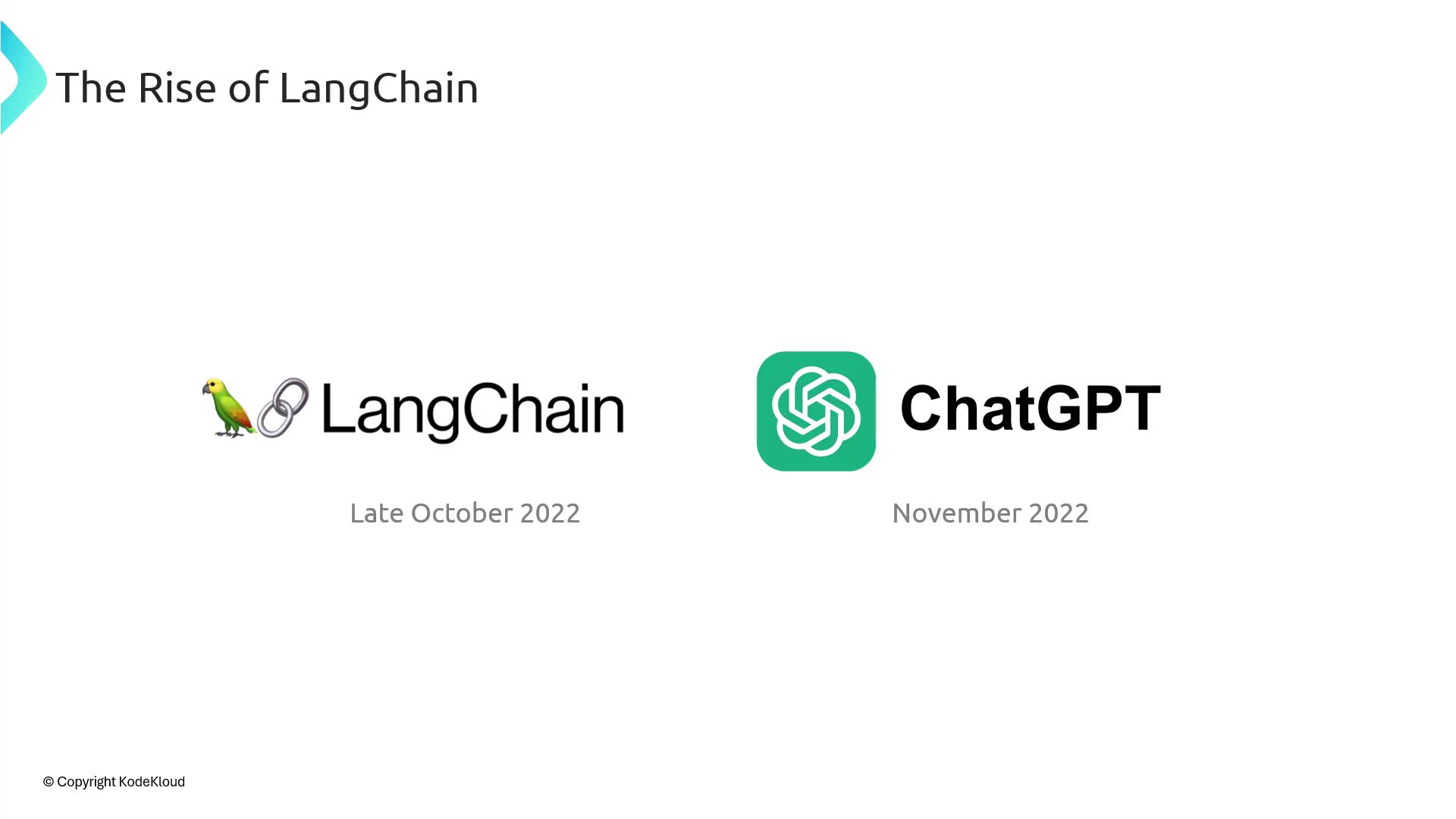
SDKs, Languages, and Getting Started
LangChain supports both Python and JavaScript/TypeScript SDKs. This guide focuses on the Python SDK and its seamless integration with OpenAI’s API. While you can plug in any LLM provider, our code samples will demonstrate OpenAI usage.If you’re new to OpenAI, review the OpenAI API documentation and set up your API key before proceeding.
- Install the SDK:
- Configure your OpenAI key:
- Initialize a simple Chat model: