

Overview
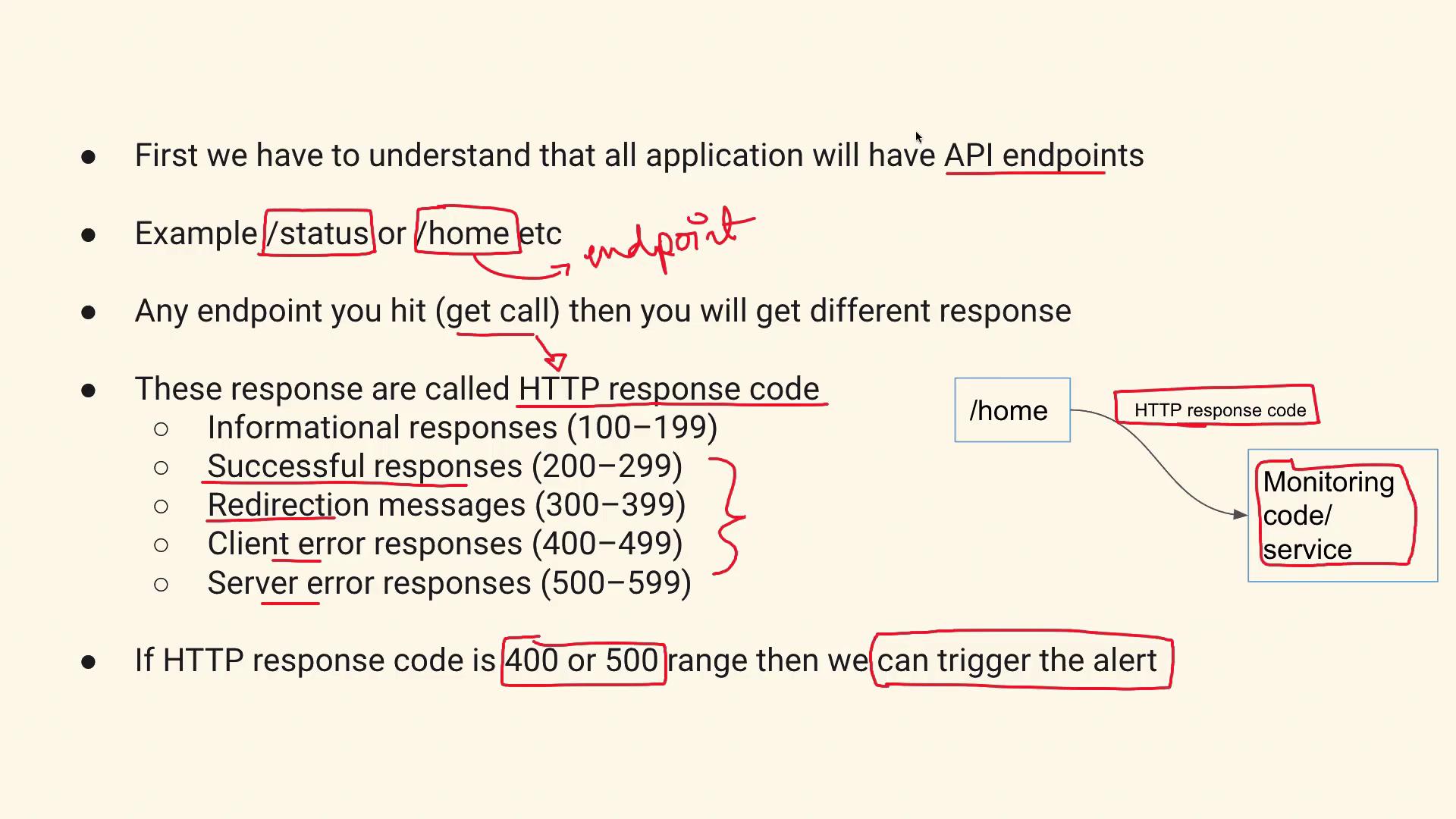
When troubleshooting an HTTP endpoint, your primary task is to interpret the API’s response to a GET request. Every API endpoint—whether it is called/status, /home, or another path—performs a designated function and returns an HTTP response code. Think of it like making a phone call: you either receive an immediate answer, a busy signal, or are directed to voicemail. In the same way, an API endpoint communicates the outcome of a request through response codes.
HTTP response codes are divided into distinct categories:
- 200 to 299: Successful responses.
- 300 to 399: Redirection responses.
- 400 to 499: Client error responses.
- 500 to 599: Server error responses.
Monitoring Strategy
A monitoring script or service will periodically send GET requests to the API endpoint and evaluate the HTTP response code. It is crucial to focus on responses in the 400 or 500 range, as these indicate client-side or server-side issues respectively. When such errors are detected, an alert must be triggered to ensure a prompt response.For a real-time scenario, consider implementing your monitoring solution with lightweight scripts in languages like Python or Bash. This can enable quick response and easy integration with various alerting platforms.
Implementation Overview
To address this interview question, you can explain that your monitoring solution will perform the following steps:- Send a GET Request: Access the API endpoint to retrieve its current status.
- Check the HTTP Response Code: Classify the response based on standard HTTP codes.
- Trigger Alerts: If the response code falls within the 400–499 (client error) or 500–599 (server error) ranges, generate an alert for further investigation.
Do not delve into in-depth coding details unless specifically asked during the interview. Focus on explaining the overall strategy and reasoning behind monitoring HTTP response codes.
Conclusion
This lesson provided an overview of how to monitor API endpoints by sending GET requests and evaluating HTTP response codes. Emphasize in your interview that:- A GET request is used to check the API endpoint.
- The returned HTTP response code determines the API’s status.
- Alerts are triggered if the response indicates a client error (400–499) or a server error (500–599).