

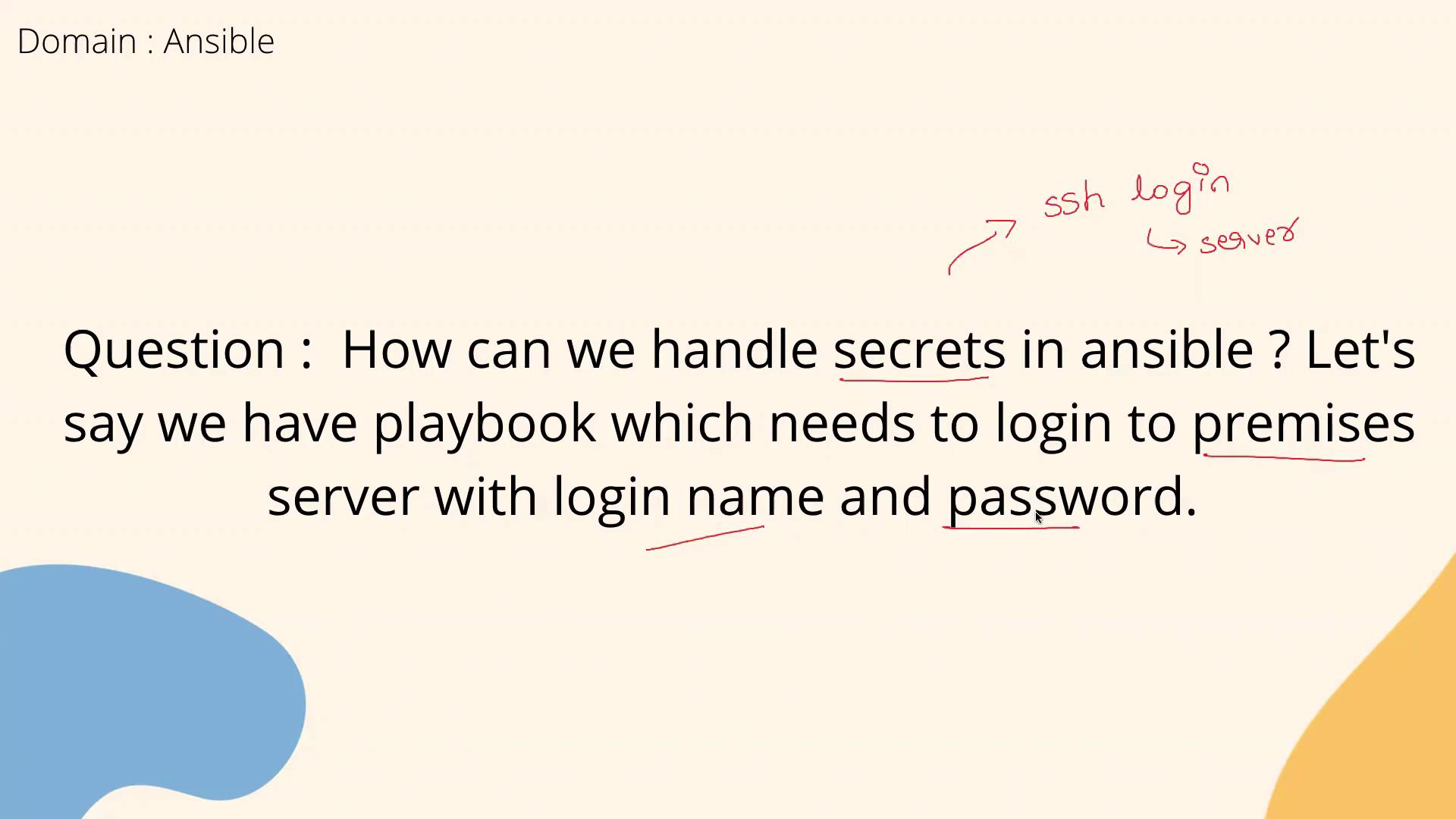
Recall from your Ansible training that secure secret management is a best practice. Ansible Vault is designed to encrypt data, ensuring your sensitive credentials are stored safely.
Ansible Vault Integration
Ansible Vault empowers you to encrypt sensitive data, allowing you to store secrets safely within your project. This tool encrypts files that contain confidential information and decrypts them on the fly during playbook execution. For example, consider your workspace where you run Ansible commands. With Ansible Vault, you can create an encrypted file to store your secrets. While some organizations extend this functionality by integrating external key management systems like AWS KMS or HashiCorp Vault, this lesson focuses on using Ansible Vault directly. Below is an example workflow demonstrating how to create and encrypt a file using Ansible Vault:- The first command creates a new file (
vault.yml) with encrypted data. - The second command saves secret data to a plain text file (
encrypt_file.txt). - The third command encrypts
encrypt_file.txtto ensure its contents remain secure.
Incorporating Secrets in Your Playbooks
When your playbook requires sensitive information, such as a username and password for an on-premises server, Ansible Vault provides a secure solution. Encrypt your credentials with Vault, and Ansible will automatically decrypt the secrets when executing the playbook. This strategy prevents sensitive data from being stored in plain text within your repository. If asked about secret management during an interview, a strong response might be: “In my projects, I use Ansible Vault to create, encrypt, and manage secret files. With commands like:Always be cautious when handling sensitive information. Ensure that your encrypted files and vault passwords are stored securely and are only accessible to authorized personnel.