

Why Not Use an IAM Policy?
While IAM policies might seem like a straightforward solution, they can become complex when managing bucket-level permissions. Instead, using S3 bucket policies offers granular control tailored specifically for individual buckets.Use S3 bucket policies for precise control over access to specific buckets rather than broad IAM policies.
Using S3 Bucket Policies
To block an IAM user from accessing a particular S3 bucket, follow these steps:- Log into your AWS console.
- Navigate to the S3 bucket in question.
- Click on the Permissions tab.
- Locate the Bucket Policies option.
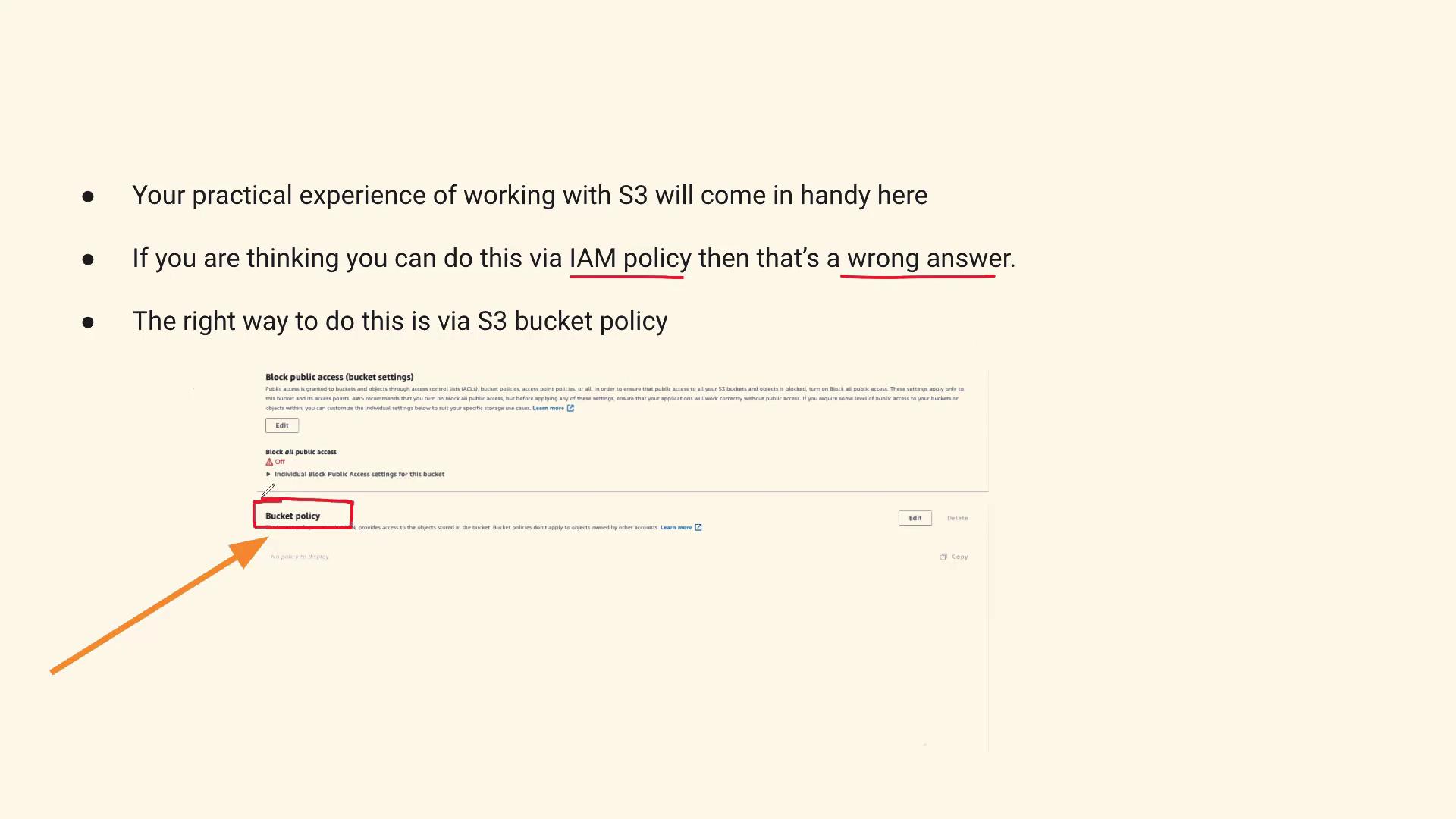
How It Appears in the AWS Console
Once you log into your AWS account and select your S3 bucket, you can quickly review the Permissions tab to modify the bucket policy accordingly. This interface allows easy navigation through settings related to bucket policies.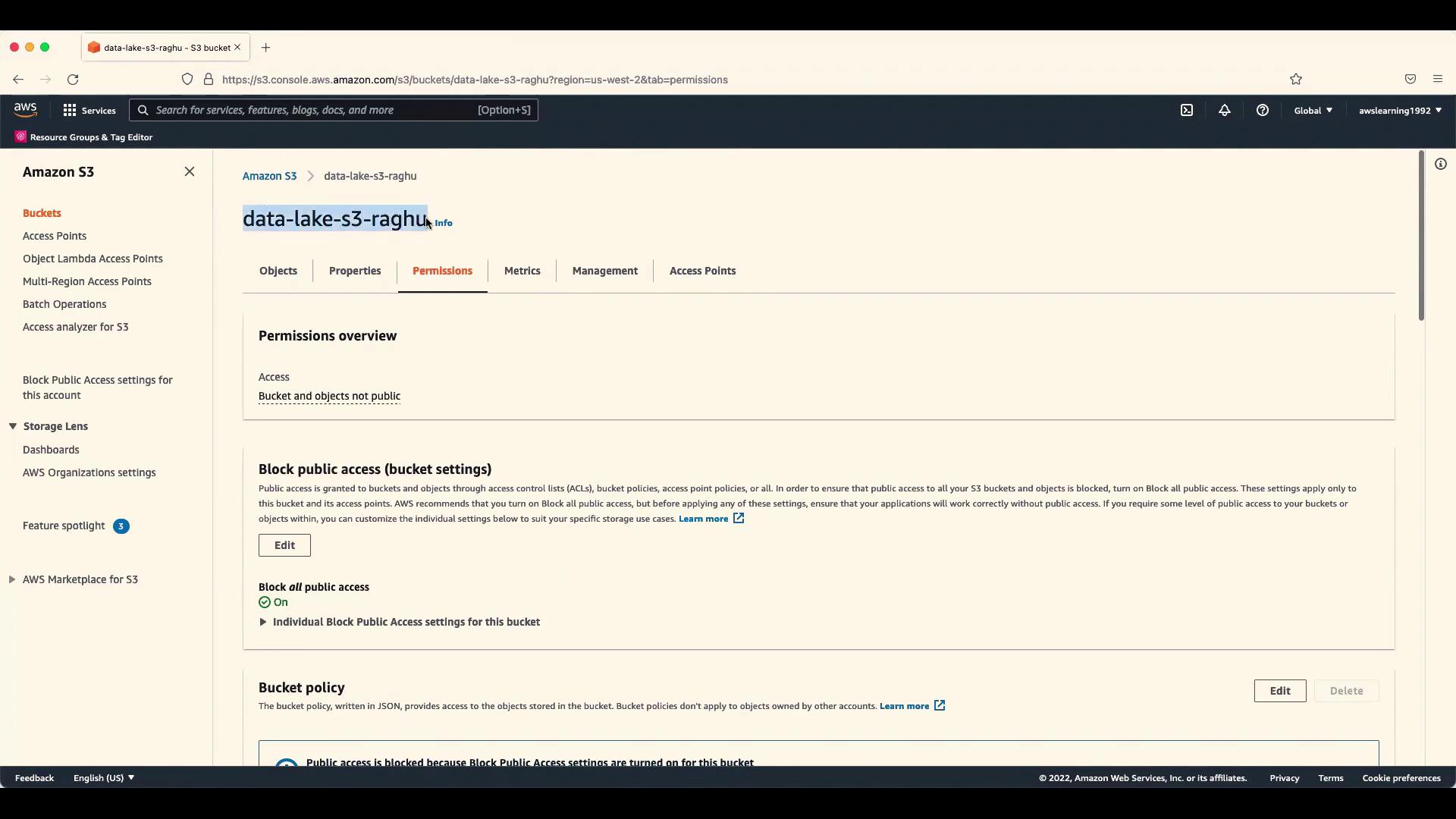
Remember: The “Block Public Access” settings are designed to restrict access from the internet and external users. They do not block access for individual IAM users. To specifically block an IAM user, update the bucket policy.
Example Bucket Policy
When editing the bucket policy, select the “Edit” option and add a statement similar to an IAM policy statement formatted for S3. Here’s a sample structure you can modify:Interview Response Strategy
When discussing this approach in an interview, consider the following points:- Confirm you have the necessary permissions to modify the bucket policy.
- Describe how you accessed the S3 bucket’s Permissions section and located the bucket policy.
- Explain that adding a deny statement for the IAM user’s ARN ensures the user cannot access that bucket.