

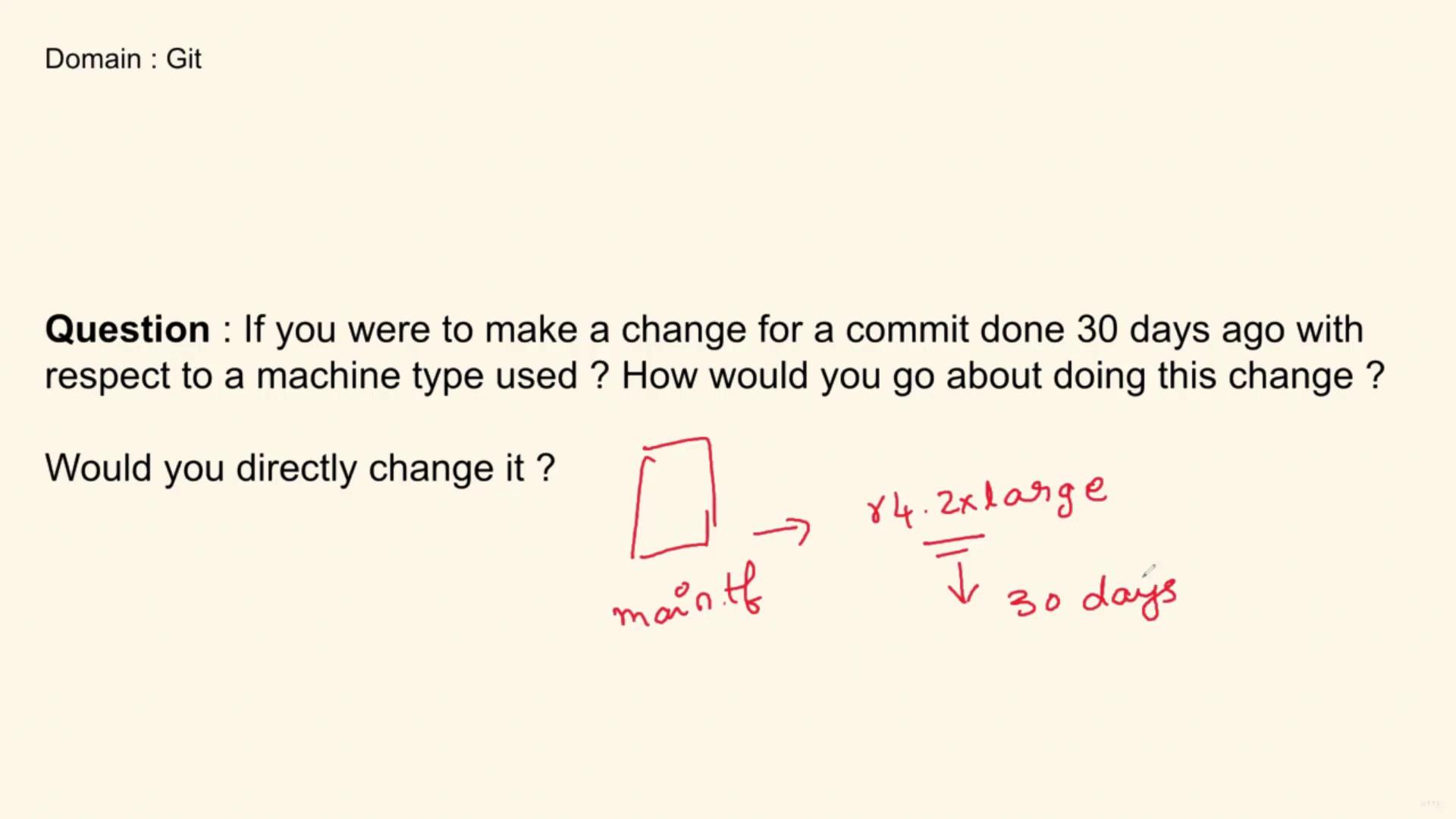
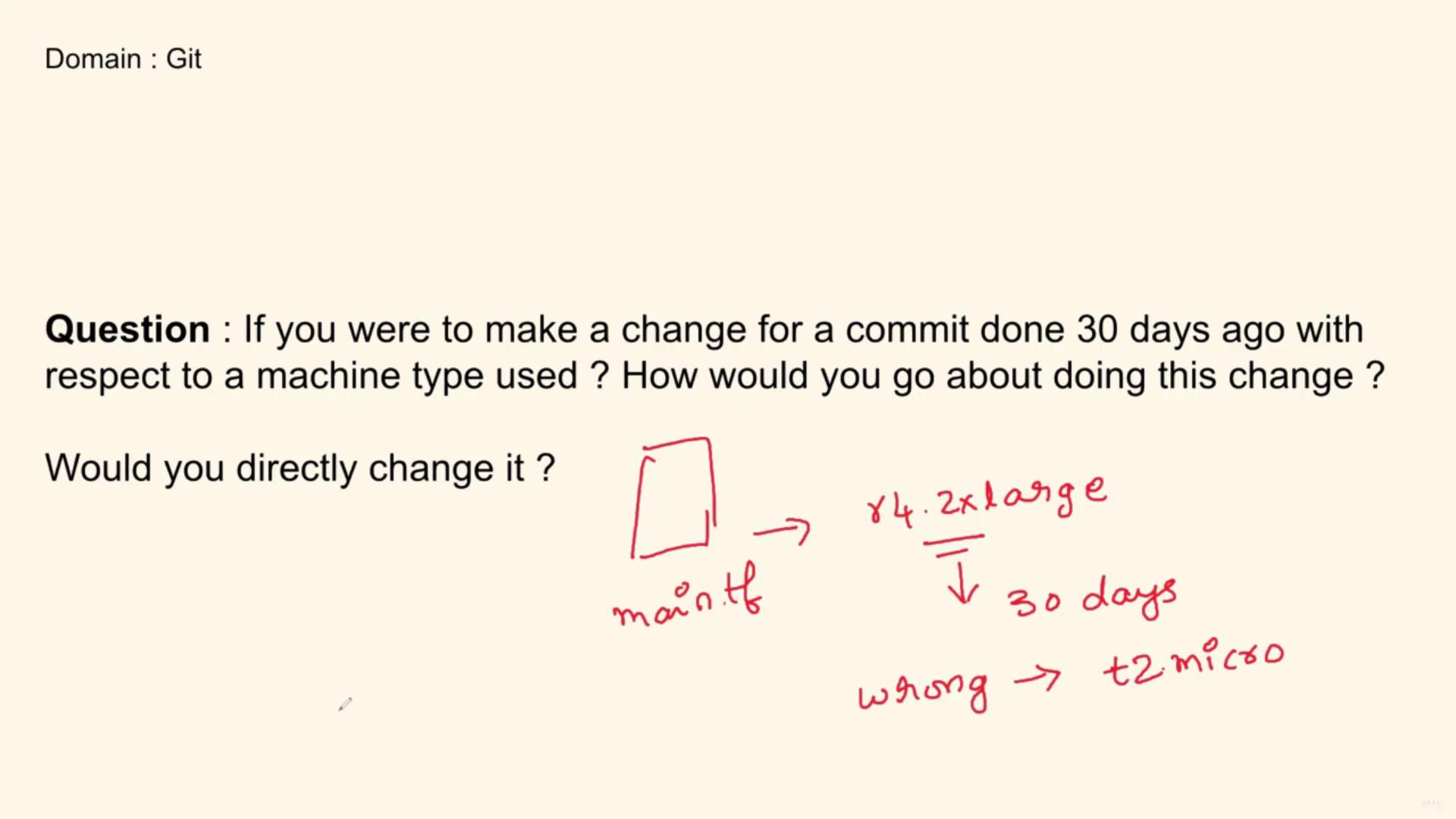
Before making any modifications, investigate the change history. Understanding who made the original change and why helps avoid unintended consequences—especially in a collaborative environment.
Step-by-Step Approach
Follow these steps to ensure that your changes are well-informed and maintain the repository’s history:-
Clone the Repository
Start by cloning the repository to your local environment. -
Create a New Branch
Create and switch to a new branch to isolate your changes. -
Review the Change History
Use the GitHub UI and the Git Blame feature to inspect the file history. Identify the commit that modified the machine type and review its commit message for context:- Commit Analysis: Determine why the change was made.
- Author Details: Check who made the change and when.
-
Evaluate the Change
Based on your investigation, decide if the modification is still valid or if further team discussion is necessary. -
Implement the Update
Once you are confident about the context, update the file with the correct machine type on your new branch. -
Commit the Changes
Commit your modifications and document your reasons clearly for future reference.
Practical Example: Using Git Blame
Consider a scenario where you need to modify a function in a Python file. The following code snippet illustrates a simple calculator and a tax function:Interview Summary
When explaining your approach in an interview, you might summarize the process as follows:Always investigate the context of past modifications before updating an infrastructure-as-code file. This practice not only ensures accuracy but also facilitates smoother team communication.