

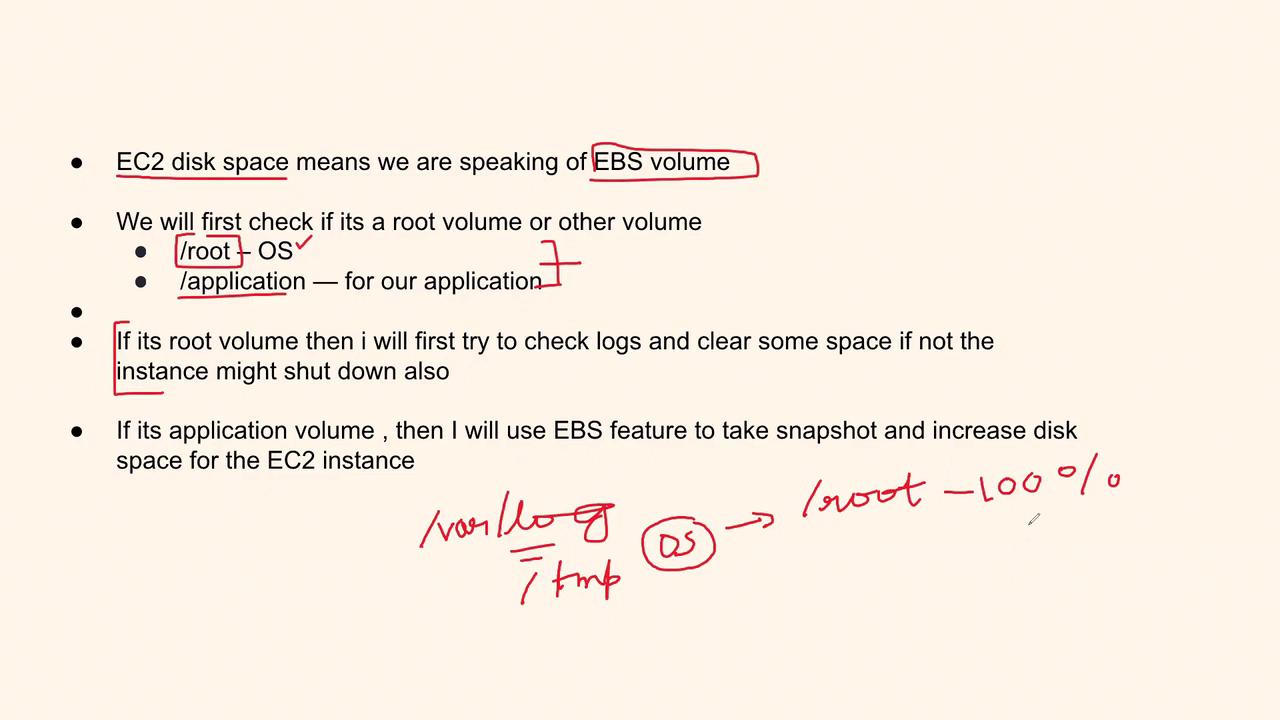
- Root EBS Volume: Holds the operating system data.
- Application EBS Volume: Stores application-specific data.
Before proceeding, ensure that you have a proper backup of your critical data to avoid any loss during the troubleshooting process.
Diagnosing the Root Volume Issue
When the root EBS volume runs out of space, immediate action is required because the operating system depends on it for essential functions. Follow these steps:- Inspect System Logs: Check directories like
/var/logfor any unusual file sizes or logs that might be filling up the disk. - Identify Temporary Files: Investigate temporary directories that may have accumulated redundant files.
- Monitor Disk Utilization: If the disk usage hits 100%, the system might fail to allocate space for its operations, risking a shutdown.
Diagnosing the Application Volume Issue
If the application EBS volume is full, you can adopt a slightly relaxed approach compared to the root volume. Consider the steps below:- Analyze Volume Usage: Determine which application data is consuming disk space.
- Review Application Logs: Check if the application is generating excessive logs or temporary files.
- Examine Deployment Artifacts: Identify any obsolete JAR files or unused libraries resulting from recent deployments.
For application volumes, it is advisable to create an EBS snapshot to secure data before making changes.
Interview Response Strategy
When responding to a question about disk space issues during an interview, a structured answer can make a strong impression. Consider the following approach:-
Clarify the Affected Volume:
- For the root volume: “I would first review the system logs (e.g., from
/var/log) to identify unnecessary files. Freeing up space is critical to ensure that the OS continues functioning without interruption.” - For the application volume: “I would analyze application-specific logs, check for excessive temporary files or redundant data, and clean up any unnecessary artifacts.”
- For the root volume: “I would first review the system logs (e.g., from
-
Outline Your Resolution Strategy:
- Root Volume: Take immediate measures by cleaning non-essential logs and files to prioritize system stability.
- Application Volume: Create an EBS snapshot for backup and then increase the volume size, ensuring that the application continues running smoothly.
| Volume Type | Key Focus | Recommended Action |
|---|---|---|
| Root EBS Volume | OS operation integrity | Clear non-essential files in system directories, especially /var/log |
| Application EBS Volume | App data management | Secure a snapshot and resize the volume to maintain application performance |