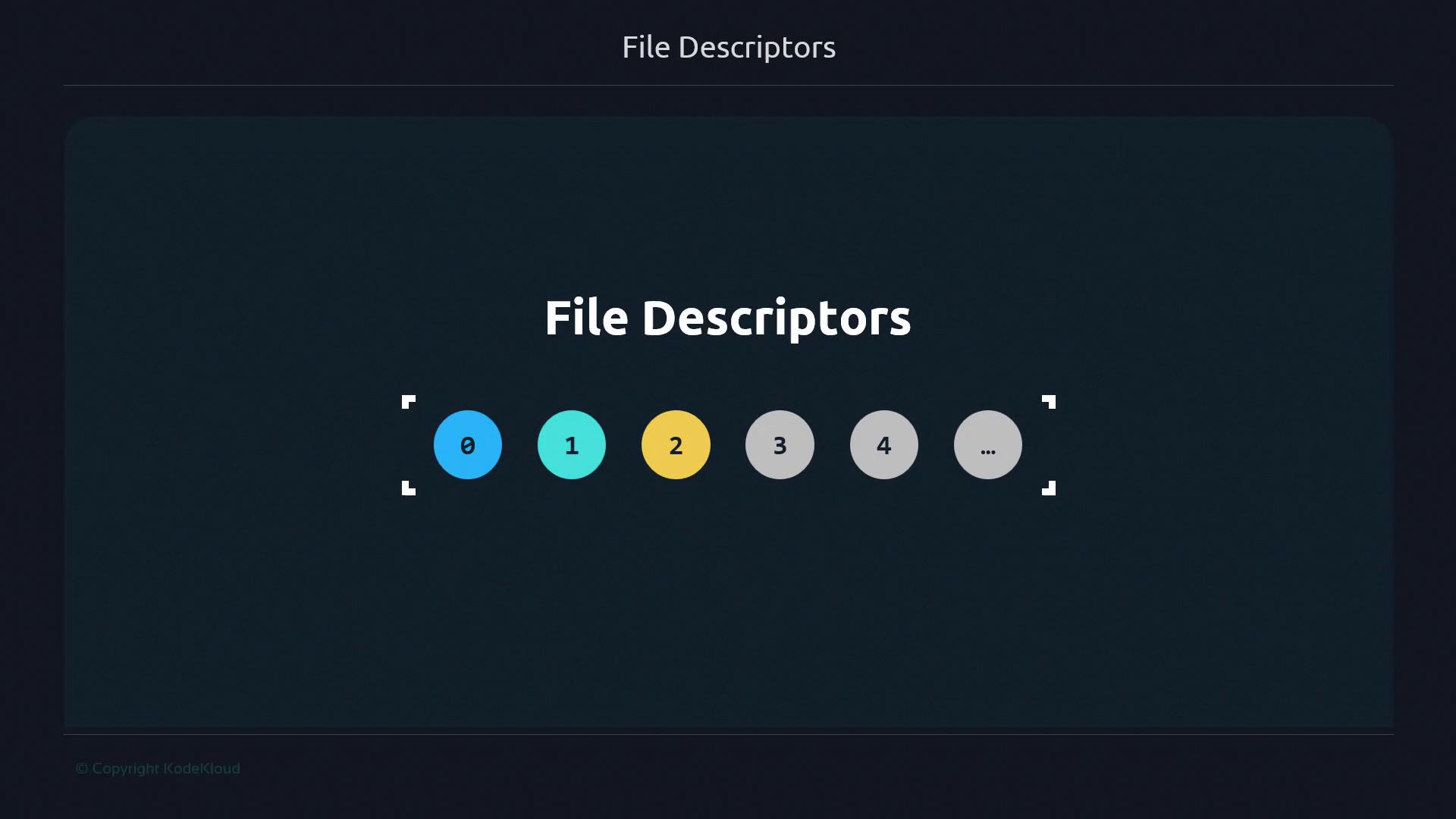
On the command line, the numbers 1 and 2 refer to standard output and standard error—these are examples of file descriptors. In this guide, you will learn:
  1. Additional file descriptor numbers beyond 0, 1, and 2
  2. The precise definition of a file descriptor
  3. Why the term “file” descriptor applies to streams like pipes and sockets
A file descriptor is a nonnegative integer that indexes an open I/O resource in the operating system, such as a disk file, network socket, or pipe. Although the name originates from early Unix file-handling, modern OSes treat sockets, pipes, and devices the same way.

Reserved Standard Streams

By convention on Linux and most Unix-like systems, three file descriptors are preallocated for the main I/O streams:
Descriptor NumberStreamDescription
0stdinStandard input
1stdoutStandard output
2stderrStandard error
Any descriptor ≥ 3 can reference additional resources: open files, sockets, pipes, or terminal devices.
The image shows a diagram labeled "File Descriptors" with numbered circles from 0 to 4, followed by ellipses, indicating a sequence.
File descriptors are assigned per process. When a program opens a new file, the OS returns the smallest unused descriptor number (starting at 3).

Real-World Analogy: Librarian and Call Numbers

Imagine a library where:
  • The librarian is your operating system
  • Books are files, sockets, or pipes
  • Call numbers on the books are file descriptors
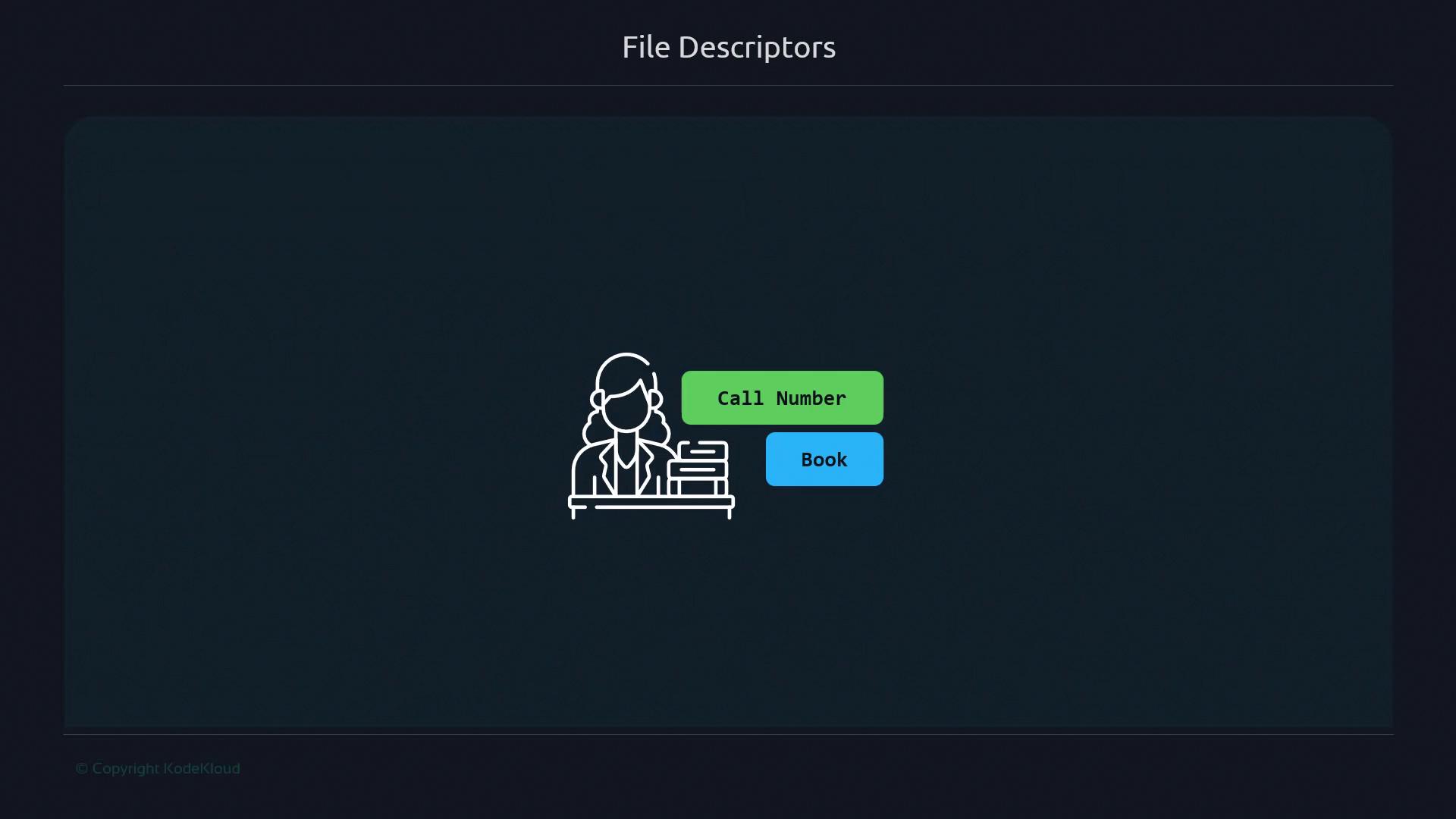
When you hand a call number (descriptor) to the librarian, they fetch the corresponding book (I/O resource). This models how your shell uses descriptors to route input/output.
The image shows a simple illustration of a person at a desk with books, accompanied by labels "Call Number" and "Book." The title "File Descriptors" is at the top.

Standard Streams Mapped to Descriptors

Applying the library analogy to standard streams:
  • stdin (0): Asking the librarian which book you want
  • stdout (1): Receiving the book from the librarian
  • stderr (2): Getting an error message if the book is unavailable
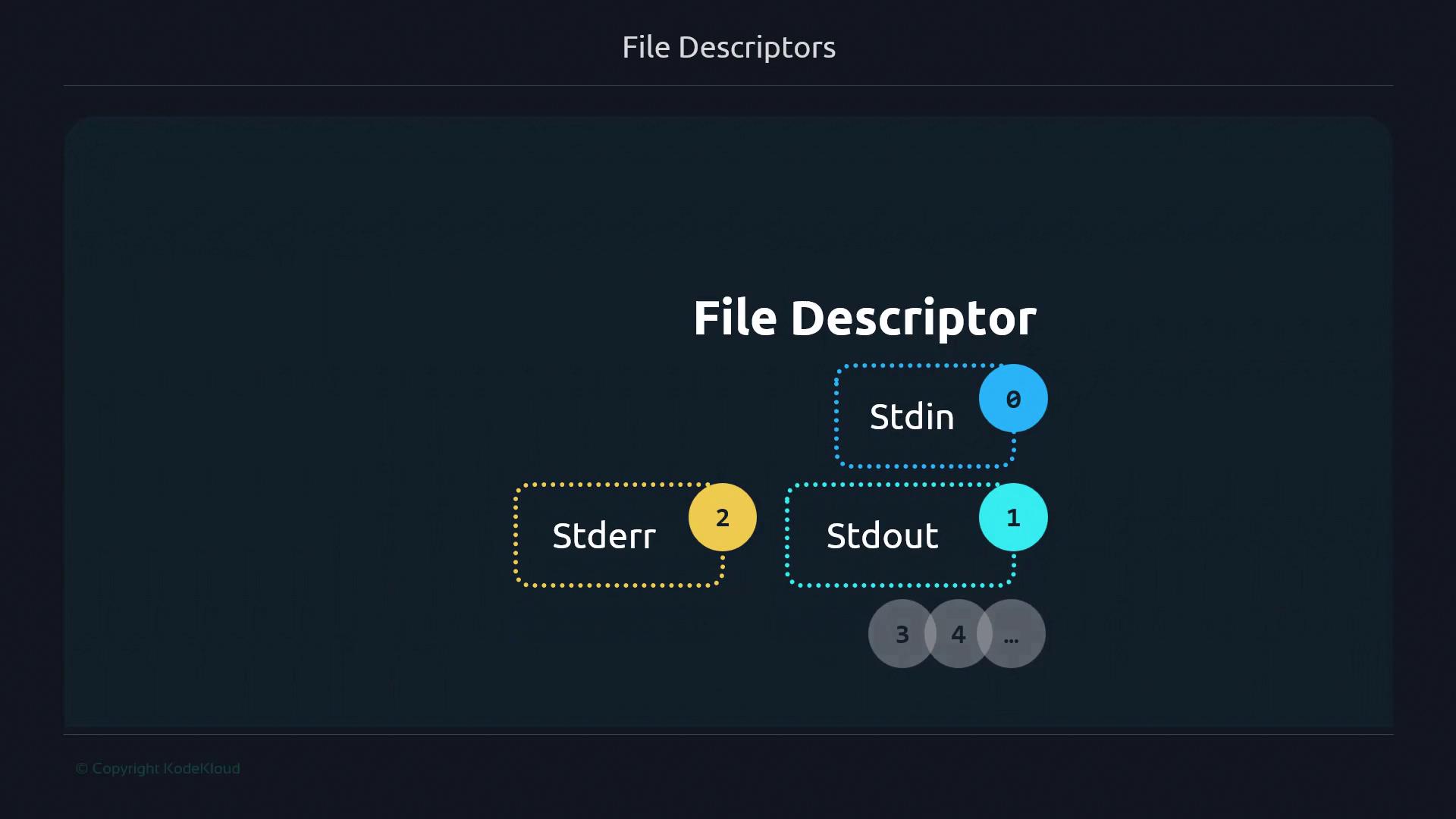
Just as a library holds many books, a running process can have dozens or even thousands of open descriptors (3, 4, 5, …).
The image is a diagram illustrating file descriptors, showing "Stdin" as 0, "Stdout" as 1, and "Stderr" as 2, with additional descriptors labeled 3, 4, and so on.

Further Reading and References