

:) command. A dry run lets you verify script logic and flow without modifying files or data—perfect for testing complex workflows before production.
What Is a Dry Run?
The term “dry run” dates back to fire departments: they practice hose deployment without water, hence “dry.” In software, many tools offer a dry-run or no-op mode to preview changes safely.
Common Dry-Run Flags in DevOps Tools
| Tool | Command Example | Dry-Run Flag |
|---|---|---|
| Ansible | ansible-playbook -i inventory playbook.yml --check | --check |
| Kubernetes | kubectl apply -f deployment.yaml --dry-run=client -o yaml | --dry-run=client |
| Puppet | puppet apply --noop my_manifest.pp | --noop |
Some tools distinguish client-side vs server-side dry runs. Always check the official docs for supported modes and output formats.
Placeholder for Empty Branches: the : Command
Leaving an if or loop branch empty causes a Bash syntax error:
: command:
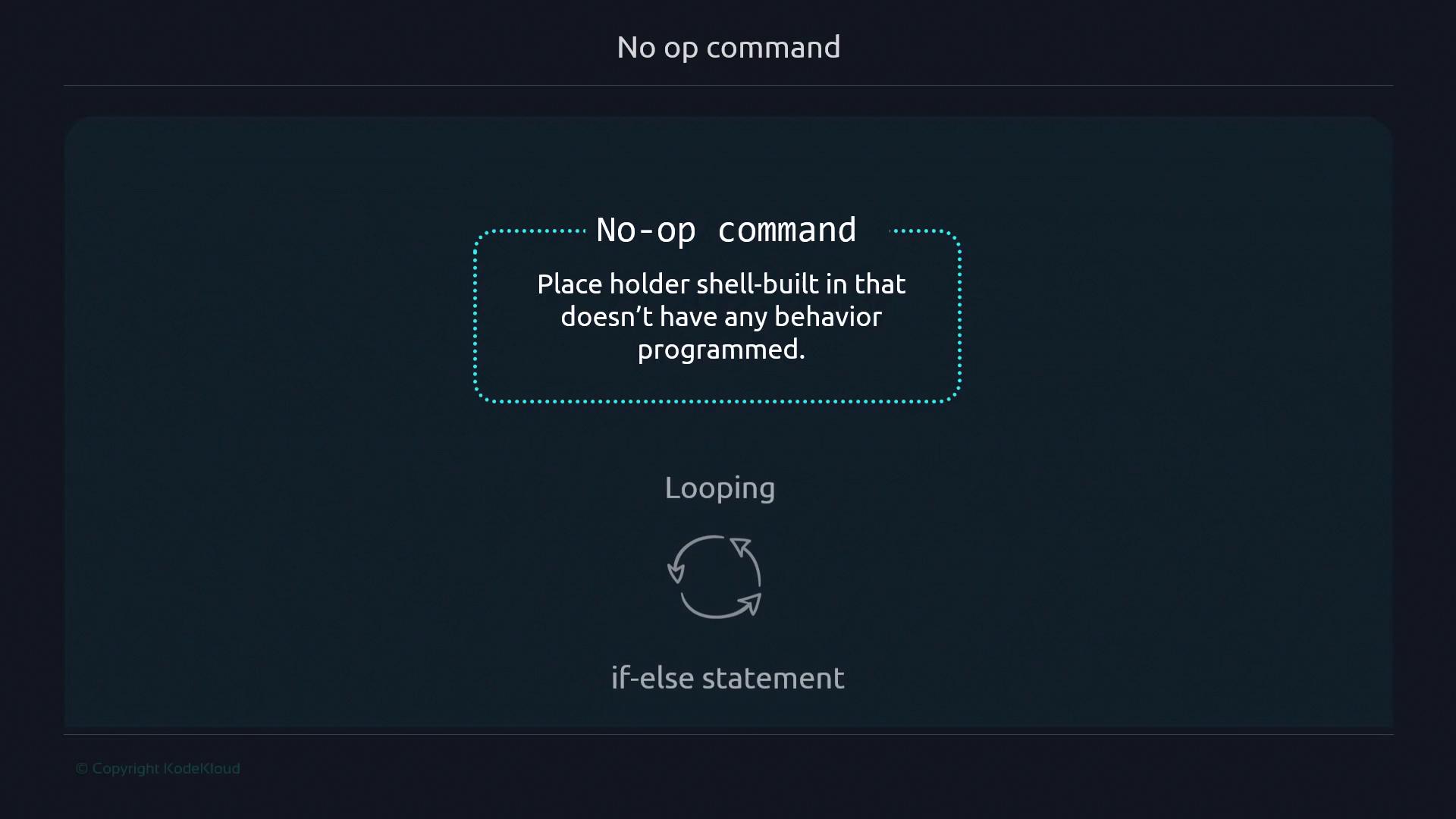
: is a shell builtin, it runs faster and cleaner than alternatives like echo "" or true.
Interpreter Errors vs. Runtime Errors
Interpreter errors occur at parse time—even if that code path never runs:x:
-
No arguments:
-
With
start:
x with : eliminates any error or output and exits cleanly:
Don’t confuse
: with the external true command—: is built into the shell and more efficient.