{}. Unlike globs, which match existing filenames, brace expansions create new text before any other expansion (such as pathname or parameter expansion) takes place.
Brace expansions are always processed before globs and parameter expansions. This lets you quickly generate lists of filenames, parameters, or other strings in a single command.
Table of Content
- Basic Range Expansion
- Department Usernames Example
- Comma-Separated List Expansion
- Numeric Range Expansion
- Nested Brace Expansions
- Step-Based Range Expansion (Bash 4.0+)
- Prefix and Suffix with Brace Expansion
- Integrating Brace Expansion in Scripts
- Summary & Best Practices
- Links and References
1. Basic Range Expansion
Alphabetic and numeric ranges let you generate sequences with minimal syntax.| Expansion Type | Syntax | Result |
|---|---|---|
| Alphabetic Range | {a..z} | a b c … z |
| Numeric Range | {1..5} | 1 2 3 4 5 |
2. Department Usernames Example
Suppose you need to create usernames for Marketing (MKT), Sales (SL), and Development (DEV), each with a three-digit suffix from001 to 004. Brace expansion handles this in one command:
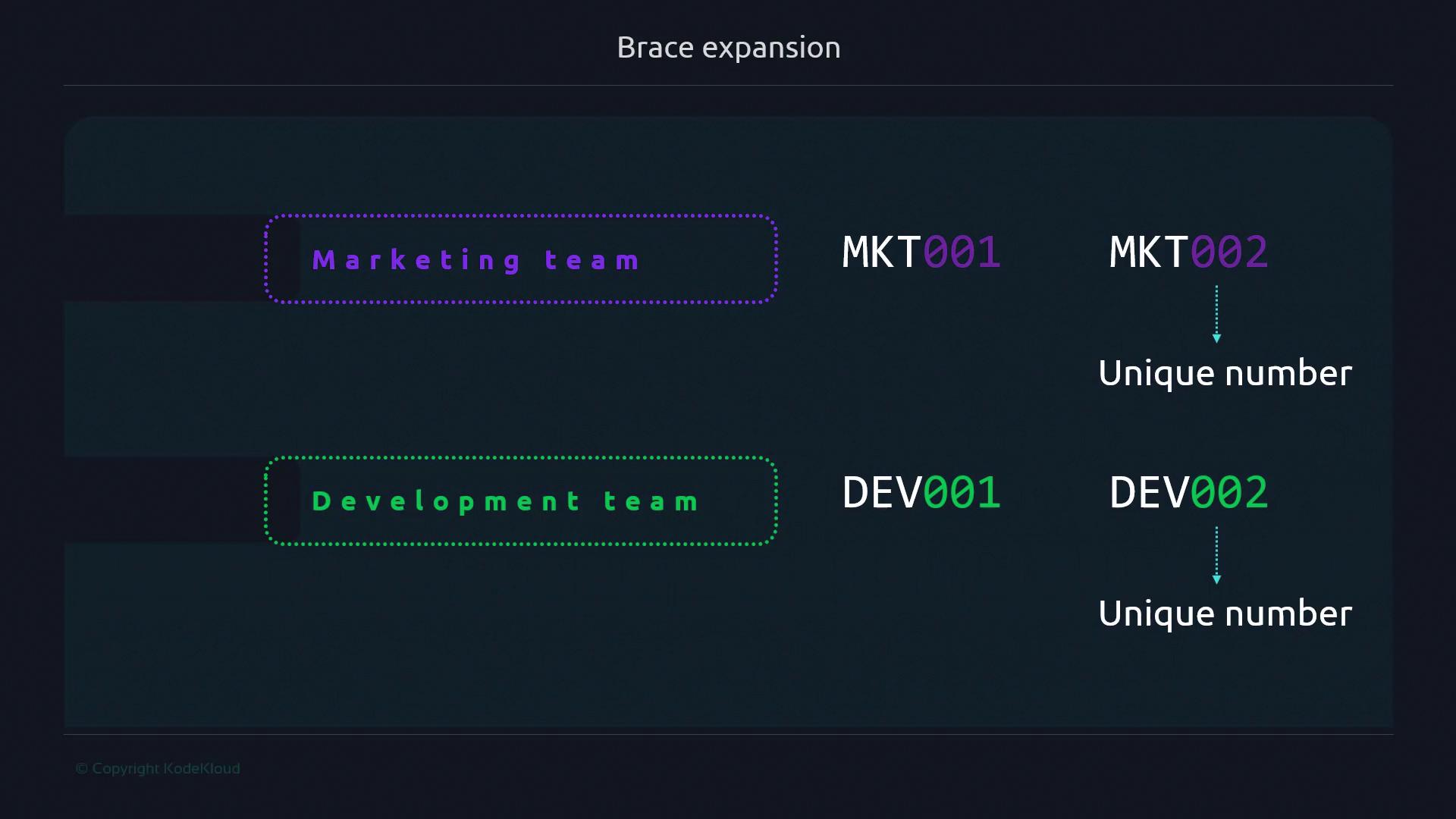
{MKT,SL,DEV}expands to each department code.{001..004}produces four numeric suffixes.- Combined, you get all 12 unique usernames in one step.
3. Comma-Separated List Expansion
Use commas for arbitrary lists of items. Each element is substituted in place of the braces.4. Numeric Range Expansion
Generate a series of numeric filenames quickly:5. Nested Brace Expansions
Nest multiple sets of braces to produce Cartesian products:a, b) with each element of the second set (1, 2, 3).
6. Step-Based Range Expansion (Bash 4.0+)
Include a step value to skip elements in a numeric range. Requires Bash 4.0 or newer.Step-based expansions (
{start..end..step}) are supported only in Bash 4.0+ and some other modern shells. Verify your shell version with bash --version.7. Prefix and Suffix with Brace Expansion
Wrap fixed text around your expansions:8. Integrating Brace Expansion in Scripts
Brace expansions work seamlessly within loops, conditionals, and functions:9. Summary & Best Practices
- Brace expansions run before all other shell expansions, making them ideal for generating arguments.
- Use numeric ranges for file series or versioned assets.
- Leverage nested braces for multi-dimensional data generation.
- Remember that stepped ranges require Bash 4.0+.