

Recap: Variable Expansion
Use$ followed by a variable name to expand its value. Enclose the name in curly braces {} to avoid ambiguity, and wrap expansions in quotes to prevent word splitting and globbing.
Always quote your variable expansions (
"${var}") to preserve whitespace and avoid unexpected globbing.What Is Command Substitution?
Command substitution runs a command in a subshell and replaces the command with its standard output. There are two syntaxes:| Syntax | Description |
|---|---|
$( ... ) | Preferred form; allows nesting easily. |
`...` | Deprecated; harder to read and nest. |
Example: Counting Files on the Command Line
Using $( ... )
Create command-substitution.sh:
Using Backticks (Deprecated)
Backticks are deprecated. They complicate nesting and reduce readability. Always prefer
$( ... ) in modern Bash scripts.Accepting a Directory Argument
Require the user to specify a target directory:Timing Considerations
Command substitution runs once when assigned. If you modify files later, the stored value stays unchanged until you reassign it.Subshell Scope
Command substitution executes in a subshell. Variables modified inside do not affect the parent shell: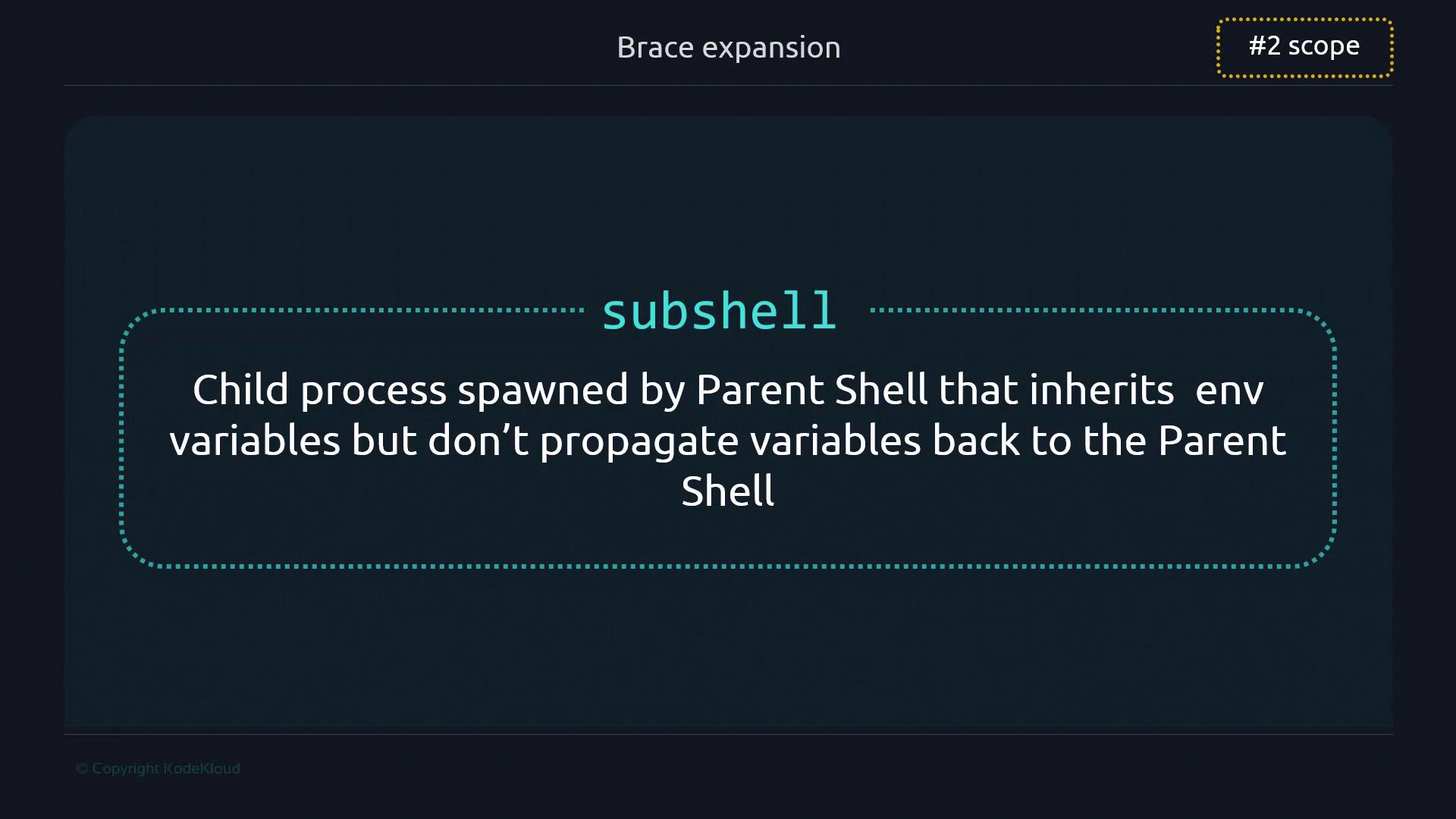
Performance Considerations
Each command substitution spawns a new process. In most scripts this overhead is negligible, but in performance-critical loops, minimize unnecessary substitutions.Avoid placing heavy command substitutions inside tight loops. Consider alternatives like
readarray or built-in string operations when processing large datasets.Honorable Mentions
| Use Case | Example |
|---|---|
Capture stderr | files=$(ls -j 2>&1) |
| Capture timestamp | current_date=$(date) |