

${}. Previously, we replaced “file.txt” with “data” in a path:
Patterns in Bash
A pattern is a sequence of characters recognized by the shell for matching or substitution. You’ll find patterns in file globbing (e.g.,*.txt), text processing, and data validation. In Bash, patterns power parameter expansion, letting you transform variable content without external tools.
Variable Expansion vs. Parameter Expansion
By default,${var} simply expands to its value:
# or % inside the braces, Bash invokes parameter expansion, applying pattern-based modifications to the variable’s value.
Always enclose the expression in double quotes (
"${...}") to preserve spaces and prevent word splitting.Removing Prefixes and Suffixes
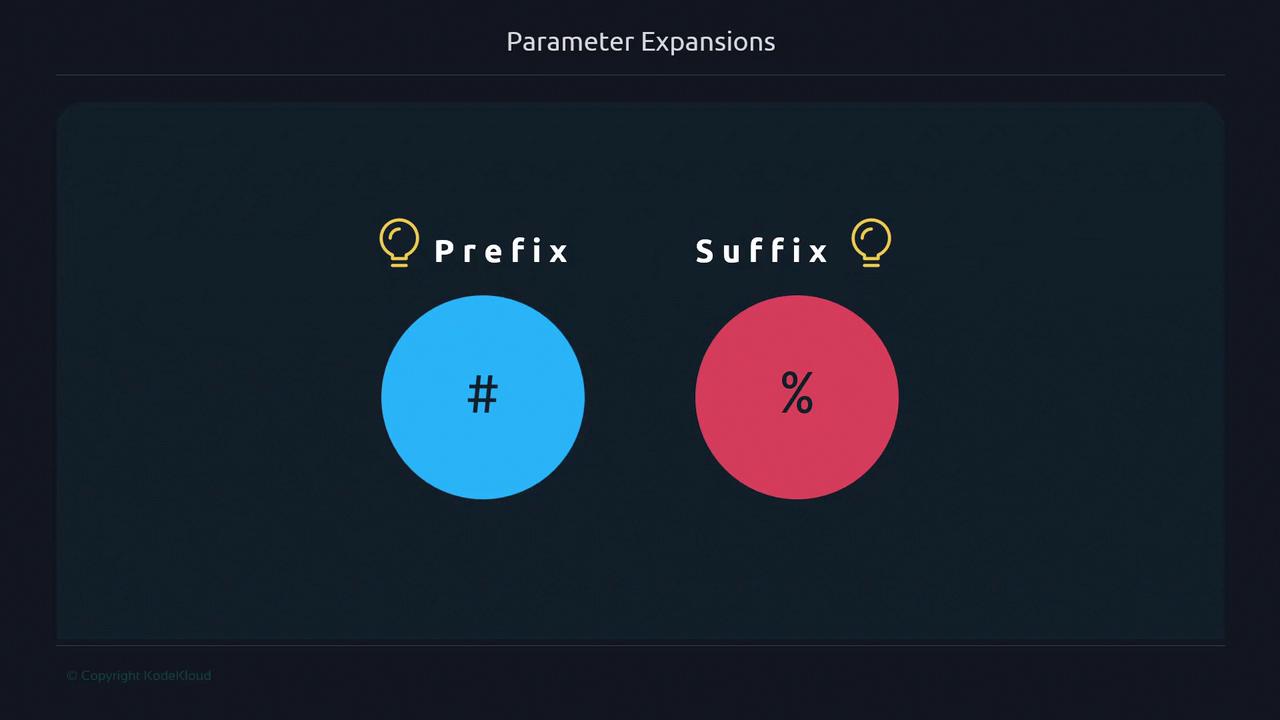
Bash supports removing the shortest matching prefix or suffix from a string with${var#pattern} and ${var%pattern}.
Understanding Prefix and Suffix
Consider these job titles in an IT company: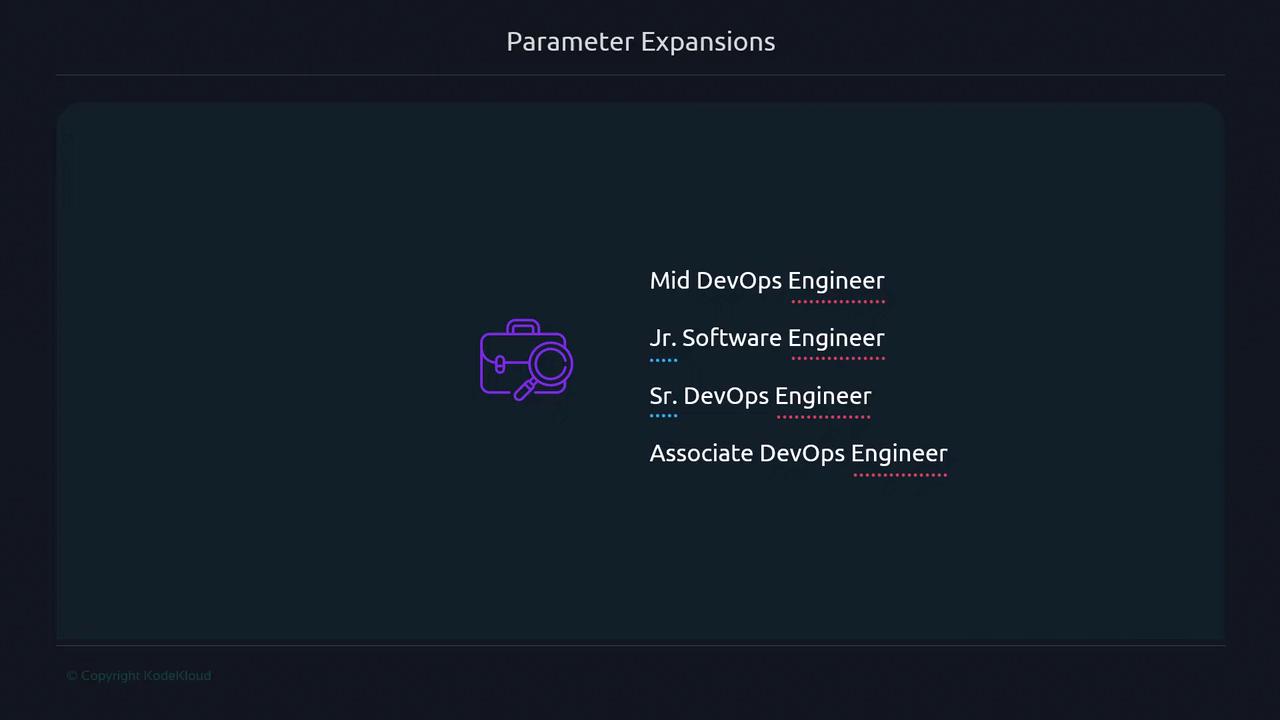
- Prefixes (associate, senior, junior, mid) indicate tenure or level.
- The suffix (
Engineer) indicates the job field.
Prefix Removal with
The# operator deletes the shortest matching pattern from the start of the string:
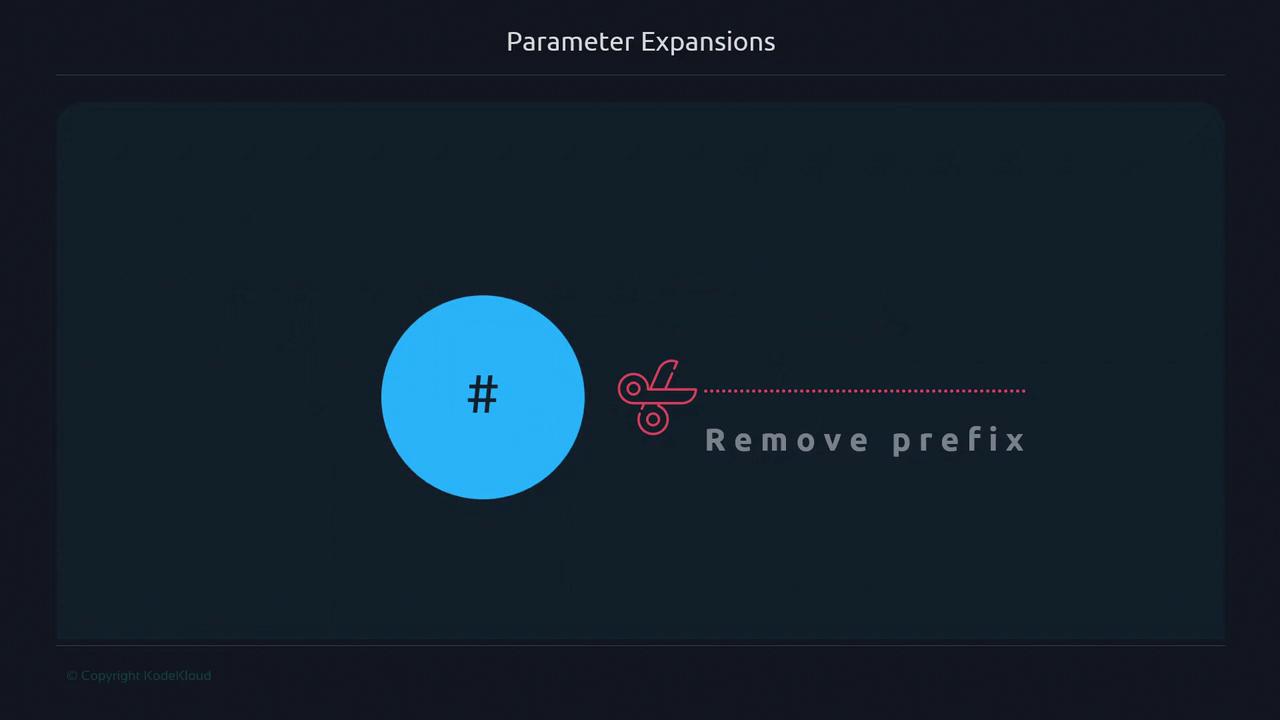
H:
"h" won’t match "H".
Suffix Removal with %
The% operator removes the shortest matching pattern from the end of the string:
Example 1: Drop the trailing d:
Pattern matching in Bash is case-sensitive. Ensure your pattern matches the exact case of the prefix or suffix.
Quick Reference Table
| Operator | Action | Example |
|---|---|---|
${var#pattern} | Remove shortest prefix match | ${greetings#Hello } → World |
${var%pattern} | Remove shortest suffix match | ${greetings%rld} → Hello Wo |
Next Steps
In the next lesson, we’ll explore longest-match removals using## and %% to strip more complex patterns.