Why Define Functions in Bash?
Functions encapsulate a sequence of commands into a single callable unit. This reduces repetition, minimizes errors, and makes your scripts easier to update and test. Imagine a chef perfecting a recipe once and reusing it whenever needed—functions work the same way in scripting.Backup Script: Before vs. After
Without a function:Always use
mkdir -p to avoid errors if the directory already exists, and add || exit 1 after cd to stop the script on failure.Refactoring a Git Clone Example
Grouping related tasks into functions clarifies your script’s main flow.| Script Version | Content |
|---|---|
| Ad-hoc | bash<br># Clone and count files<br>git clone "${1}"<br>find . -type f | wc -l |
| Refactored | bash<br>git_url="${1}"<br><br>clone_git() {<br> git clone "${1}"<br>}<br><br>count_files() {<br> find . -type f | wc -l<br>}<br><br>clone_git "${git_url}"<br>count_files |
clone_git and count_files, you isolate logic and make testing easier.
Function Declaration Syntax
Bash supports two portable styles. Use the first for maximum compatibility:| Style | Syntax Example |
|---|---|
| Preferred (POSIX-compatible) | bash<br>my_function() {<br> echo "Hello from my_function"<br>}<br> |
Using function keyword | bash<br>function my_function {<br> echo "Hello from my_function"<br>}<br> |
Local Variables in Functions
Limit variable scope inside functions withlocal to avoid unintended side effects.
Example where var1 is not visible outside:
Using
local helps prevent variable collisions in larger scripts. For more details, see Bash Scripting Guide.Benefits of Using Functions
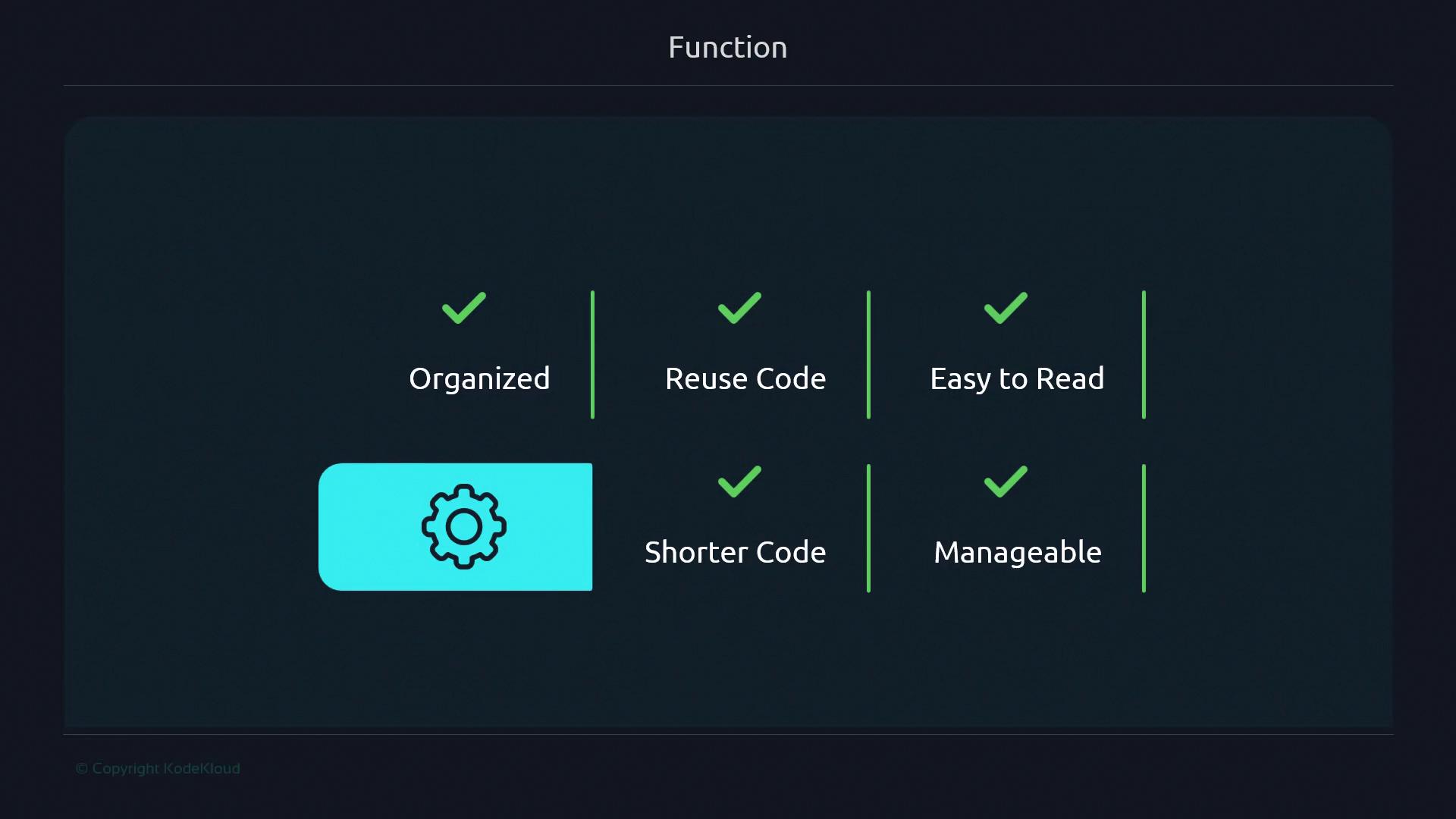
- Organization: Break large scripts into logical units.
- Reusability: Call the same code multiple times without duplication.
- Readability: Name complex logic for better clarity.
- Maintainability: Update one function rather than many code blocks.