Matching Repetitions: At Least, At Most, and Exact Counts
At Least Three Zeros
To locate all strings containing at least three zeros, specify a minimum repetition using curly braces:A “1” Followed by at Most Three Zeros
To match strings beginning with a “1” and followed by at most three zeros (which also captures a lone “1”), use:Exactly Three Zeros
For matching strings that contain exactly three zeros, use the following expression:Making Elements Optional
The question mark? makes the preceding element optional—allowing it to appear zero or one time. For instance, to match both “disable” and “disabled,” you can write:
Matching a Range of Repetitions
To find strings containing three, four, or five zeros, simply specify the range using curly braces:Combining Alternatives with the Vertical Pipe
The vertical pipe| lets you search for one pattern or another. For example, to search for lines containing either “enabled” or “disabled,” use:
Character Ranges and Sets
Character ranges and sets allow you to define specific criteria for a match:- A range like
[a-z]matches any one lowercase letter. - Similarly,
[0-9]filters any one digit.
Matching Device Files
Consider a scenario where you want to search for special device files such as/dev/sda1 or similar. A naïve approach might be:
.* is too greedy and might capture more than desired. Instead, you can be more specific:
-
First, try matching any lowercase letters that follow
/dev/:This pattern matches examples like/dev/twa0but may not capture cases where device names include digits at the end. -
To capture the trailing digits, modify your expression to require a digit at the end:
-
Since some device names may optionally end with a digit, you can make the digit optional:
/dev/sda1 and /dev/sda.
Handling Repeated Letter-Digit Patterns
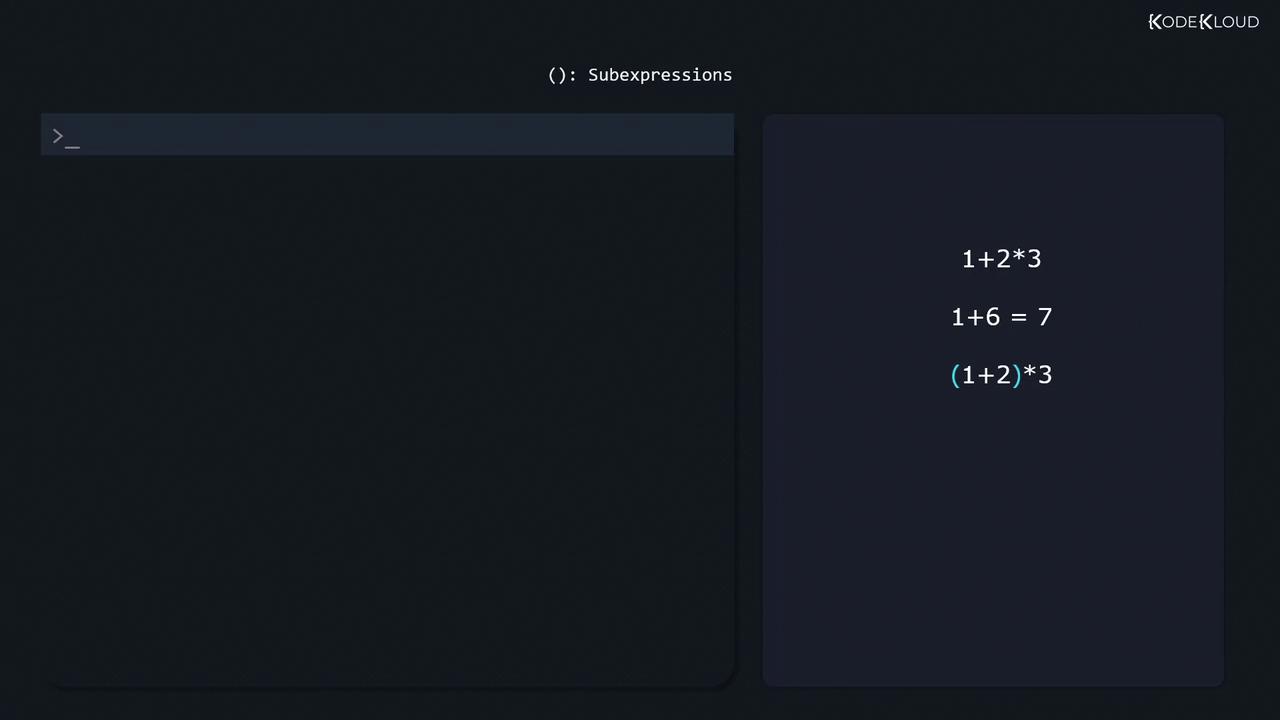
Some device names contain multiple groups of letters and digits—for example,/dev/tty0P0. In such cases, sub-expressions with parentheses along with the * operator allow the pattern to repeat:
/dev/TTYS0), include them by expanding the character set. You can use a grouped alternative to accommodate both cases:
Negating Character Classes
Sometimes you may want to exclude certain patterns. For instance, to search specifically for HTTP links that do not use encryption (excluding HTTPS), use a negated character set:Regular expressions are a powerful tool not only in grep but also in utilities like sed. For more practice and interactive testing, visit regexr.com.
Summary
In this lesson, we explored several essential concepts of extended regular expressions:- Using repetition operators such as
{3,},{0,3}, and{3}. - Making an element optional with the
?operator. - Combining variants with the vertical pipe
|. - Defining character ranges and sets, including the use of negated classes.
- Constructing complex patterns with sub-expressions and grouping.