

1. Initial Setup for OpenTofu Resources
In theroot/opentofu-projects/project-mysterio directory, your main.tf already defines two resources:
Because
local_file.file references random_string.string.id, OpenTofu automatically creates the string resource first.2. Forcing Replacement by Changing keepers
Open variables.tf and adjust the default length:
keepers map forces the random_string.string resource—and thus local_file.file—to be replaced on the next apply.
3. Ensuring Continuity with create_before_destroy
To create the replacement before destroying the old resource, add a lifecycle block:
On disk, you cannot have two files with the same name simultaneously. The old file is destroyed immediately after the new one appears.
4. Inspecting Resource State with tofu show
To view the details of your current resources, run:
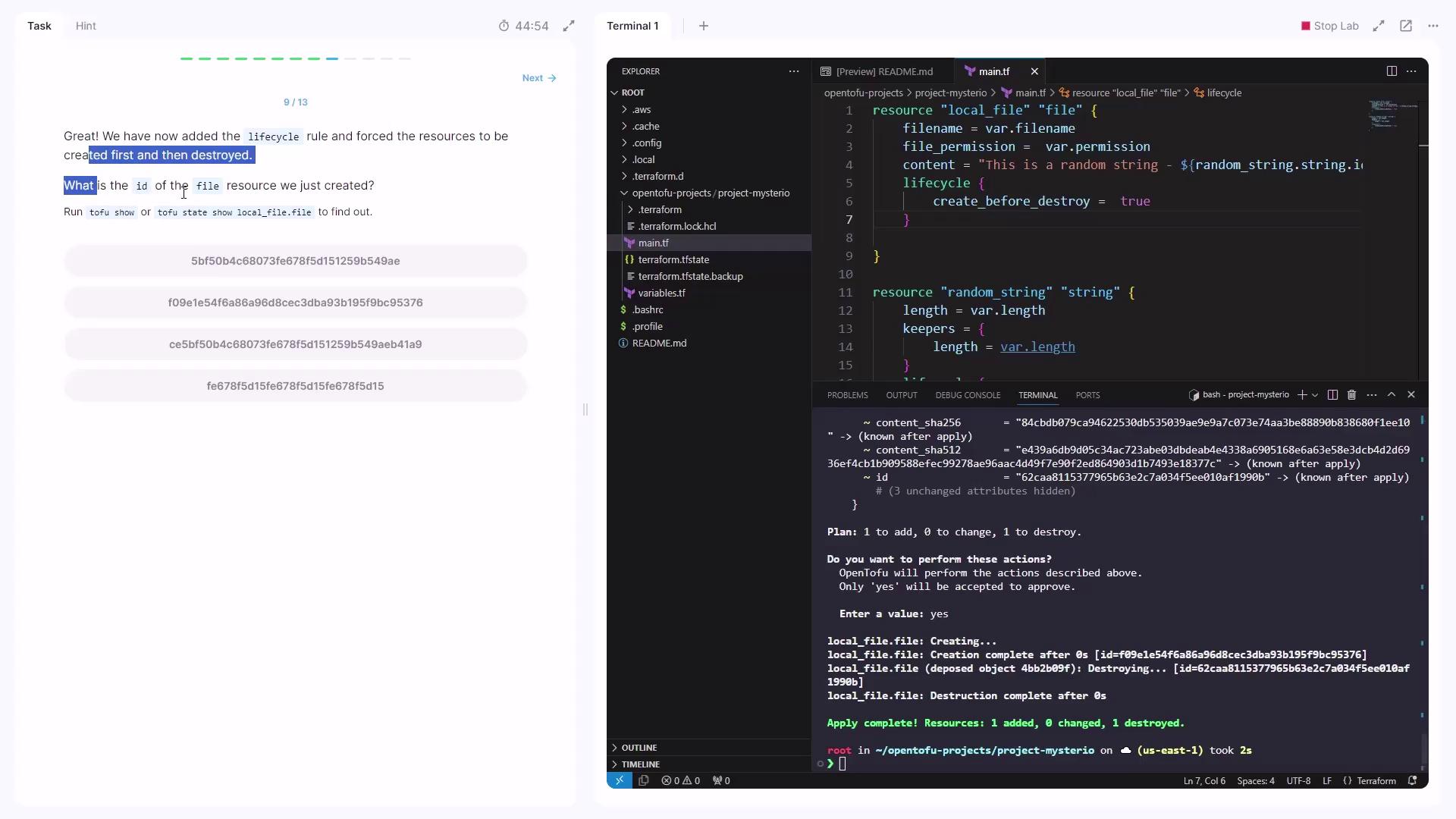
id attribute under the local_file.file block.
5. Protecting Critical Resources with prevent_destroy
First, destroy or clean up existing resources. Then replace your configuration in main.tf:
length or prefix, then run:
prevent_destroy rule blocks any deletion, protecting must-keep resources from accidental removal.
Lifecycle Arguments Comparison
| Lifecycle Argument | Purpose | Use Case |
|---|---|---|
| create_before_destroy | Create the new resource before destroying old | Zero-downtime upgrades |
| prevent_destroy | Block any resource deletion | Safeguard critical data or infrastructure |
You’ve now mastered:
- How OpenTofu orders resource creation via dependencies
- Why changing
keepersforces replacement - Using
create_before_destroyfor seamless updates - Applying
prevent_destroyto protect vital resources