

Default State File Location
After you provision resources with OpenTofu, the state file is created in your current working directory by default.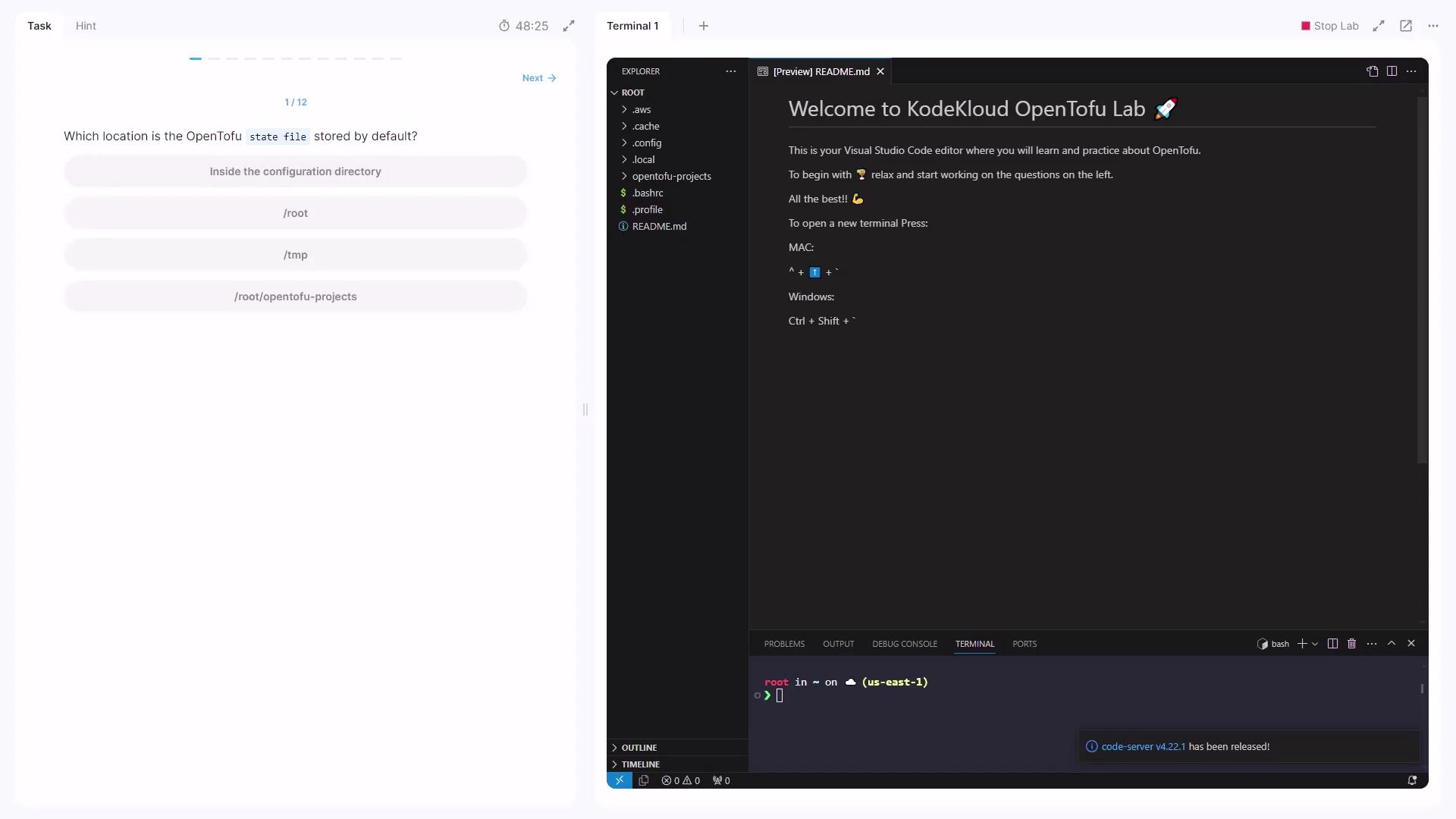
Disabling State
OpenTofu always relies on a state file to track existing resources. There is no option to disable this behavior.OpenTofu always maintains a local state file (
terraform.tfstate). You cannot disable state management.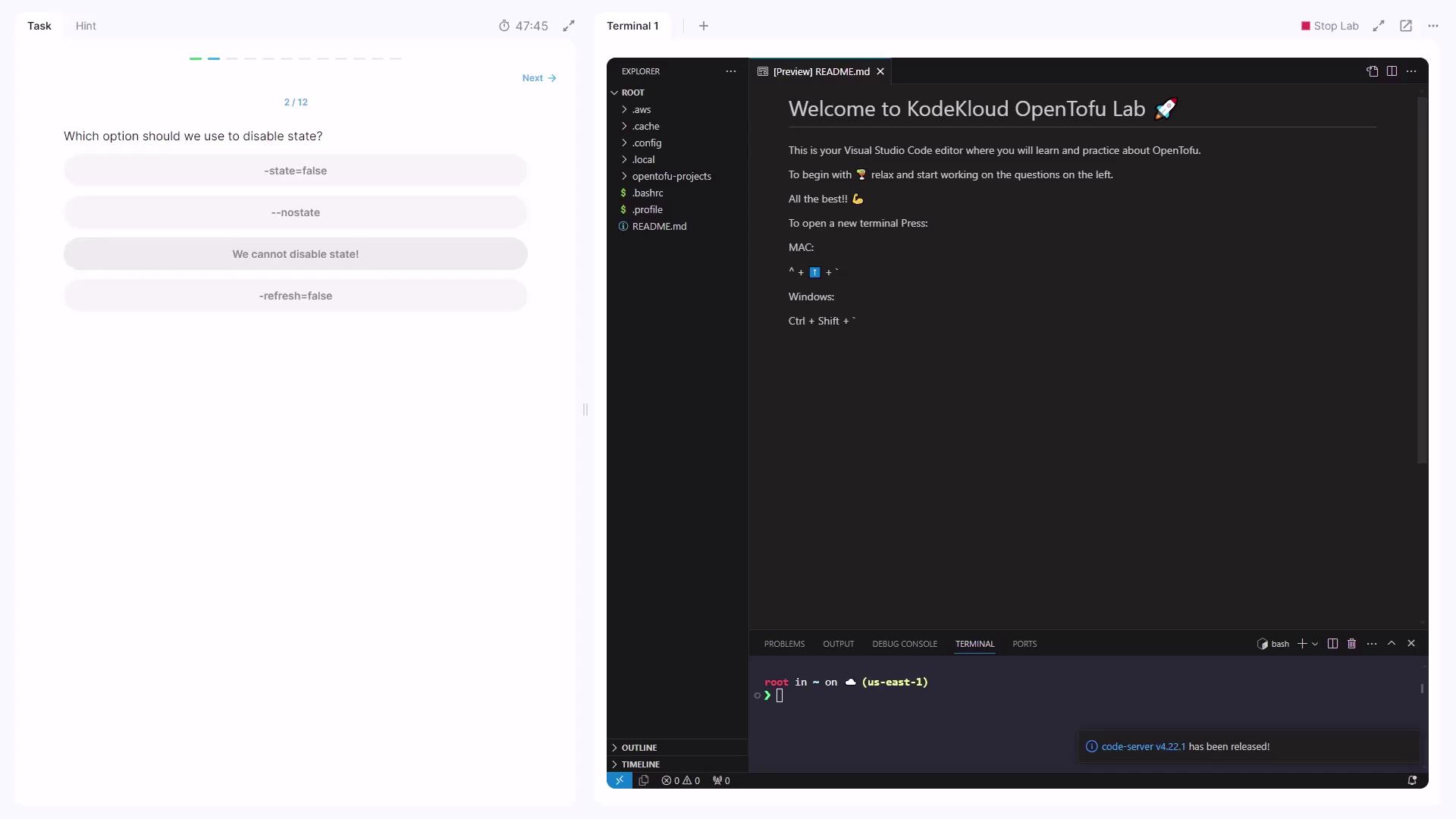
State File Format
Open theterraform.tfstate file and you’ll see it’s formatted in JSON.
The JSON format makes it easy to parse the state file with tools like
jq or programmatic scripts.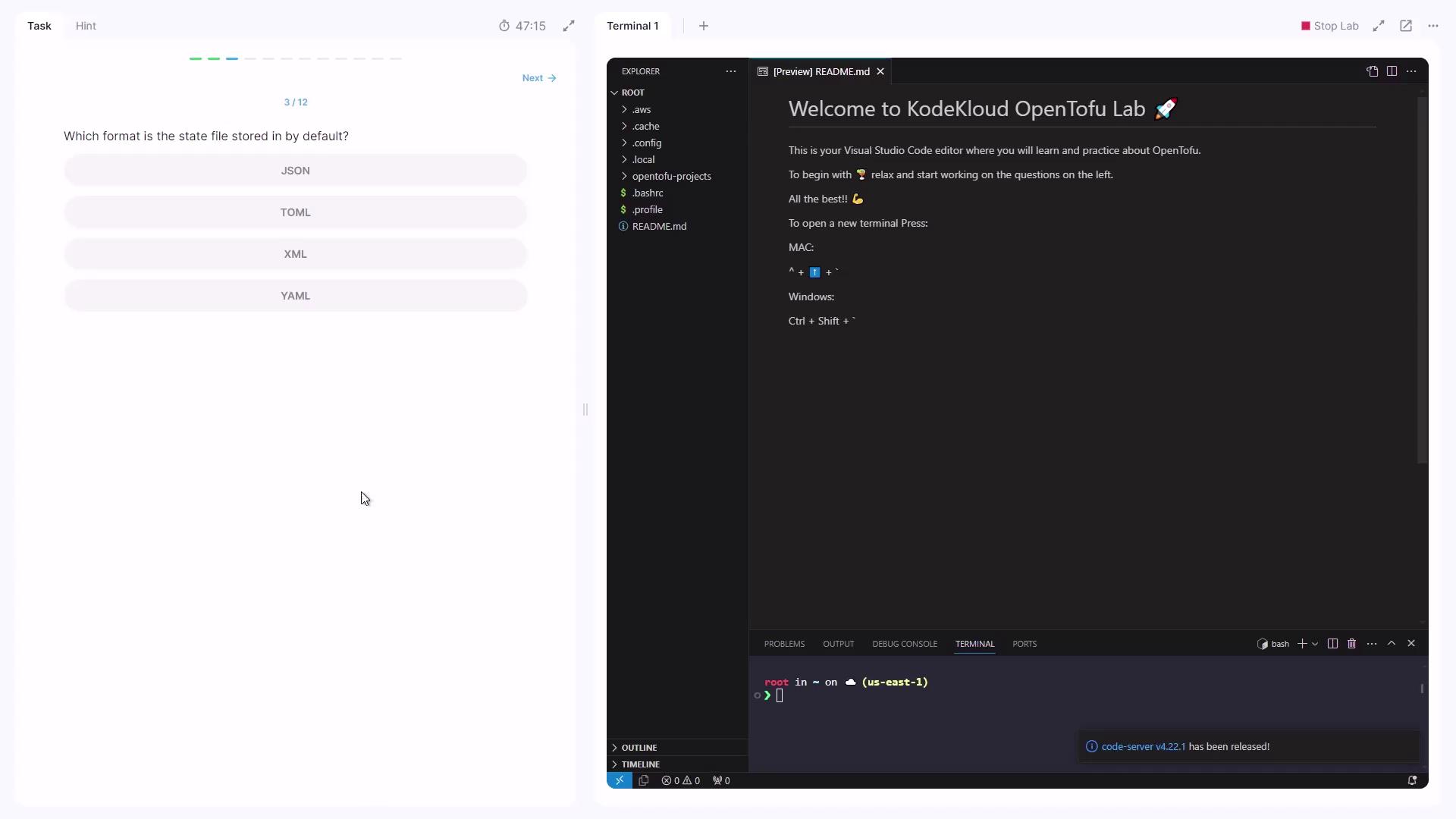
Commands and State Refresh
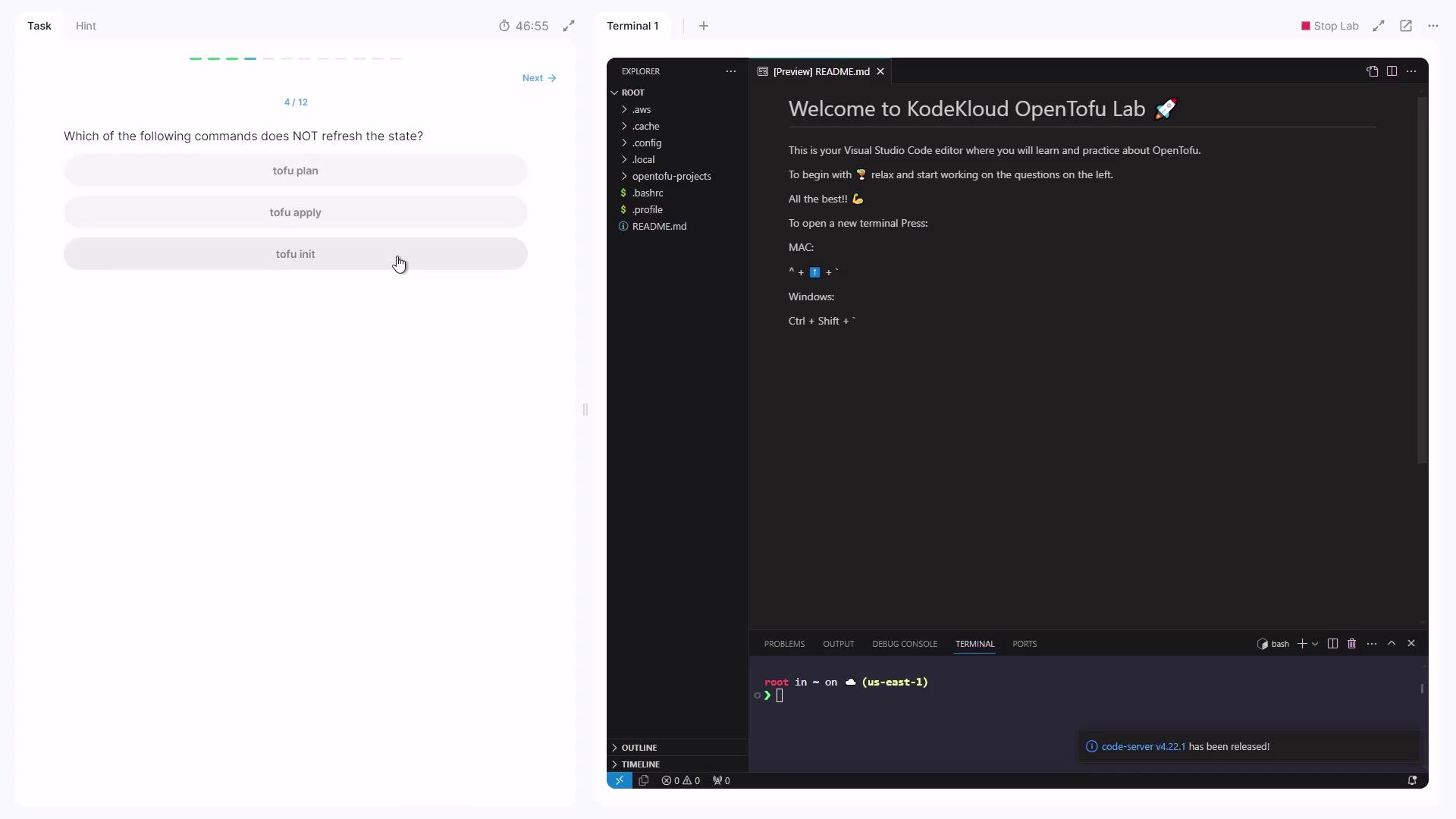
Some OpenTofu commands automatically refresh the state to match real-world resources:| Command | Refreshes State? | Description |
|---|---|---|
opentofu plan | Yes | Generates and shows an execution plan |
opentofu apply | Yes | Applies changes and refreshes state |
opentofu init | No | Initializes the working directory |
Default State File Name
By default, the state file created is: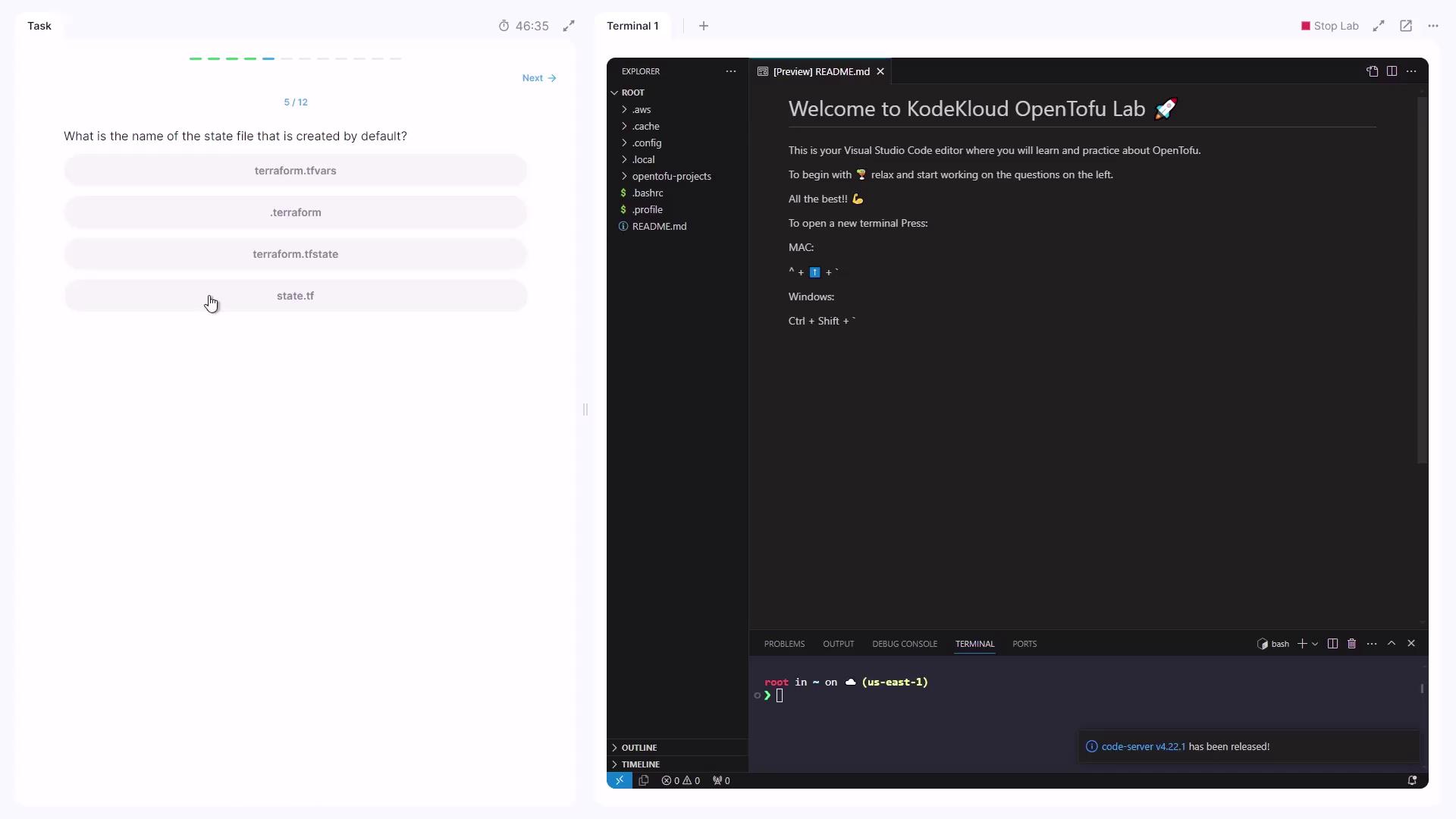
Working with State in a Configuration
Navigate into your configuration directory:opentofu init, so the .terraform folder exists—but no terraform.tfstate file yet, since opentofu apply hasn’t been executed.
1. Showing the State
2. Applying the Configuration
Run:yes. Sample output:
3. Inspecting the New State
Now re-run:local_file.speed_force. In HCL form, it appears as:
fab2981 in the filename reflects the resource ID.
Add an EC2 instance and an S3 bucket to your configuration:
opentofu apply, inspect the JSON state directly or with:
terraform.tfstate:
"private_ip" to locate the instance’s private IP: