Prerequisites
- Terraform 1.6.x installed
- Access to your Terraform state file (
terraform.tfstate) - A version-control backup or snapshot of your configuration
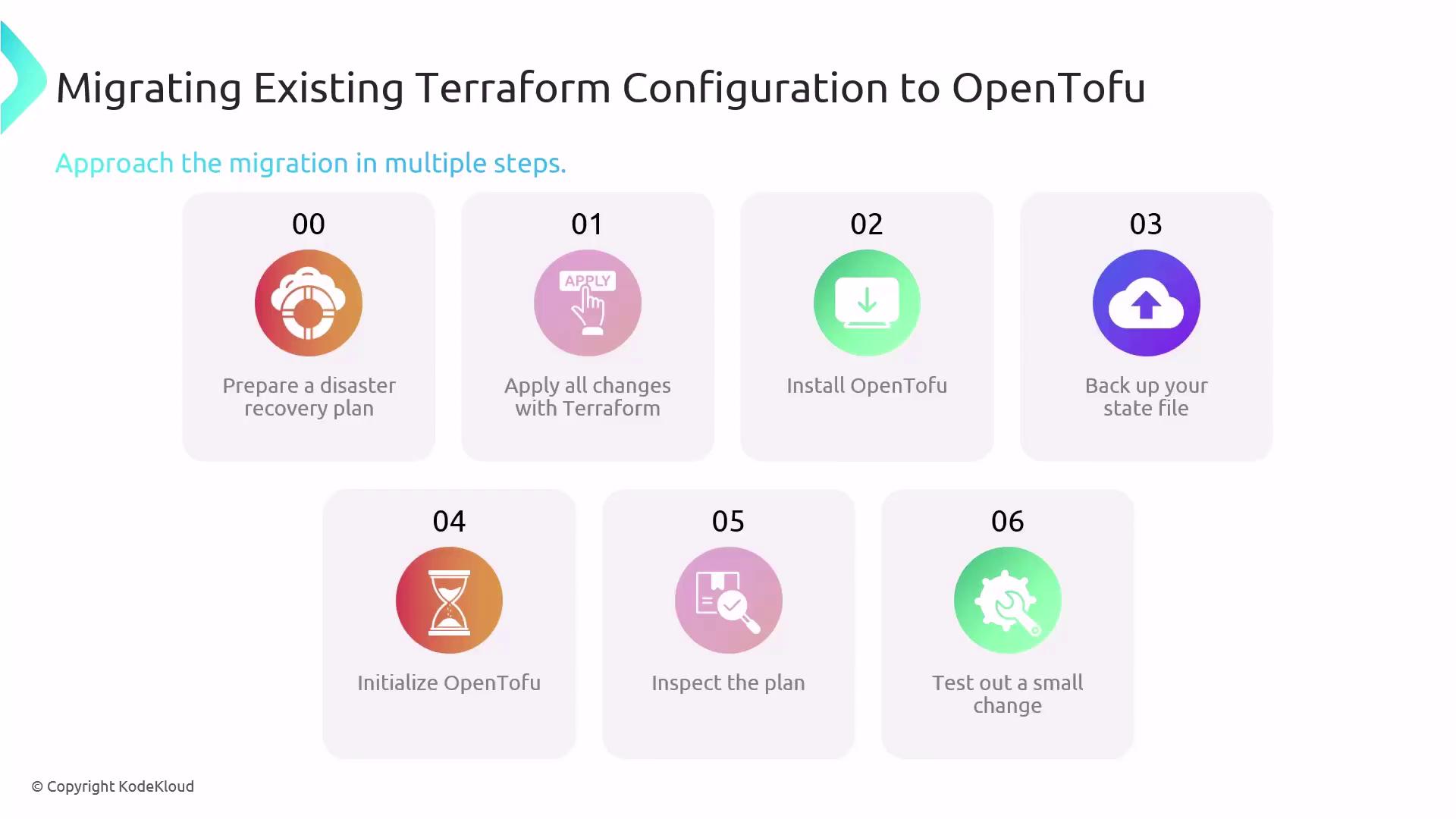
Step-by-Step Migration
-
Document a disaster recovery plan
Outline rollback procedures and how to restore state in case of unexpected issues. -
Apply any pending Terraform changes
-
Install OpenTofu
Follow the official installation guide for your OS: OpenTofu Installation. - Backup your Terraform state file
Always version-control or copy your
terraform.tfstate before you begin.-
Initialize OpenTofu and preview the plan
-
Test a non-critical change
Modify a minor resource to verify compatibility:Confirm that resources apply without drift before proceeding to production.
Getting Community Support
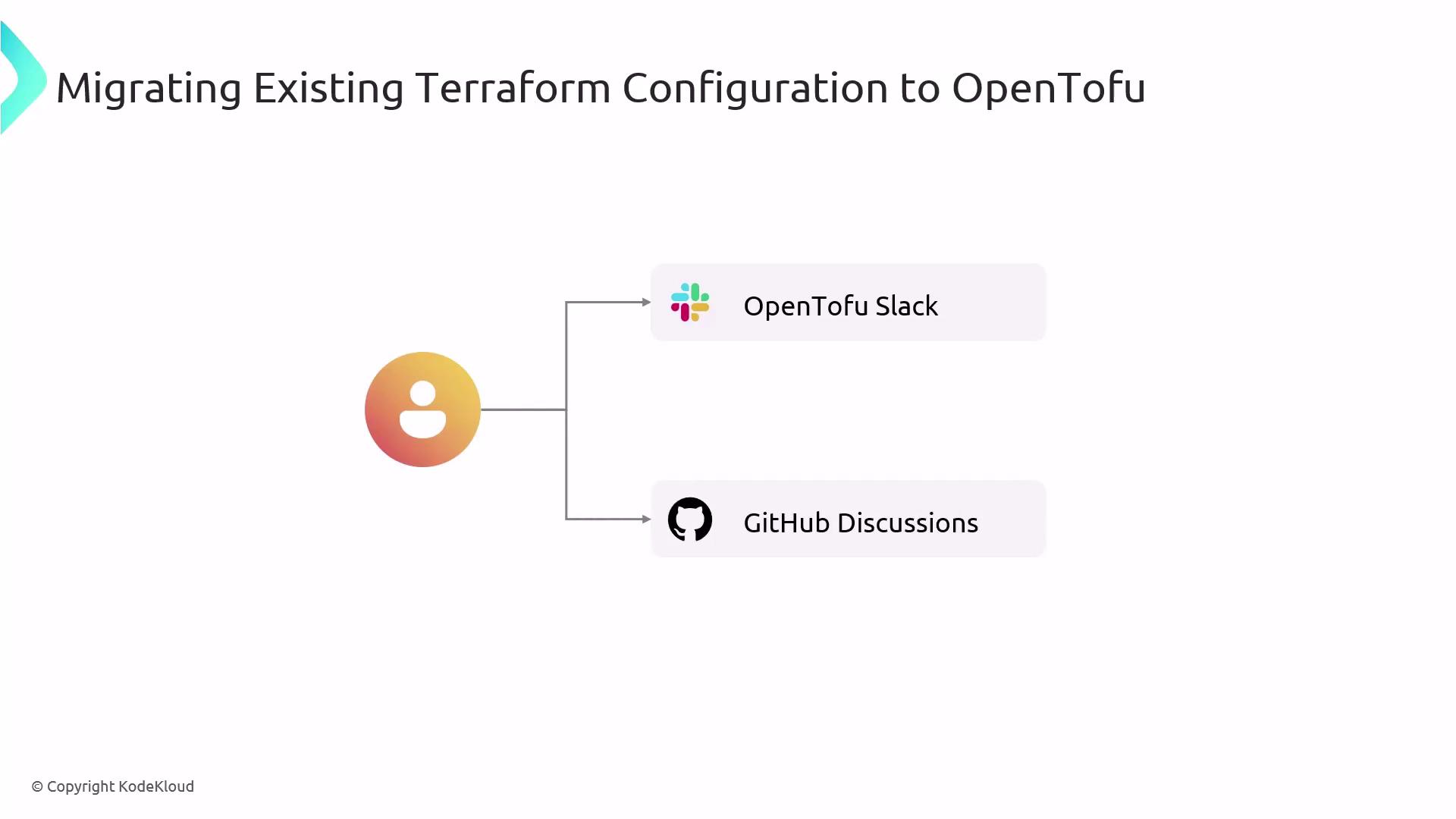
If you encounter issues during migration, leverage the OpenTofu community:- Join the OpenTofu Slack for real-time assistance.
- Post in GitHub Discussions under “Q&A.”
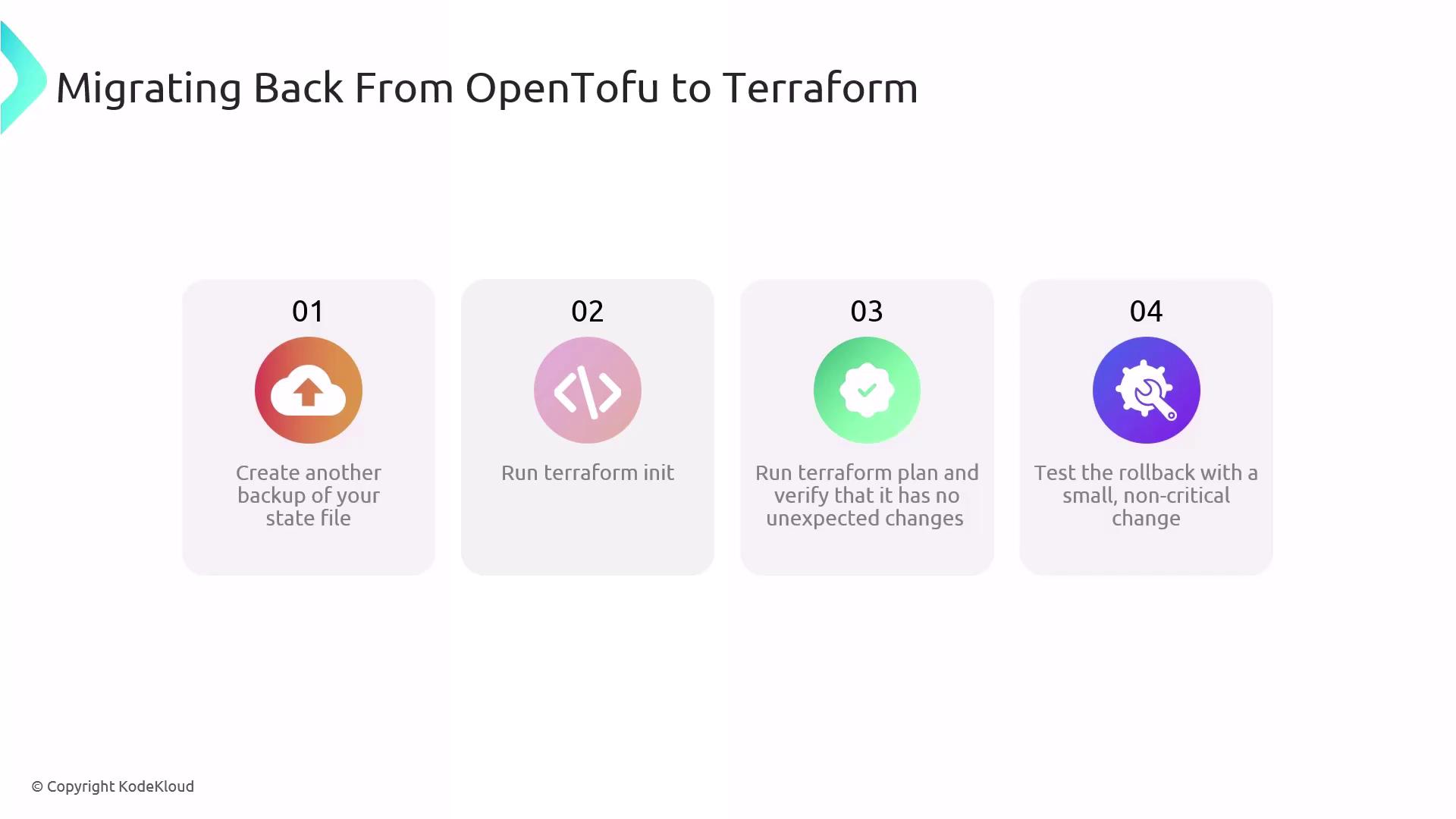
If you need to revert to Terraform—whether due to workflow preference or compatibility issues—follow these steps:
- Backup your OpenTofu state
Skipping this step may lead to state loss. Always keep a backup.
-
Re-initialize Terraform
-
Review the execution plan
-
Apply a test change
Ensure the rollback completes successfully before normal operations.
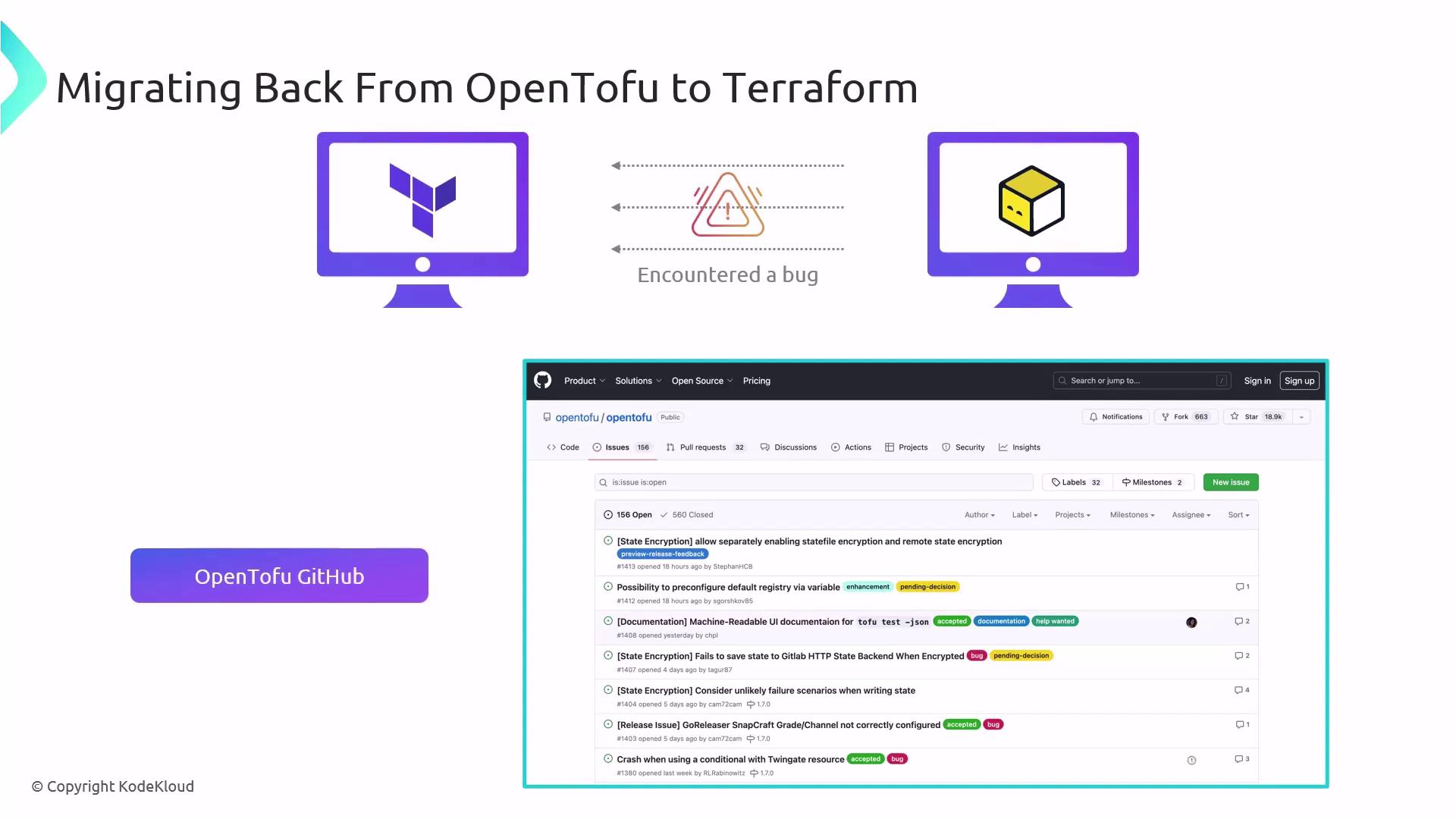
When you discover a bug in OpenTofu—during migration or rollback—please file a report on OpenTofu GitHub Issues. Include:
| Report Type | Description |
|---|---|
| Bug report | Steps to reproduce, expected vs. actual behavior |
| Feature request (RFC) | Rationale, proposed API changes |
| Security vulnerability | Version details, impact analysis (use private channels) |
Search existing issues first and follow the issue templates.