Welcome to this hands-on tutorial on provisioning an AWS EC2 instance using OpenTofu (a community-driven fork of Terraform). You’ll learn how to:
  • Create and configure an EC2 instance
  • Manage SSH keys
  • Apply user data scripts
  • Use provisioners for automation
  • Allocate and associate an Elastic IP
  • Understand Terraform’s dependency graph
This guide assumes you have AWS credentials configured and the OpenTofu CLI installed.

Prerequisites

  • OpenTofu CLI installed (tofu version)
  • AWS CLI configured (aws configure)
  • An SSH key pair (we’ll generate one in step 2)

1. Provision a Simple EC2 Instance

  1. Change to your project directory and open main.tf:
    cd /root/OpenTofu/projects/project-cerberus/
    touch main.tf
    
  2. Define the EC2 resource and variables:
    resource "aws_instance" "cerberus" {
      ami           = var.ami
      instance_type = var.instance_type
    }
    
    variable "ami" {
      default = "ami-06178c7f087598769c"
    }
    
    variable "region" {
      default = "eu-west-2"
    }
    
    variable "instance_type" {
      default = "m5.large"
    }
    
  3. Initialize and apply:
    tofu init
    tofu apply
    
    Example output:
    Plan: 1 to add, 0 to change, 0 to destroy.
    aws_instance.cerberus: Creating...
    aws_instance.cerberus: Creation complete after 12s [id=i-3f85199c9711d152f]
    Apply complete! Resources: 1 added, 0 changed, 0 destroyed.
    
Inspect your instance attributes:
tofu show

2. Create an SSH Key Pair

Generate an SSH key pair on your local machine:
ssh-keygen -t rsa -b 4096 -f ~/.ssh/cerberus -N ""
Then add this to main.tf:
resource "aws_key_pair" "cerberus_key" {
  key_name   = "cerberus"
  public_key = file("~/.ssh/cerberus.pub")
}
Apply the change:
tofu init
tofu apply
You should see:
aws_key_pair.cerberus_key: Creating...
aws_key_pair.cerberus_key: Creation complete after 0s [id=cerberus]
Apply complete! Resources: 1 added, 0 changed, 0 destroyed.

3. Attach the Key to the EC2 Instance

Update the aws_instance block to reference the key:
resource "aws_instance" "cerberus" {
  ami           = var.ami
  instance_type = var.instance_type
  key_name      = "cerberus"
}
Re-apply:
tofu apply
aws_instance.cerberus: Modifying... [id=i-3f85199c9711d152f]
aws_instance.cerberus: Destruction complete after 10s
aws_instance.cerberus: Creation complete after 11s [id=i-2386285c5705afa5071]
Apply complete! Resources: 1 added, 0 changed, 1 destroyed.

4. Install Nginx via User Data

Provision your instance to install Nginx at launch:
  1. Create install-nginx.sh:
    #!/bin/bash
    apt-get update
    apt-get install -y nginx
    
  2. Reference it in your EC2 resource:
    resource "aws_instance" "cerberus" {
      ami           = var.ami
      instance_type = var.instance_type
      key_name      = "cerberus"
      user_data     = file("./install-nginx.sh")
    }
    
User data scripts run only on the first instance launch. Future tofu apply runs will not re-execute user_data.
Attempt to apply:
tofu apply
You’ll see no changes if the instance already exists.

5. Provisioners and Connection Blocks

Terraform supports three built-in provisioners. Only local-exec does not require a connection block.
ProvisionerConnection Required?Use Case
local-execNoRun commands on the machine executing OpenTofu
remote-execYesExecute SSH/WinRM commands on the remote host
fileYesUpload/download files to/from the resource
Remember: provisioners must be nested inside the resource block they target.

6. Retrieve the Public IPv4 Address

After creating your EC2 instance, run:
tofu show aws_instance.cerberus
Look for the public_ip attribute (for example, 54.214.169.15).

7. Reserve and Associate an Elastic IP

An Elastic IP (EIP) is a static public IPv4 address. Add this resource:
resource "aws_eip" "eip" {
  vpc      = true
  instance = aws_instance.cerberus.id
}
To save the public DNS to a file, use a local-exec provisioner:
resource "aws_eip" "eip" {
  vpc      = true
  instance = aws_instance.cerberus.id

  provisioner "local-exec" {
    command = <<EOT
echo "${self.public_dns}" > /root/serverless_publicDNS.txt
EOT
  }
}
This block allocates and associates an Elastic IP, then writes the instance’s public DNS to /root/serverless_publicDNS.txt.
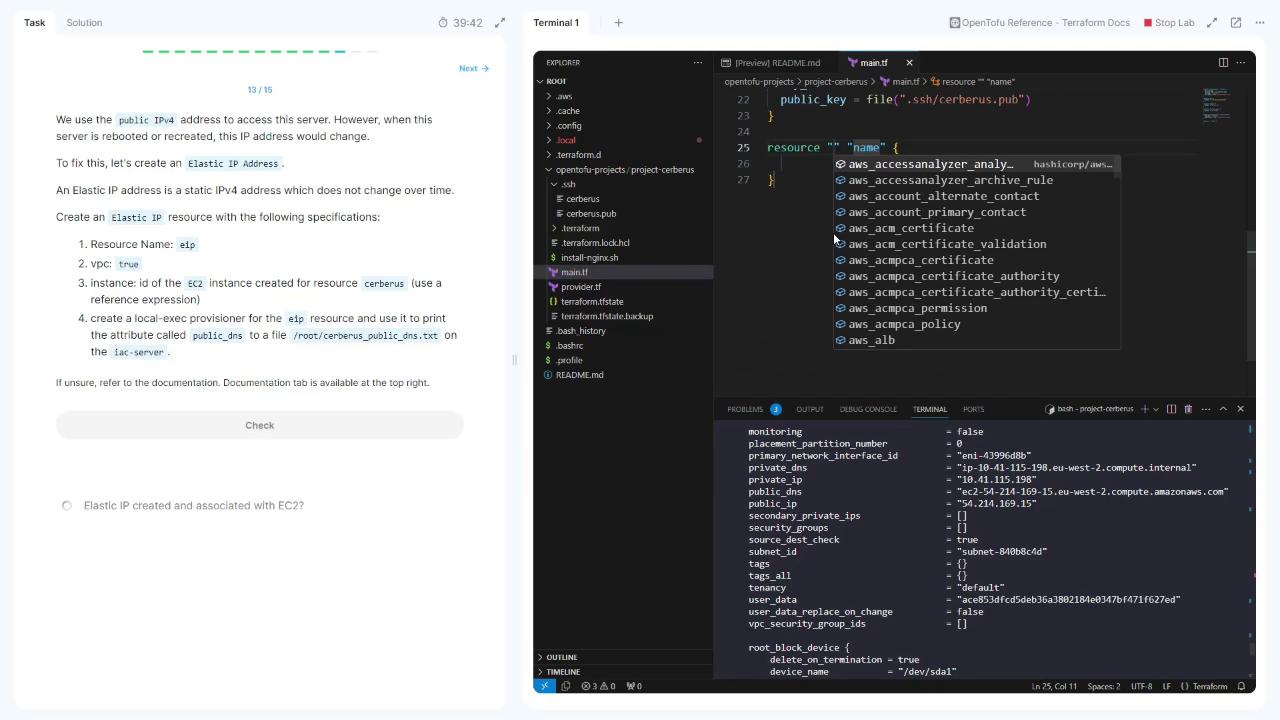
The image shows a split-screen view with a task description on the left about creating an Elastic IP in Terraform, and a code editor on the right displaying a Terraform configuration file with AWS resources.
Apply your changes:
tofu apply
Inspect the EIP:
tofu show aws_eip.eip
Note the public_ip (e.g., 52.47.169.195).

8. Understanding Dependency Direction

Because aws_eip.eip references aws_instance.cerberus.id, Terraform automatically creates the EC2 instance before allocating the EIP. There’s no reverse dependency.
Terraform’s graph engine infers resource creation order by scanning references. No explicit depends_on is needed here.
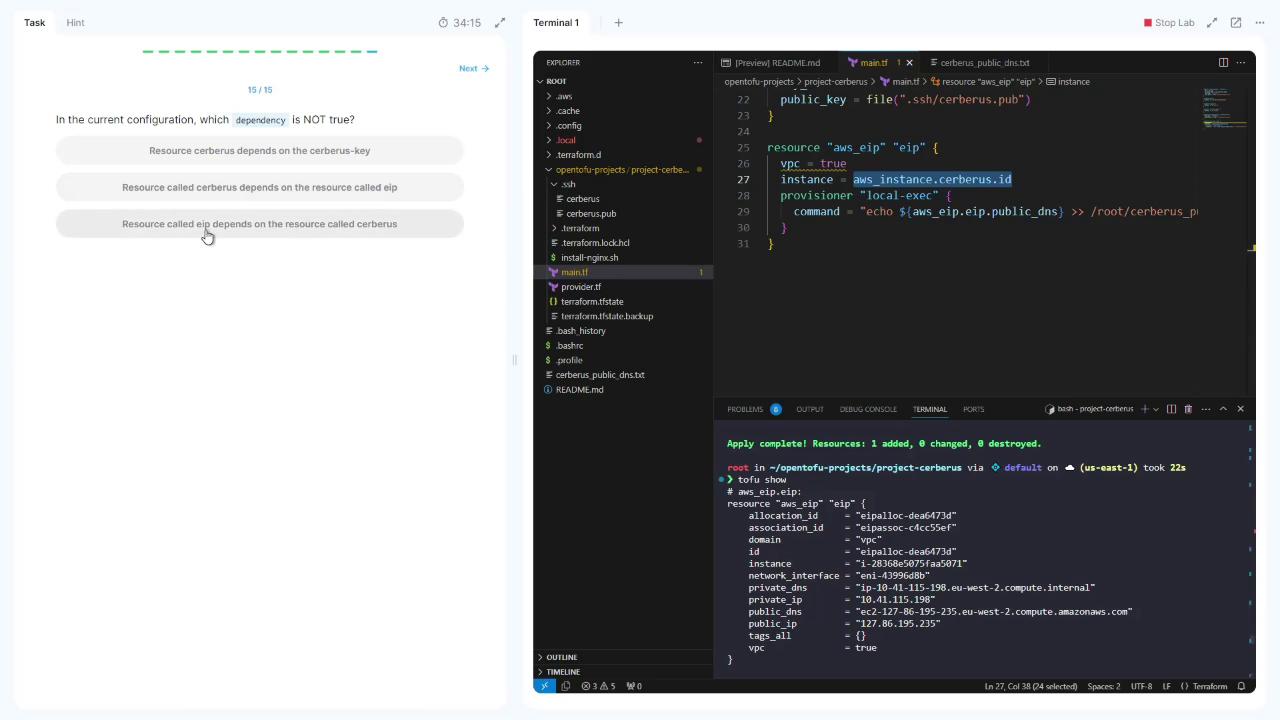
The image shows a split screen with a multiple-choice question on the left and a code editor on the right displaying Terraform configuration files. The terminal at the bottom shows the output of a Terraform apply command.

That completes this lab. Thank you for following along!