

- Initialize a Git repository
- Configure a Python virtual environment
- Scaffold and modularize code with Copilot
- Generate CSV data via Ollama (local LLM)
- Manage dependencies and
.gitignore
1. Initialize the Git Repository
First, clone or fork your project on GitHub. Your starter repository includes:LICENSE.gitignore(baseline)- GitHub Copilot instructions
main.py(empty stub)
2. Configure a Python Virtual Environment
Isolating your dependencies prevents conflicts and keeps your project portable. You can follow Copilot’s suggestions or use these commands:| Step | Command (macOS/Linux) | Command (Windows PowerShell) |
|---|---|---|
| Create project folder & venv | mkdir my_project && cd my_project | mkdir my_project; cd my_project |
| Initialize virtual environment | python3 -m venv .venv | python -m venv .venv |
| Activate environment | source .venv/bin/activate | .venv\Scripts\Activate.ps1 |
| Verify activation | Look for (.venv) in your prompt | Look for (.venv) in your prompt |
Virtual environments ensure that
pip install only affects your project and avoids version clashes globally. See Python Virtual Environments.3. Scaffold main.py with GitHub Copilot
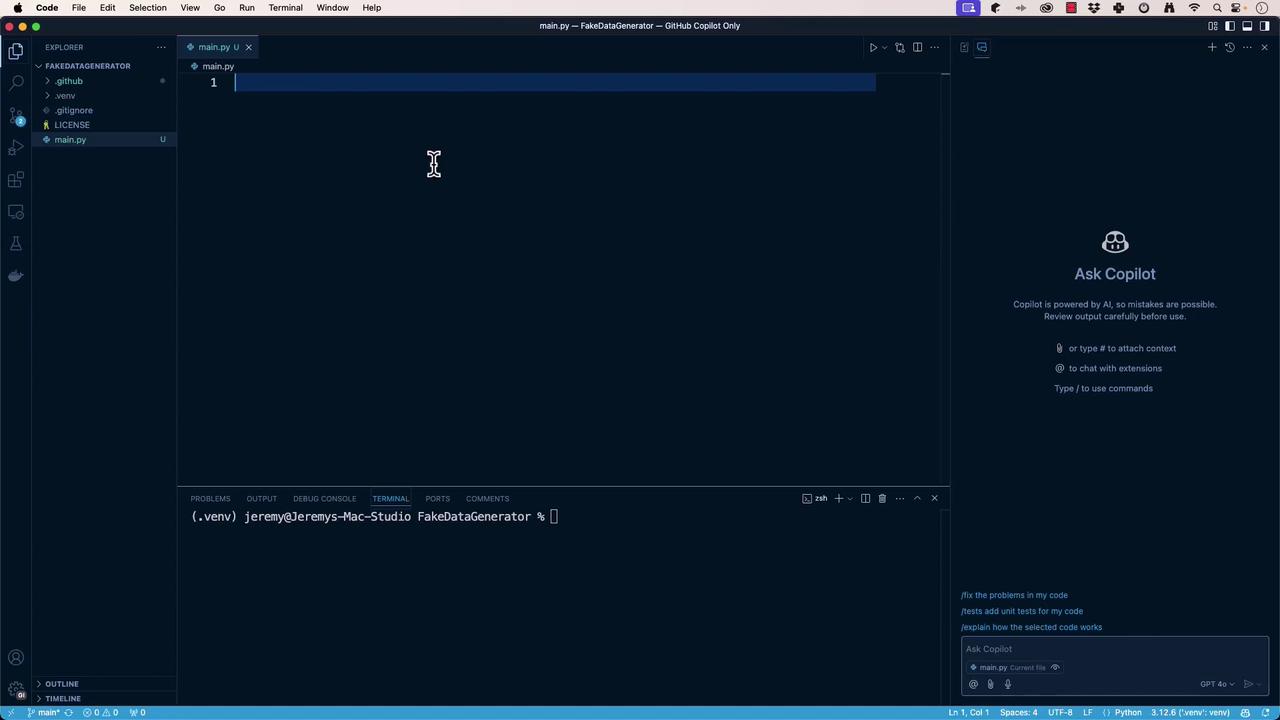
Use the GitHub Copilot extension in VS Code. In Copilot Chat, request:
“Scaffold aCopilot will generate something like this:main.pythat defines aFakeDataGeneratorclass and runs it inmain().”
4. Refactor Code into Modules
Clean architecture separates concerns. Ask Copilot to extractFakeDataGenerator:
fake_data_generator.py
5. Generate Fake Data via Ollama (Local LLM)
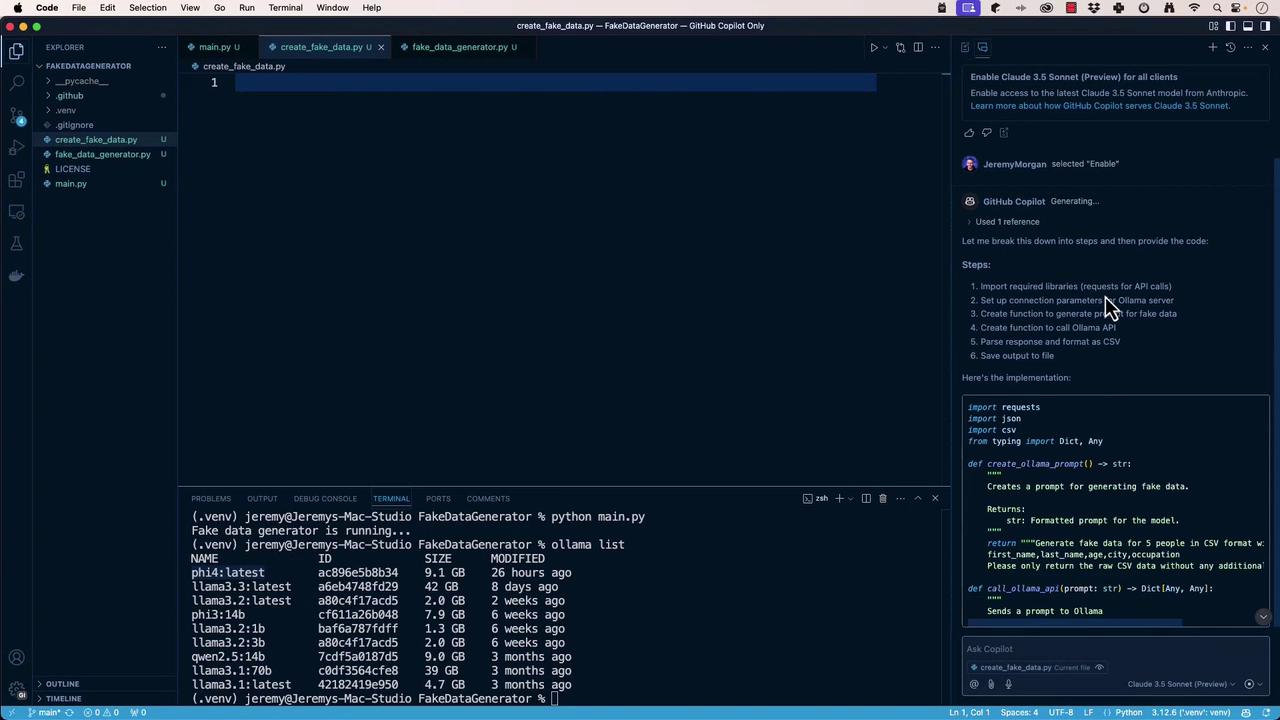
We’ll createcreate_fake_data.py to call a local Ollama API at http://localhost:11434/api/generate, request CSV-formatted rows, and write them to fake_data.csv.
In Copilot Chat, prompt:
“Generate a script that sends a CSV fake-data request to Ollama and saves the response.”create_fake_data.py
requests and run:
fake_data.csv:
6. Manage Dependencies and .gitignore
Export your locked dependencies:
| File | Purpose |
|---|---|
requirements.txt | Lists exact package versions for reproducibility |
.gitignore | Omits local venvs, caches, and editor settings |
After adding
.gitignore, remove any committed virtual environment:Next Steps
You’ve successfully:- Bootstrapped a Python repo with Git and Copilot
- Isolated dependencies in a virtual environment
- Scaffolded, refactored, and modularized code
- Integrated with a local Ollama LLM for data generation
- Locked dependencies and configured
.gitignore