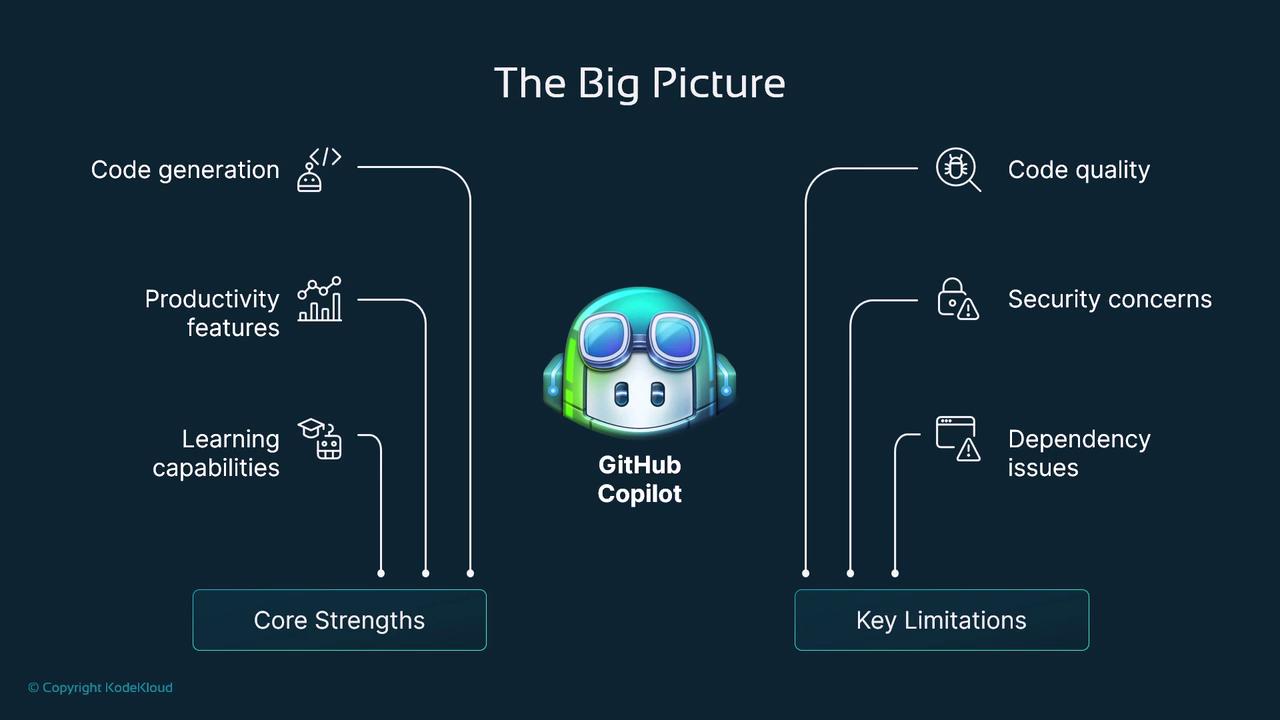
Explore how GitHub Copilot , the AI-driven coding assistant powered by OpenAI’s large language models, can streamline your development workflow—and understand its practical constraints.
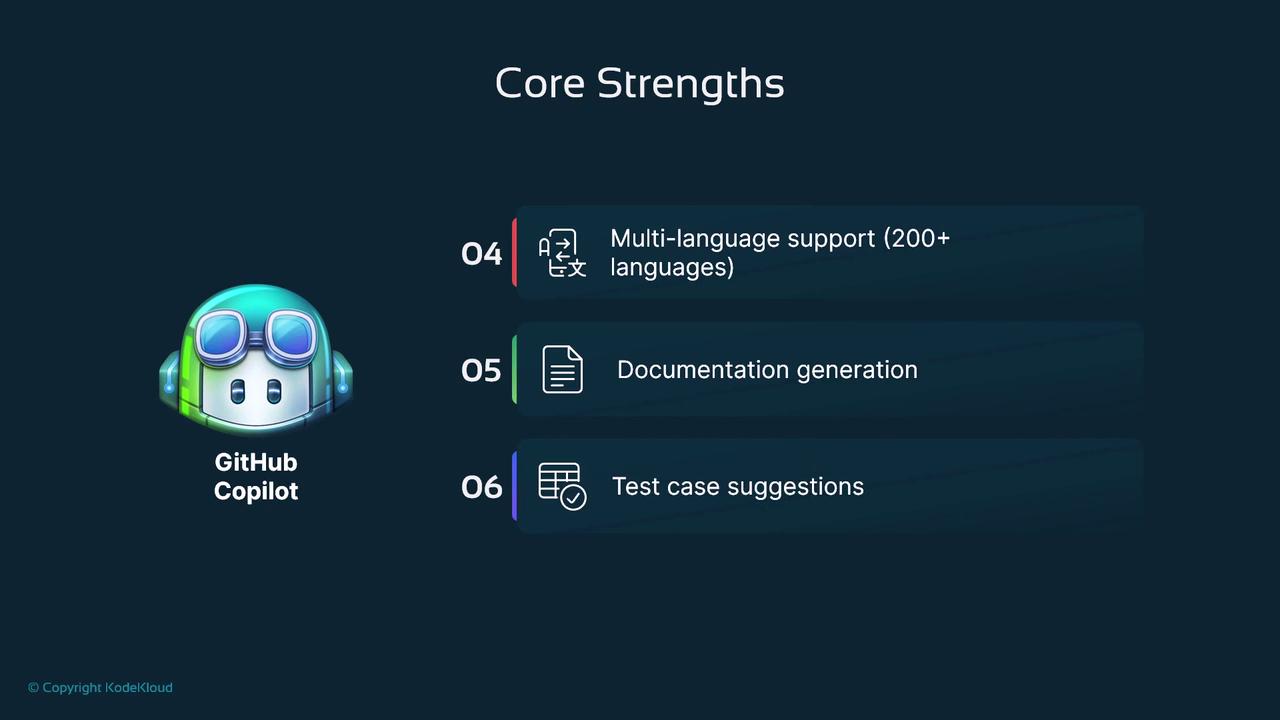
Core Strengths GitHub Copilot supercharges your coding speed by generating boilerplate and repetitive code snippets. It analyzes your current context to provide:
Real-time code completion based on surrounding codeMulti-language support for over 200 programming languagesDocumentation and comment generation inline with your codeUnit test suggestions tailored to your functions
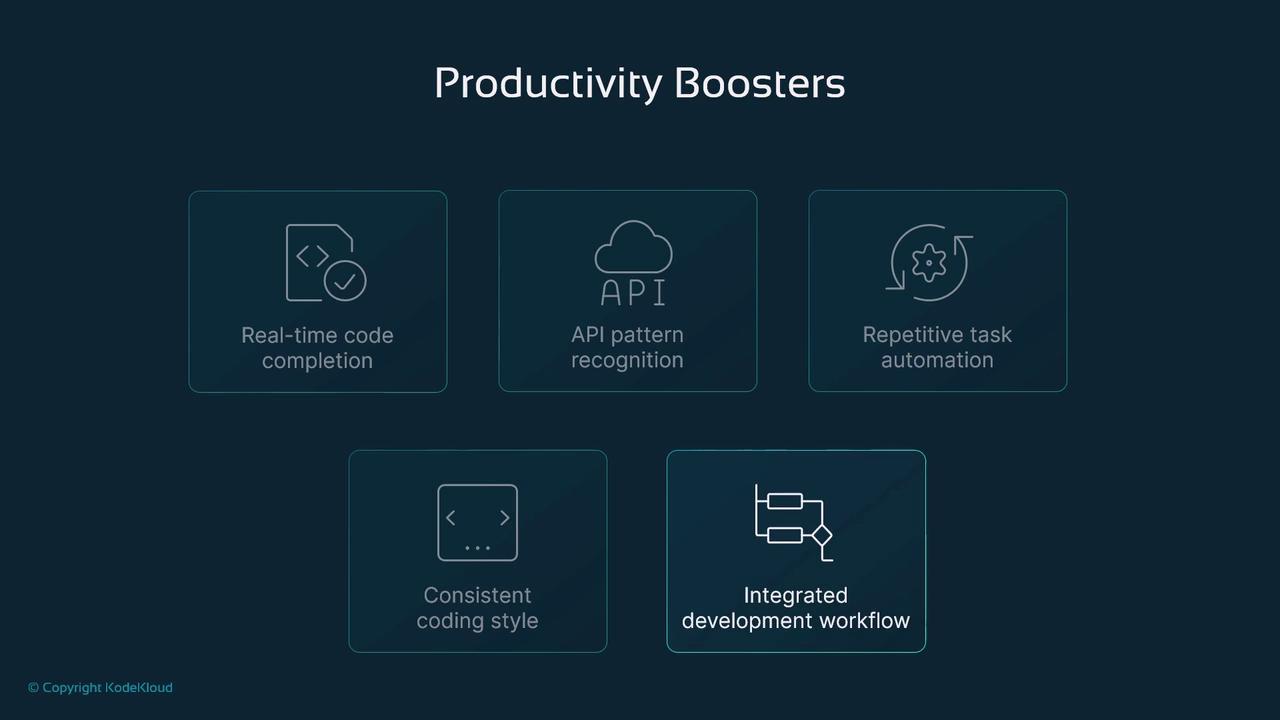
Daily Impact on Workflow These features translate into higher productivity:
Context-aware suggestions as you type
Automatic recognition of common API patterns
Offloading repetitive tasks to AI
Enforcing consistent coding style
Seamless integration with IDEs like VS Code and JetBrains
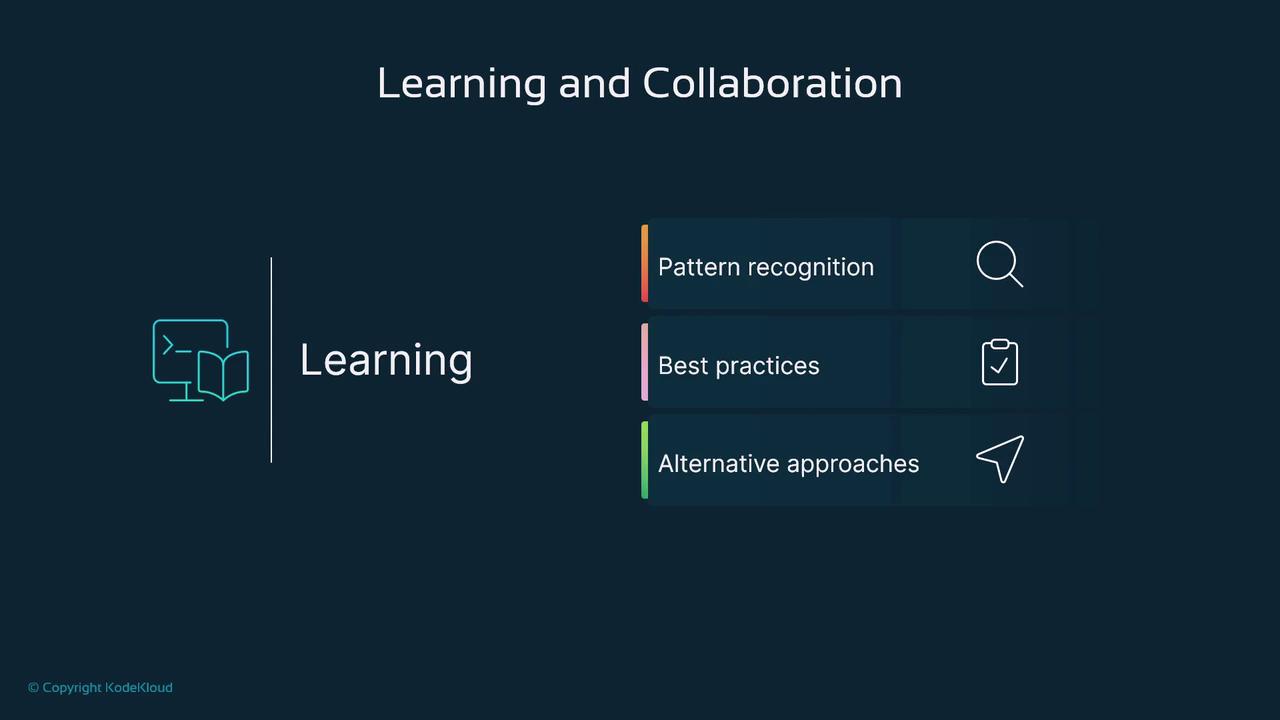
Learning and Collaboration Copilot doubles as a knowledge-sharing tool:
Pattern Recognition: Identifies and applies best practicesAlternative Solutions: Suggests multiple approaches to a problemTeam Consistency: Promotes standard coding conventions across your organization
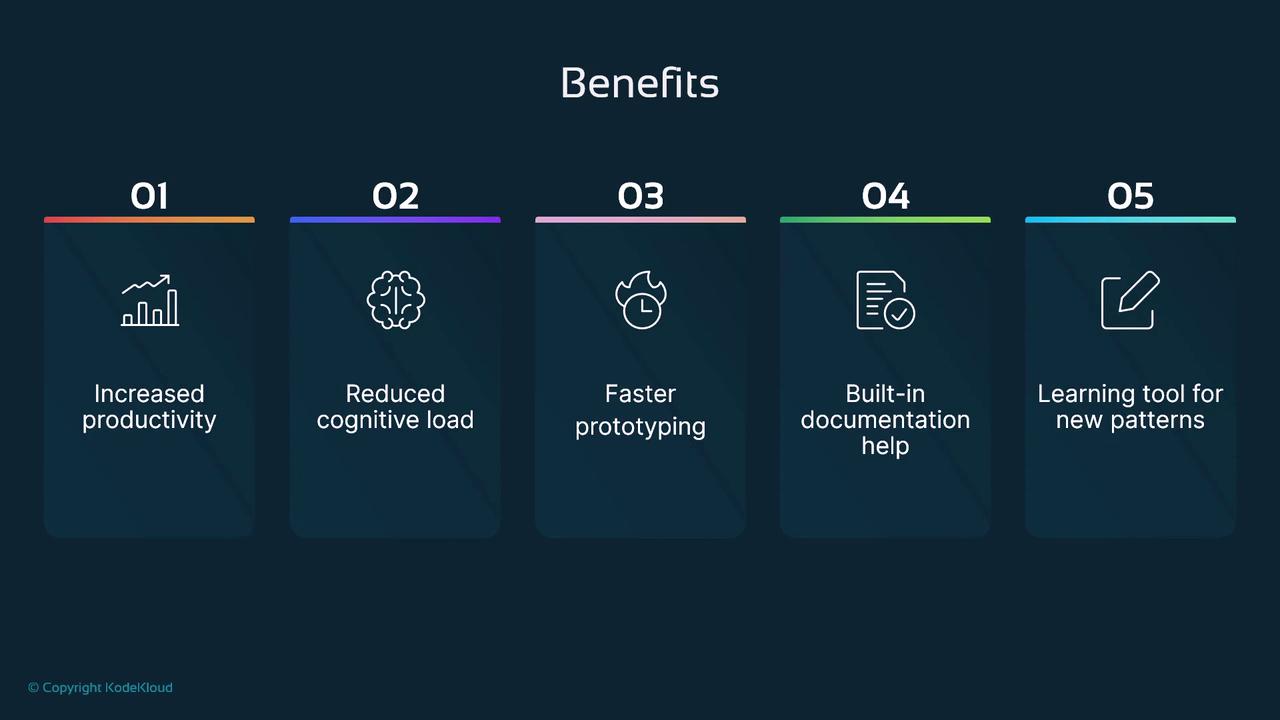
Broader Benefits Across the entire development lifecycle, Copilot delivers:
Benefit Impact Increased Productivity Ship features faster under tight deadlines Reduced Cognitive Load Let AI handle routine boilerplate Accelerated Prototyping Explore new ideas without manual setup Integrated Documentation Keep docs up to date alongside code Continuous Learning Absorb new coding patterns suggested by AI
Limitations While powerful, Copilot has several constraints that require developer oversight.
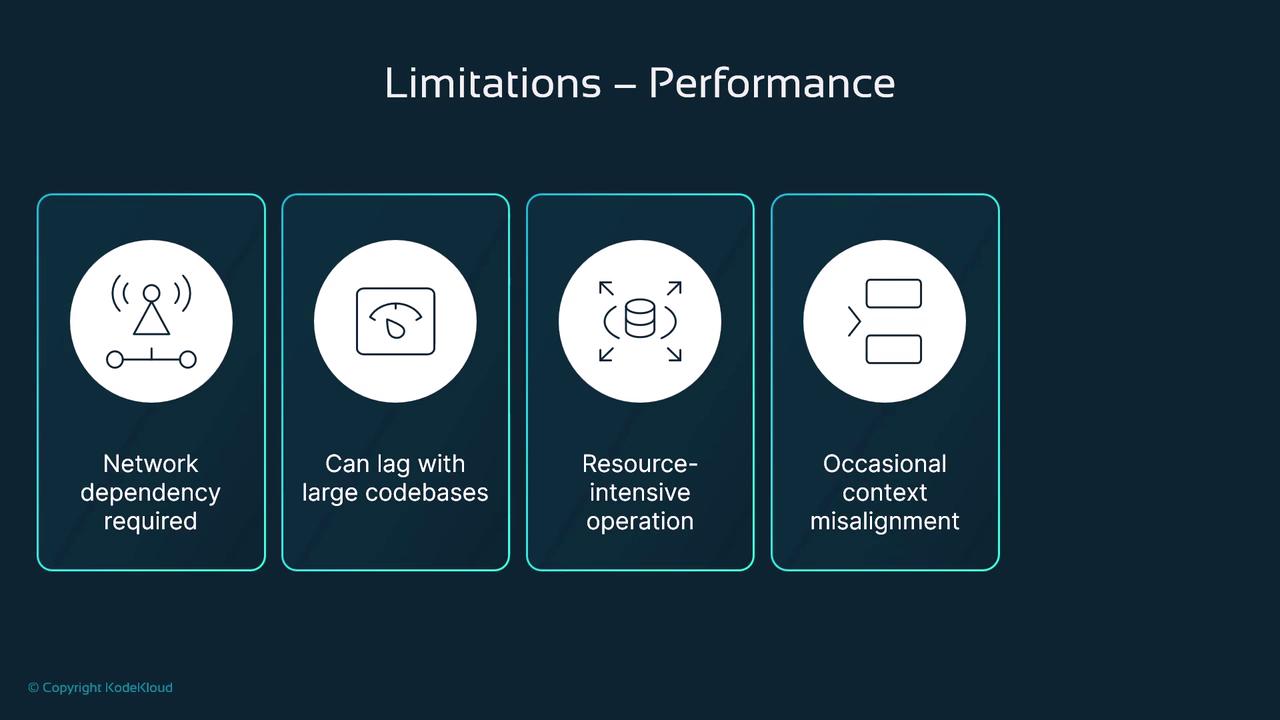
Requires stable internet connectivity
May lag on very large codebases
Consumes significant compute resources for inference
API rate limits can throttle suggestions
If you experience latency, try limiting the scope of the active file or using local indexing features in your IDE.
Code Quality Concerns
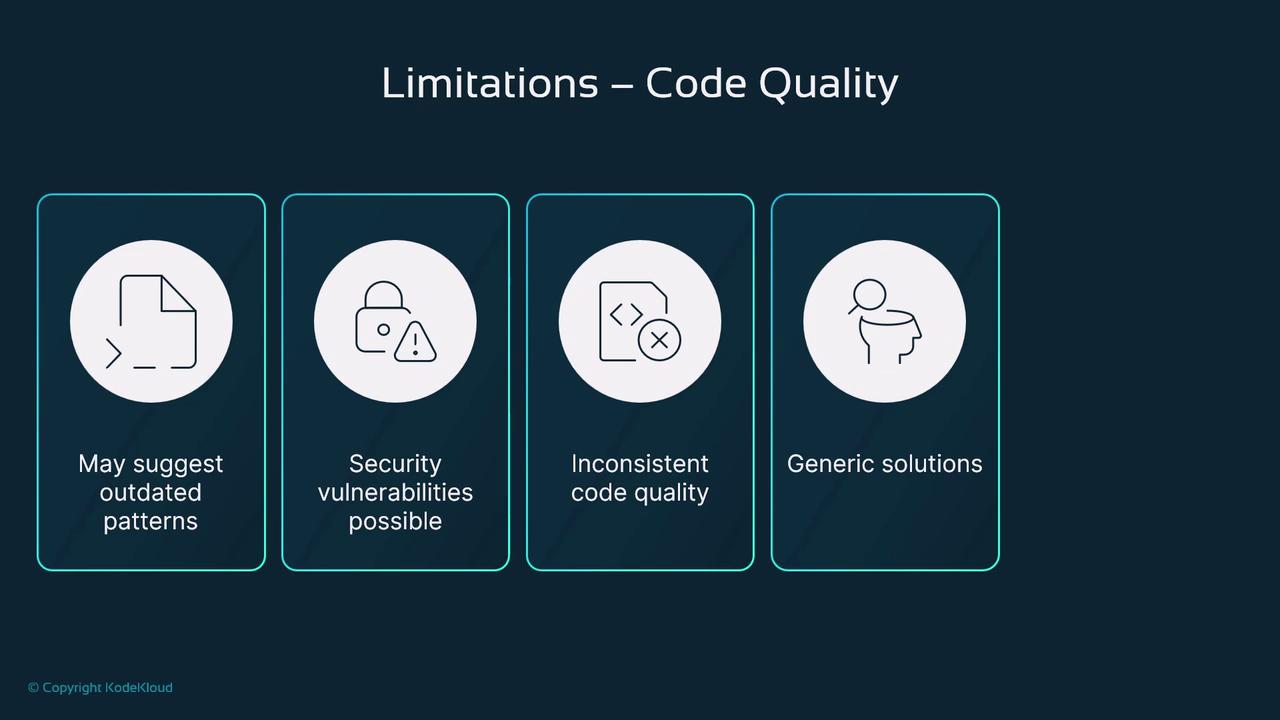
Possible reliance on outdated libraries or anti-patterns
Suggestions may introduce security vulnerabilities
Generic code that may not fit project-specific optimizations
Security Considerations
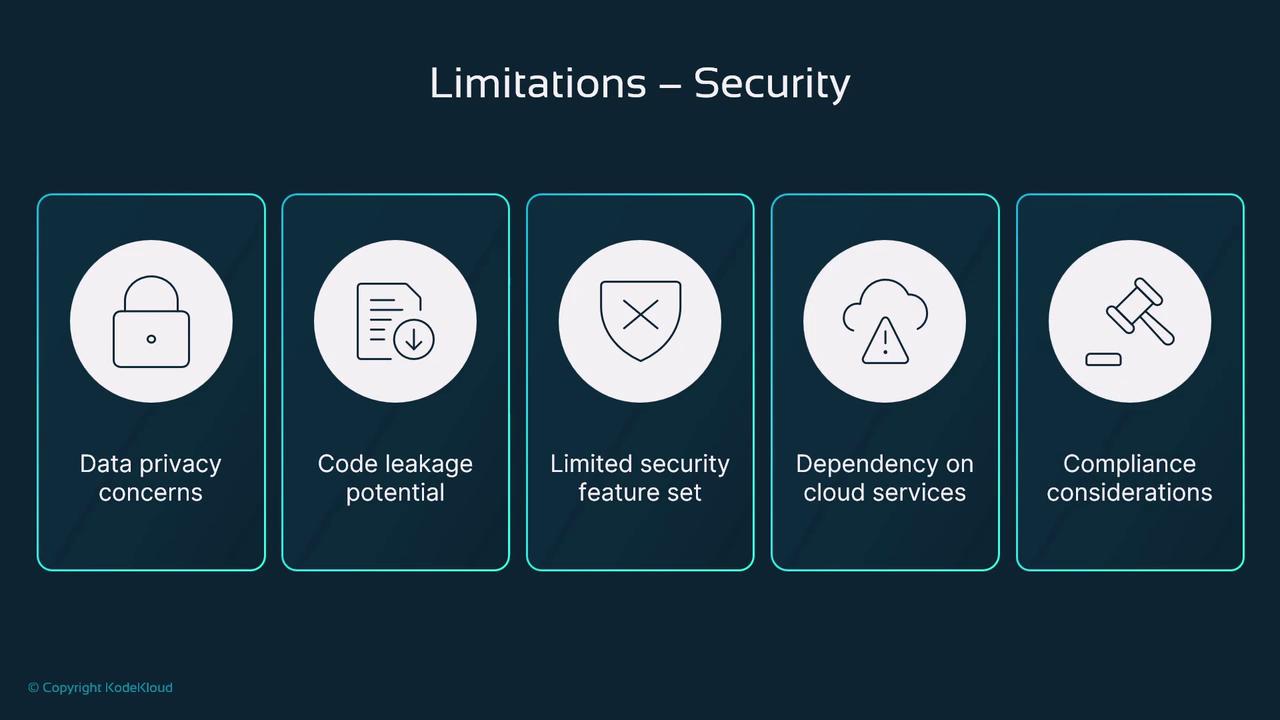
Your code context is sent to remote servers; review organizational policies on data privacy and compliance before enabling Copilot in enterprise environments.
Risk of exposing proprietary or sensitive code
Limited built-in vulnerability scanning
Dependency on cloud services may conflict with compliance requirements
Best Practices Follow these guidelines to get the most from Copilot:
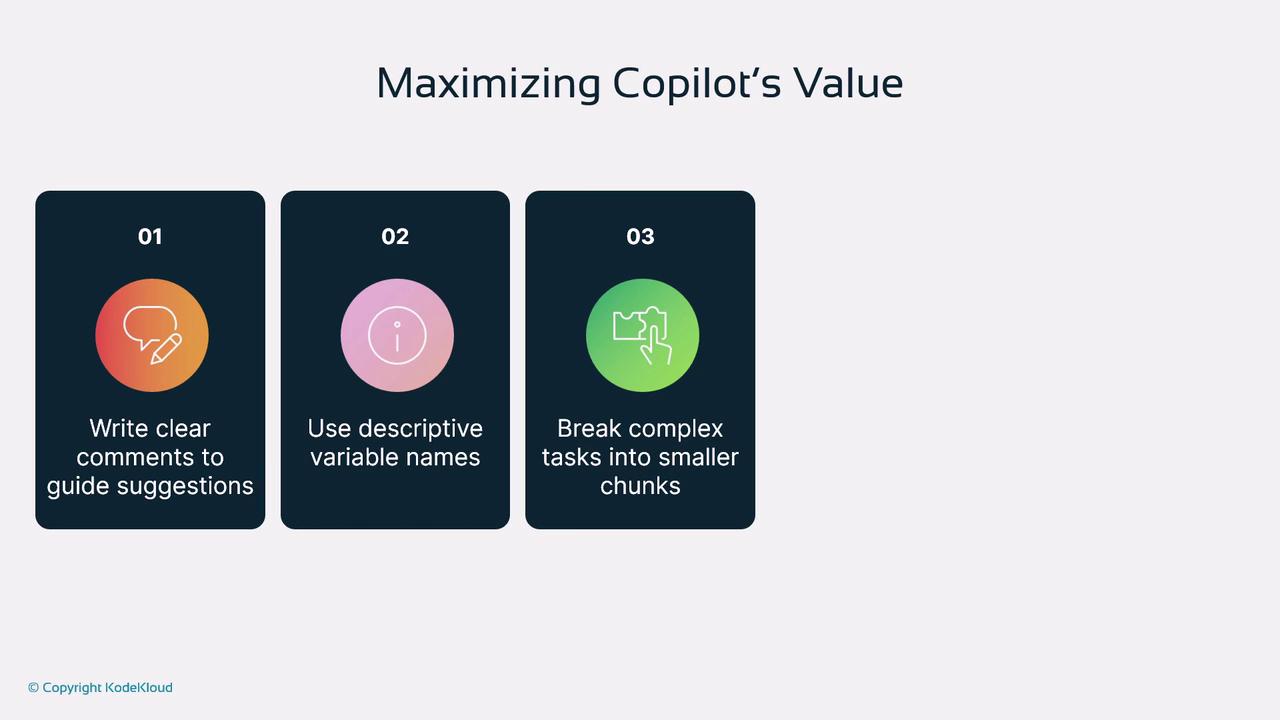
Best Practice Description Write Clear, Targeted Comments Guide Copilot to understand your intent Use Descriptive Names Improve readability and suggestion accuracy Break Tasks into Chunks Keep prompts focused and context small Review Generated Code Always validate before merging Learn from Suggestions Analyze AI patterns to enhance your skills
Common Pitfalls Avoid these traps to maintain code quality:
Pitfall Potential Risk Over-reliance on AI Loss of deep understanding of logic Accepting Without Review Bugs and security issues slip into your codebase Complex Algorithm Coverage Reduced accuracy on advanced algorithmic problems Ignoring Security Checks Introduced vulnerabilities from auto-generated snippets
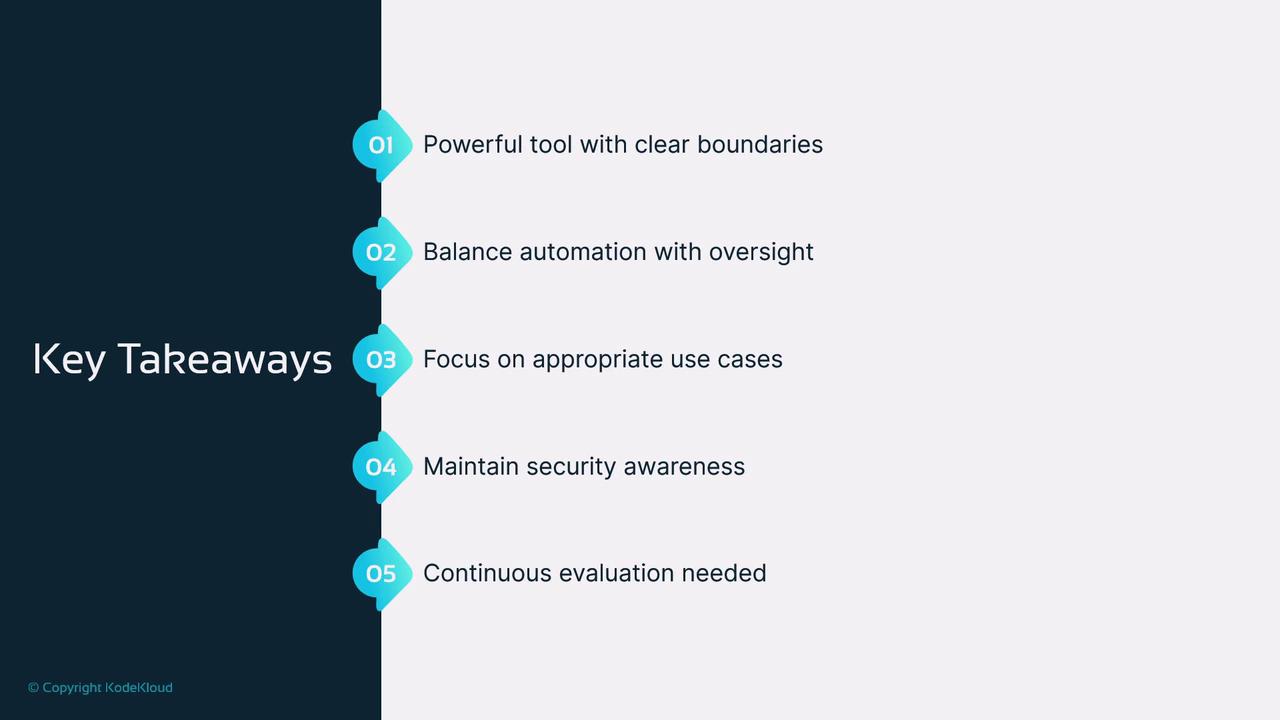
Key Takeaways Maximize GitHub Copilot by balancing AI-driven automation with human oversight :
Use Copilot for boilerplate and repetitive tasks
Maintain rigorous code reviews and security audits
Focus on use cases where Copilot excels, such as prototyping
Continuously assess its impact on your development process
References