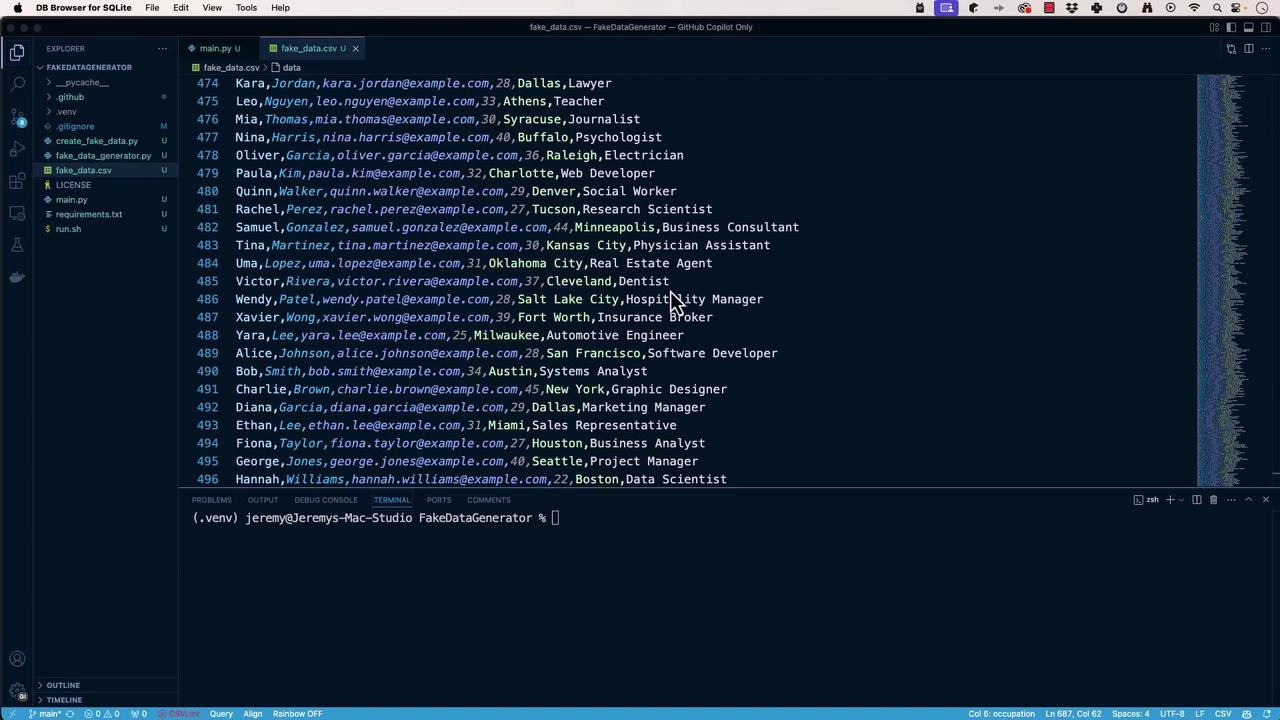
In this tutorial, we’ll import fake data from a CSV into SQLite and then wrap it in a RESTful API using FastAPI—with help from GitHub Copilot. By the end, you’ll have a working API that generates and persists fake data.
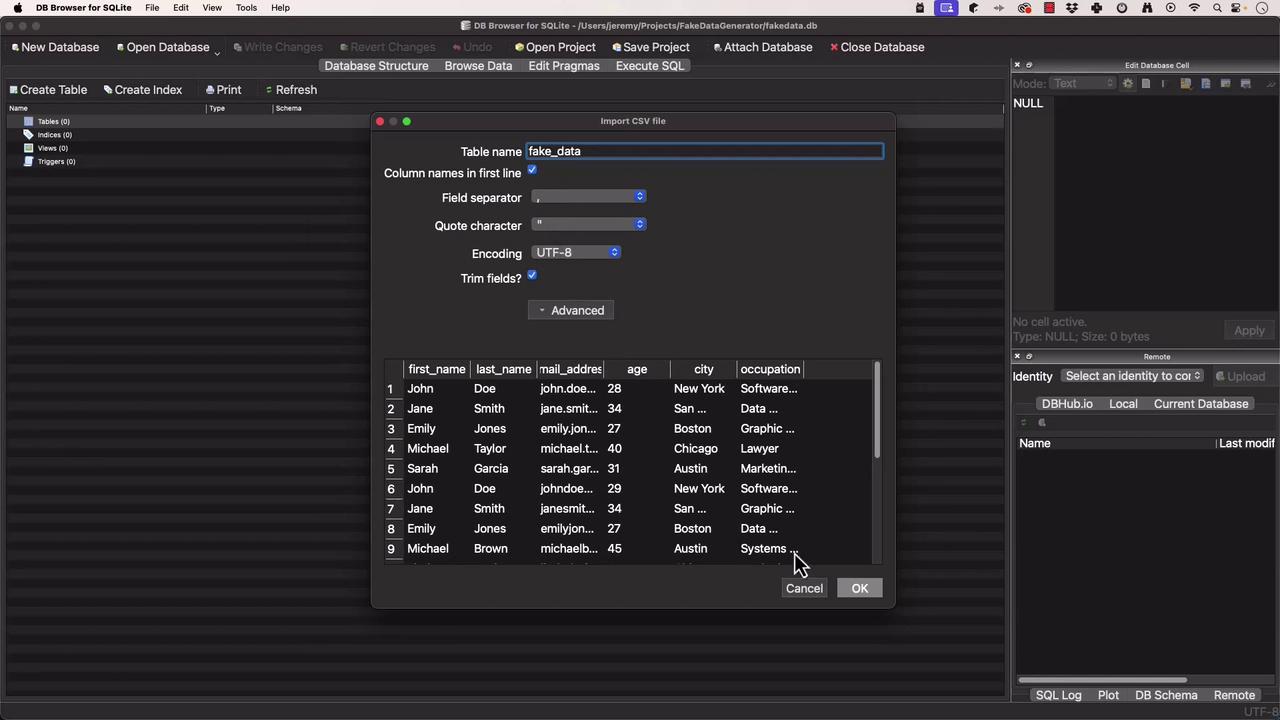
Importing Fake Data into SQLite First, open DB Browser for SQLite and create a database called fake_data_generator.db. Then import fake-data.csv into a table named fake_data:
In DB Browser, choose File > Import > Table from CSV file .
Select fake-data.csv.
Set the table name to fake_data, enable Column names in the first line , and click OK .
Ensure your CSV headers match the column names you want in SQLite. This makes querying and persistence more straightforward.
Once imported, confirm that fake_data is populated and ready for queries.
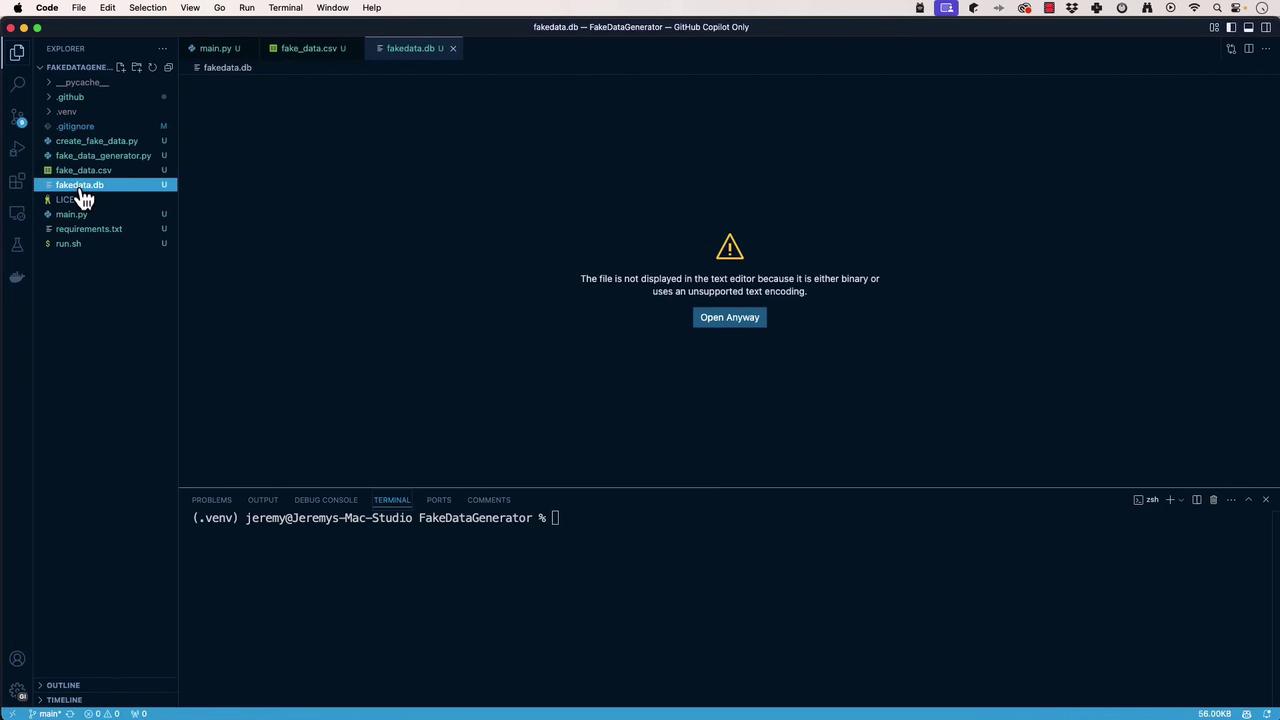
Scaffolding the Python Project Open your project root in VS Code :
Create main.py to invoke the CLI generator:
# main.py import sys from fake_data_generator import FakeDataGenerator def main (): """ Entry point for the FakeDataGenerator CLI. """ generator = FakeDataGenerator() generator.run() if __name__ == "__main__" : main()
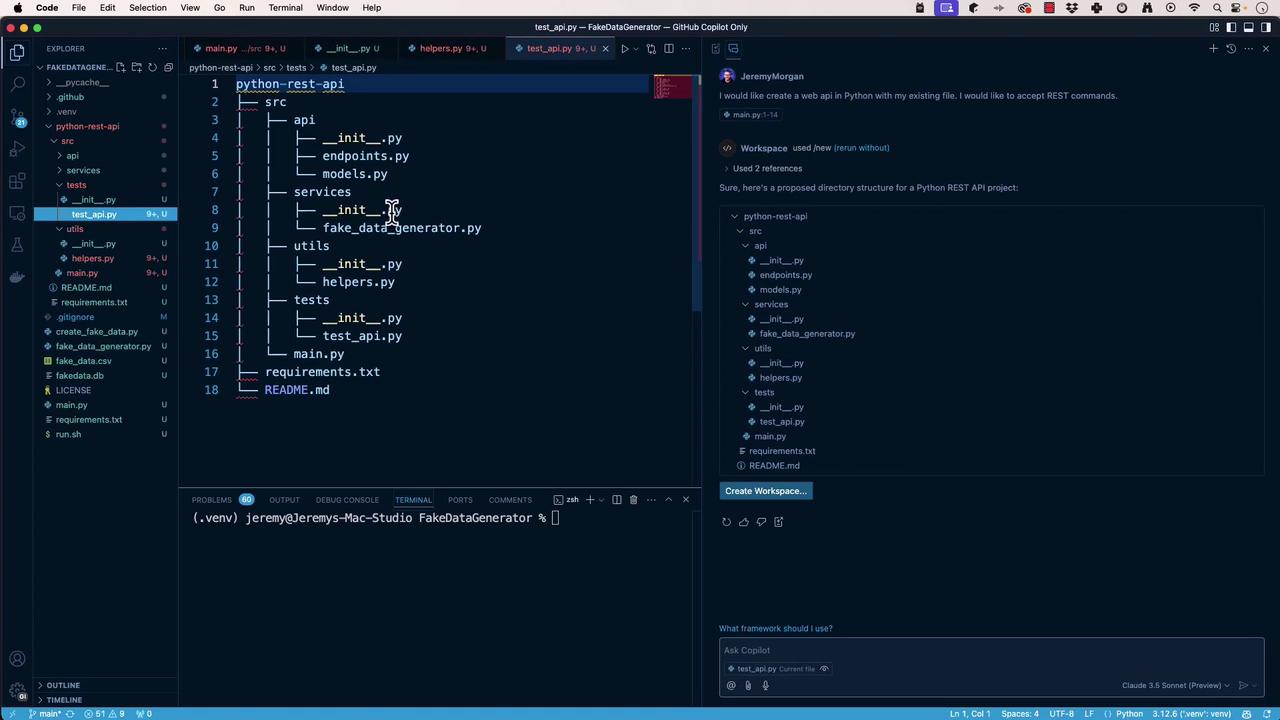
Open GitHub Copilot Chat in VS Code and ask:
I would like to create a web API in Python with my existing file.
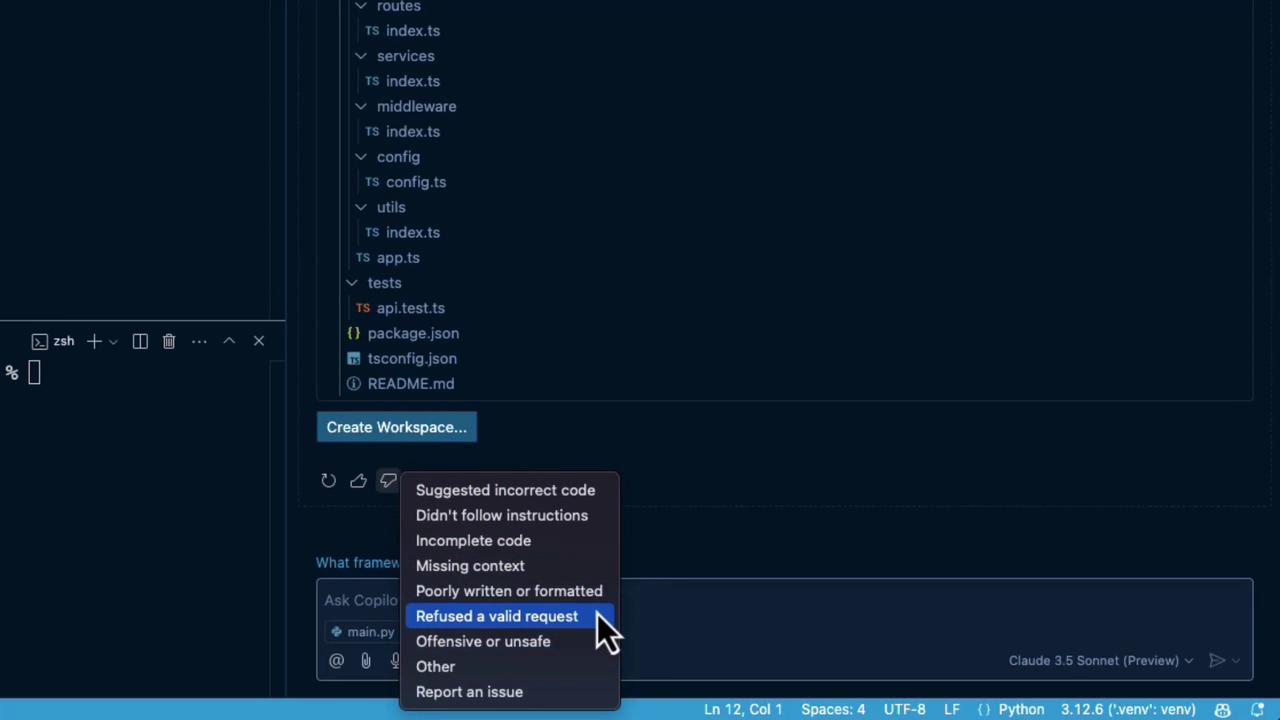
If it suggests the wrong stack (e.g., TypeScript), use the context menu to clear or restart:
Refine prompts carefully. Copilot can veer off into other languages or frameworks if not guided.
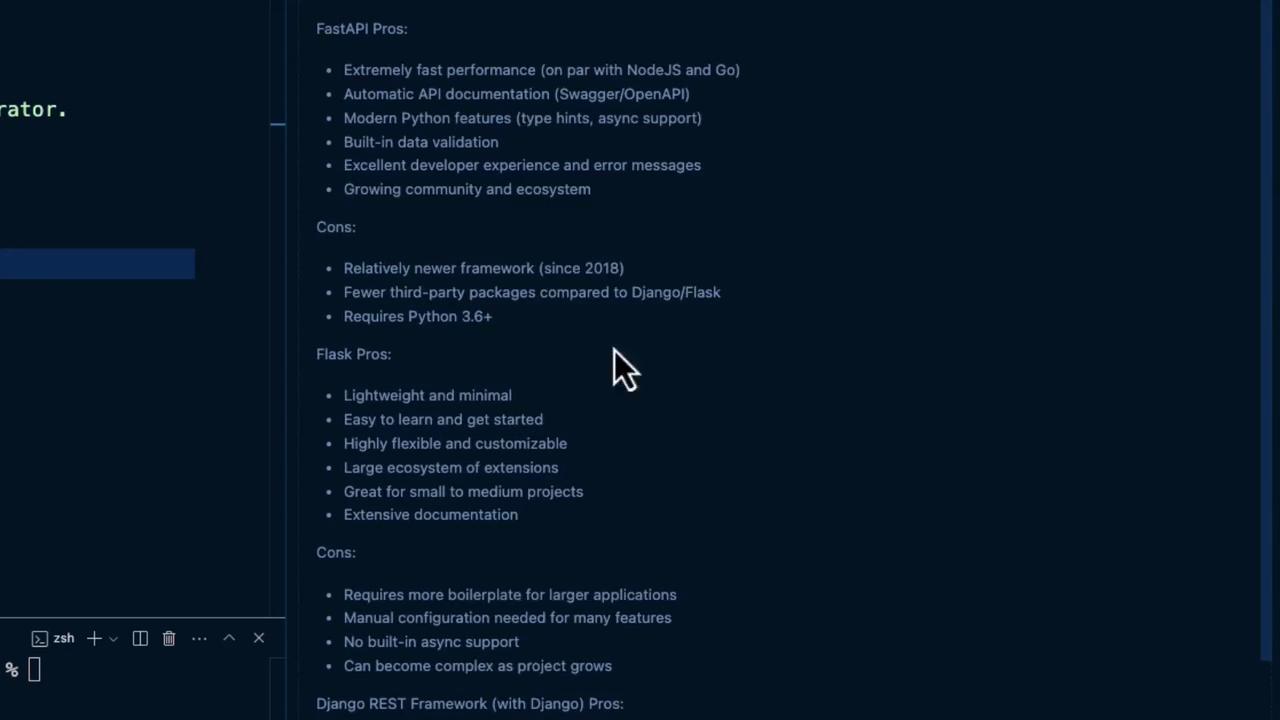
Choosing the Right Framework Let Copilot compare FastAPI, Flask, and Django REST Framework:
Which is the best Python framework for building a web API? List the pros and cons.
Here’s a quick comparison:
Framework Pros Cons FastAPI High performance, auto-docs, async-ready Learning curve for async patterns Flask Lightweight, simple Manual docs, slower for heavy loads Django REST Framework Batteries-included, admin UI Heavier footprint, more boilerplate
We’ll proceed with FastAPI for its speed and automatic documentation.
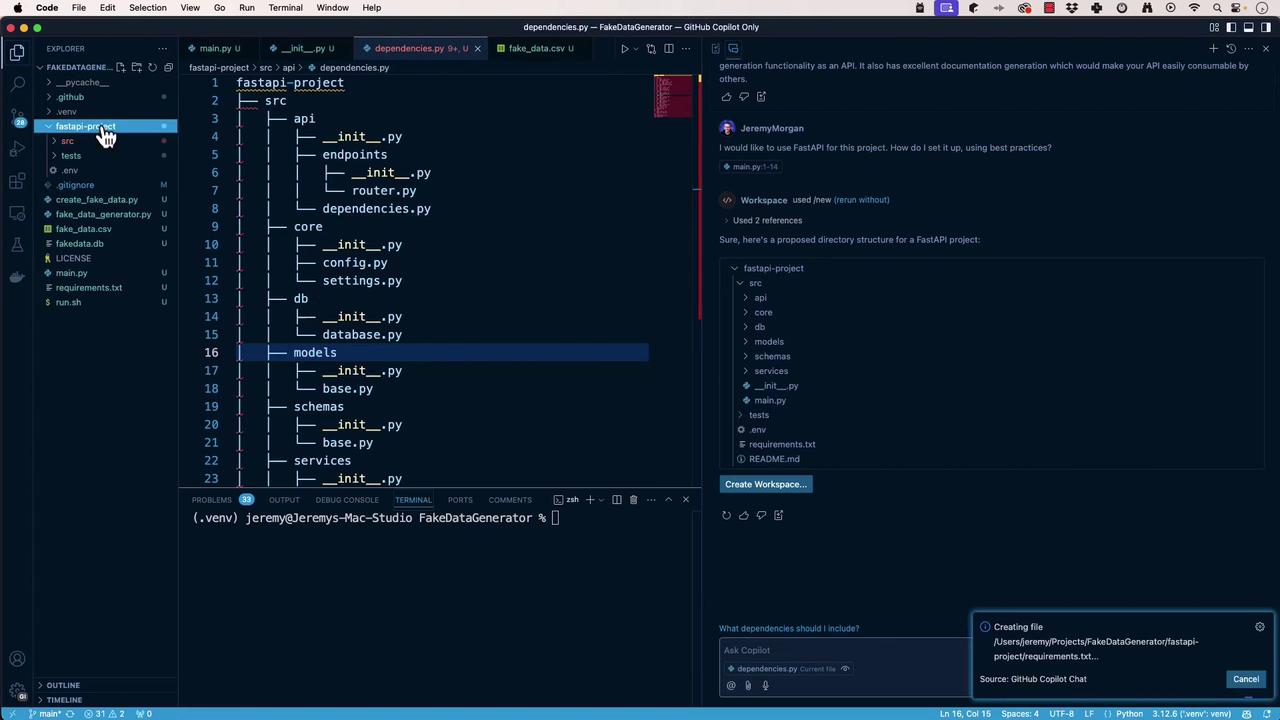
Generating the FastAPI Project Structure Ask Copilot:
Create a FastAPI project with best practices.
It may suggest:
fastapi-project └── src ├── api │ └── endpoints ├── core ├── db └── models
Open the workspace, rename it to FakeDataGeneratorAPI , then:
Move src contents to the project root.
Remove unused files (.env, README.md, etc.).
Add a tests folder at the root.
Final layout:
FakeDataGeneratorAPI ├── api │ └── endpoints ├── core ├── db ├── models ├── main.py └── tests
Use Copilot iteratively until you’re happy:
Implementing the FastAPI Application Install dependencies:
pip install fastapi uvicorn
Create main.py at the root:
# main.py from fastapi import FastAPI from api.endpoints.router import router app = FastAPI( title = "FakeDataGeneratorAPI" ) app.include_router(router, prefix = "/api" ) @app.get ( "/" ) async def read_root (): return { "message" : "Welcome to FakeDataGeneratorAPI" } if __name__ == "__main__" : import uvicorn uvicorn.run(app, host = "0.0.0.0" , port = 8000 )
Run and verify:
python main.py # Visit http://localhost:8000
Defining the Database Dependency In db/database.py, configure SQLAlchemy for SQLite:
# db/database.py from sqlalchemy import create_engine from sqlalchemy.ext.declarative import declarative_base from sqlalchemy.orm import sessionmaker DATABASE_URL = "sqlite:///./fake_data_generator.db" engine = create_engine( DATABASE_URL , connect_args = { "check_same_thread" : False }) SessionLocal = sessionmaker( autocommit = False , autoflush = False , bind = engine) Base = declarative_base() def get_db (): """ Yields a database session and ensures it closes after use. """ db = SessionLocal() try : yield db finally : db.close()
Creating the Pydantic Request Model Define models/fake_data_request.py:
# models/fake_data_request.py from pydantic import BaseModel from typing import Optional class FakeDataRequest ( BaseModel ): """ Schema for fake data generation requests. """ data_type: str # e.g., 'name', 'email' count: int # number of records to generate locale: Optional[ str ] = "en_US"
Implementing the Fake Data Endpoint Install Faker:
Add /getfakedata in api/endpoints/router.py:
# api/endpoints/router.py from fastapi import APIRouter, HTTPException, Depends from faker import Faker from sqlalchemy.orm import Session from models.fake_data_request import FakeDataRequest from db.database import get_db router = APIRouter() @router.post ( "/getfakedata" ) async def generate_fake_data ( request : FakeDataRequest, db : Session = Depends(get_db) ) -> dict : """ Generate and return fake data based on request parameters. """ fake = Faker(request.locale) if not hasattr (fake, request.data_type): raise HTTPException( status_code = 400 , detail = f "Invalid data_type: { request.data_type } " ) data = [ getattr (fake, request.data_type)() for _ in range (request.count)] # TODO : Persist `data` to the database using `db` return { "data" : data}
Testing the POST Endpoint Send this request:
POST http://localhost:8000/api/getfakedata Content-Type : application/json { "data_type" : "name" , "count" : 3 }
Expected response:
{ "data" : [ "John Doe" , "Jane Smith" , "Michael Johnson" ] }
Next Steps
Persist generated records into SQLite.
Add OpenAPI metadata and detailed endpoint docs.
Write tests in tests/ to validate both database and API layers.
Links and References