

These steps mimic the Cloud9 IDE setup by granting the EC2 instance permissions via an IAM role and installing all required CLI tools, Docker, Kubernetes clients, and CDK.
1. Create an IAM Role for EC2
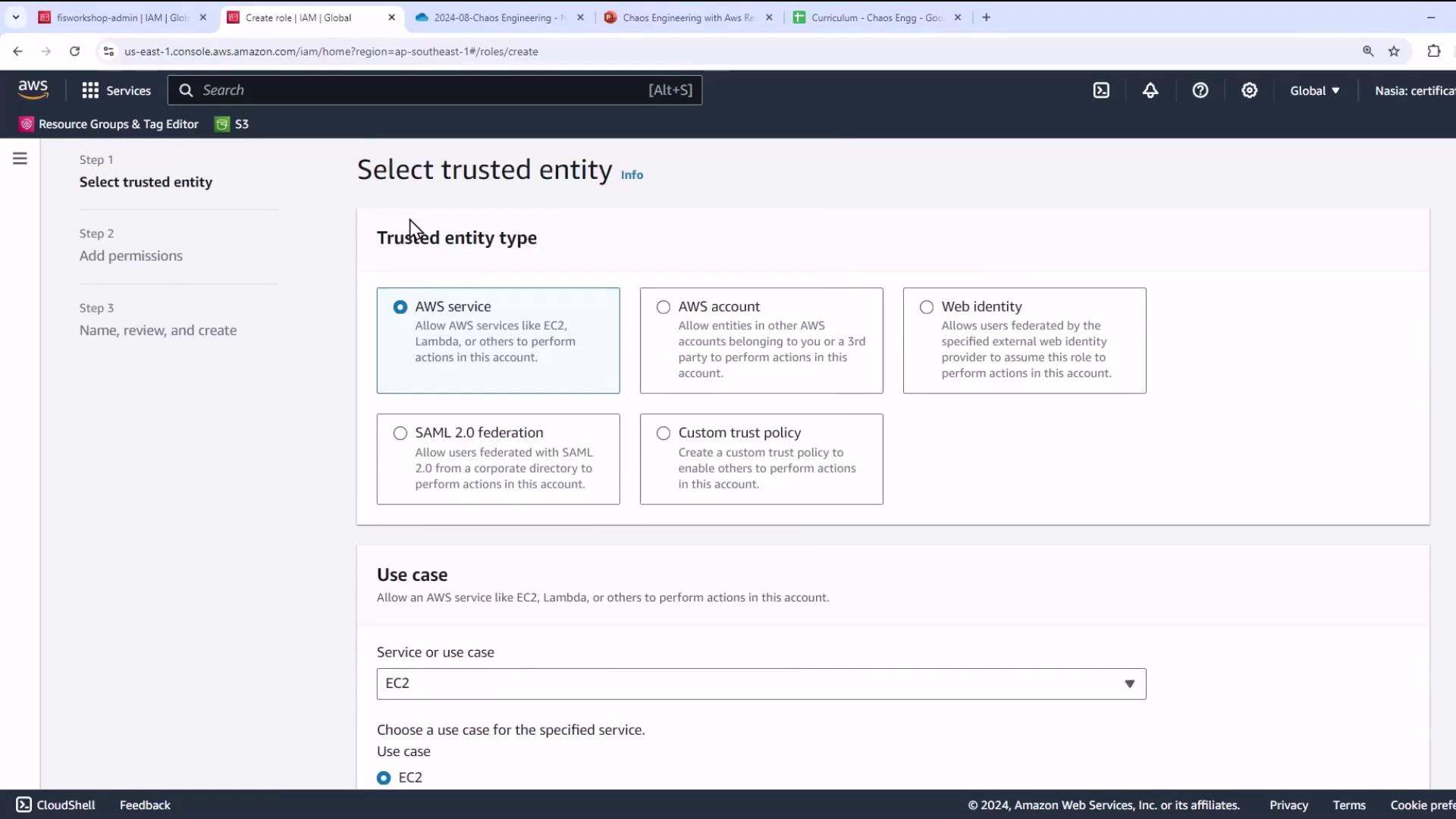
- Open the IAM console, choose Roles → Create role.
- Select AWS service and EC2 use case, then Next.
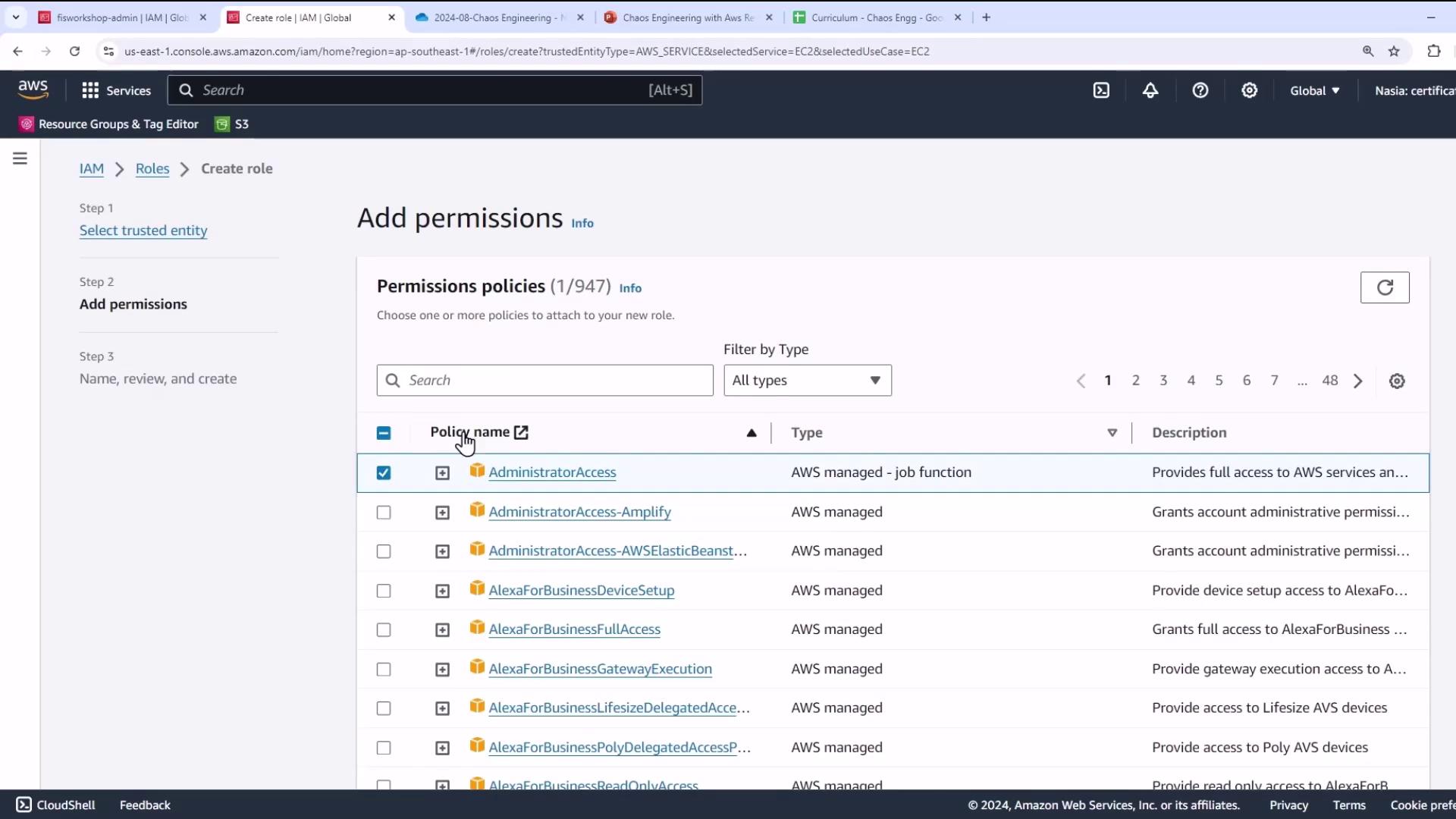
- Attach these AWS managed policies:
| Policy Name | Description |
|---|---|
| AdministratorAccess | Full administrative access |
| AmazonSSMManagedInstanceCore | Systems Manager permissions for instances |
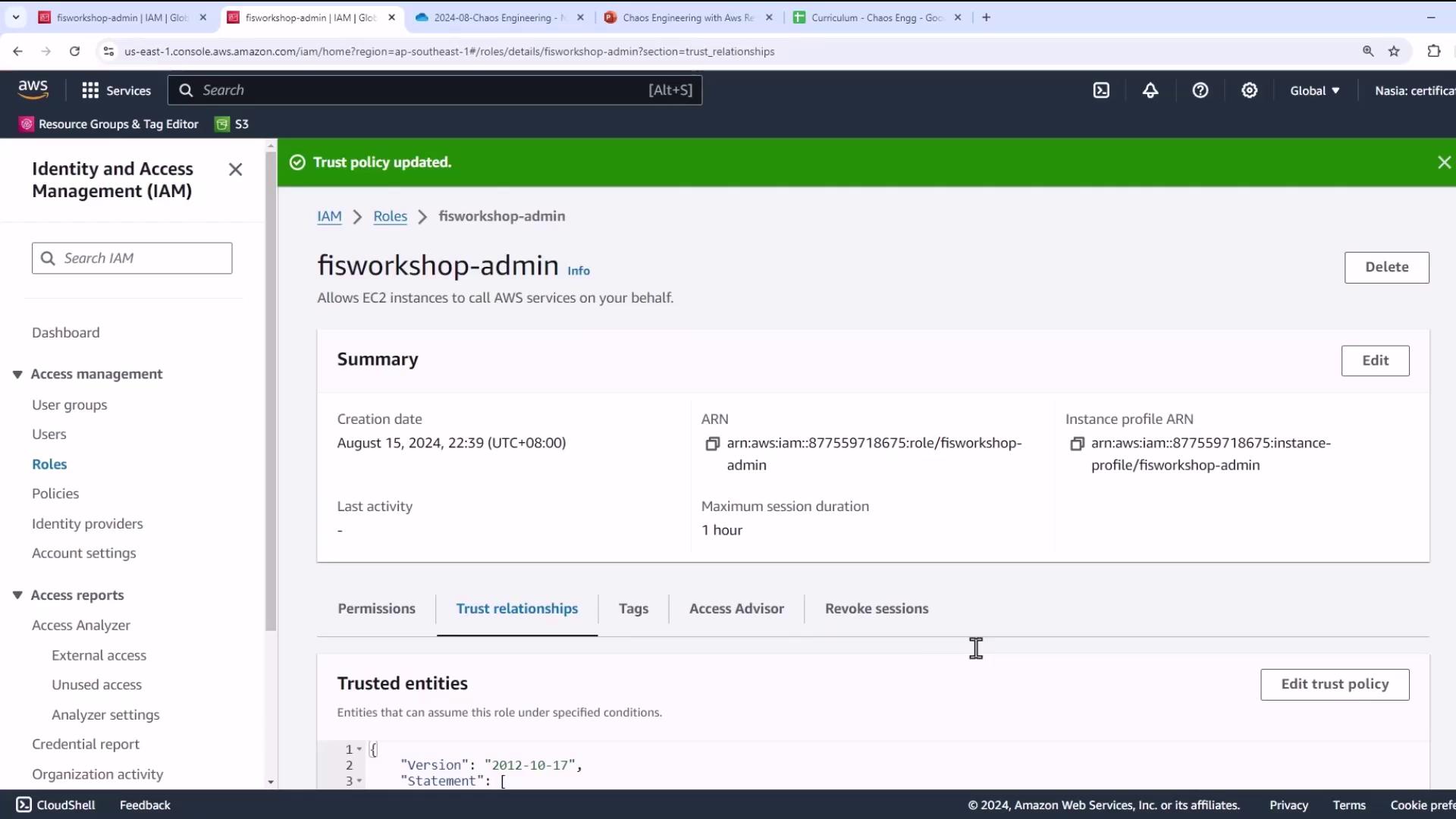
- Use the exact trust policy and name from the GitHub repo (e.g.,
fisworkshop-admin):
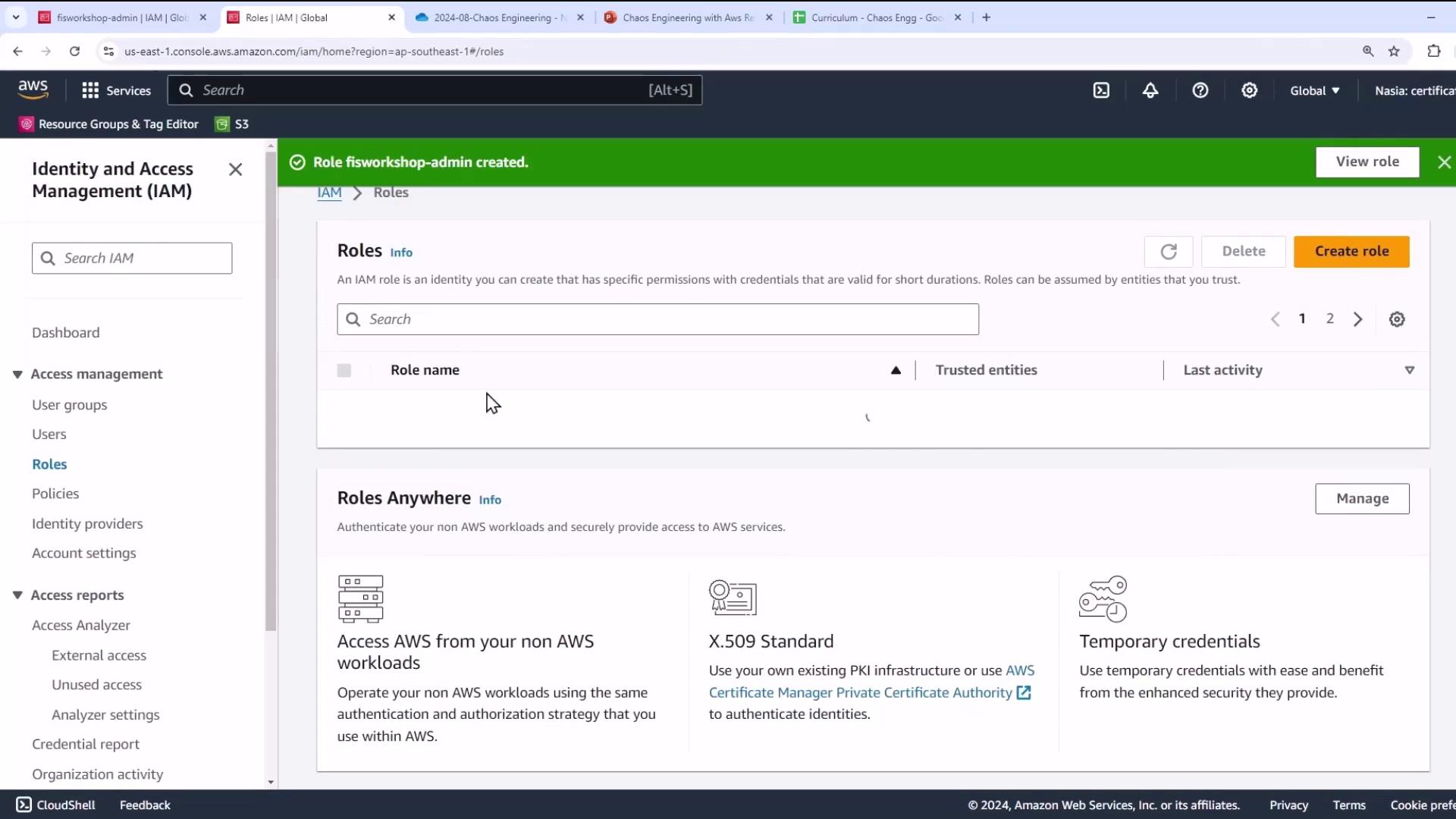
- Complete the role creation.
- (Optional) Verify the role’s summary and trust relationships.
2. Launch an EC2 Instance
- In the EC2 console, click Launch instance.
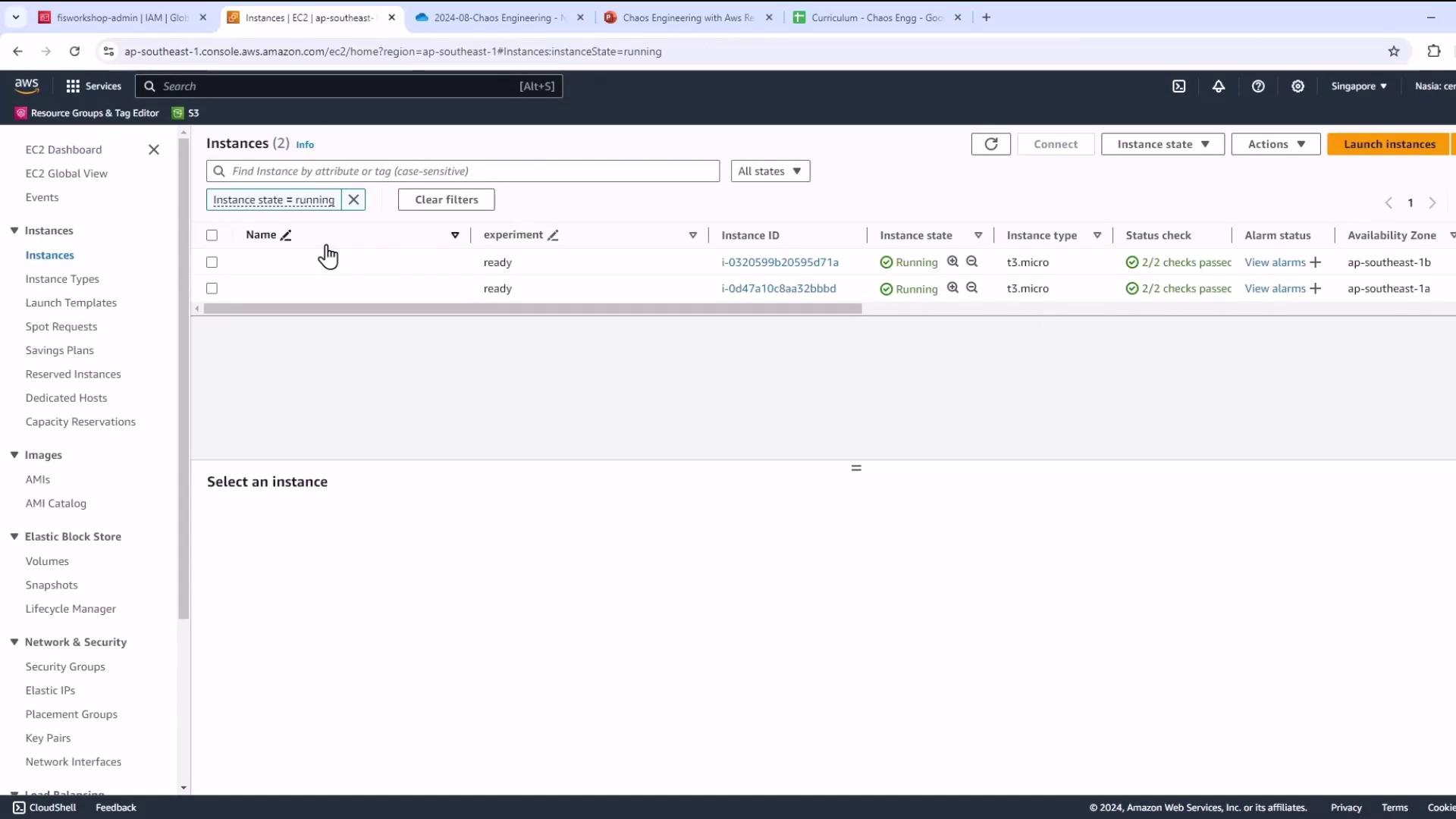
- Name the instance, choose Amazon Linux AMI, and select an instance type (e.g.,
m5.xlargefor CDK deployments).

- (Optional) Create or choose an SSH key pair for shell access.
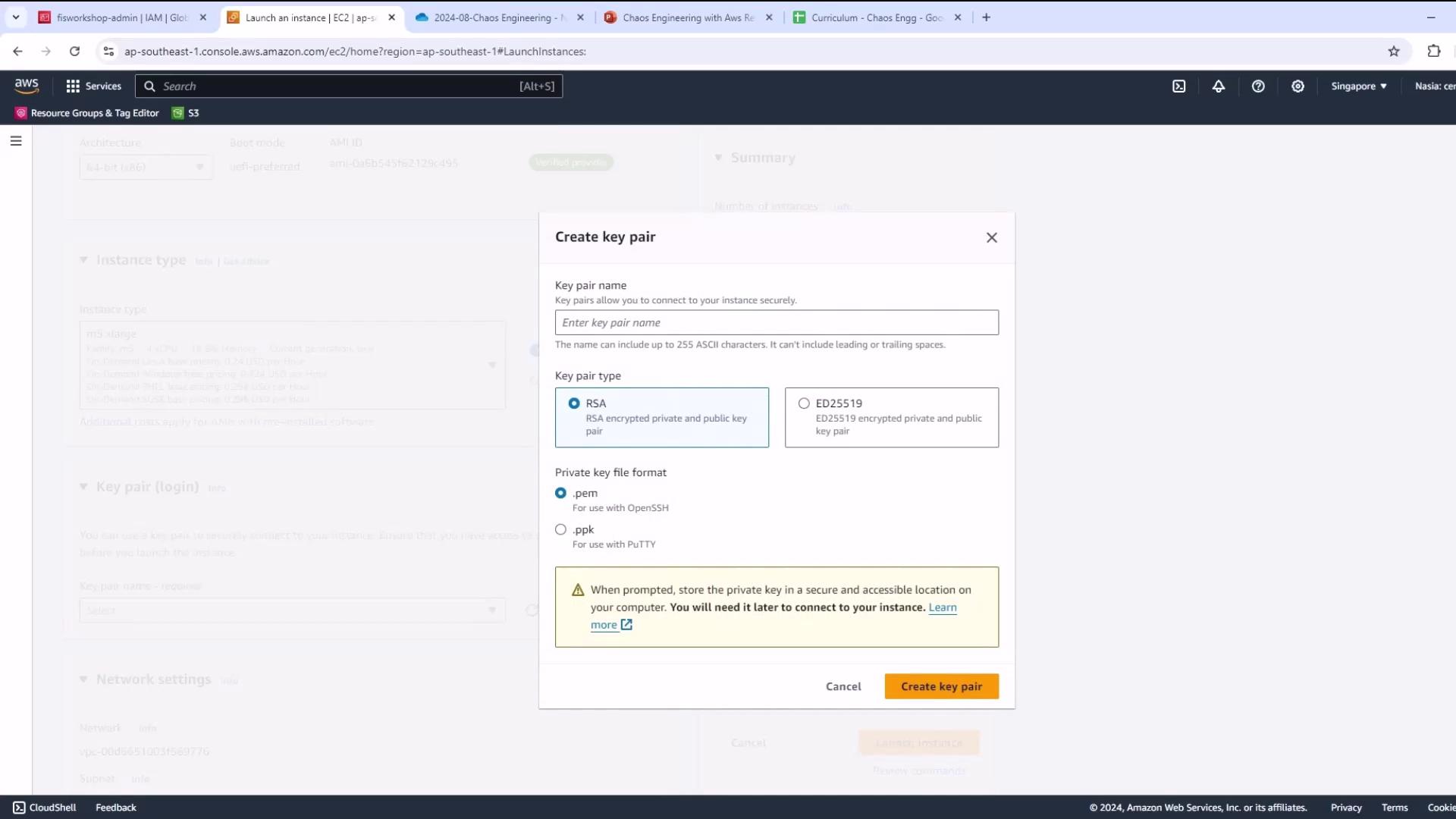
Opening SSH (port 22) to
0.0.0.0/0 is insecure. Restrict to your IP range where possible.- Keep default VPC/subnet and allow SSH access.
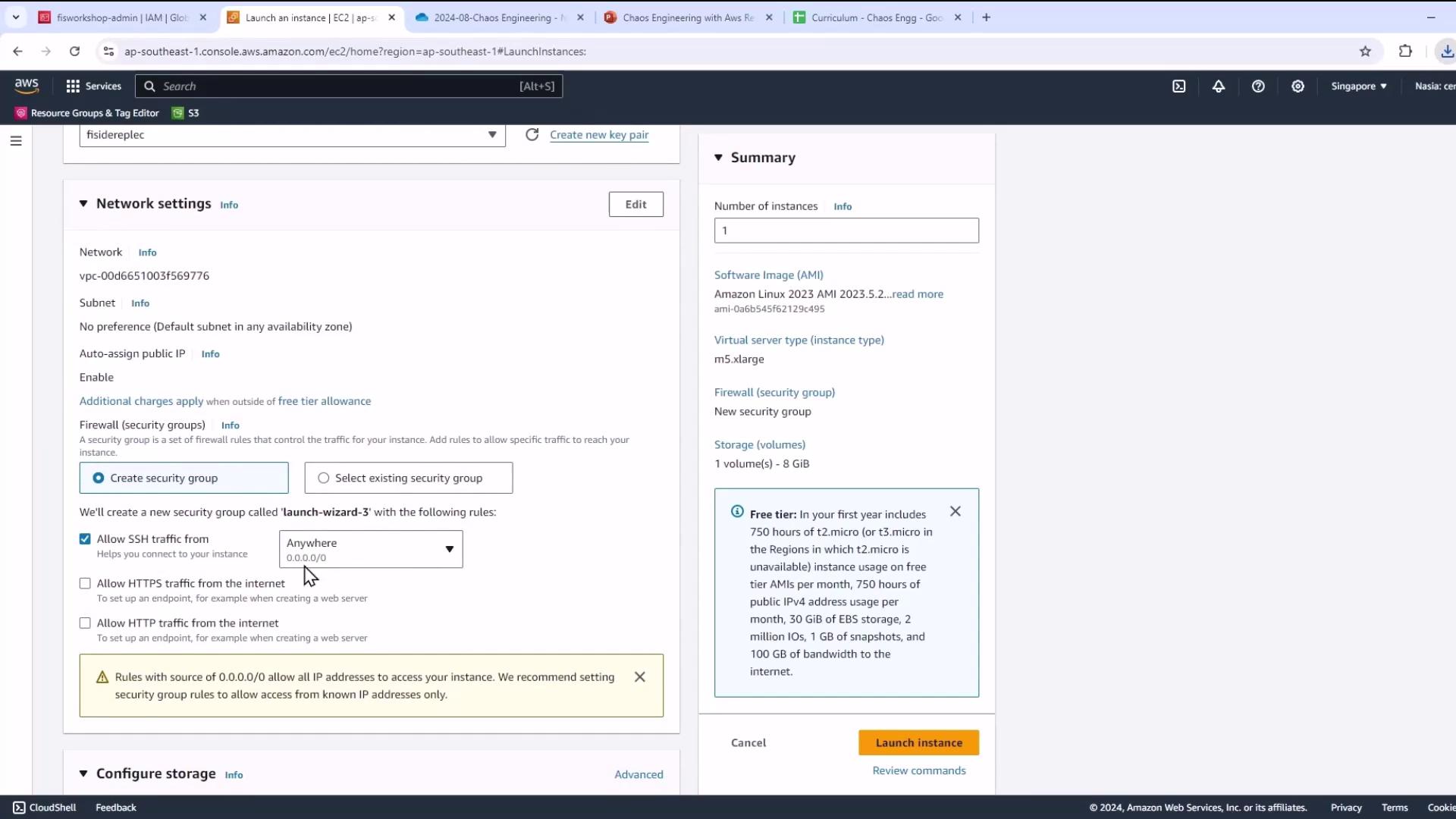
- Under Storage, increase the root volume size to meet lab requirements.

- In Advanced Details, select the IAM instance profile you created (
fisworkshop-admin) to grant AWS API permissions.
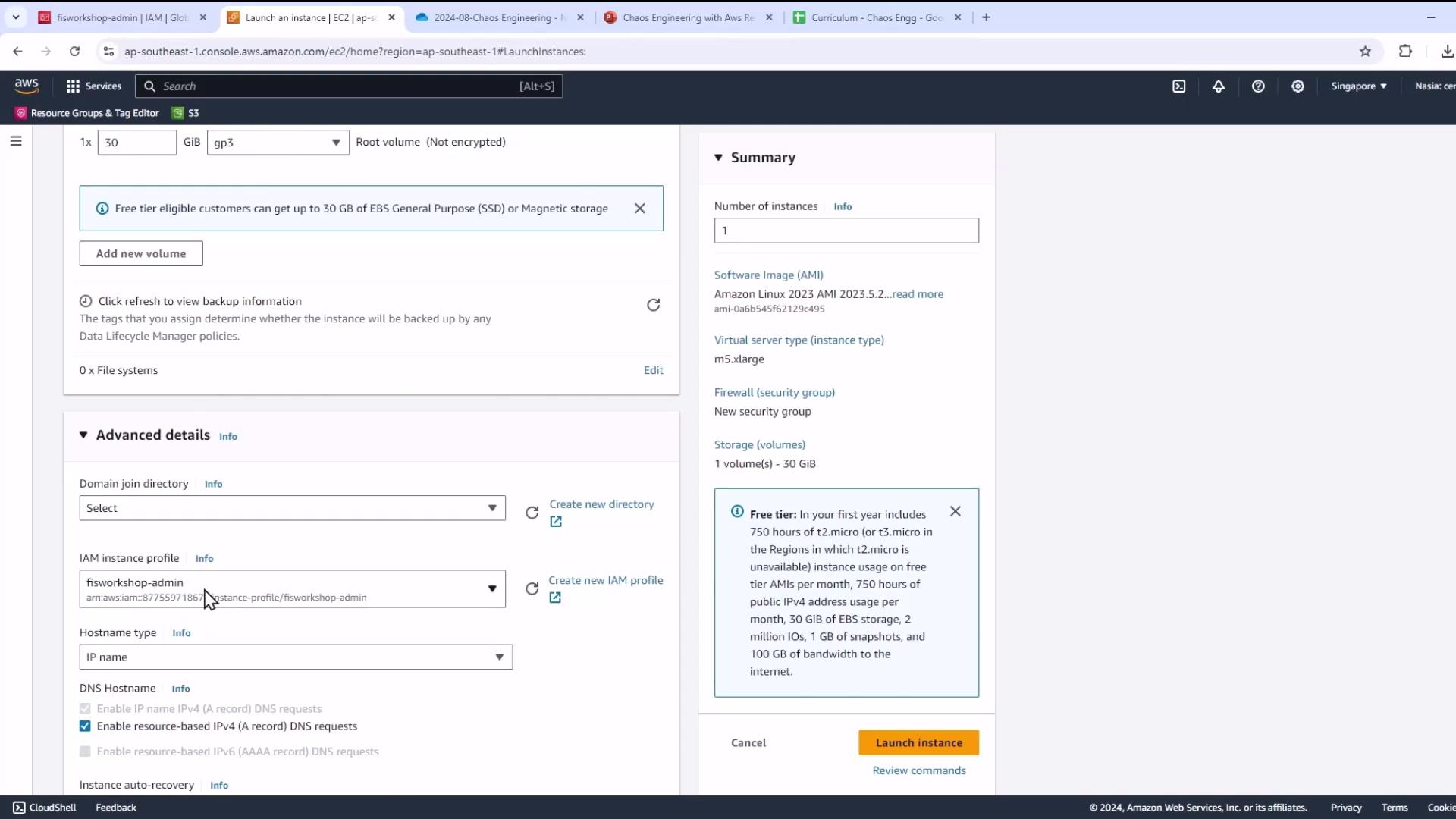
- Launch and confirm success.
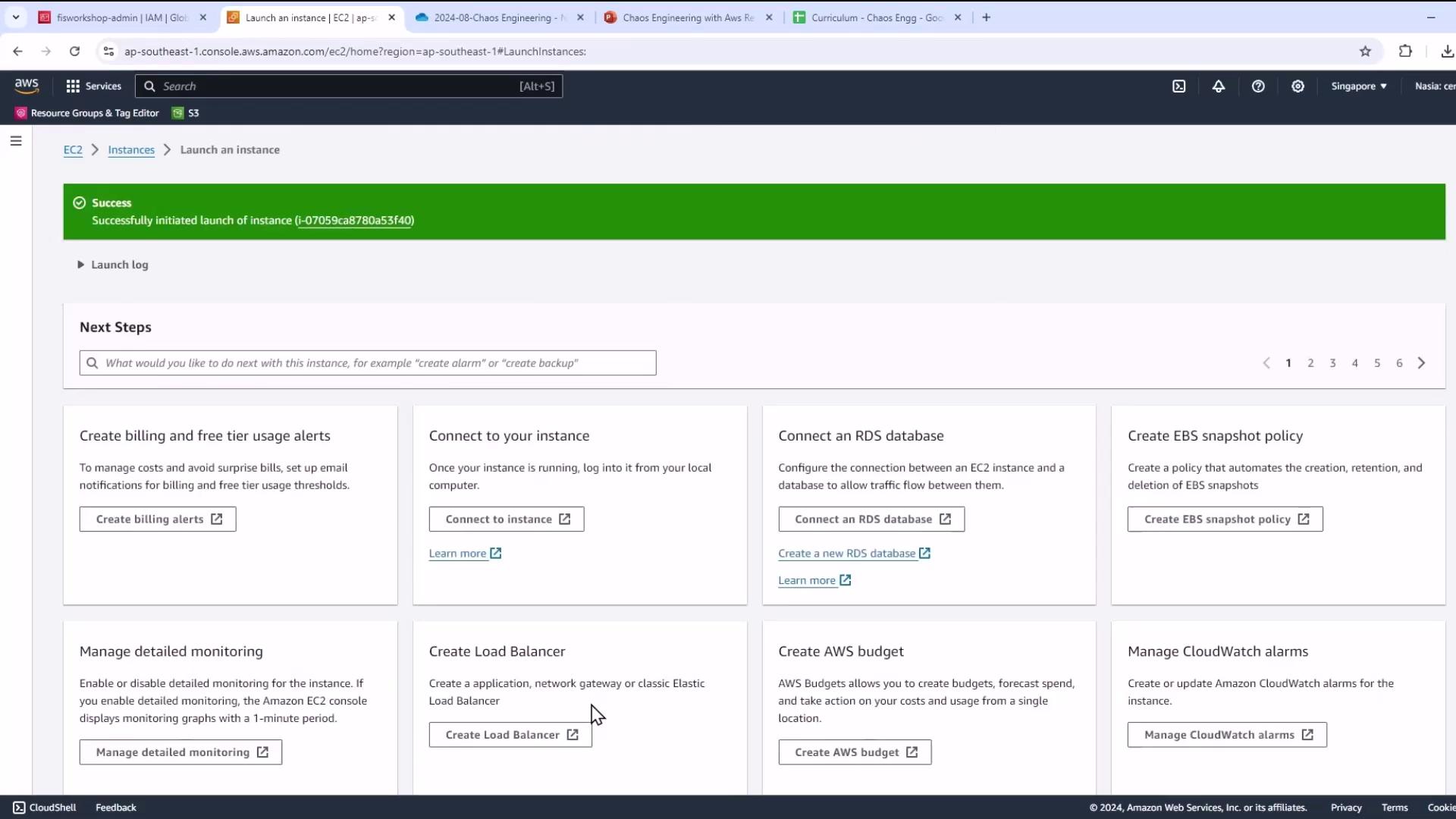
- Wait until your instance is running & passes 2/2 status checks.
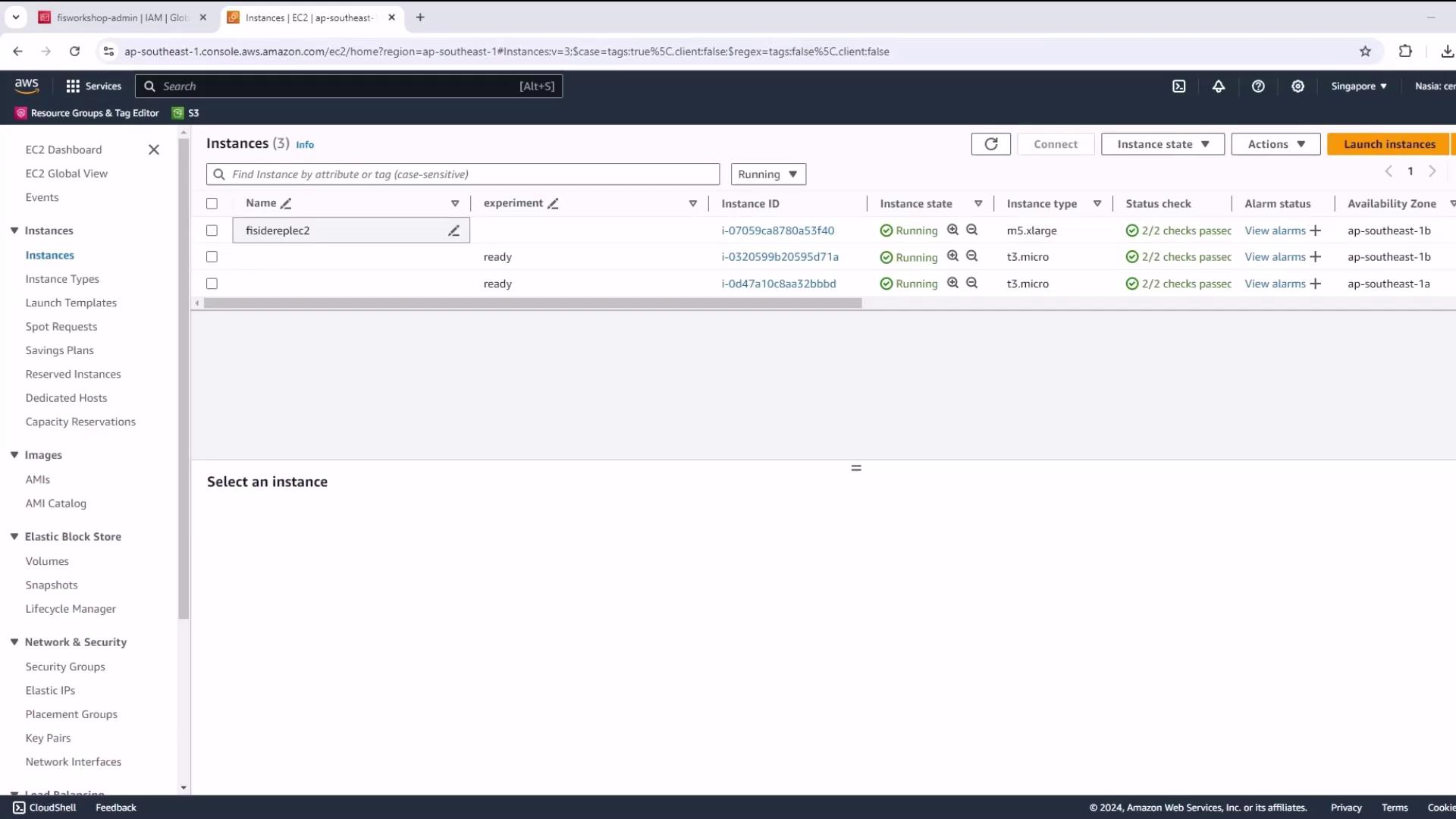
3. Connect and Prepare the EC2 Environment
- Select your instance, click Connect → EC2 Instance Connect.
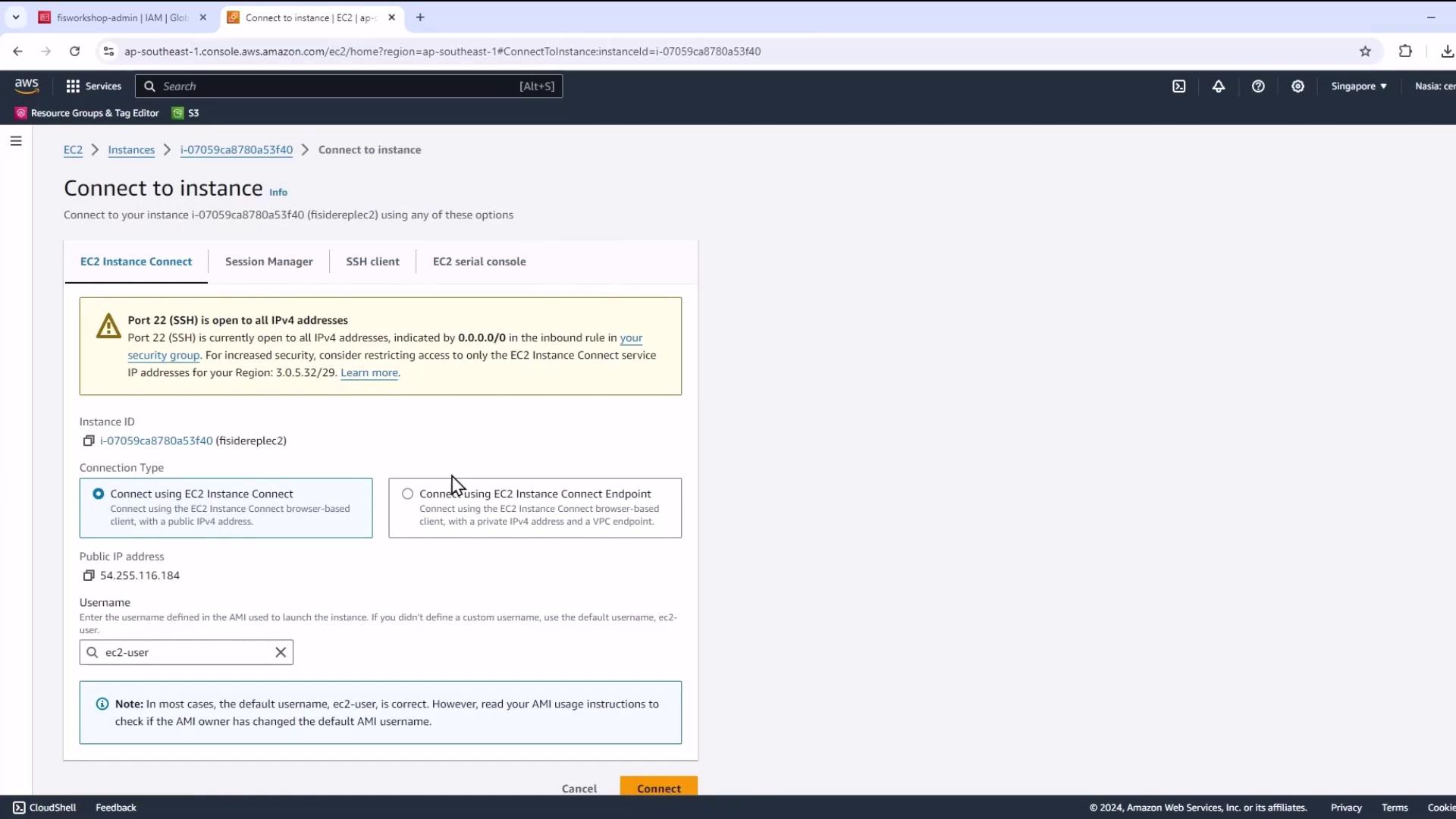
If EC2 Instance Connect isn’t available, use your SSH key pair and
ssh -i <key.pem> ec2-user@<public-ip>.- Switch to root:
- Install Git and clone the repository:
- Run the prerequisites script:
kubectl, Helm, eksctl, Node.js, AWS CDK, and more. You should see versions such as:
4. Clone the AWS FIS Workshop
Create a workspace and clone the official AWS Fault Injection Simulator workshop:5. Configure AWS Environment Variables
Set your account ID and region for all CLI calls:6. Deploy the Application with AWS CDK
- Navigate to your CDK project (e.g.,
pet_stack), install dependencies, and fix audits:
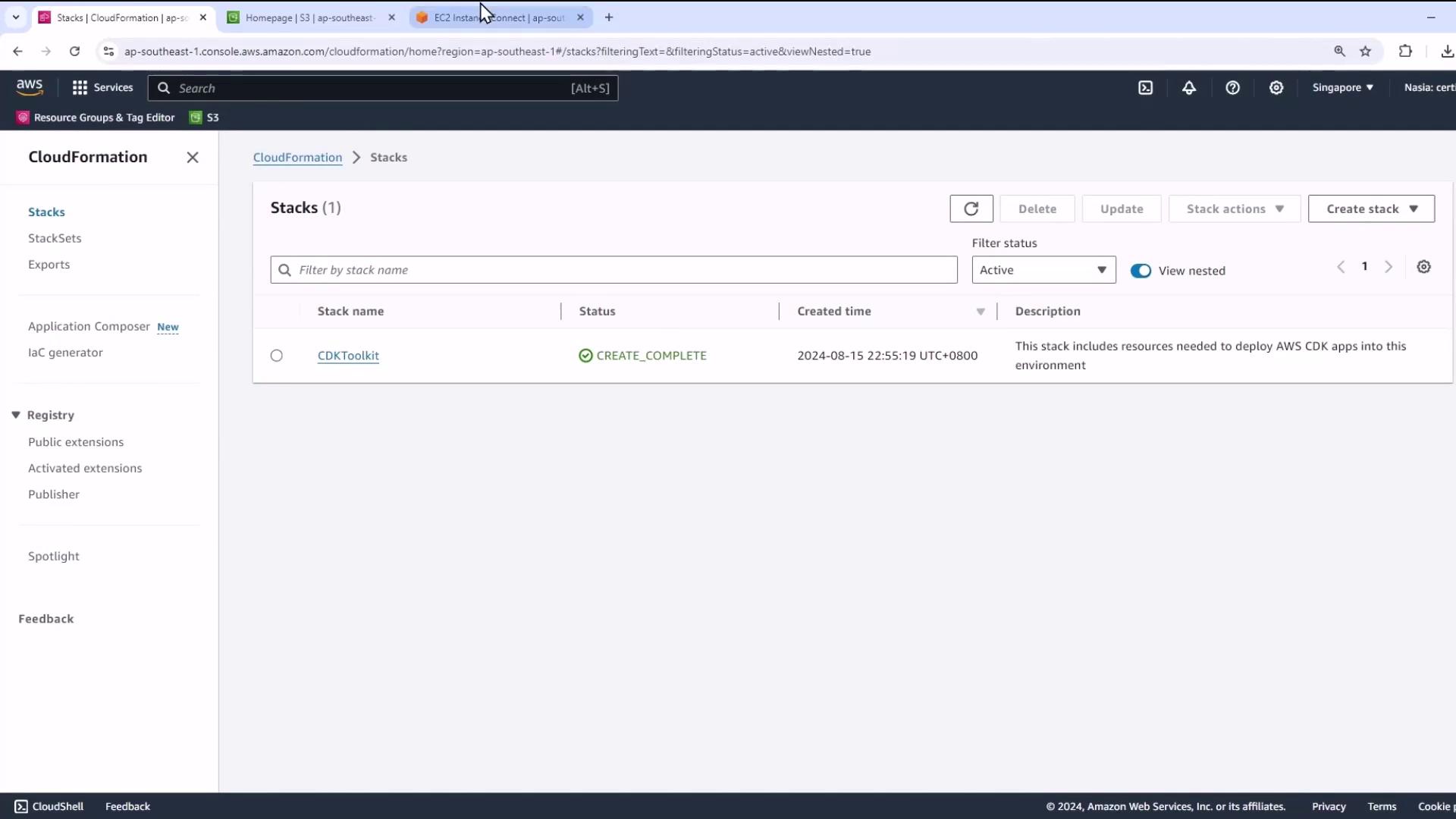
- Bootstrap the CDK environment:
- Confirm in CloudFormation that CDKToolkit is in
CREATE_COMPLETE.
7. Final Deployment Steps
- Export your current role ARN and deploy the full stack (may take ~30 minutes):
- After deployment completes, explore the next experiments in:
~/environment/workshopfiles/fis-workshop.