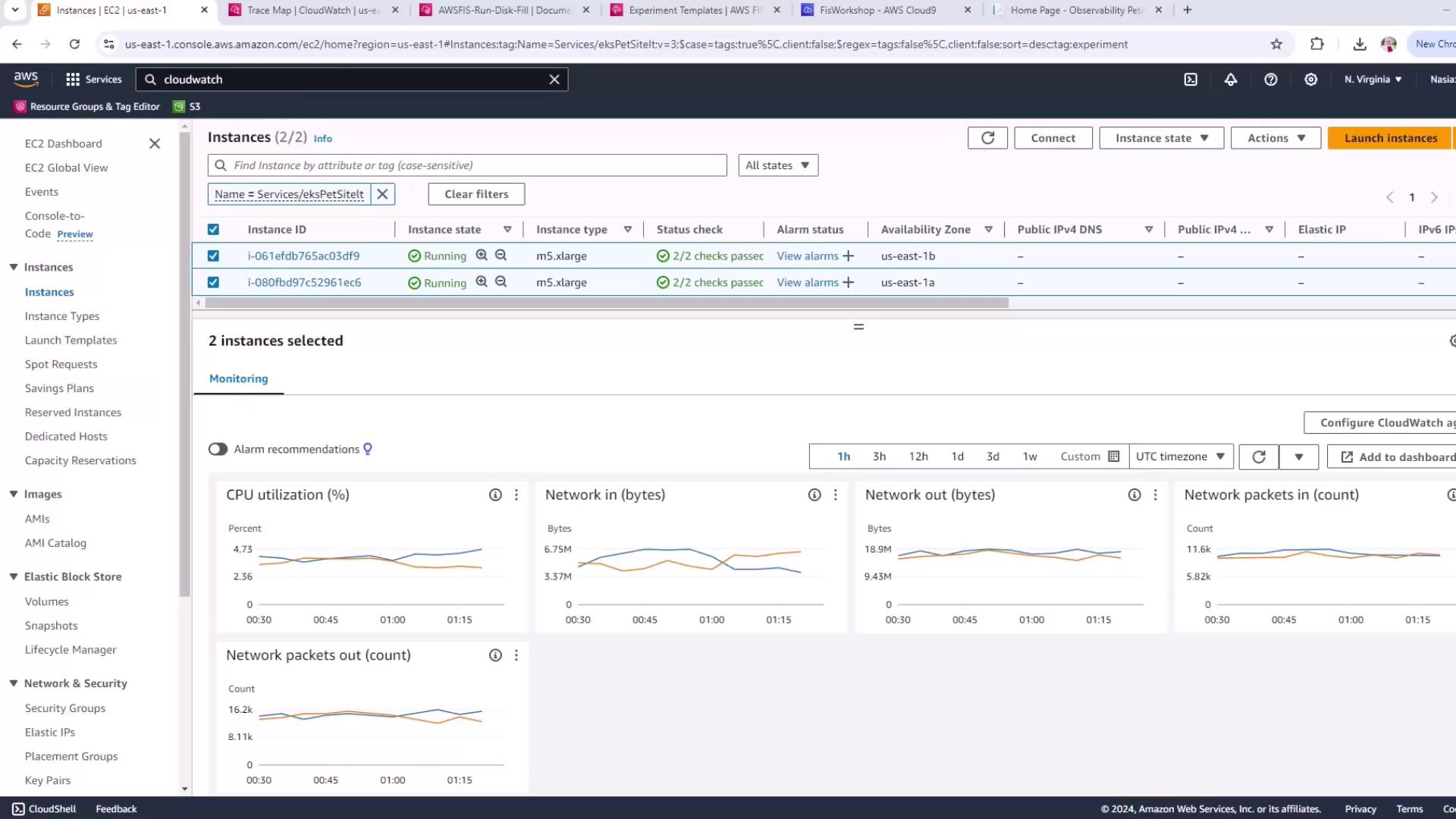
Demo FIS Experiment Disk Fill Scenario on EC2 and before metrics in X Ray
This tutorial guides running a disk fill Fault Injection Simulation on an EC2 instance, covering metrics recording, configuration, execution, and analysis.
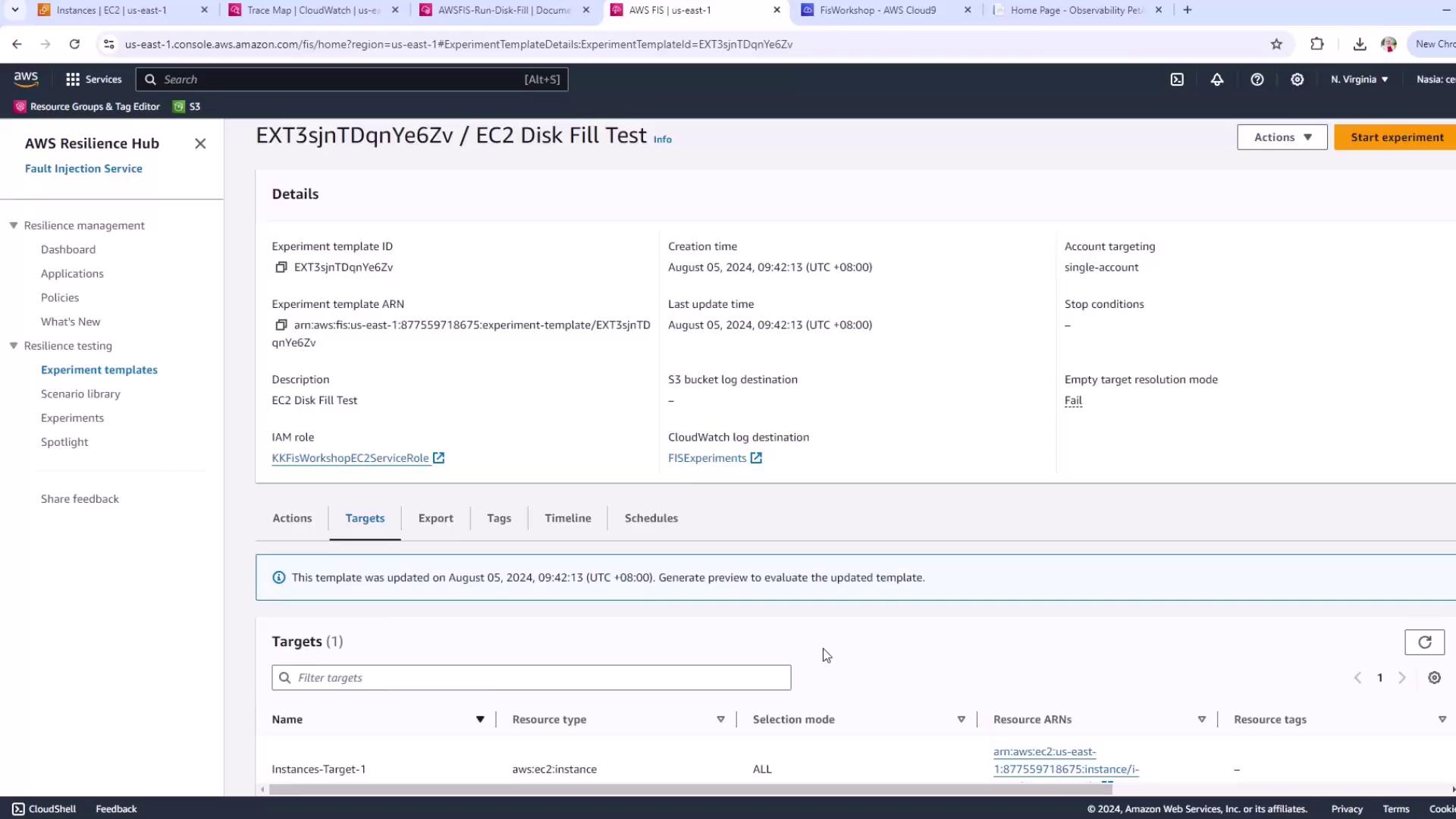
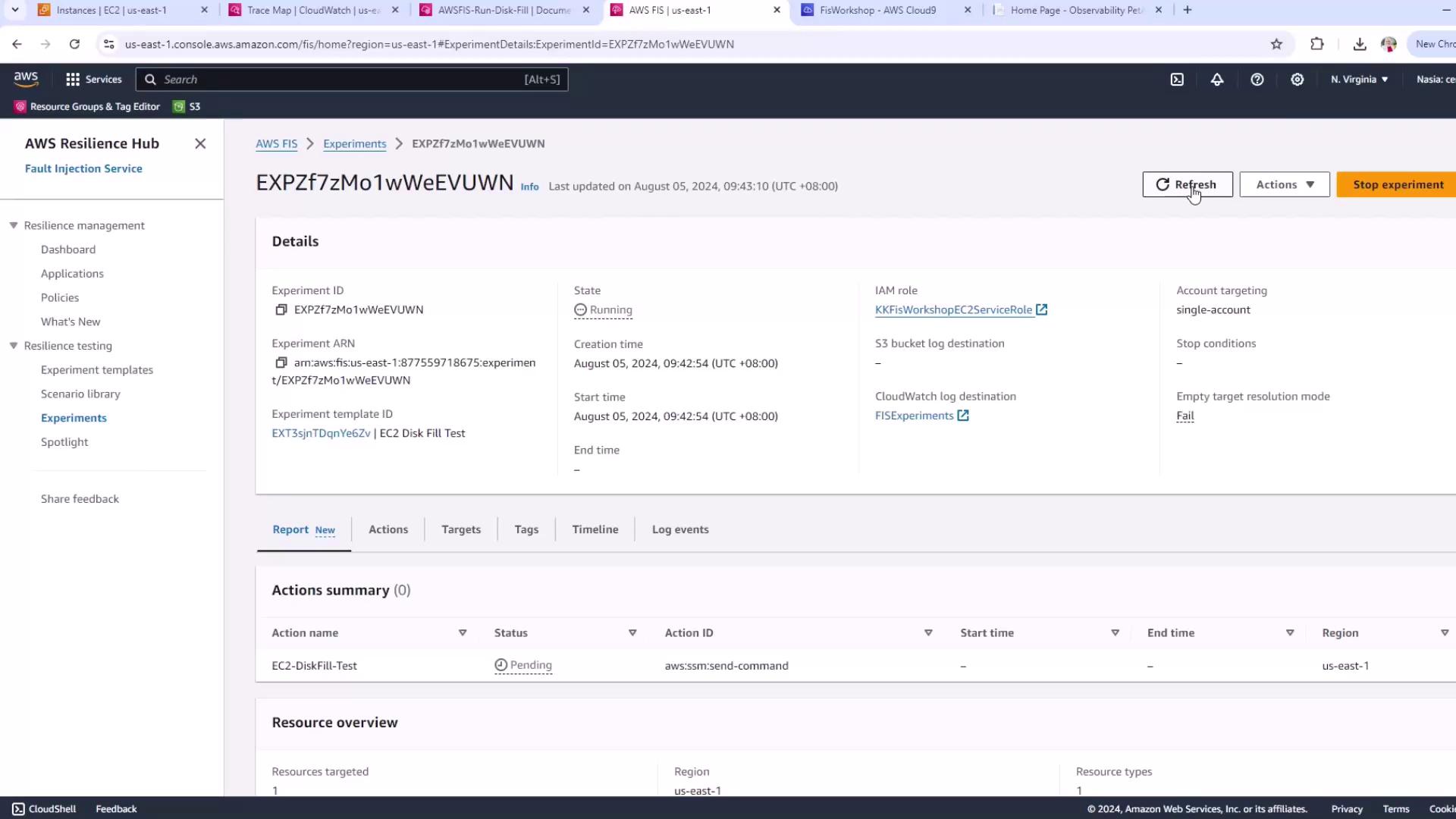
In this tutorial, you’ll run a disk fill Fault Injection Simulation (FIS) on an EC2 instance in the “EKS pet site” group. You will:
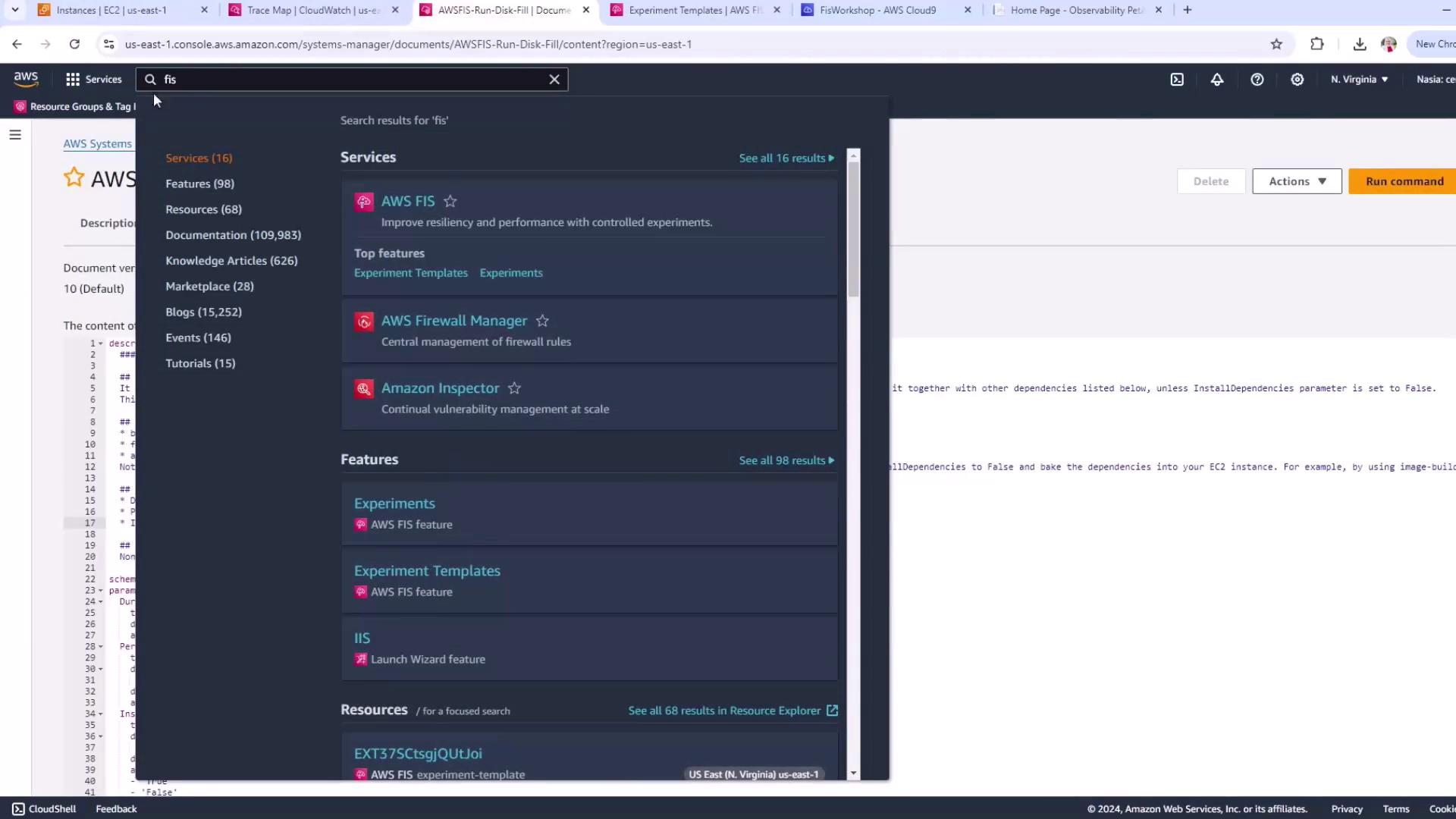
Navigate to AWS Systems Manager and search for fis services.
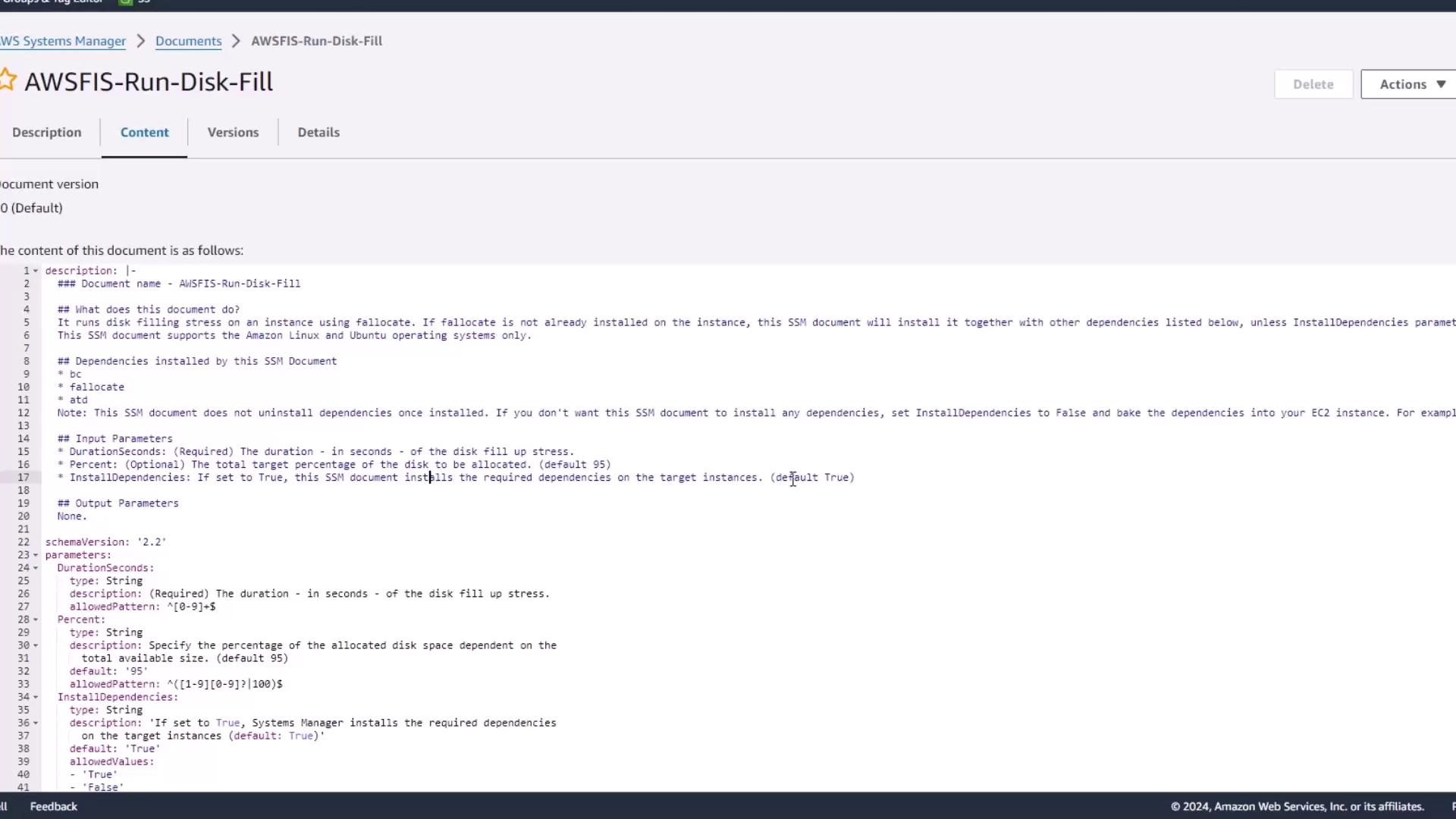
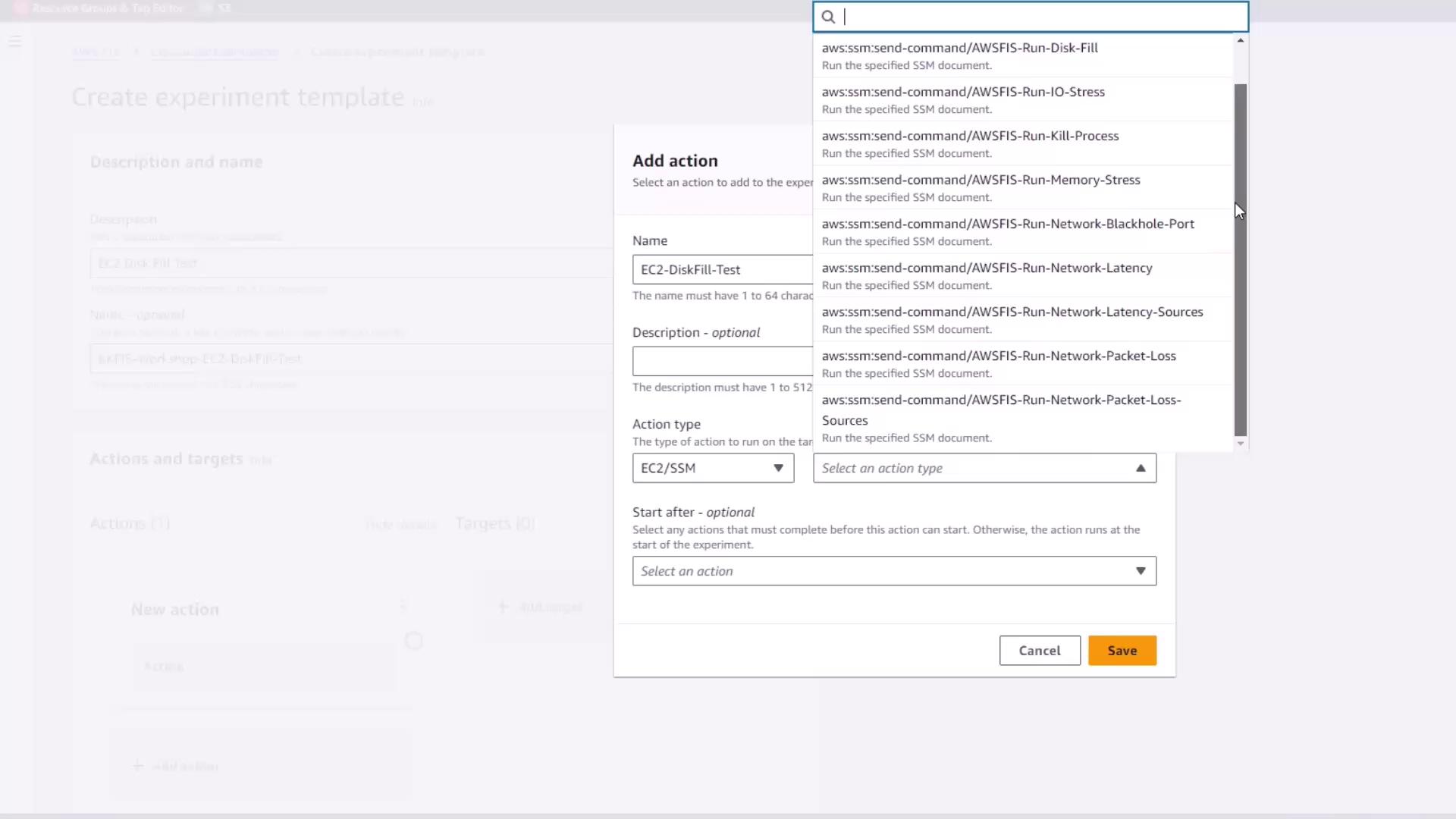
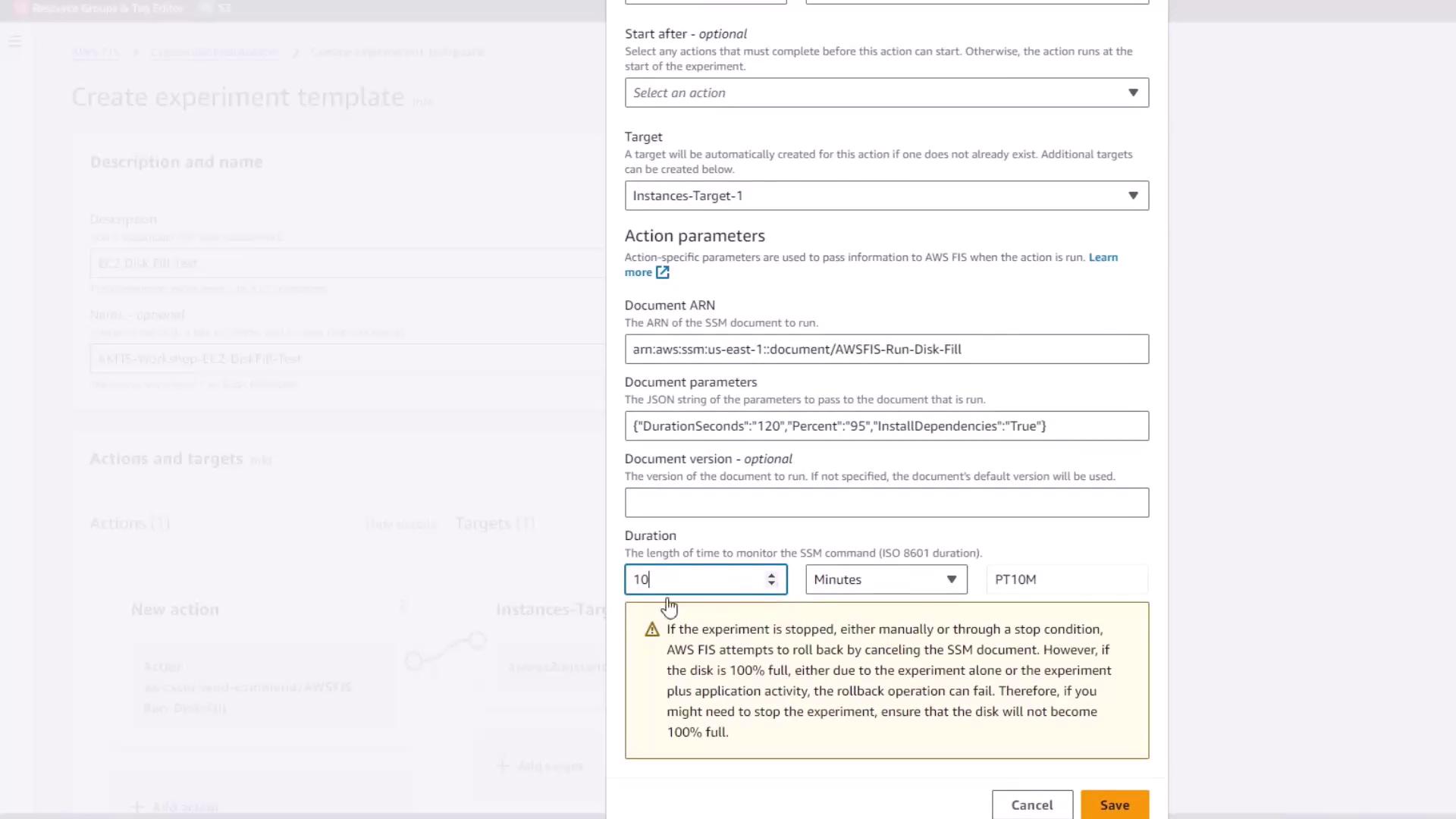
Select the AWSFIS-Run-Disk-Fill document. This automation uses fallocate to stress disk allocation and installs bc and fallocate if needed.
Copy
Ask AI
description: | ### Document name - AWSFIS-Run-Disk-Fill Runs disk filling stress on an instance using fallocate. Installs dependencies if InstallDependencies=true.schemaVersion: '2.2'parameters: DurationSeconds: type: String description: (Required) Duration of the disk fill stress in seconds. Percent: type: String description: (Optional) Percent of disk space to allocate (1–100). default: '95' InstallDependencies: type: String description: (Optional) Install `bc` & `fallocate` if missing (True/False). default: 'True'
This SSM document does not uninstall dependencies after the test. To avoid repeated installs, pre-bake bc and fallocate and set InstallDependencies=false.