In this guide, we demonstrate how to use AWS Fault Injection Simulator (FIS) to simulate a high memory utilization scenario on an Amazon EKS cluster. You’ll learn how to design the experiment, inject a memory fault, and observe your system’s resilience under stress.

Architecture Overview
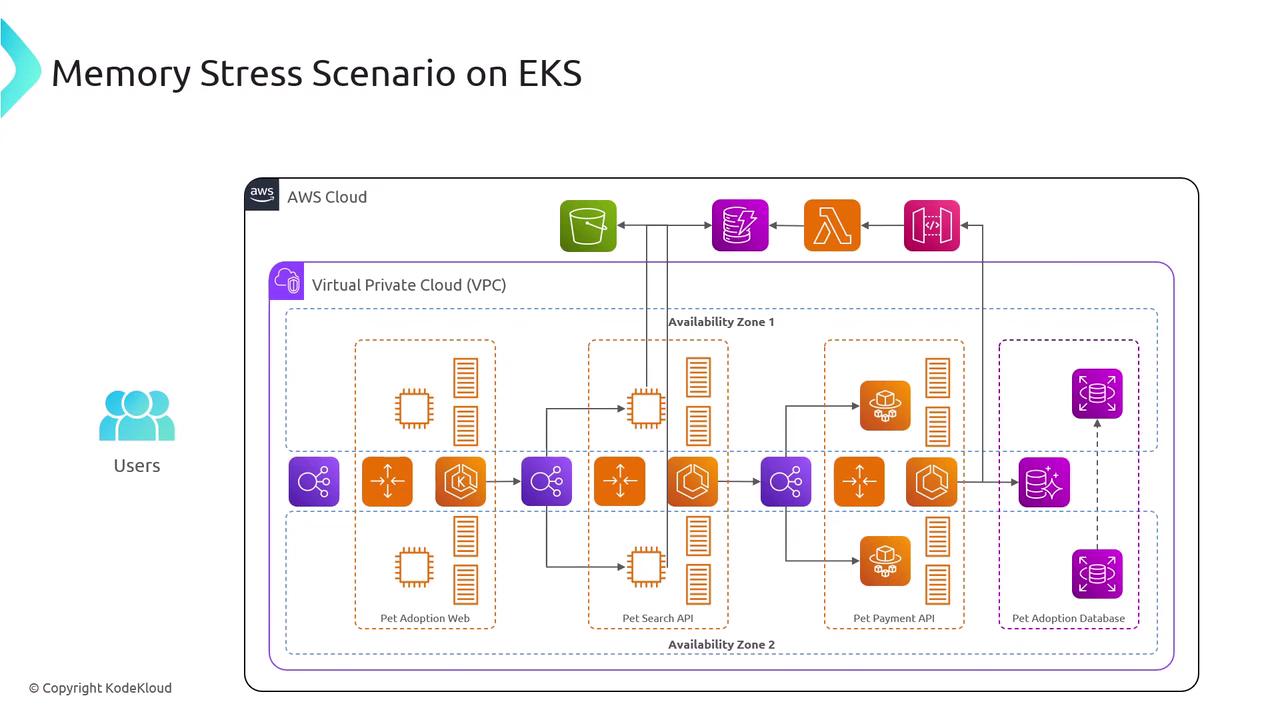
The image is a diagram illustrating a memory stress scenario on Amazon EKS, showing a Virtual Private Cloud (VPC) setup with various AWS services like Lambda, S3, and databases across two availability zones. It includes components for a pet adoption web application, search API, payment API, and database interactions.
Our pet adoption application runs on Amazon EKS using a microservices architecture. Key resources involved:
ResourcePurposeExample Command
EKS ClusterHosts and orchestrates Kubernetes workloadseksctl create cluster --name pet-adopt-cluster
VPC & SubnetsNetwork isolation and multi-AZ deploymentCustom VPC with public/private subnets
AWS FIS ExperimentInjects faults to test resilienceaws fis start-experiment --cli-input-json file://experiment.json
CloudWatch MetricsMonitors memory, CPU, and application healthAutomatically integrated with EKS

Experiment Design

To ensure a structured approach, we define the Given (current state) and the Hypothesis (expected outcome under failure conditions).

Given

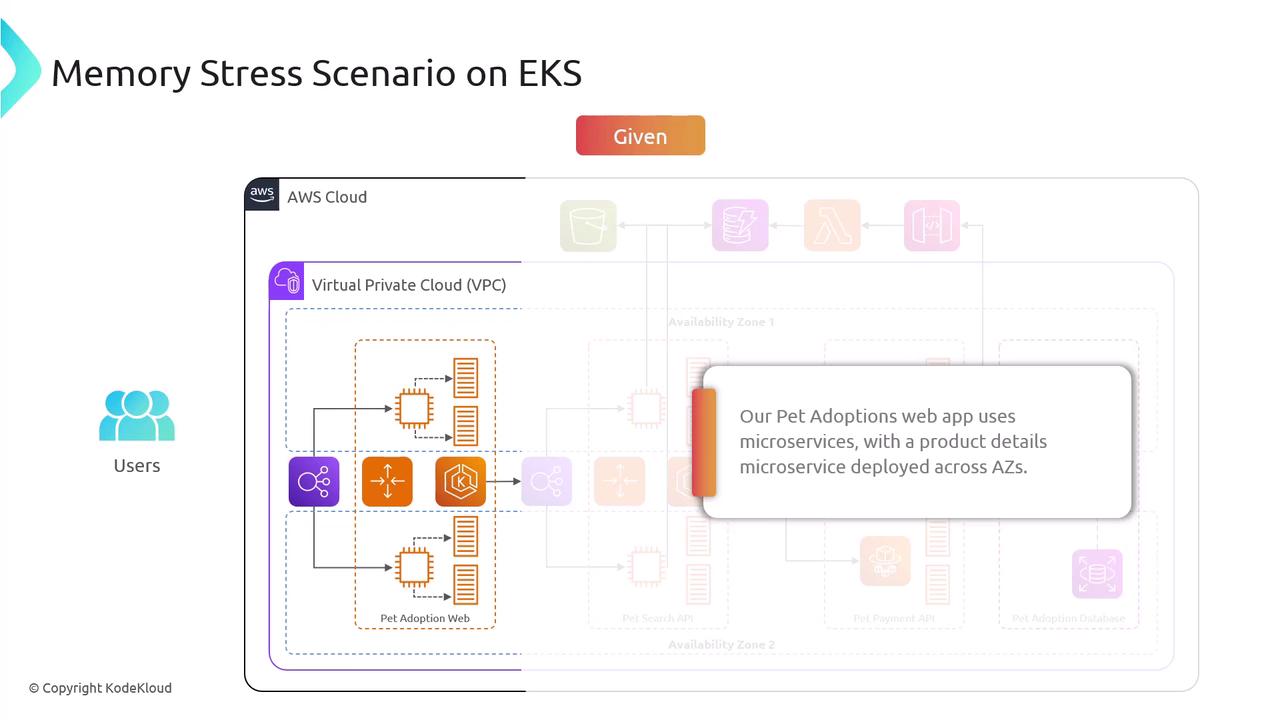
The image illustrates a memory stress scenario on EKS, showing a diagram of a Pet Adoptions web app using microservices within a Virtual Private Cloud (VPC) on AWS. It highlights the deployment of a product details microservice across availability zones.
The product details microservice is deployed across multiple Availability Zones to guarantee high availability and fault tolerance.

Hypothesis

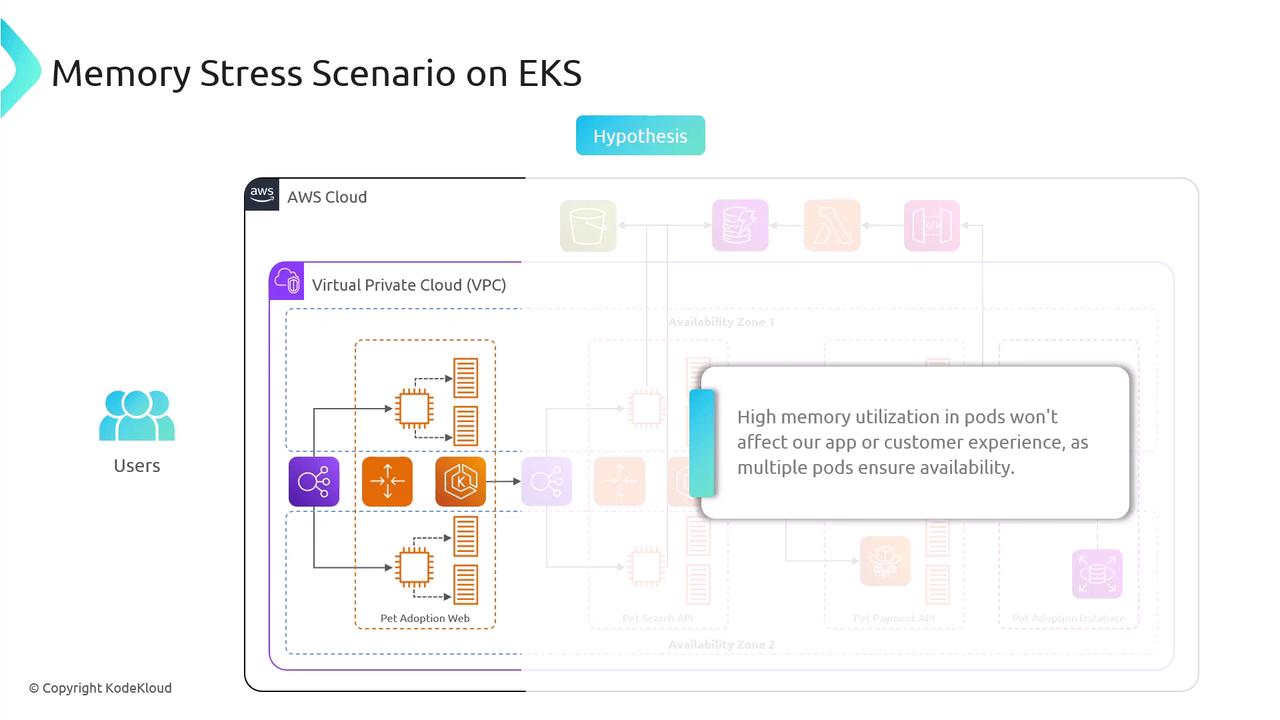
The image illustrates a memory stress scenario on Amazon EKS, showing a Virtual Private Cloud (VPC) setup with multiple pods to ensure availability despite high memory utilization. It includes a hypothesis that high memory usage won't affect the app or customer experience.
Even if one pod in a single AZ experiences memory saturation, the remaining pods will handle the traffic without impacting the end-user experience.
  • An existing EKS cluster with worker nodes across at least two Availability Zones
  • IAM permissions for eks:*, fis:*, and CloudWatch metrics
  • AWS CLI configured for your target region
Next, we’ll create an AWS FIS experiment that injects a high-memory-hog workload into one pod. You can monitor the memory usage via CloudWatch dashboards and the Kubernetes Metrics API to validate the hypothesis.