This article guides you through managing pods in Kubernetes, including
In this article, we will guide you through a series of tasks related to managing pods in Kubernetes. You will learn how to list existing pods, create pods with different images, inspect pod details, troubleshoot image pull errors, and update pod configurations using YAML definitions.──────────────────────────────
In this example, along with the newly created nginx pod, there are several other pods present (assumed to be a total of four pods during this lab exercise).──────────────────────────────
To determine which container image a specific pod is using, inspect one of the pods in detail. For example, to inspect the pod named newpods-llstt, use:
The agentx container is currently waiting due to an image pull error—ErrImagePull indicates that Kubernetes was unable to locate the agentx Docker image on Docker Hub. The READY column in the kubectl get pods output will reflect this status (e.g., 1/2 indicating that only one out of two containers is ready).
When troubleshooting image pull errors, verifying the image name and tag is essential. Ensure the image exists on the container registry you are using.
In this exercise, you will create a pod named redis using an intentional mistake in the image tag (redis123) to simulate an error scenario. Instead of using the kubectl run command directly, you will generate a YAML configuration file.First, generate the YAML definition with a dry-run command:
Copy
Ask AI
kubectl run redis --image=redis123 --dry-run=client -o yaml
Redirect the output to a file named Redis.yaml. The generated YAML might appear as follows:
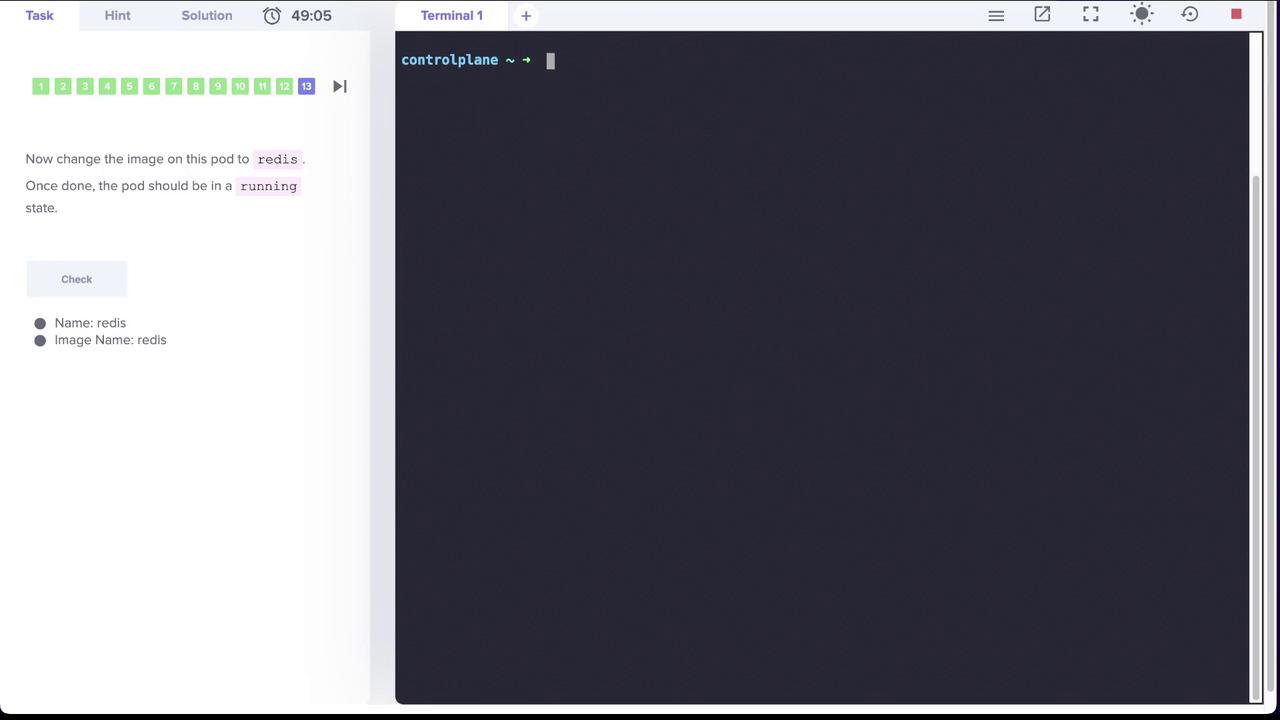
To resolve the error, update your YAML definition to use the correct image, redis. You can update the file directly and then apply your changes, or use the kubectl edit command.The image below illustrates the process of updating the Redis pod’s image:
After editing, the YAML should be updated as follows:
You might encounter a warning about the missing kubectl.kubernetes.io/last-applied-configuration annotation. The output will be similar to:
Copy
Ask AI
Warning: resource pods/redis is missing the kubectl.kubernetes.io/last-applied-configuration annotation which is required by kubectl apply. kubectl apply should only be used on resources created declaratively by either kubectl create --save-config or kubectl apply. The missing annotation will be patched automatically.pod/redis configured