This guide demonstrates updating and rolling back Kubernetes deployments
In this guide, we demonstrate how to update and rollback Kubernetes deployments through practical examples. You will learn how to create a deployment, verify rollout progress, update container images, and safely rollback to previous revisions when necessary.Previously, a deployment named “myapp-deployment” was defined in a YAML file located in the project’s deployment directory. Initially, this deployment ran three replicas of an NGINX container. In our updated configuration, the deployment now uses six replicas.
Ensure that your Kubernetes cluster is running and you have the necessary permissions to create, update, and delete deployments.
Before you create the deployment, confirm that there are no existing objects in your cluster:
Copy
Ask AI
admin@ubuntu-server deployments # vi deployment.yamladmin@ubuntu-server deployments # kubectl get podsNo resources found in default namespace.admin@ubuntu-server deployments #
Immediately after creation, you can check the rollout status. As the six replicas are deployed sequentially, the output may display incremental progress:
Copy
Ask AI
admin@ubuntu-server deployments $ kubectl delete deployment myapp-deploymentdeployment.apps "myapp-deployment" deletedadmin@ubuntu-server deployments $ kubectl create -f deployment.yamldeployment.apps/myapp-deployment createdadmin@ubuntu-server deployments $ kubectl rollout status deployment.apps/myapp-deploymentWaiting for deployment "myapp-deployment" rollout to finish: 0 of 6 updated replicas are available...Waiting for deployment "myapp-deployment" rollout to finish: 1 of 6 updated replicas are available...Waiting for deployment "myapp-deployment" rollout to finish: 2 of 6 updated replicas are available...Waiting for deployment "myapp-deployment" rollout to finish: 3 of 6 updated replicas are available...Waiting for deployment "myapp-deployment" rollout to finish: 4 of 6 updated replicas are available...Waiting for deployment "myapp-deployment" rollout to finish: 5 of 6 updated replicas are available...deployment "myapp-deployment" successfully rolled out
Each message indicates the number of updated replicas that have become available. When all six pods are running, the deployment is considered successful.
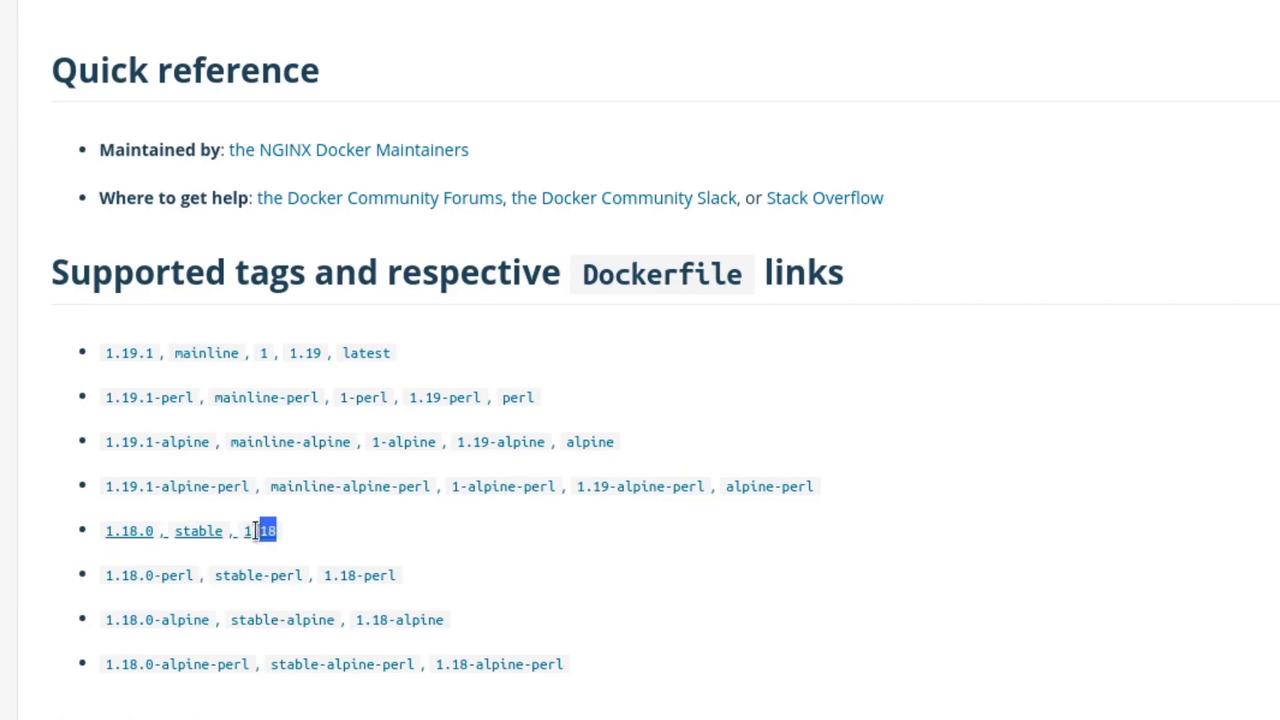
To switch to a different image variant, you can use the kubectl set image command. For example, to update to “nginx:1.18-perl”, execute:
Copy
Ask AI
kubectl set image deployment myapp-deployment nginx=nginx:1.18-perl --record
Monitor the rollout status with:
Copy
Ask AI
kubectl rollout status deployment/myapp-deployment
Example output:
Copy
Ask AI
Waiting for deployment "myapp-deployment" rollout to finish: 2 old replicas are pending termination...Waiting for deployment "myapp-deployment" rollout to finish: 5 of 6 updated replicas are available...deployment "myapp-deployment" successfully rolled out
Review the revision history to confirm the update:
Copy
Ask AI
kubectl rollout history deployment/myapp-deployment
In the event that the new image (“nginx:1.18-perl”) introduces issues, you can rollback to a previous revision. For example, to rollback to revision 2:
Copy
Ask AI
kubectl rollout undo deployment myapp-deployment
After rolling back, inspect the deployment details:
Copy
Ask AI
kubectl describe deployment myapp-deployment
You should confirm that the image has reverted to “nginx:1.18”. A new revision reflecting the rollback will appear in the history.
After saving your changes, check the rollout status:
Copy
Ask AI
kubectl rollout status deployment/myapp-deployment
You might see messages like:
Copy
Ask AI
Waiting for deployment "myapp-deployment" rollout to finish: 3 out of 6 new replicas have been updated...
At this point, Kubernetes will fail to pull the invalid image, and new pods will show an error state (e.g., ErrImagePull) while the previously running pods continue to serve traffic.Inspect the deployment and pod statuses using:
Copy
Ask AI
kubectl get deployment myapp-deployment
Example output:
Copy
Ask AI
NAME READY UP-TO-DATE AVAILABLE AGEmyapp-deployment 5/6 3 5 8m15s
The pods experiencing ErrImagePull indicate that the non-existent image is causing the failed update, while the old pods continue to handle traffic.Review the updated revision history with:
Copy
Ask AI
kubectl rollout history deployment/myapp-deployment
Kubernetes deployments employ a rolling update strategy designed to ensure continuous application availability during updates. New replicas are only promoted when they are confirmed healthy, reducing downtime and mitigating risks even when faulty updates occur.
This concludes our demonstration on handling updates and rollbacks in Kubernetes deployments. In upcoming segments, we will explore advanced deployment patterns and troubleshooting techniques for more complex scenarios.